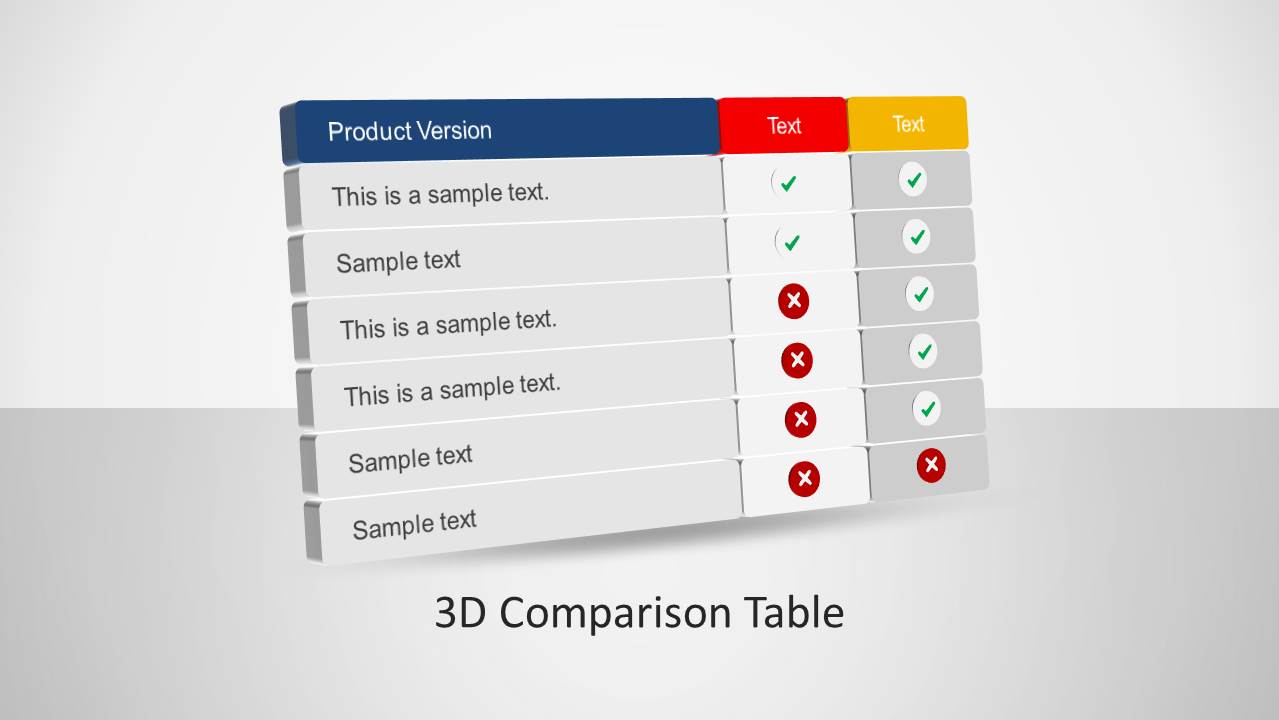
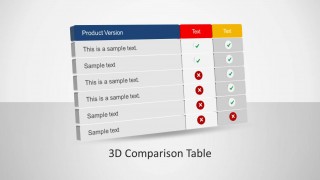
3D Comparison Table PowerPoint Template is a presentation with a 3D table shape as introductory slide, and several comparison tables for benchmark or comparison purposes. Each Table PowerPoint Template is completely created with PowerPoint Objects (3D and flat) , allowing the user to customize completely its properties.
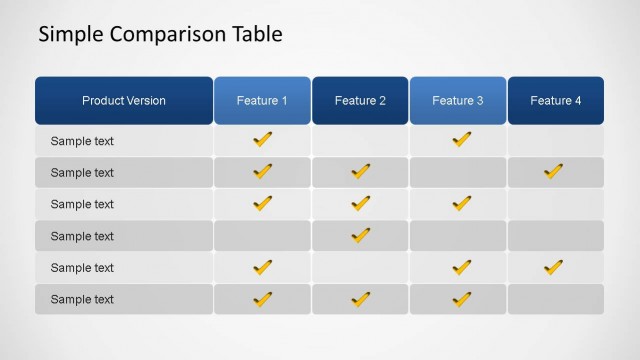
The inital 3D Comparison Table PowerPoint Template provides an example with product features and simple attribute columns with dummy text. The 3D Comparison Table contains Ticks and Crosses icons (also in 3D design) that can be manipulate by the user to fulfill the checklist according to its needs.
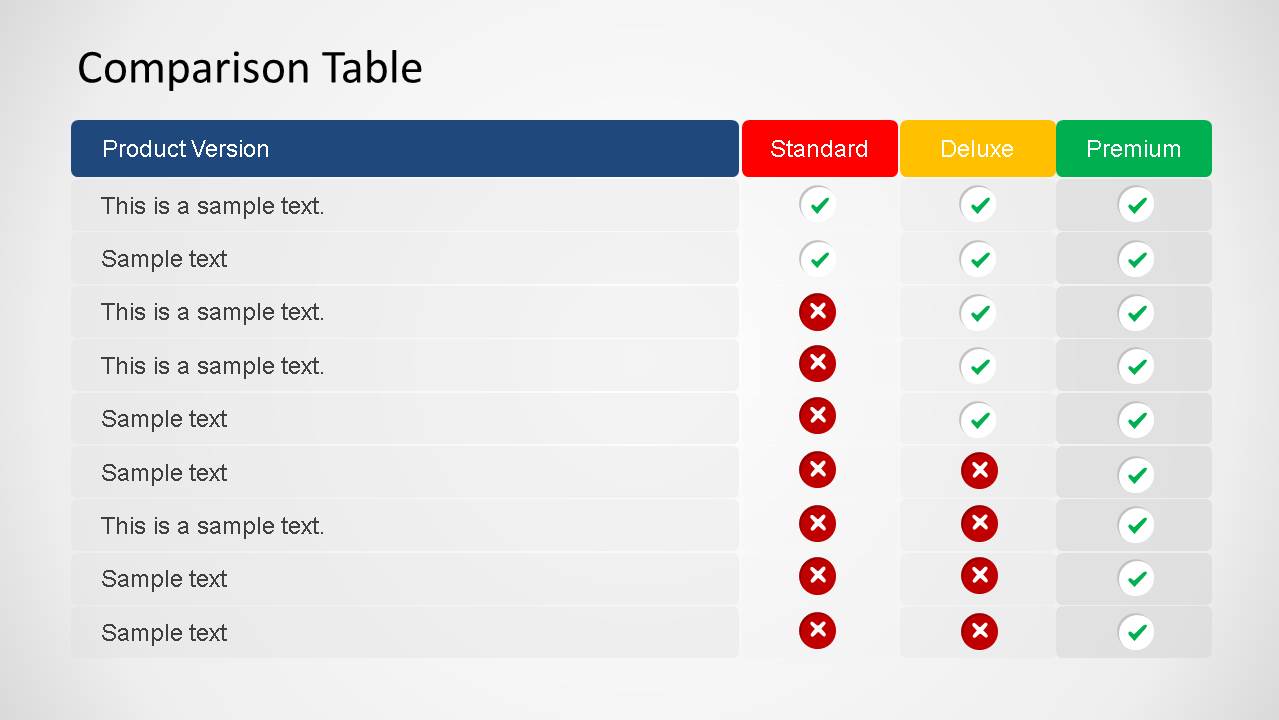
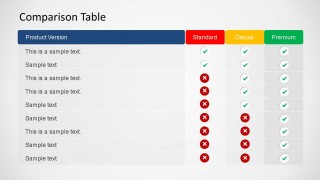
The second slide presents a similar Comparison Table PowerPoint Template in flat design, but with the 3D button like ticks and crosses.
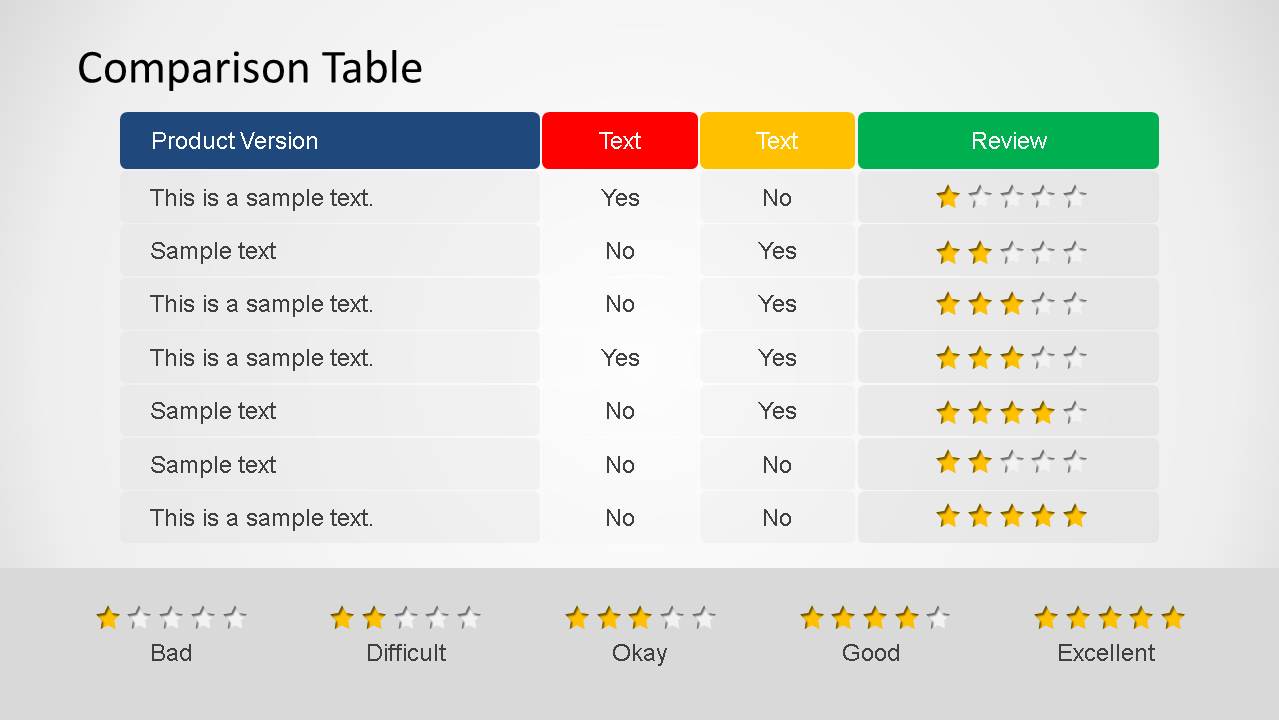
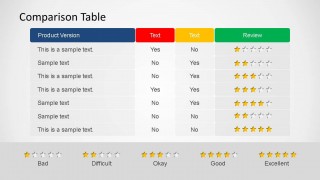
The third slide presents a Comparison Table PowerPoint Template with 3D Start Ratings, for the user to use as review mechanism.
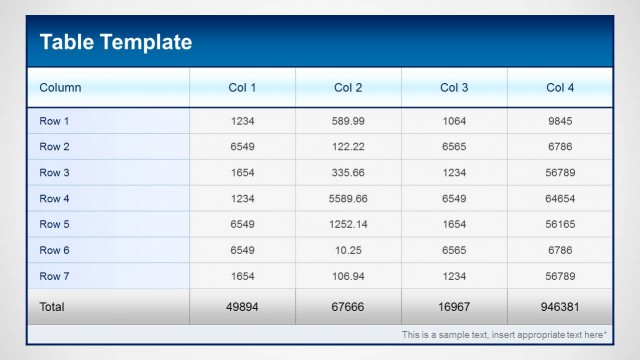
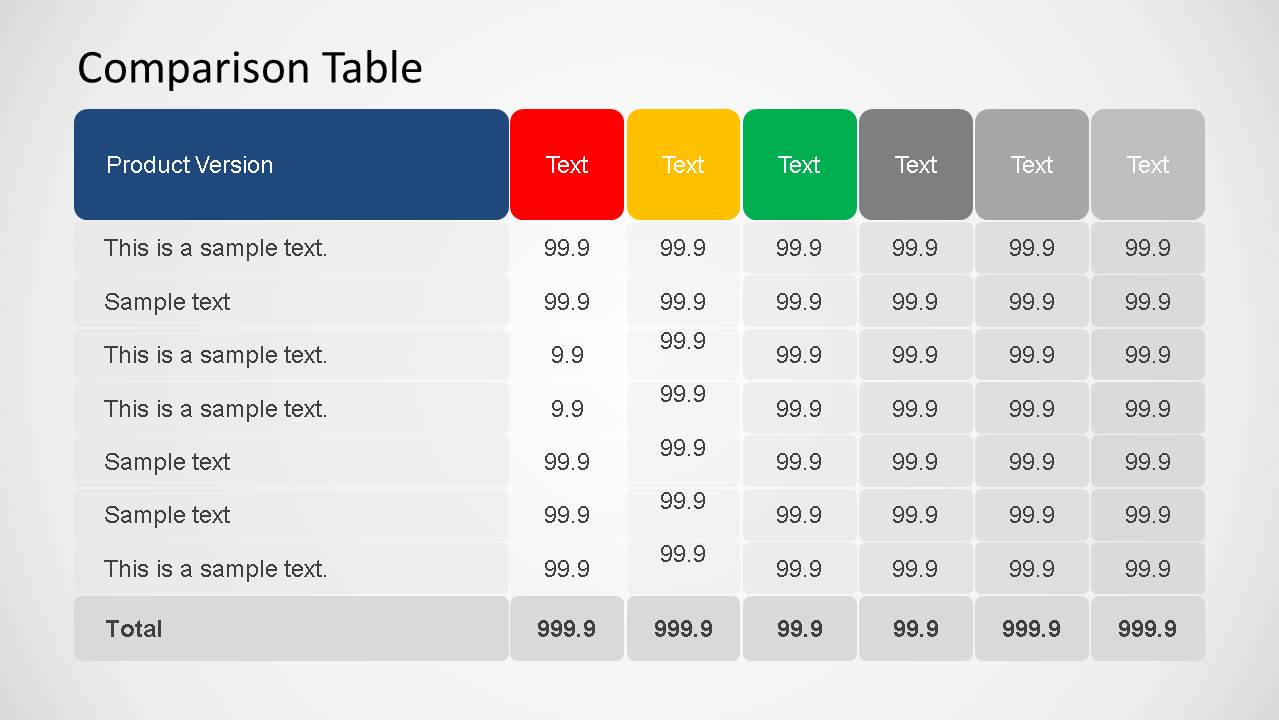
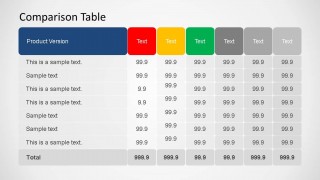
The last Comparison Table PowerPoint Template has a numerical approach in order to compare row values and column totals.
You can review our Text & Tables catalog where you will find a useful set of different Comparison Table PowerPoint Template options to combine with this 3D Comparison Table PowerPoint Template.
What’s inside this template
Example presentation scenarios
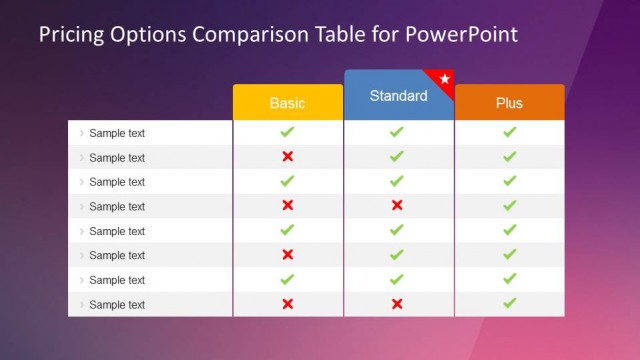
- A product manager can compare Standard, Deluxe, and Premium offerings for an internal roadmap meeting using the tick and cross feature matrix.
- A sales presenter can explain package differences to prospects by replacing the product version rows and using colored headers to separate plan levels.
- A business analyst can summarize vendor options for a procurement committee using the numeric comparison table with totals.
- A marketing manager can present customer review findings with the star rating table and its Bad to Excellent legend.
Features
- 100% editable presentation template
- Compatible with Microsoft PowerPoint and Google Slides
- Scalable vector shapes, icons and illustrations
- AI-Ready for Microsoft Copilot and Claude
- Instant access and download
Frequently asked questions
Q: How should I present a product comparison without overwhelming the audience?
A: Start with the table that matches the decision. Use the tick and cross matrix for feature availability, the star rating slide for qualitative judgment, and the numeric table for score-based decisions. Keep row labels short, group similar features together, and reserve color emphasis for the columns the audience must compare first.
Q: Who is this template best suited for?
A: This template fits product managers, sales presenters, analysts, and procurement teams who need a clear side-by-side comparison. It works best when the audience must choose between versions, vendors, service levels, or packages. The Standard, Deluxe, and Premium table structure is especially useful for pricing tier and feature set discussions.
Q: Why do the 3D buttons, colors, and star symbols help communication?
A: The 3D tick and cross buttons act as quick availability signals, while red, yellow, and green headers create a familiar status metaphor. The star rating slide turns subjective review language into a visible scale. These symbols reduce reading effort because the audience can scan patterns before examining row-level text.
3D Comparison Table PowerPoint Template
5-slide PowerPoint presentation template for 3D comparison tables, product benchmarks, and star ratings
The 3D Comparison Table PowerPoint Template is a 5-slide table deck for product comparisons and benchmarking. Visible layouts include a 3D intro comparison table, tick and cross feature matrix, star rating table with legend, and numeric comparison table with totals. It is aimed at product, sales, and analysis teams using PowerPoint.


 Loading...
 Microsoft PowerPoint
  Microsoft Copilot
  Claude for PowerPoint
 Other formats supported
Subscribe today and get immediate
access to download our PowerPoint templates.