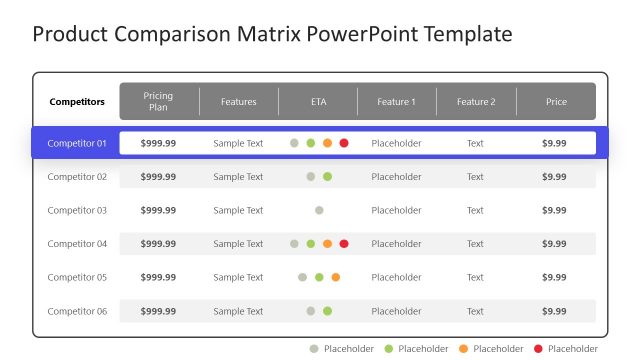
Our Competitor Analysis Comparison Slide Template for PowerPoint is an infographic layout to show a simplified competitor analysis. In competitor analysis, various striking features of competitors are compared, e.g., pricing plans, target market, strengths, values, etc. This comparison template enables the teams to develop better strategies to ward off the competitors. So, to prepare a concise competitor analysis report, we have designed this creative matrix template. Presenters can edit each component and represent their custom details through this PowerPoint diagram.
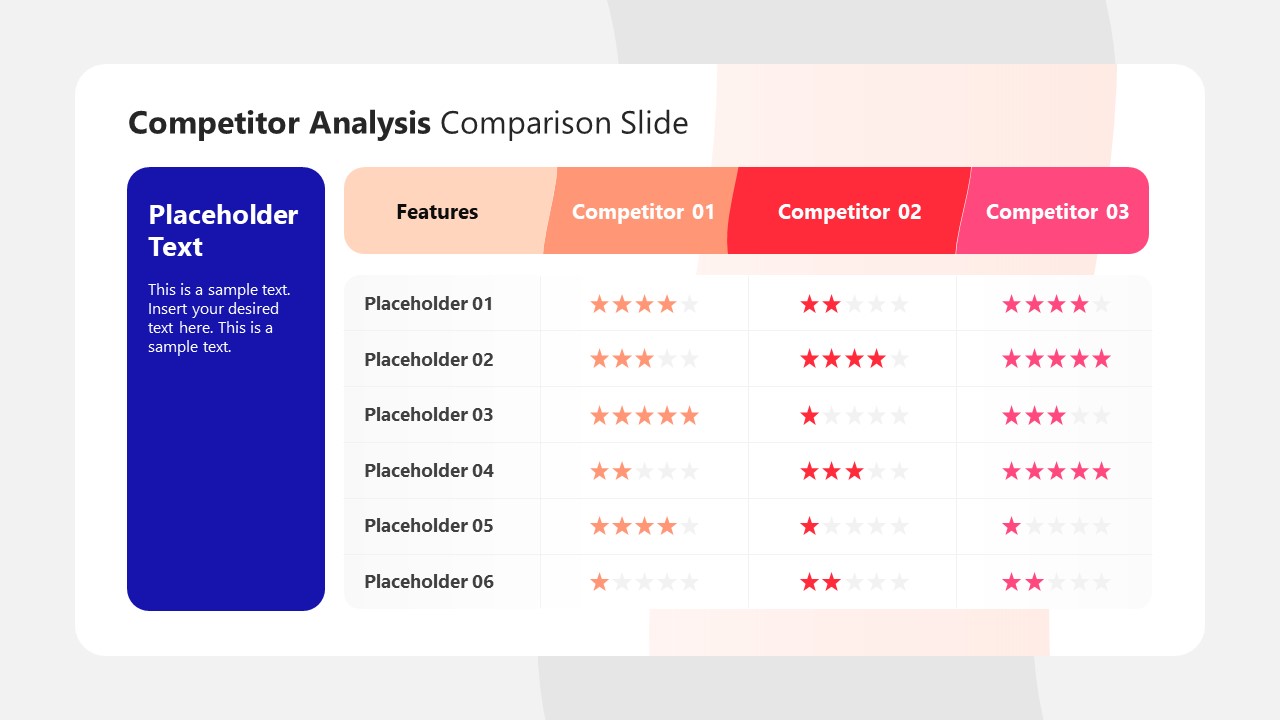
The Competitor Analysis Comparison Slide Template for PowerPoint is a 4×6 matrix diagram. The first column mentions a list of features to be compared, and the following display individual competitors. Users can edit the placeholder titles and replace them with the name of businesses or compared entities. The rating infographic (five stars format) indicates the varying degrees of these business features. Each competitor section carries a distinct color for its title bar and star shapes. However, presenters can customize the colors, fonts, and other formatting according to their theme.
The rating infographic is entirely customizable, i.e., presenters can change the number of the star shapes to indicate any values for the corresponding feature. For instance, if you compare three competitors, you might see one of those has better customer support service than the other ones. In this case, you can put five stars in the respective column while three, four, or two stars in for other competitor columns. This way, professionals can prepare an easy-to-interpret charter illustrating competitive data. Further, you can make changes to this competitor analysis template and change the number of rows and columns based on specific requirements. This one-pager template is also available in a color background format. In addition to editing with PowerPoint, the graphical features of this template are also compatible with Google Slides.
What’s inside this template
Example presentation scenarios
- A product manager can brief leadership on market positioning by listing six evaluation criteria in the feature column and comparing three competitors with the star rating cells.
- A marketing strategist can explain differentiation in a campaign planning meeting by using the colored competitor headers and ratings to show where a product has stronger perceived value.
- A sales enablement lead can build a simple competitor battlecard summary by replacing the placeholder text with buyer criteria and using the matrix to compare rival offerings.
- A consultant can present a vendor shortlist to a client by mapping each vendor to the feature rows and using the star ratings as a quick visual score.
Features
- 100% editable presentation template
- Compatible with Microsoft PowerPoint and Google Slides
- 16:9 aspect ratio slides
- Scalable vector shapes, icons and illustrations
- AI-Ready for Microsoft Copilot and Claude
- Instant access and download
Frequently asked questions
Q: How should a presenter explain the competitor ratings without making the matrix feel subjective?
A: Start by defining the feature rows as the evaluation criteria, then explain what a one-to-five star difference means before discussing individual competitors. This keeps the audience focused on the logic behind the comparison instead of only the colors or scores. Use the left text panel for the rating basis, source notes, or decision context.
Q: Who benefits most from this competitor analysis layout?
A: This layout fits product managers, marketing teams, sales enablement leads, and consultants who need a fast visual comparison of a small competitor set. It works best when the goal is to summarize relative strengths across features, pricing factors, service attributes, or buyer priorities rather than present a full research report.
Q: Why use star ratings inside a matrix instead of a text-heavy comparison table?
A: The star-rating metaphor lets the audience scan patterns before reading details. Strong and weak areas appear as clusters across competitor columns, while the row structure keeps each criterion aligned. This reduces interpretation time and helps the presenter move from observation to recommendation without overloading the slide.



Competitor Analysis Comparison Slide Template for PowerPoint
2-slide competitor analysis presentation template with matrix comparison and star ratings
The Competitor Analysis Comparison Slide Template for PowerPoint is a 2-slide matrix infographic for comparing competitors by features and ratings. It includes a 4-column comparison table, six feature rows, colored competitor headers, and five-star rating cells. It is designed for business strategy, marketing, sales, and product teams using PowerPoint or Google Slides.
- Category
- Matrix Charts
- Rating


 Loading...
- Aspect ratio
- 16:9
- Item ID
- 21469-01
- Colors
 Microsoft PowerPoint
 Microsoft Copilot
 Claude for PowerPoint
Other formats supported
Subscribe today and get immediate
access to download our PowerPoint templates.