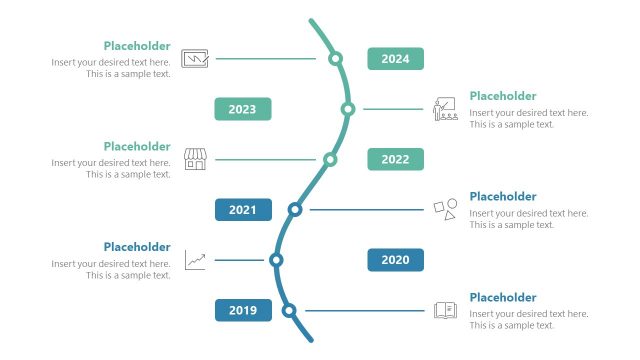
Clean Timeline Template for PowerPoint with dark style is a presentation template with professionally designed timeline slides.
These editable slides can make it quite easy to create PowerPoint Timelines within a short time frame. These timeline slides can be used for depicting any type of sequence, be it days, weeks, months or years.
What’s inside this template
Example presentation scenarios
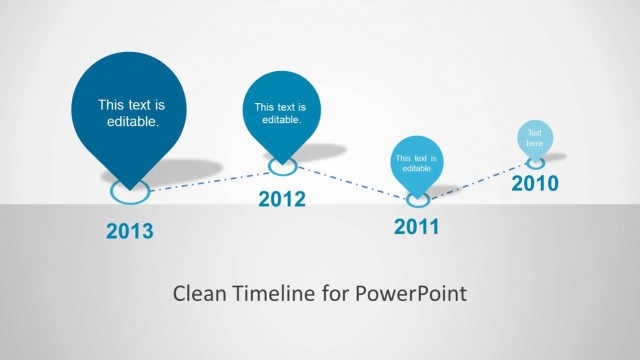
- A project manager can present a roadmap review to executives by opening with the dotted overview timeline and then using the yearly milestone detail slides to explain progress by period.
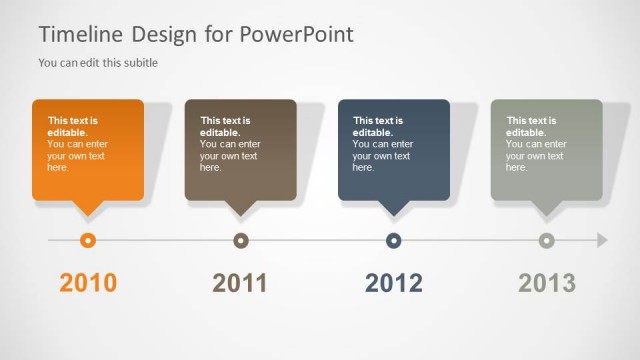
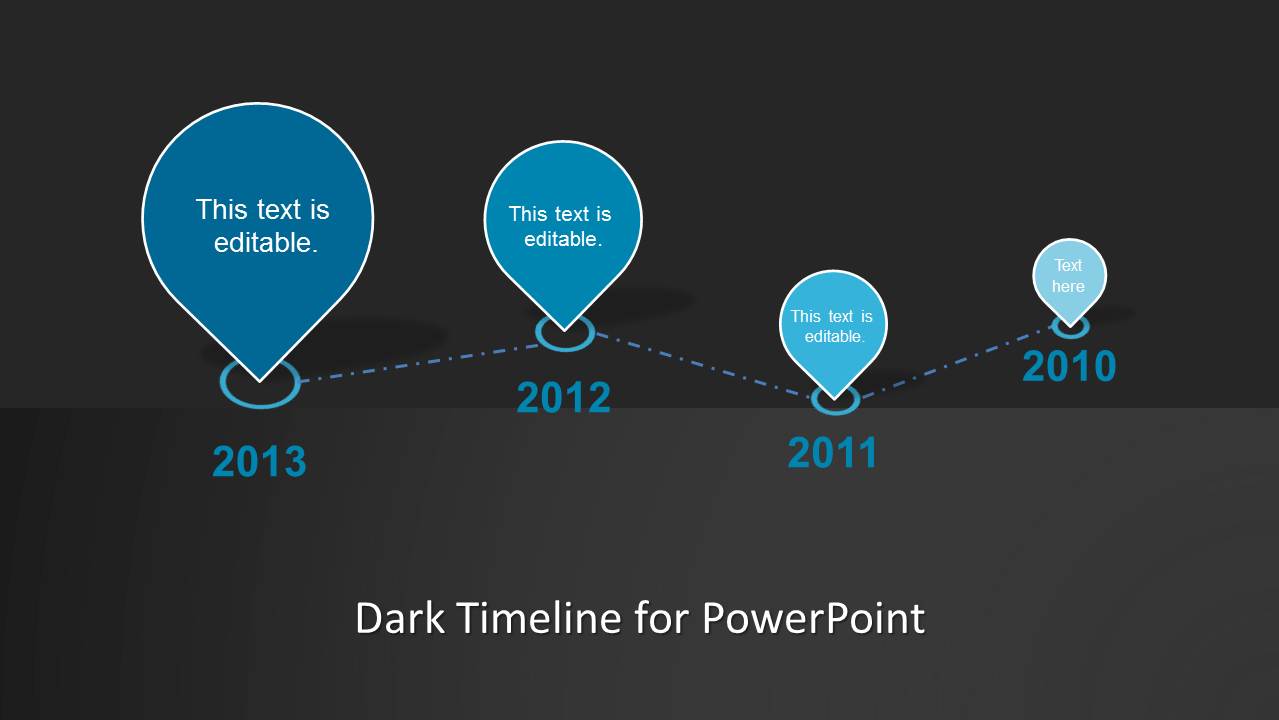
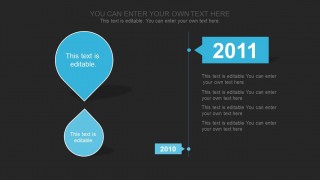
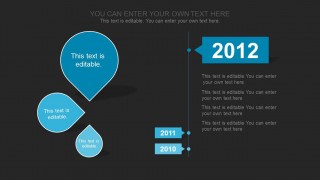
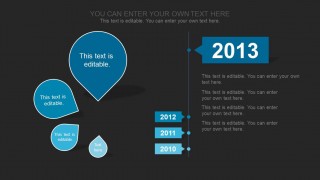
- A product lead can brief stakeholders on release history or future scheduling by replacing the 2010 through 2013 labels with product phases and adding milestone notes beside each year flag.
- A consultant can summarize a client transformation timeline by using the cover slide as context and the single-year detail slides to connect major activities with dates.
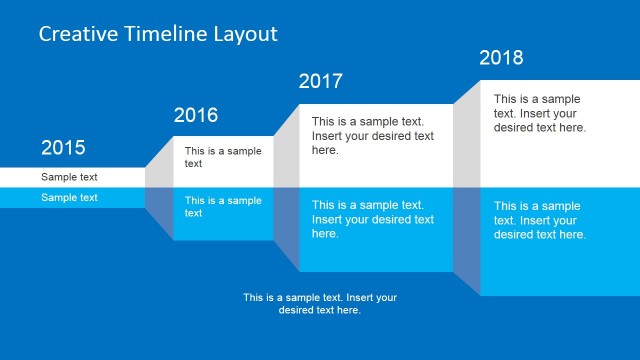
- A planning team can prepare an internal schedule update by using the stacked prior-year callouts to show how earlier work connects to the current milestone.
Features
- 100% editable presentation template
- Compatible with Microsoft PowerPoint and Google Slides
- Scalable vector shapes, icons and illustrations
- AI-Ready for Microsoft Copilot and Claude
- Instant access and download
Frequently asked questions
Q: How should I structure a short timeline presentation with this deck?
A: Start with the cover slide to name the initiative, then use the overview timeline to show the full sequence before discussing individual years. On the detail slides, keep each milestone note short and tie it back to the year flag. This prevents the timeline from becoming a list and helps the audience follow cause, order, and progress.
Q: Who is this dark timeline format best suited for?
A: This template fits presenters who need to explain sequence more than detailed task management. Project managers, product leads, consultants, and business planners can use the dotted roadmap and yearly milestone slides for roadmap updates, annual recaps, or implementation briefings where the audience needs a clear chronology at a glance.
Q: Why use teardrop markers and year flags instead of a standard horizontal timeline?
A: The teardrop markers act like location pins on a journey, which makes each milestone feel like a distinct stop in a planned route. The large year flags create strong reading anchors, while the dark background and cyan accents separate key dates from supporting notes. This improves scanning during a live briefing.



Clean Timeline Template for PowerPoint (Dark)
6-slide dark timeline presentation template for roadmap milestones, yearly schedules, and project sequencing
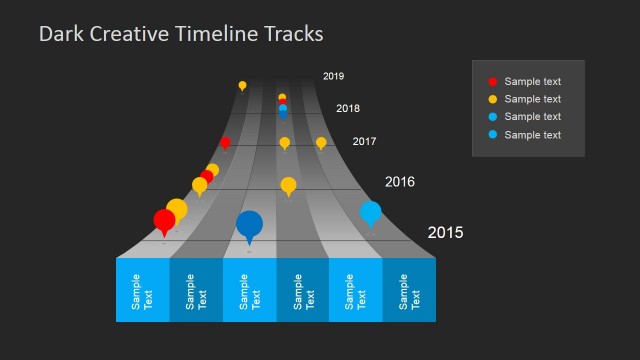
The Clean Timeline Template for PowerPoint (Dark) is a six-slide dark presentation template for building chronological sequences. It includes a cover timeline, dotted roadmap overview, single-year milestone detail pages, and stacked prior-year callouts. Project managers, planners, and business presenters can use it to explain schedules, yearly progress, or roadmap phases in PowerPoint.

 Loading...
 Microsoft PowerPoint
  Microsoft Copilot
  Claude for PowerPoint
 Other formats supported
Subscribe today and get immediate
access to download our PowerPoint templates.