Slide 2 of 6 from Clean Timeline Template for PowerPoint (Dark)
6002-clean-timeline-powerpoint-dark-wide-2
Editable Timeline Slide for Presentations
- Diagram
- Timeline Horizontal
- Timeline Slide
- 16:9
- 100% Editable
What’s on This Slide
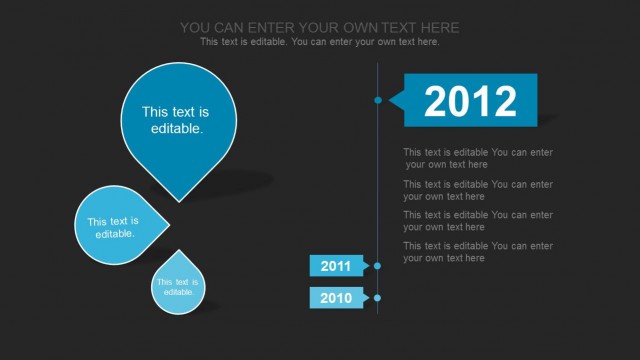
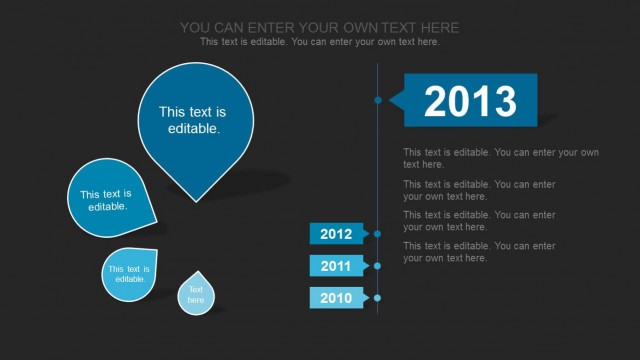
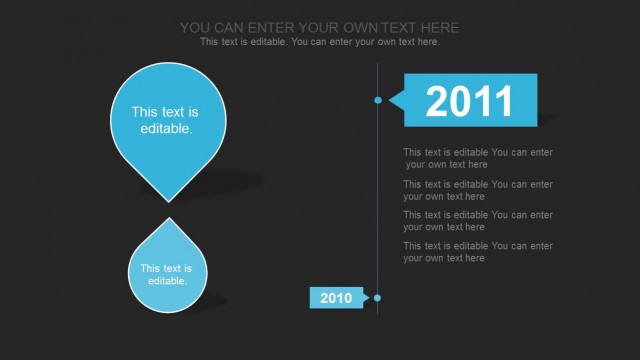
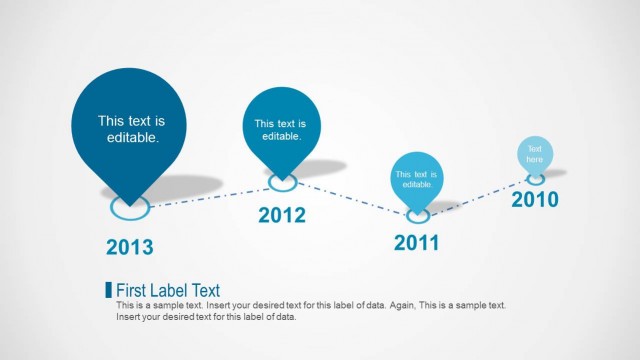
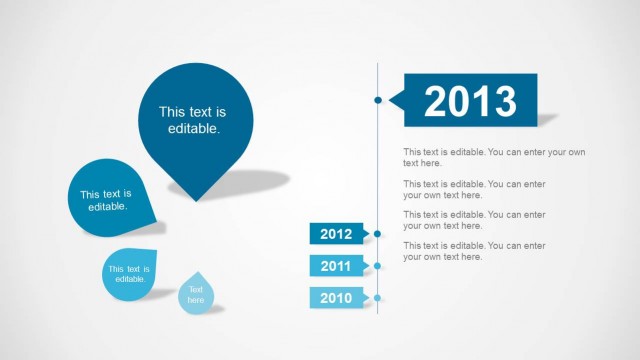
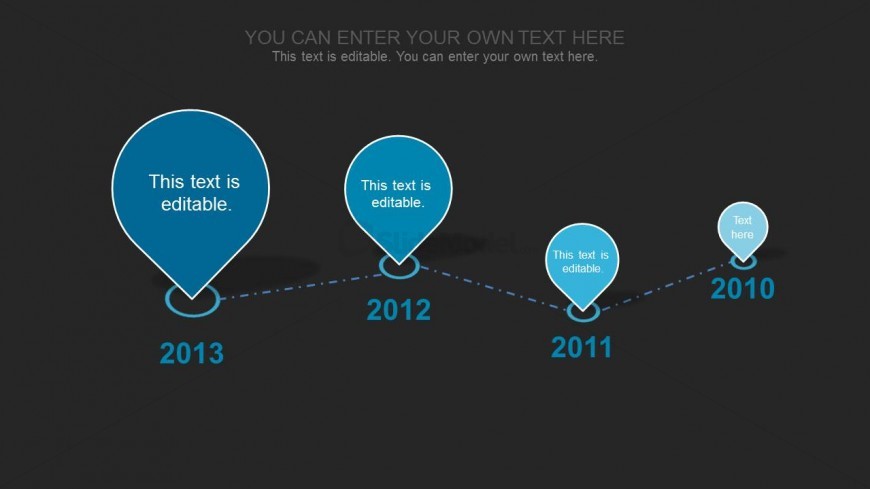
The slide features a horizontal timeline with five circular nodes arranged from left to right. Each node contains editable text and is connected by a dashed line, indicating a chronological flow. The nodes vary in size, with the largest node on the left representing 2013 and the smallest on the right for 2010. A dark background enhances the visibility of the light blue nodes. Text placeholders are positioned within each node, aligned centrally. The overall composition emphasizes the timeline's progression through the years.
How to Use It
This layout serves as a chronological timeline, ideal for illustrating project milestones or yearly progress. It fits well in presentations that require a clear visual representation of events over time. Use it in project management or planning contexts, where tracking progress or significant achievements is necessary. This slide is particularly effective for business updates or annual reviews, providing a straightforward way to communicate timelines visually.
Text Placeholders & Capacity
Keep your copy within these limits so it fits without resizing. Node labels can hold about 30 characters each, while the body slot is tight with roughly 100 characters.
| Placeholder | Count | Max characters (approx.) |
|---|---|---|
| Item heading | 5 | 30 |
| Body paragraph | 1 | 100 |