Slide 4 of 6 from Clean Timeline Template for PowerPoint (Dark)
6002-clean-timeline-powerpoint-dark-wide-4
Editable Yearly Timeline Slide for Presentations
- Diagram
- Timeline Vertical
- Timeline Slide
- 16:9
- 100% Editable
The Yearly Timeline with Milestones slide from the Clean Timeline Template for PowerPoint (Dark) offers a vertical timeline layout ideal for project updates and strategic planning. This slide features editable shapes and text placeholders that help present chronological milestones clearly within a professional business presentation or pitch deck template. Its design supports effective communication of annual reviews using slide templates optimized for PowerPoint and Google Slides.
What’s on This Slide
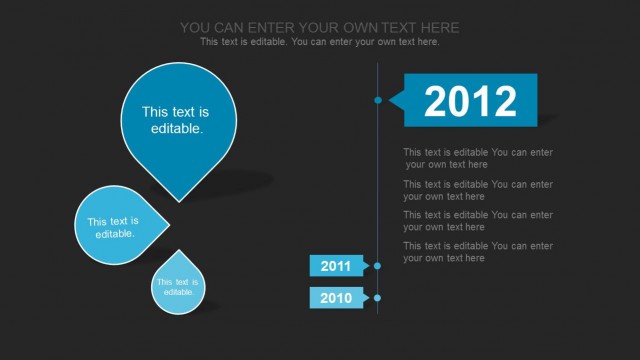
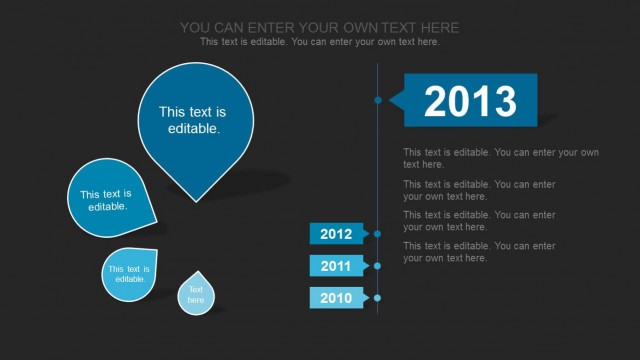
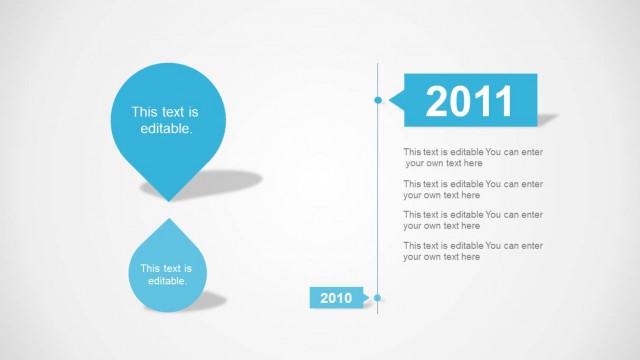
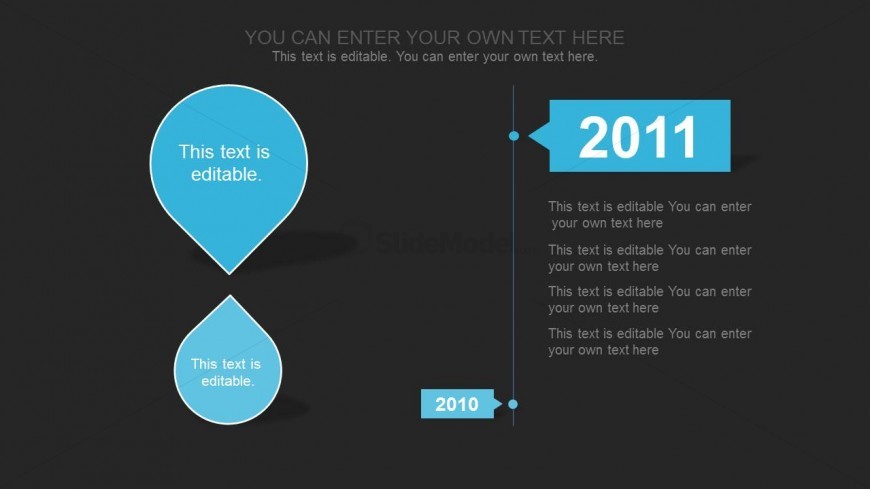
The slide features a dark background with a vertical timeline on the right side. Two rounded shapes are positioned on the left, one above the other, with the top shape labeled '2011' and the bottom labeled '2010'. Each shape contains editable text placeholders, aligned centrally within the shapes. The timeline includes a vertical line connecting the two shapes, with additional text placeholders aligned vertically next to the timeline. The overall layout emphasizes the chronological order of the years, with a clear visual hierarchy established by the shapes and timeline.
How to Use It
This layout serves as a yearly timeline to illustrate milestones or events across two years. It is suitable for presentations that require a chronological overview, such as project updates, annual reviews, or strategic planning. Positioned after introductory slides, it effectively communicates progress or key achievements over the specified years. This structure is beneficial for project managers and business planners looking to present timelines in a clear and organized manner.
Text Placeholders & Capacity
Keep your copy within these limits so it fits without resizing. Node body slots can hold roughly 10-12 words each.
| Placeholder | Count | Max characters (approx.) |
|---|---|---|
| Item heading | 2 | 20 |
| Item body | 4 | 50 |
| Chart title | 1 | 50 |