Slide 5 of 6 from Clean Timeline Template for PowerPoint (Dark)
6002-clean-timeline-powerpoint-dark-wide-5
Yearly Milestone Timeline for Presentations
- Diagram
- Timeline Vertical
- Timeline Slide
- 16:9
- 100% Editable
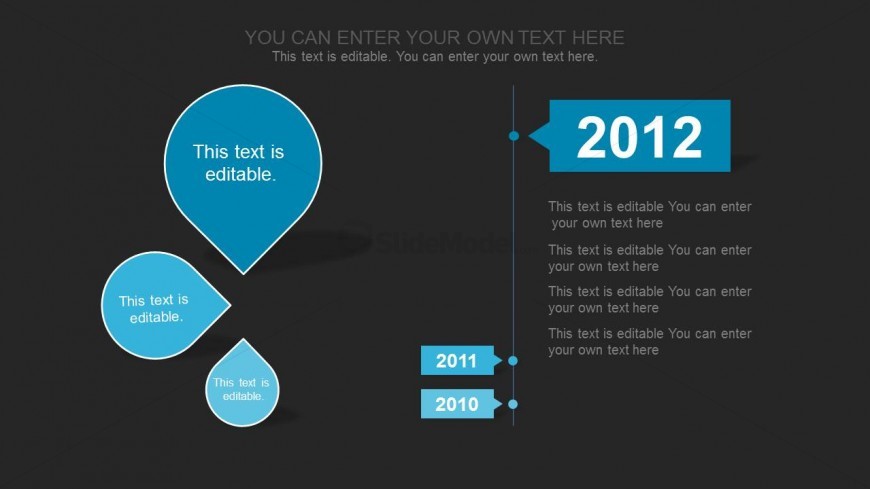
The Yearly Milestone Timeline slide from the Clean Timeline Template for PowerPoint (Dark) offers a clear vertical timeline layout ideal for project updates and yearly reviews. This slide uses editable shapes and text placeholders to highlight key milestones, making it a practical choice for business presentations and corporate slide decks that require structured chronological data.
What’s on This Slide
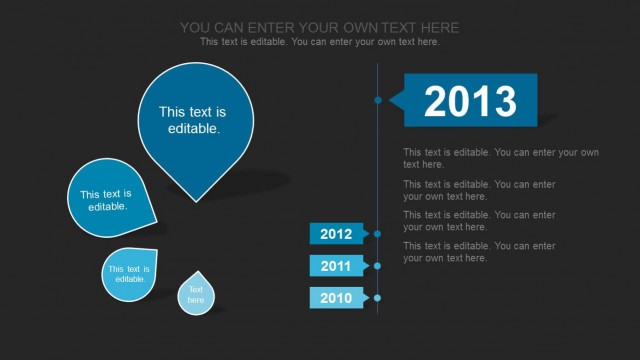
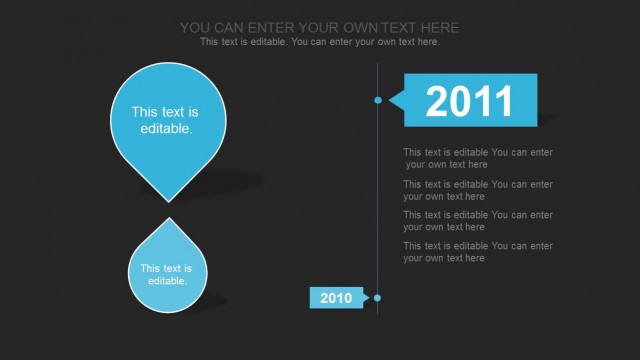
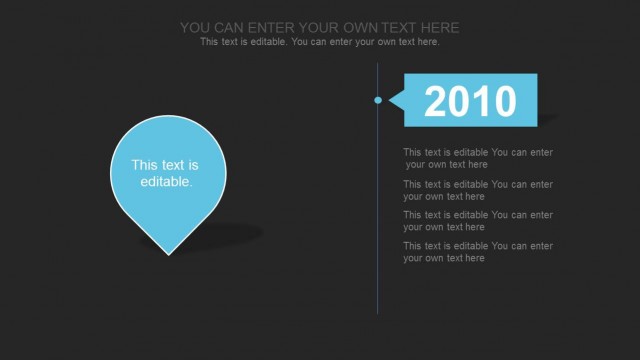
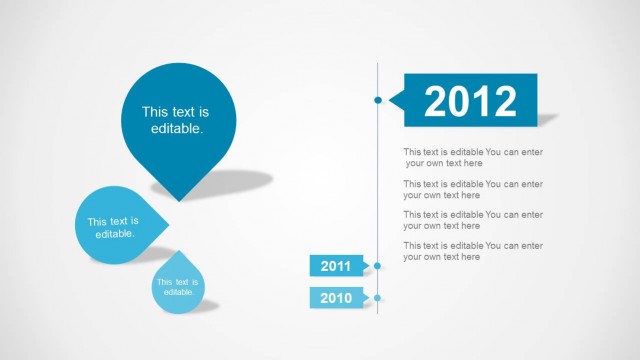
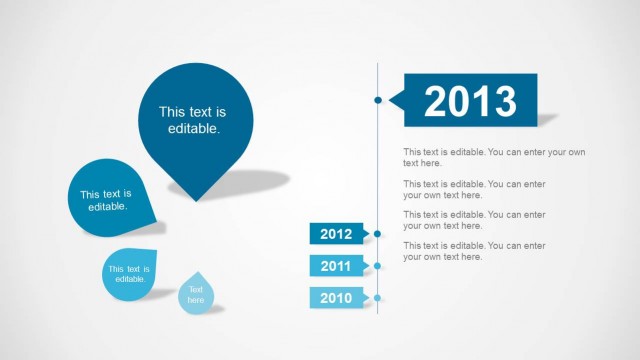
The layout features a vertical timeline on the right side with years 2010, 2011, and 2012 displayed in rectangular shapes. Each year has associated editable text placeholders below it for descriptions. On the left side, three circular shapes are arranged vertically, with the largest at the top, containing editable text. The background is dark, enhancing the visibility of the bright blue shapes. The visual hierarchy emphasizes the timeline on the right, while the left side provides additional context through the circular shapes. The overall composition is balanced and structured.
How to Use It
This layout serves as a chronological timeline for presenting yearly milestones or achievements. It fits well in a presentation sequence after introducing a project or topic, allowing for a detailed exploration of progress over time. Ideal for project managers or business presenters, it can effectively illustrate yearly goals, project timelines, or historical data. This structure is particularly useful for reports or updates where clarity in progression is essential.
Text Placeholders & Capacity
Keep your copy within these limits so it fits without resizing. Node body slots can hold roughly 10-15 words each.
| Placeholder | Count | Max characters (approx.) |
|---|---|---|
| Item heading | 3 | 10 |
| Item body | 3 | 50 |
| Chart title | 1 | 50 |