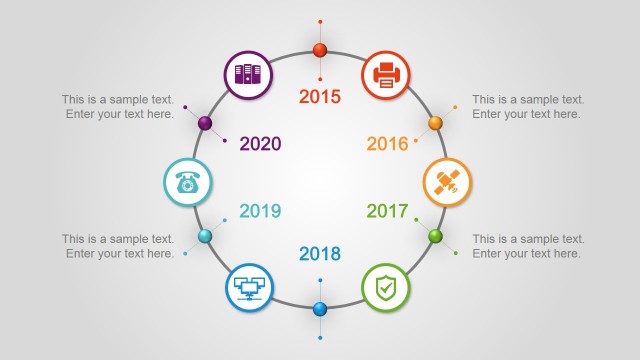
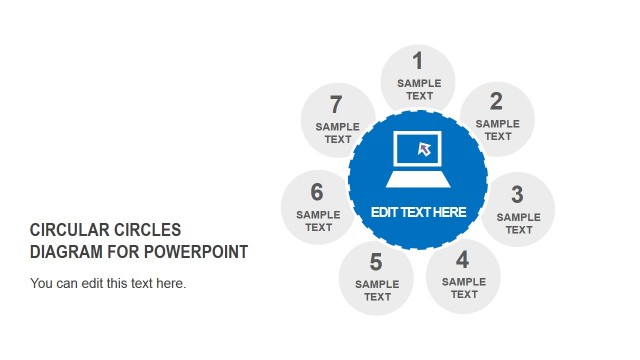
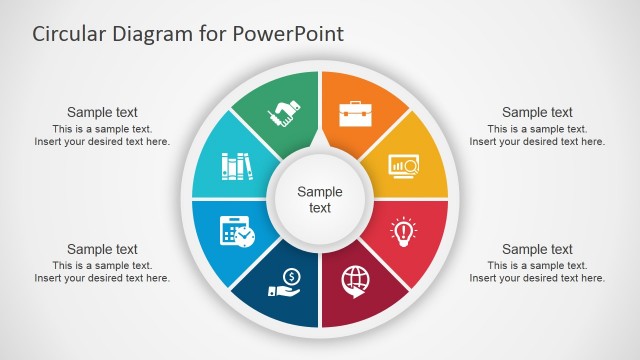
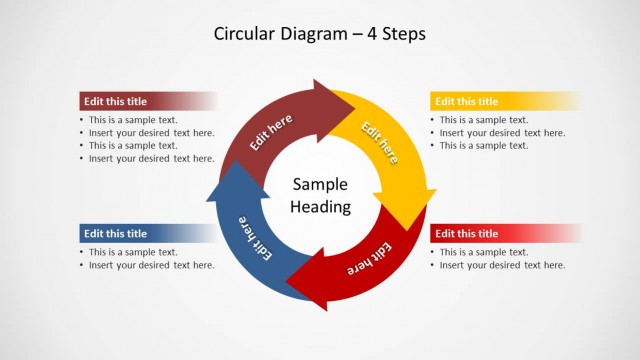
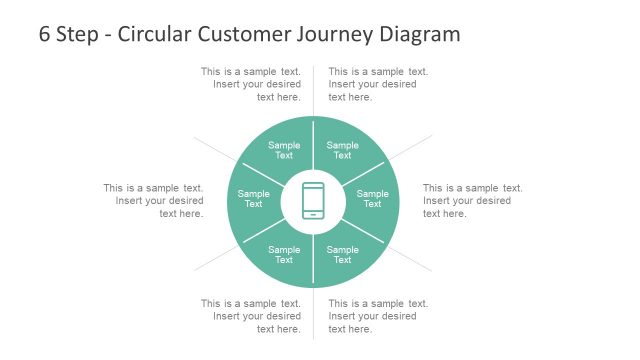
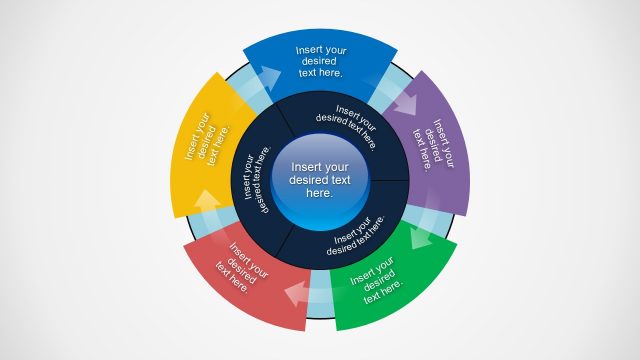
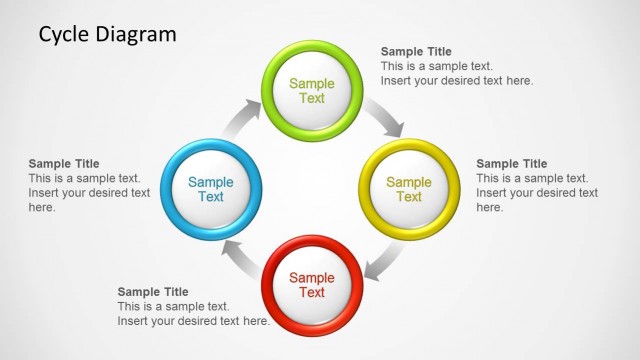
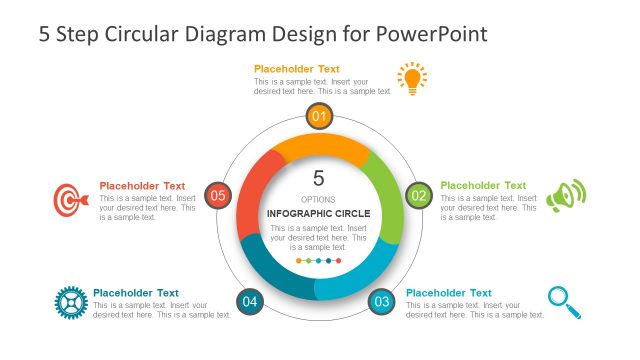
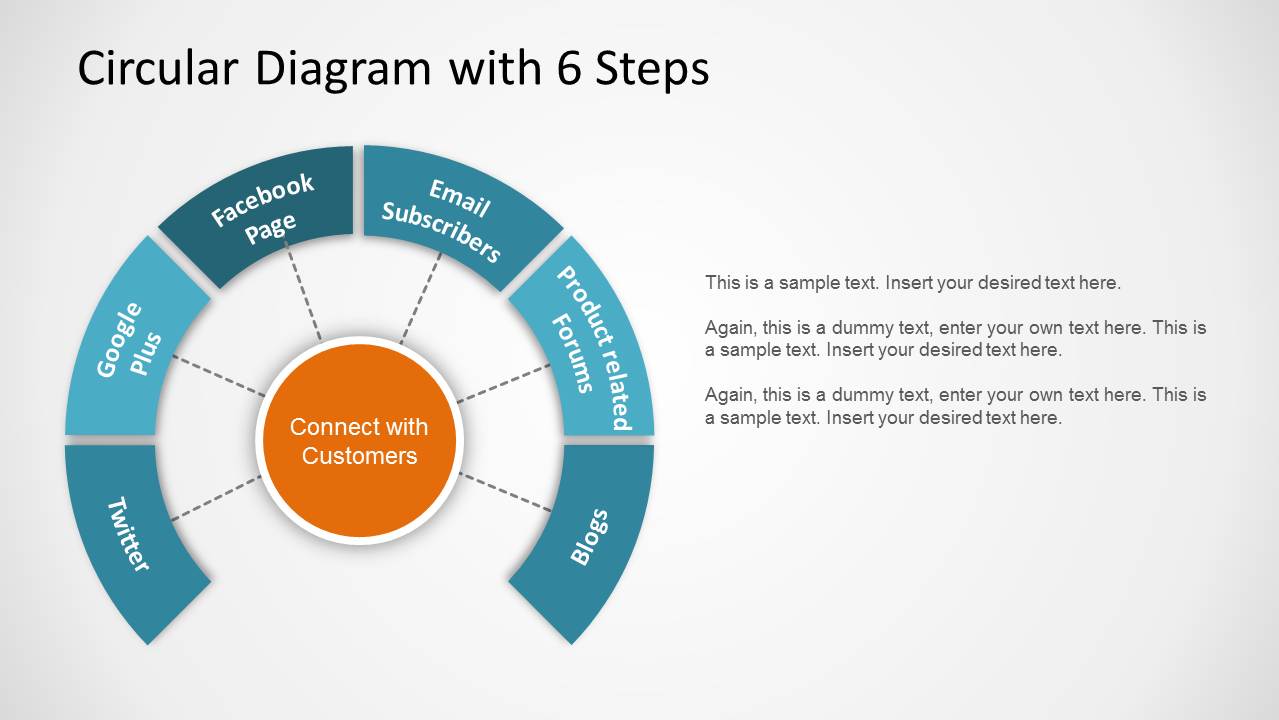
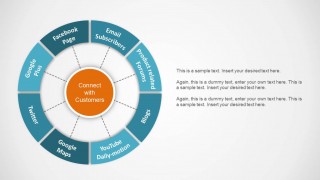
Circular Diagram design for PowerPoint presentations is a creative circular template design that you can use in your presentations. This circular diagram design can be used to make a digital CRM or Customer Relationship diagram in PowerPoint. The template contains two slides. In the first slide you can use a 6-step circular diagram, while the second slide contains an 8-step diagram design. In the latter case, the slide design contains eight steps forming a circular diagram plus a central element that you can use to represent a core concept.
Alternatively you can download other circular PPT templates with pre-designed slide designs that you can copy and paste into your own presentations or Onion diagrams for Microsoft PowerPoint.
What’s inside this template
Example presentation scenarios
- A marketing manager can use the 8-step circular diagram to explain how channels such as email, social media, blogs, and forums connect back to a central customer engagement goal.
- A CRM lead can use the 6-step semicircular diagram to summarize priority customer touchpoints and reserve the right-side text block for short notes or action items.
- A sales consultant can use the circular layout to compare relationship-building activities around one core account strategy during a client workshop.
- A strategy presenter can use the segmented ring format to show a balanced scorecard-style view where each category supports one shared business objective.
Features
- 100% editable presentation template
- Compatible with Microsoft PowerPoint
- 16:9 aspect ratio slides
- Scalable vector shapes, icons and illustrations
- AI-Ready for Microsoft Copilot and Claude
- Instant access and download
Frequently asked questions
Q: How should a presenter explain a circular process with this template without making it feel like a list?
A: Start with the center circle as the main idea, then move clockwise through the outer segments. For the 6-step version, use the open lower space to keep attention on the most important channels. For the 8-step version, group related touchpoints verbally so the audience understands the system, not just the labels.
Q: Who is this circular diagram template best suited for?
A: It works best for marketing, CRM, sales, and consulting presenters who need to show how several activities support one central business goal. The visible examples use customer connection channels, so the structure fits customer engagement plans, channel mixes, loyalty programs, and relationship management frameworks.
Q: Why use a circle instead of a standard process flow?
A: The circular metaphor communicates repetition, balance, and interdependence better than a straight line. Each outer segment appears connected to the same central concept, which helps audiences see the parts as a system. That makes the design useful when no single step should dominate the message.

Circular Diagram for PowerPoint
2-slide circular diagram presentation template with 6-step and 8-step CRM cycle layouts
Circular Diagram for PowerPoint is a 2-slide diagram template for showing recurring processes, CRM touchpoints, or balanced scorecard cycles. It includes a 6-step semicircular diagram and an 8-step circular diagram with a central concept, outer labeled segments, connector lines, and right-side text areas for explanation.
- Category
- Diagrams
- Rating


 Loading...
- Aspect ratio
- 16:9
- Item ID
- 1179
- Colors
 Microsoft PowerPoint
  Microsoft Copilot
  Claude for PowerPoint
 Other formats supported
Subscribe today and get immediate
access to download our PowerPoint templates.