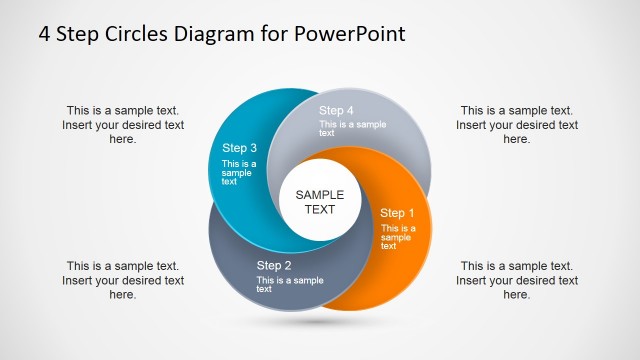
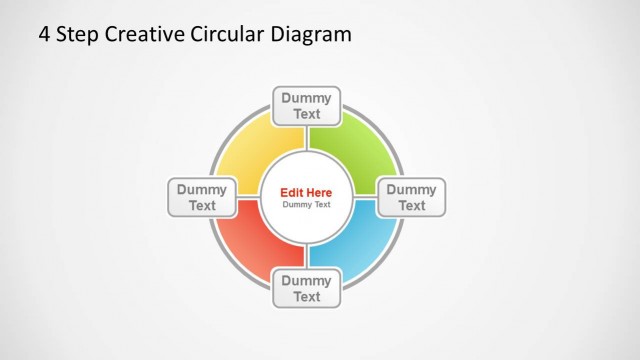
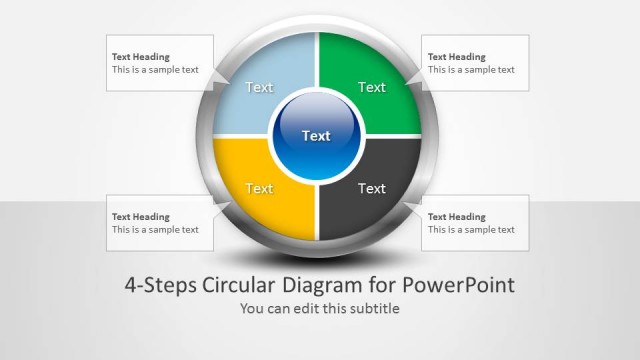
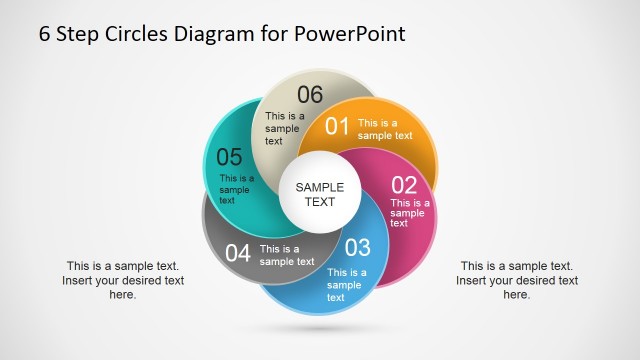
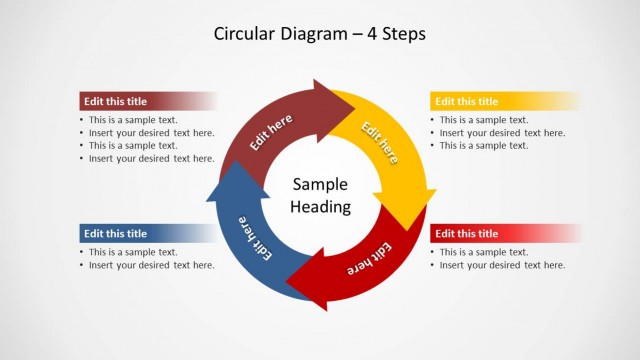
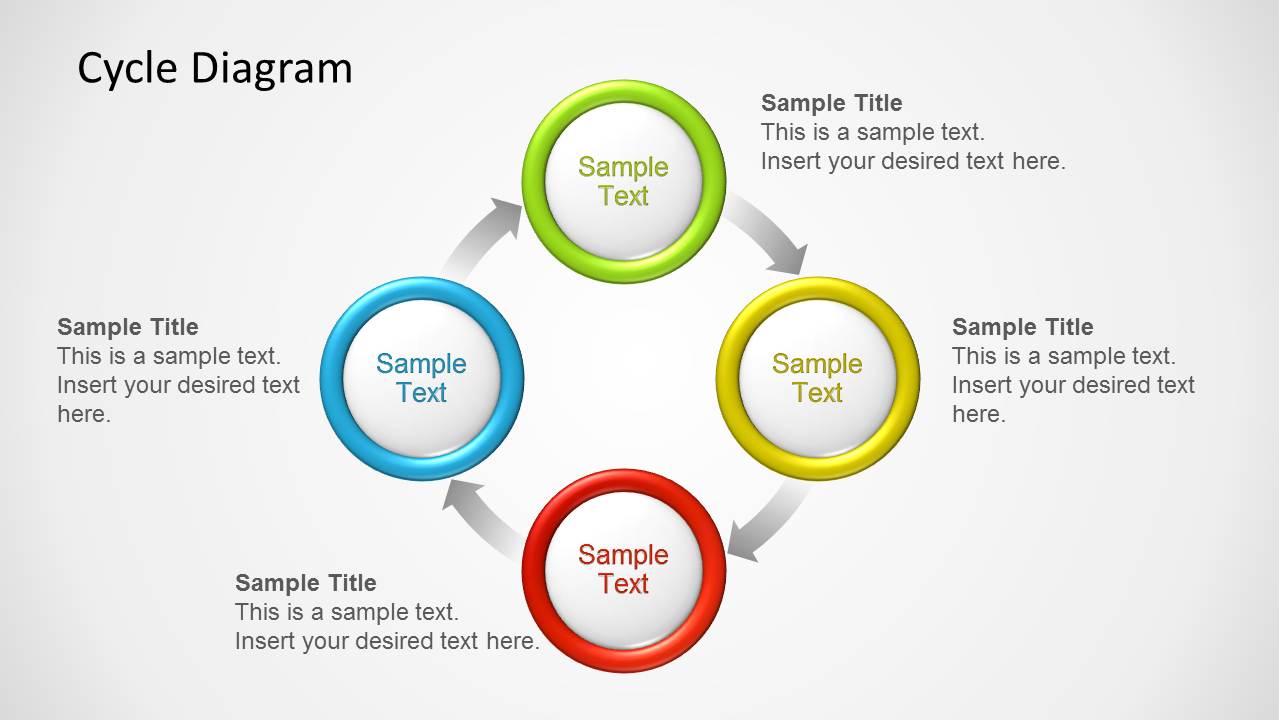
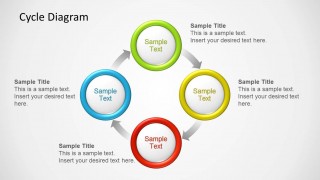
Colored Circles Diagram for PowerPoint is a presentation template containing a creative circular diagram for PowerPoint. You can use this colored cycle diagram template to prepare presentations with circular business diagrams for a wide range of industries and disciplines. For example, you can use this presentation design in Marketing to represent the 4P of Marketing Mix using the four step circular diagram design.
What’s inside this template
Example presentation scenarios
- A marketing manager can present the 4P marketing mix by assigning product, price, place, and promotion to the four colored nodes in the 4-step cycle.
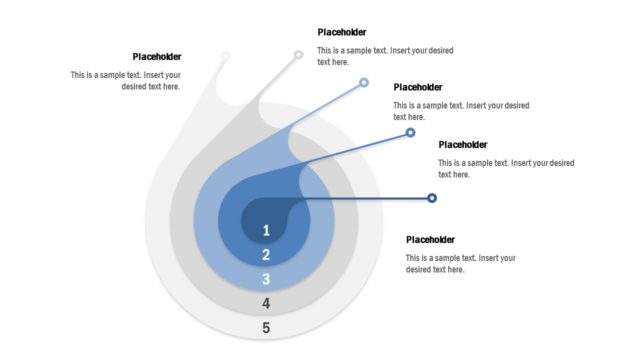
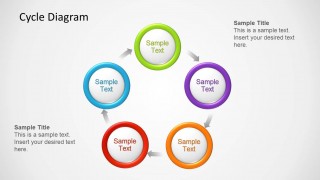
- An operations leader can explain a recurring workflow by placing each activity in the 5-step cycle and using the gray arrows to show repetition.
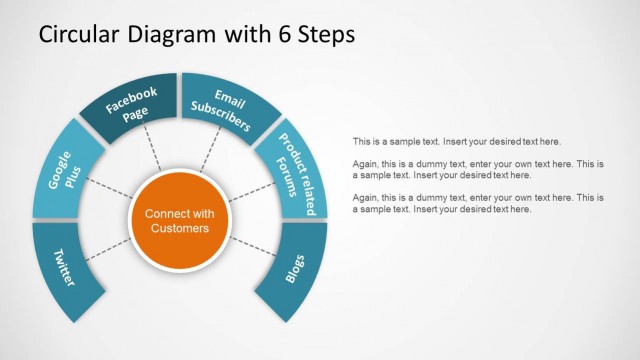
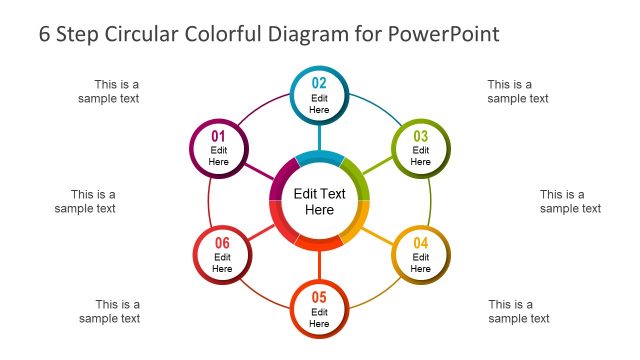
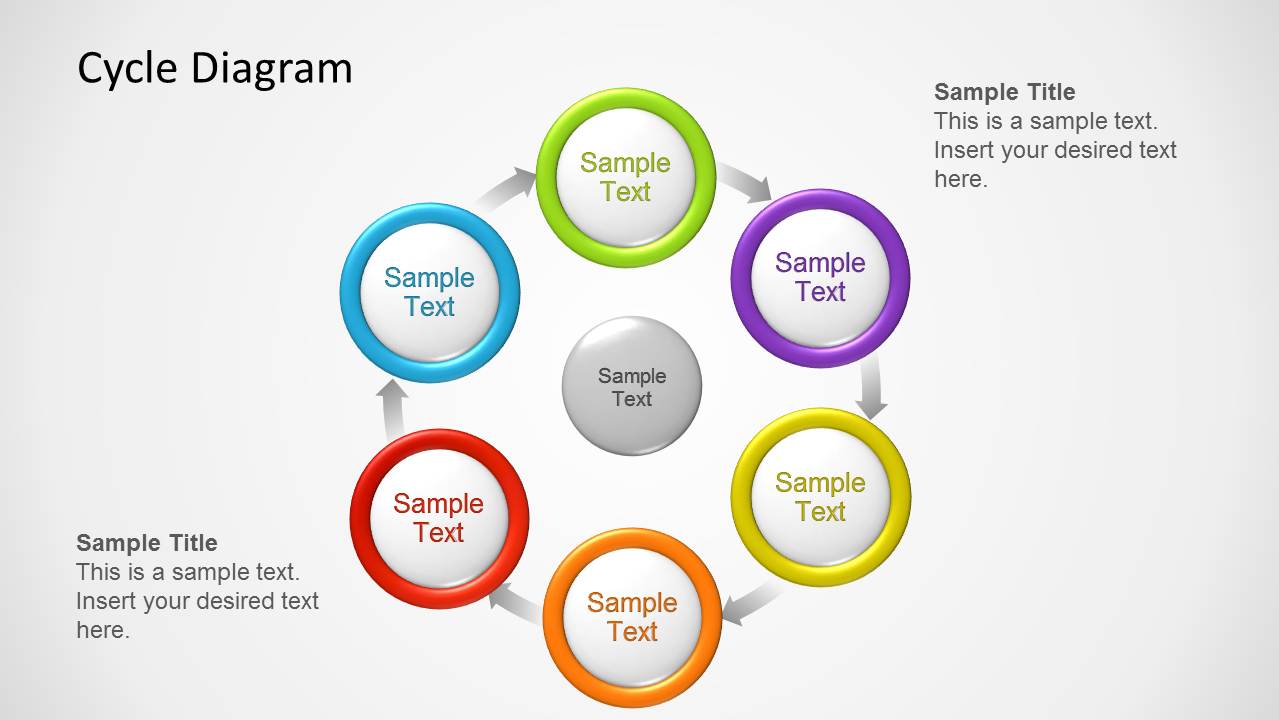
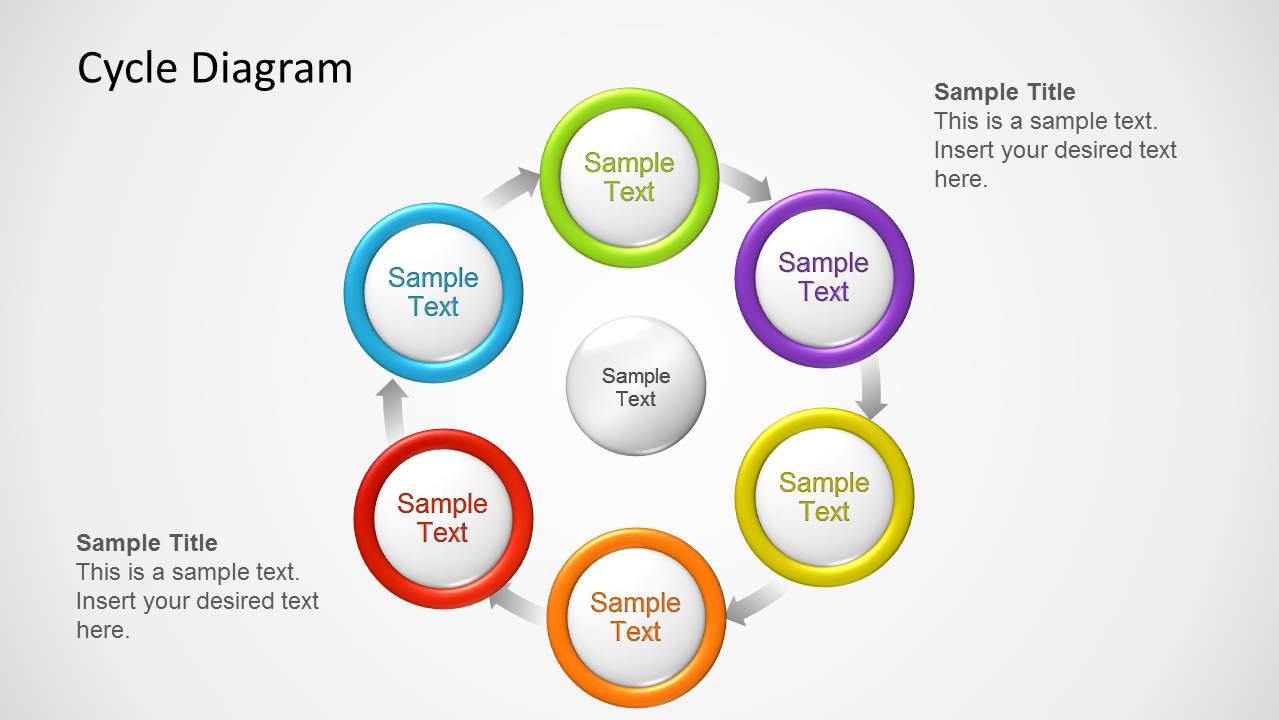
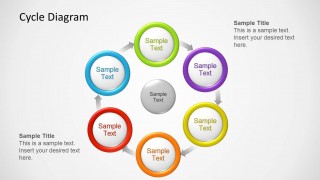
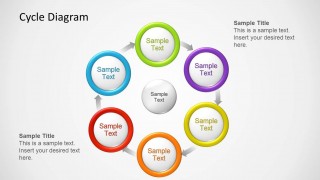
- A consultant can map a six-stage business process with the center node representing the shared goal, customer, or core strategy.
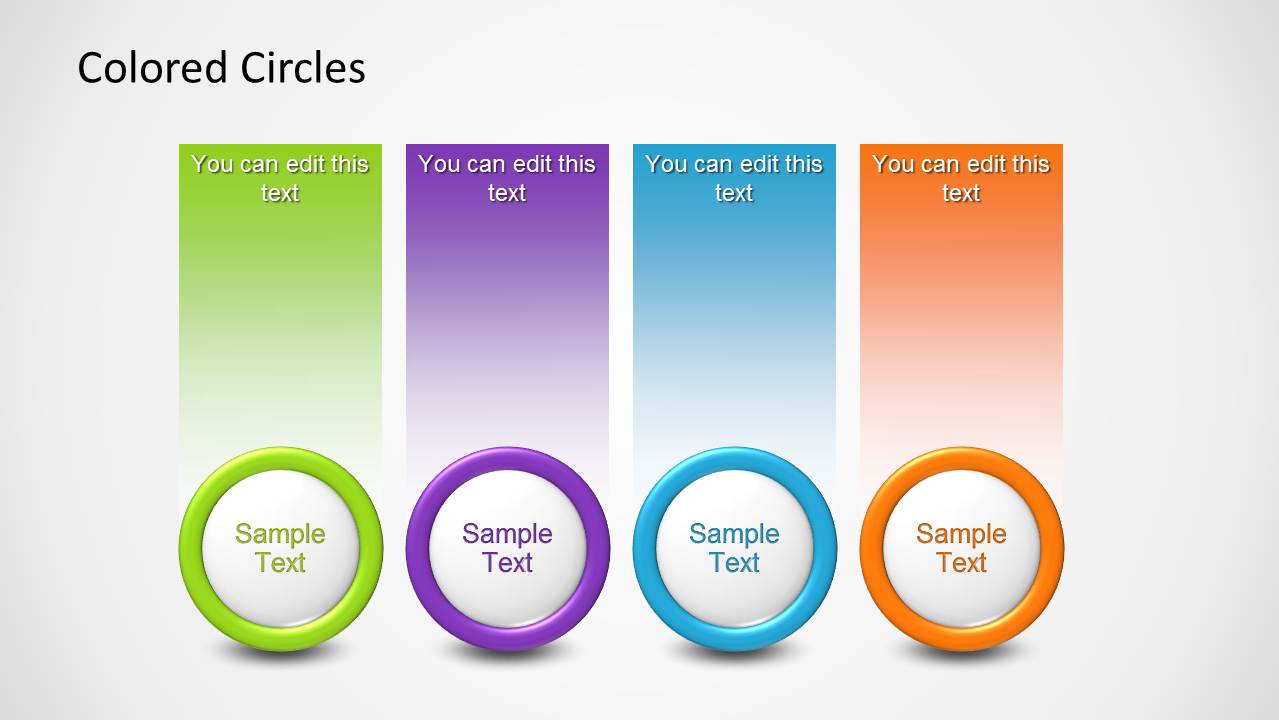
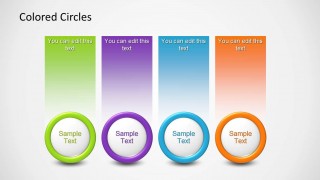
- A trainer can introduce four related concepts with the colored-circle column slide before moving into a more detailed lesson or workshop discussion.
Features
- 100% editable presentation template
- Compatible with Microsoft PowerPoint and Google Slides
- Scalable vector shapes, icons and illustrations
- AI-Ready for Microsoft Copilot and Claude
- Instant access and download
Frequently asked questions
Q: How should a presenter explain a cycle without making every step look equally important?
A: Use the circle color and callout position to guide attention. Put the starting point at the top or upper left, keep each node label short, and use the side text blocks for the key action or decision. If one step is the priority, use a stronger theme color for that ring and reduce wording elsewhere.
Q: Who is this template best suited for in a business presentation?
A: It is best for presenters explaining repeatable models rather than one-time plans. Marketing teams can show a 4P framework, operations teams can map a five-step workflow, and consultants can present a six-part operating model. The colored nodes help audiences remember categories while the arrows clarify that the process repeats.
Q: Why does the circular metaphor work for this type of message?
A: The ring layout communicates recurrence before the presenter says it. Arrows show movement from one stage to the next, and the central node in the six-step diagrams can anchor the shared purpose or customer outcome. This is stronger than a bullet list when the message depends on feedback, iteration, or continuous improvement.

Colored Circles Diagram for PowerPoint
5-slide PowerPoint diagram template with colored cycle circles for 4P, process steps, and circular workflows
Colored Circles Diagram for PowerPoint is a 5-slide diagram template for explaining circular processes and step-based models. The contact sheet shows a 4-step cycle, 5-step cycle, 6-step circular process with a center node, and four colored-circle columns. It is intended for presenters who need editable cycle visuals, marketing mix diagrams, or process summaries.
- Rating


 Loading...
- Item ID
- 1215-04
- Colors
 Microsoft PowerPoint
  Microsoft Copilot
  Claude for PowerPoint
 Other formats supported
Subscribe today and get immediate
access to download our PowerPoint templates.