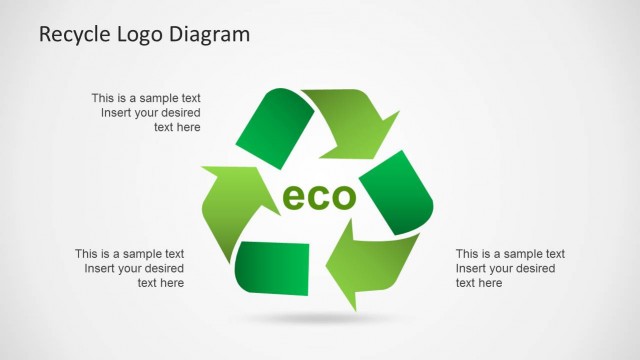
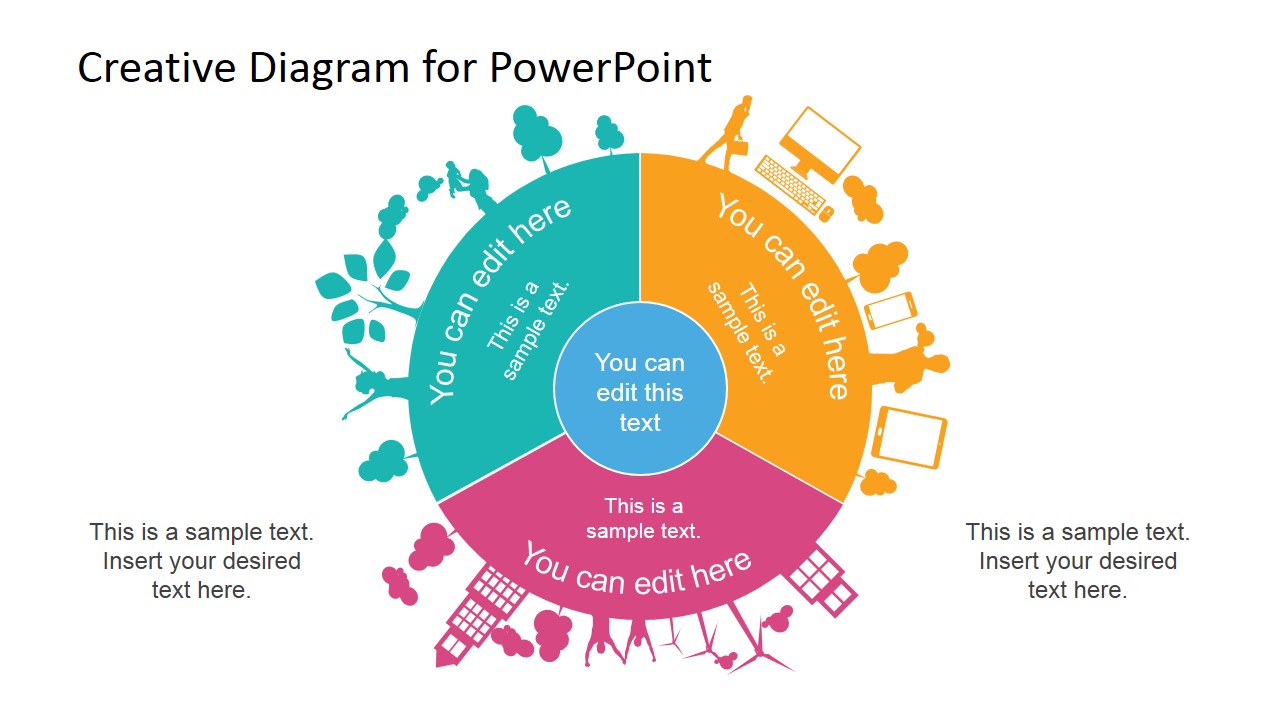
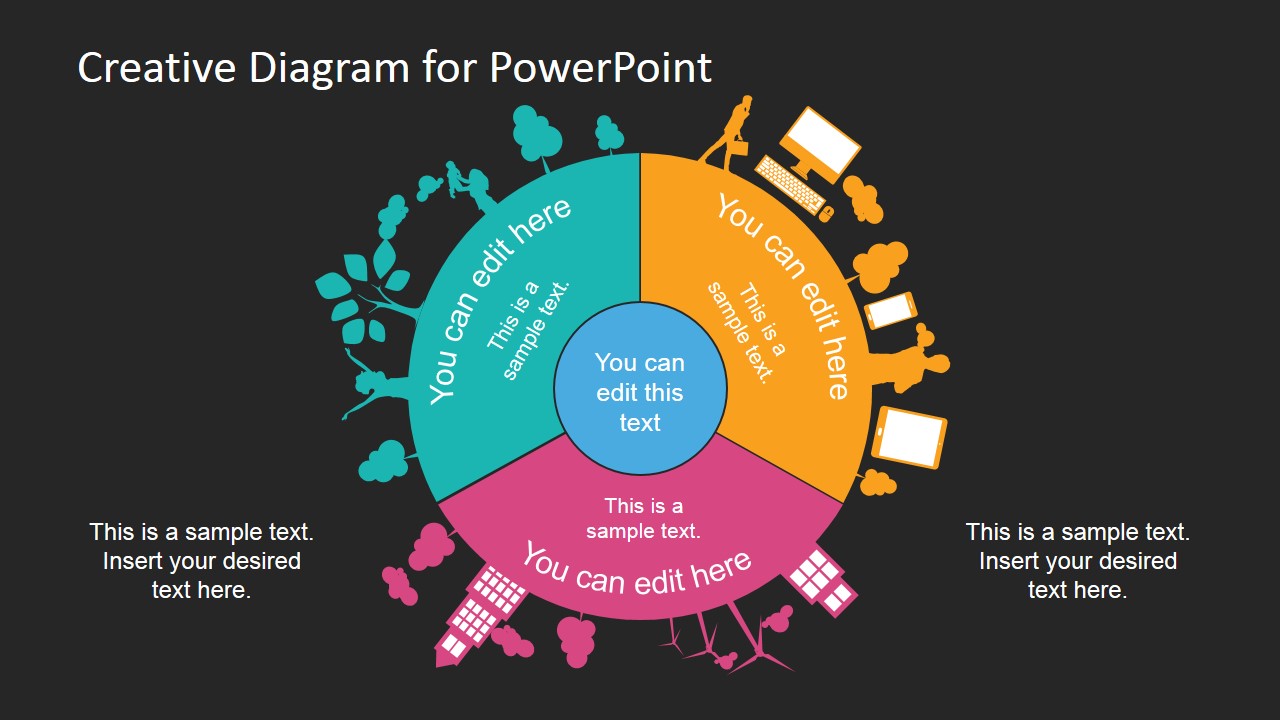
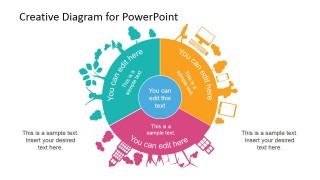
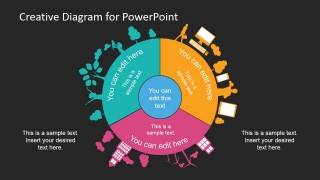
Circular Creative Diagram Template for PowerPoint is a nice diagram design that you can use in eco-friendly PowerPoint presentations as well as sustainability projects using Microsoft PowerPoint. The circular diagram for PowerPoint contains three sections and PowerPoint shapes around a sphere forming a nice PowerPoint graphic that can grab your audience attention easily.
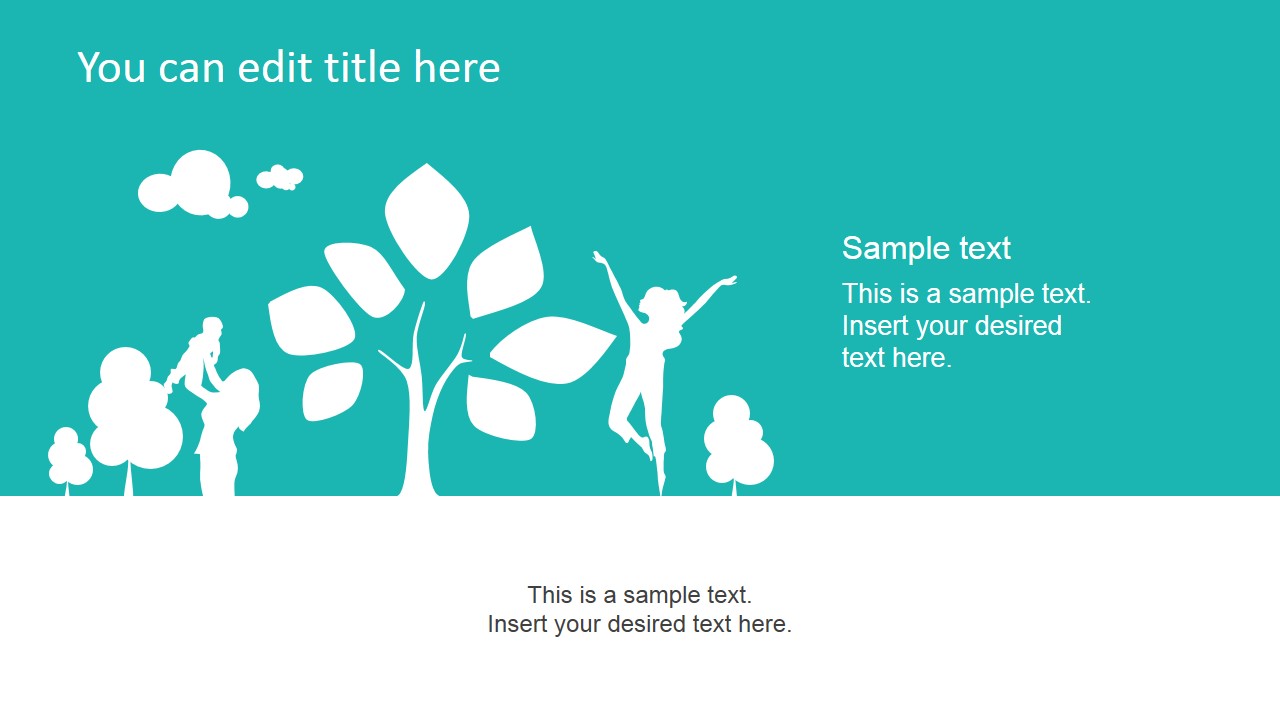
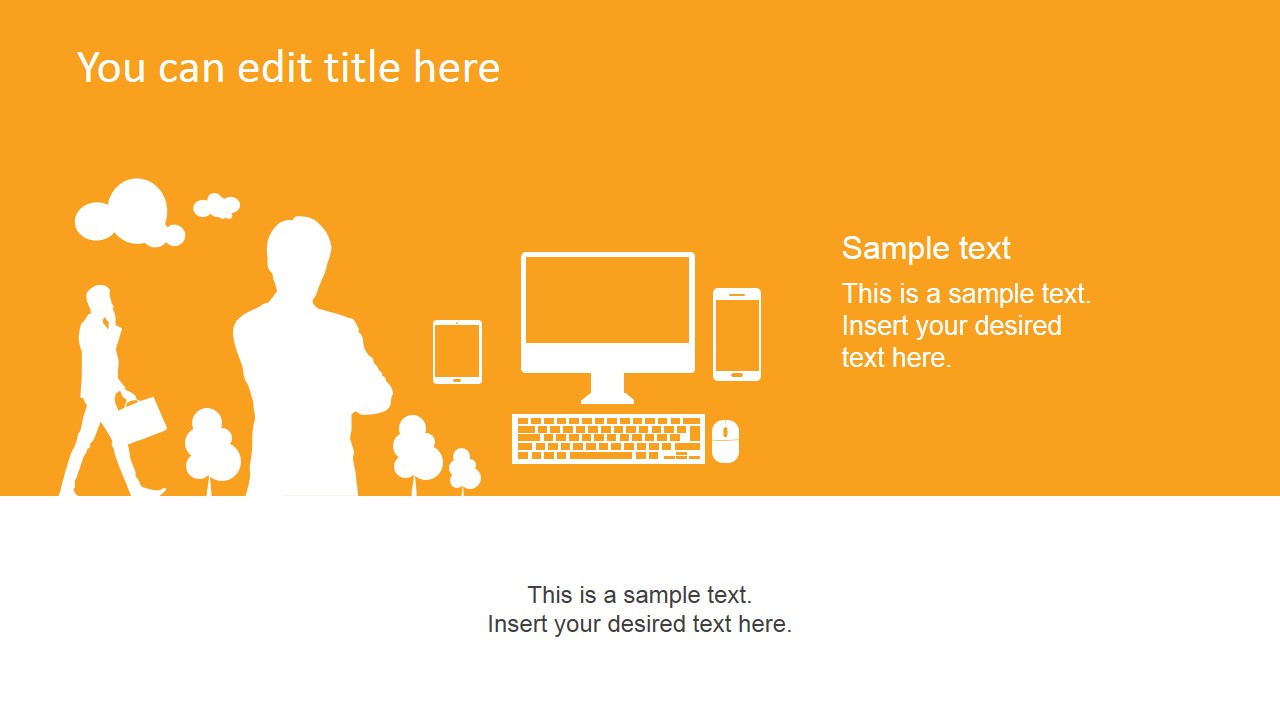
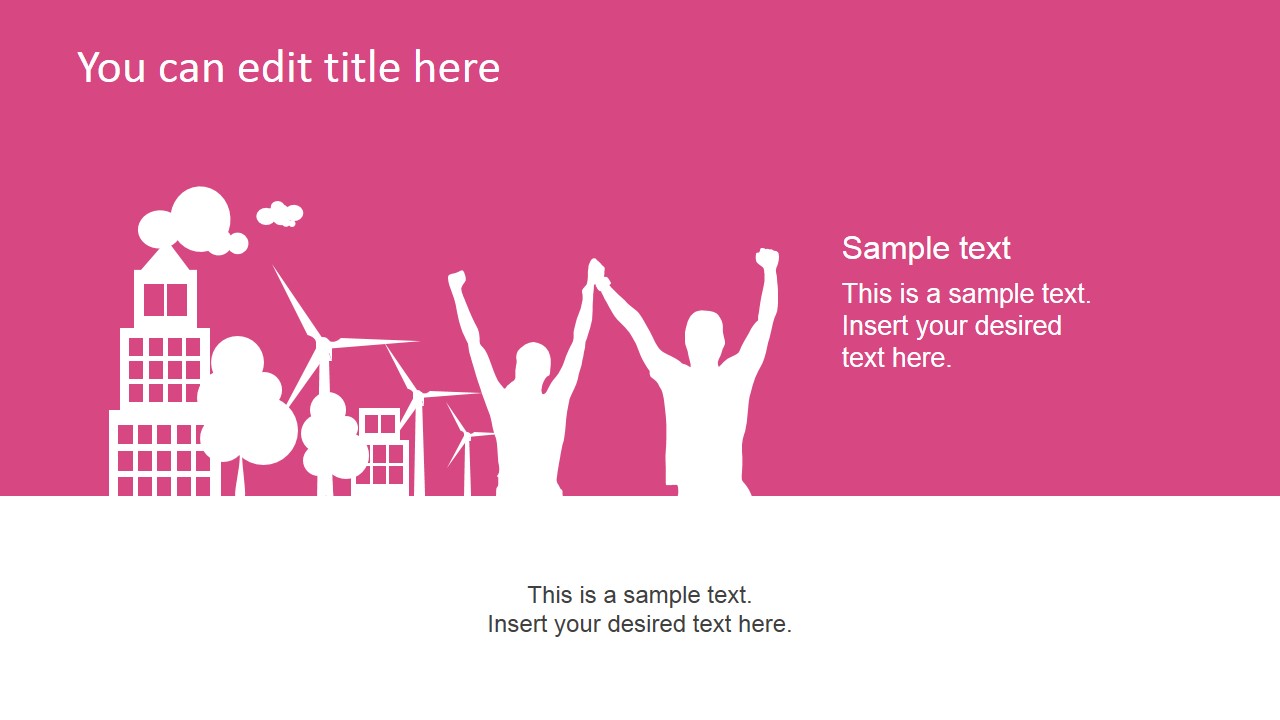
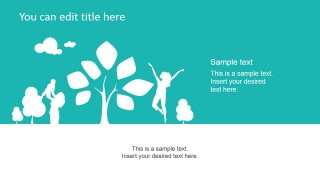
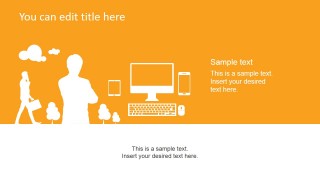
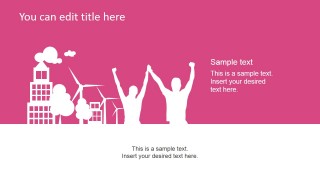
Inside this circular presentation diagram design you can find colorful slide layouts to elaborate each of the circular diagram elements. The slides are created with PowerPoint shapes so you can easily move the shapes or change its properties. There are three useful slides with green, orange and purple background colors.
You can use this diagram design in a PowerPoint presentation on Corporate Social Responsibility (CSR) or as a PowerPoint slide in a social entrepreneurship PPT presentation. Alternatively you can download other awesome PowerPoint backgrounds and presentation slide designs with creative styles and flat colors.
What’s inside this template
Example presentation scenarios
- A CSR manager can present a new responsibility framework to executives using the three-segment circular diagram to show how social, environmental, and technology priorities connect.
- A sustainability consultant can explain an eco-friendly program to a client using the teal, orange, and pink section slides to give each theme a clear visual identity.
- A nonprofit leader can introduce a wellbeing initiative to partners using the people, trees, city, and wind turbine silhouettes to connect the message to community impact.
- A corporate communications team can prepare an internal awareness deck using the dark-background circular diagram as a recap slide for three key program pillars.
Features
- 100% editable presentation template
- Compatible with Microsoft PowerPoint and Google Slides
- 16:9 aspect ratio slides
- Scalable vector shapes, icons and illustrations
- AI-Ready for Microsoft Copilot and Claude
- Instant access and download
Frequently asked questions
Q: How should a presenter structure the message around the circular diagram?
A: Start with the full three-segment circle to define the overall framework, then move through the color-coded section slides one theme at a time. Keep each segment label short and use the side text areas for evidence, examples, or next steps. Return to the circle at the end if the audience needs a recap.
Q: What type of presentation is this template best suited for?
A: This template fits short concept overviews for CSR, sustainability, wellbeing, social entrepreneurship, or community impact programs. It works best when the presenter needs to explain three related ideas rather than report many numbers. The silhouettes help non-specialist audiences understand the human, environmental, and technology context quickly.
Q: Why does the circular metaphor work for sustainability and CSR topics?
A: The circle suggests connection, balance, and continuity, which matches topics such as sustainability, wellbeing, and social responsibility. The three equal segments prevent one theme from visually dominating the story. Surrounding icons for nature, people, cities, and technology turn the framework into a broader ecosystem rather than a simple list.
Circular Creative Diagram Template for PowerPoint
4-slide presentation template with circular CSR diagram, eco silhouettes, and three-color section layouts
Circular Creative Diagram Template for PowerPoint is a 4-slide 16:9 diagram deck for sustainability, CSR, wellbeing, and social impact presentations. It includes a three-segment circular diagram, colored chapter slides with eco and technology silhouettes, and a dark-background diagram option for use in Microsoft PowerPoint and Google Slides.
- Category
- Diagrams
- Rating


 Loading...
- Aspect ratio
- 16:9
- Item ID
- 6694-01
- Colors
 Microsoft PowerPoint
  Microsoft Copilot
  Claude for PowerPoint
 Other formats supported
Subscribe today and get immediate
access to download our PowerPoint templates.