Present your company’s important business procedures with the Bridge Diagram PowerPoint Template. The Office template is ideal for showcasing a series of procedures involving the logistics operations of a business operation. These may include anything from project implementation to product delivery schedules. However, the slides may also be used to illustrate the procedures of any other company protocol and its corresponding contingency plans.
Provide colorful, simple visual aids to your presentation with the well-organized and neat nature of the slide designs, while also increasing the clarity of the presentation with helpful diagram illustrations.
The PowerPoint slides in the bridge presentation template may be used to demonstrate the initial company-client negotiations and connection ideas, in cases of delivery and project completion, and even demonstrate building bridges between the business organization and its customers. They may also be used to describe market traffic, such as the turnover of goods and services produced by the business organization. The slides may also be utilized in illustrating the procedures in the case of emergencies, and the corresponding contingency plans associated with this type of situation. The rest of the presentation designs may represent the completion of the task, its overview, and the relevant contact information for inquiries.
Use the PowerPoint template to completely overhaul your otherwise bland timeline or procedure PowerPoint presentation, by using this Office template and taking advantage of its simple yet meaningful design, which create an optical effect which can appeal to any type of audience.
The Bridge Diagram PowerPoint Template is most ideal for business presentations involving long-term goals or the more practical long-distance deliveries. With the use of the template, the presenter can be assured of increased audience attention and overall visual impact, by generating top-quality PowerPoint presentations.
Create other business PowerPoint presentations that appeal to professional audiences using the logistics icons for PowerPoint.
What’s inside this template
Example presentation scenarios
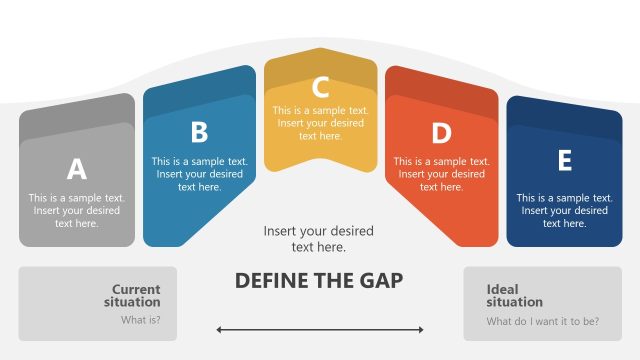
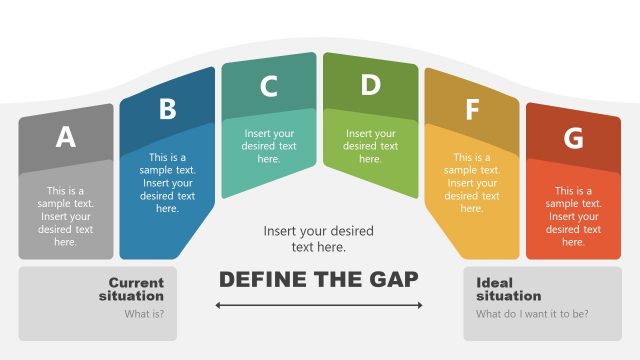
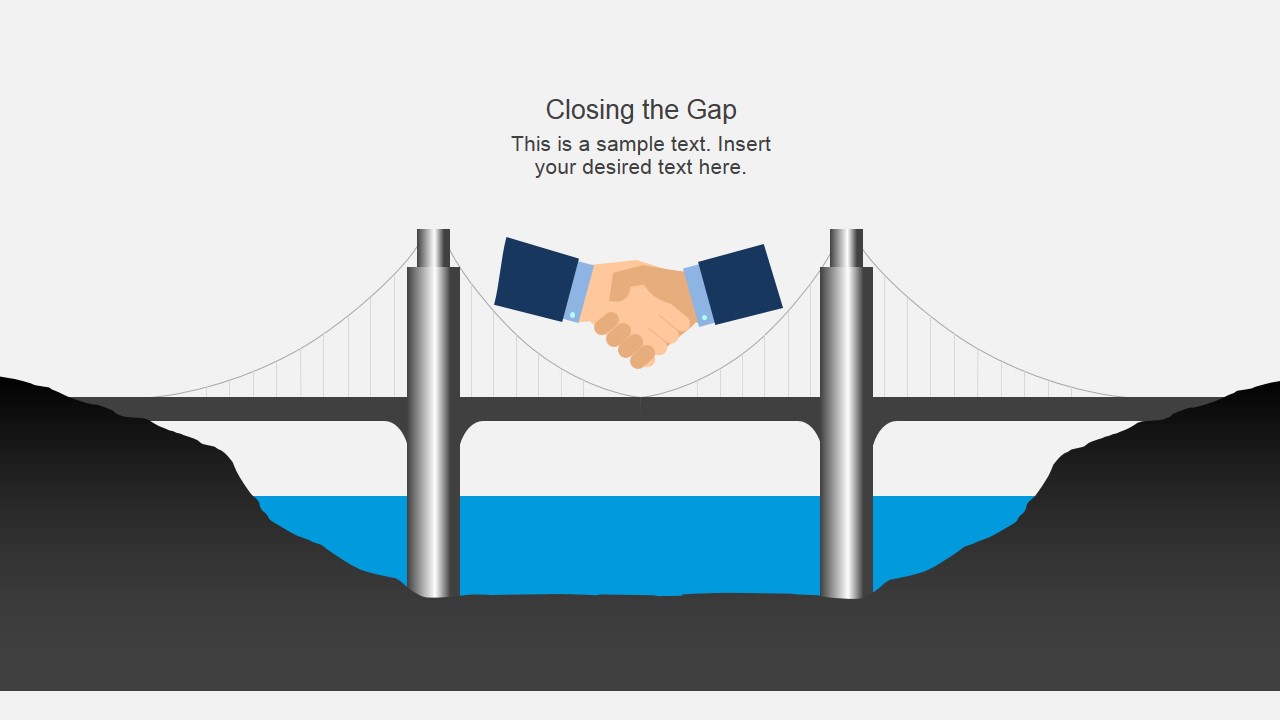
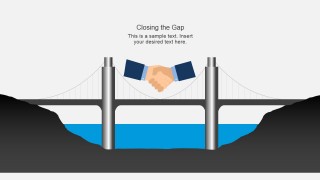
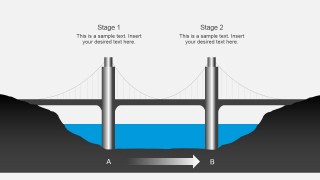
- A project manager can use the Closing the Gap and A-to-B bridge layouts to explain how a team will move from a current state to a target state.
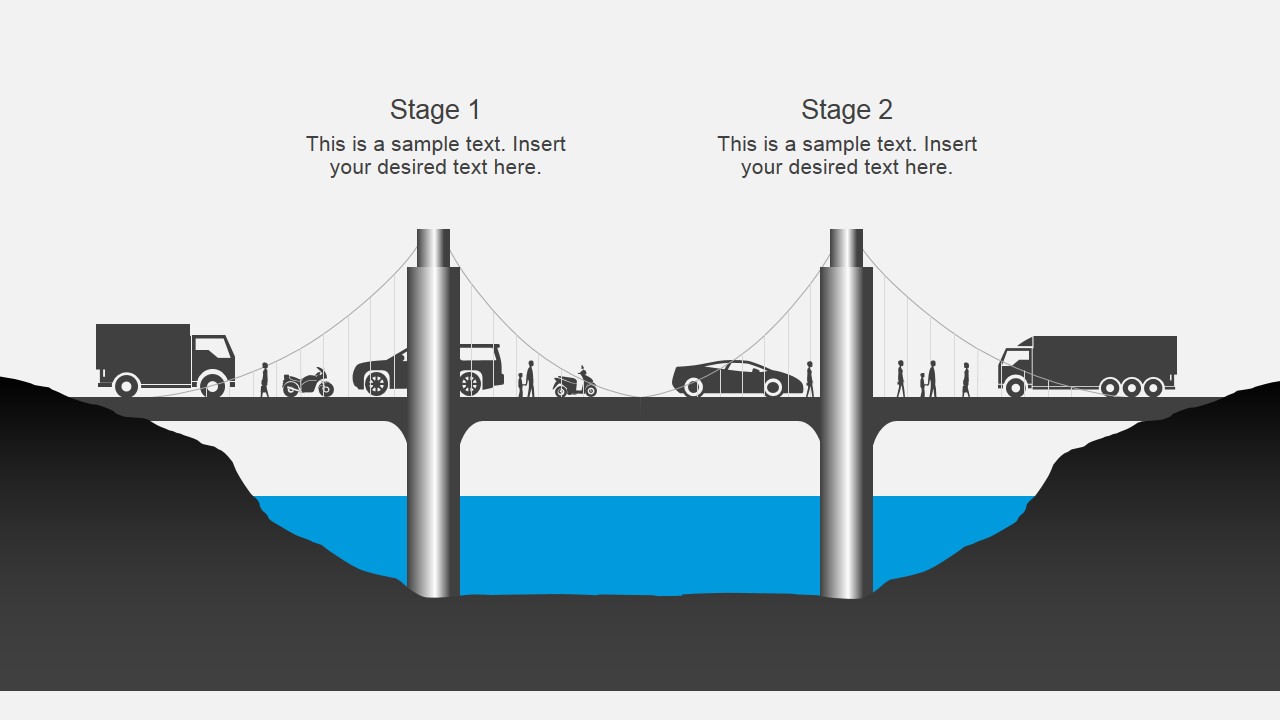
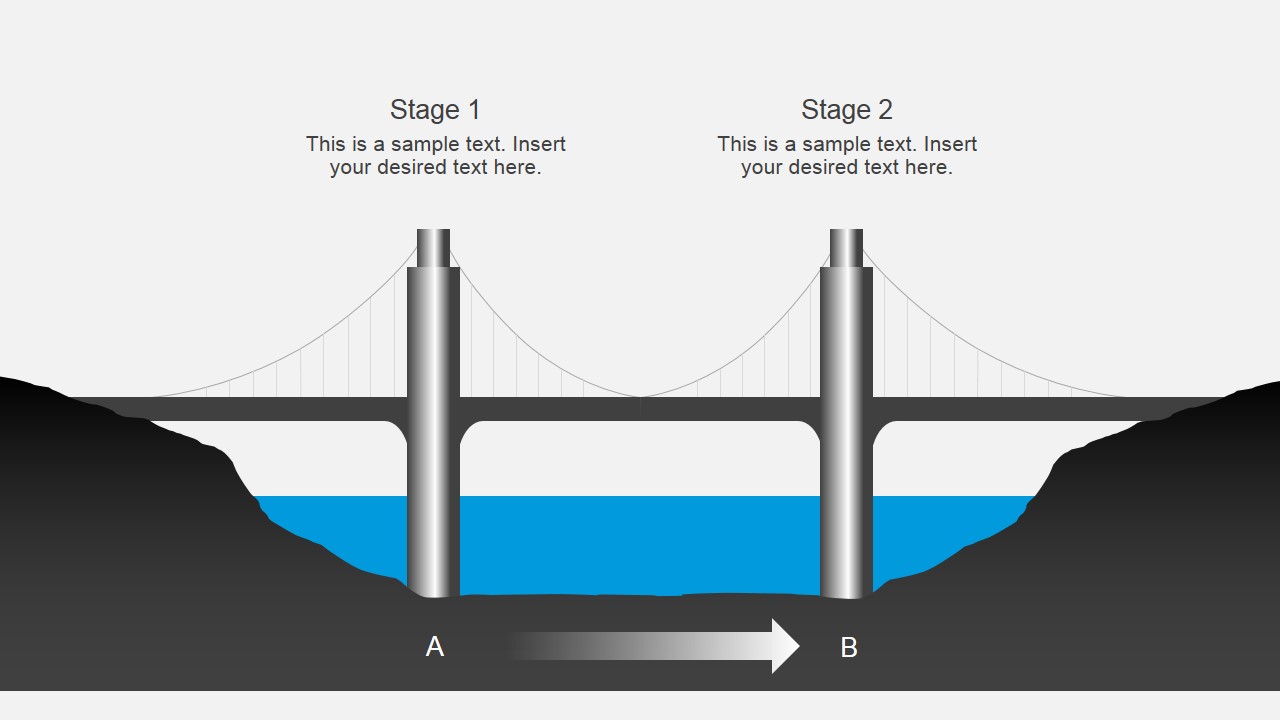
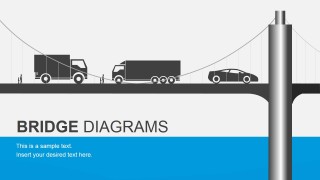
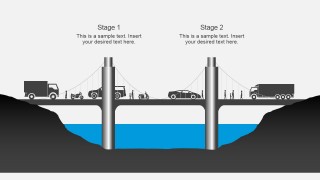
- An operations leader can present a logistics or delivery workflow by using the vehicle bridge scenes and two-stage process slide to show handoffs across locations.
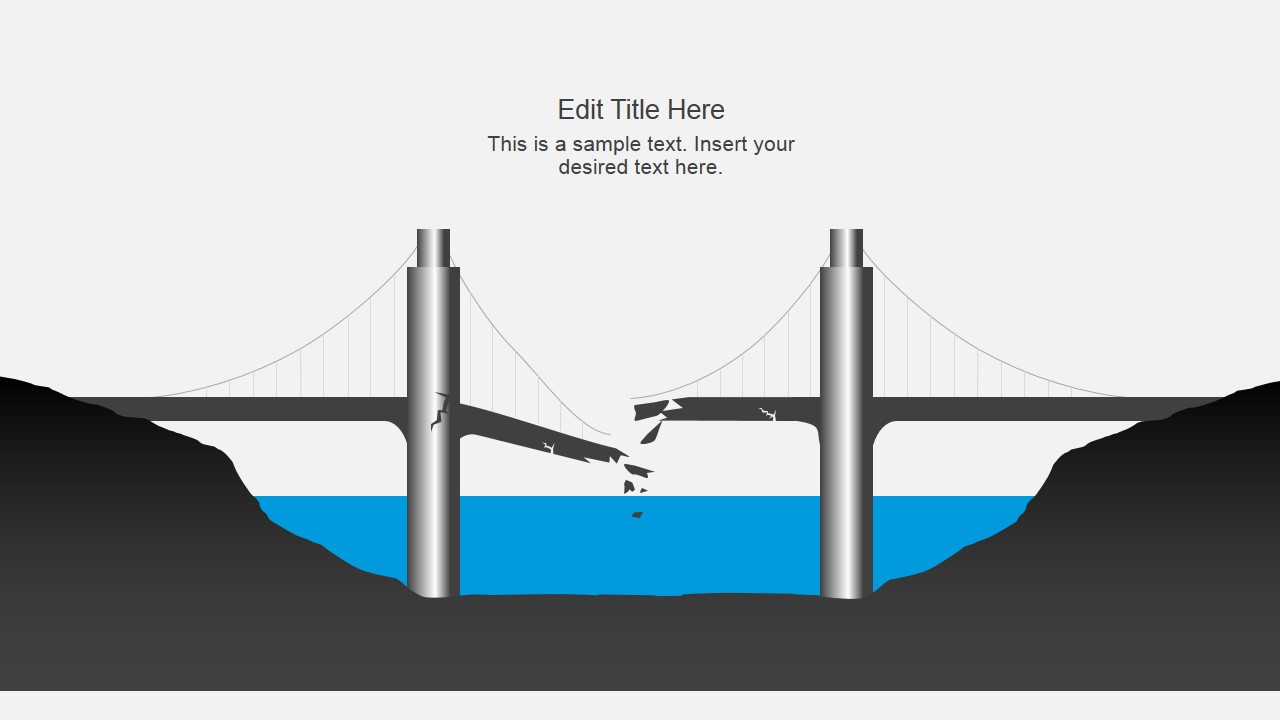
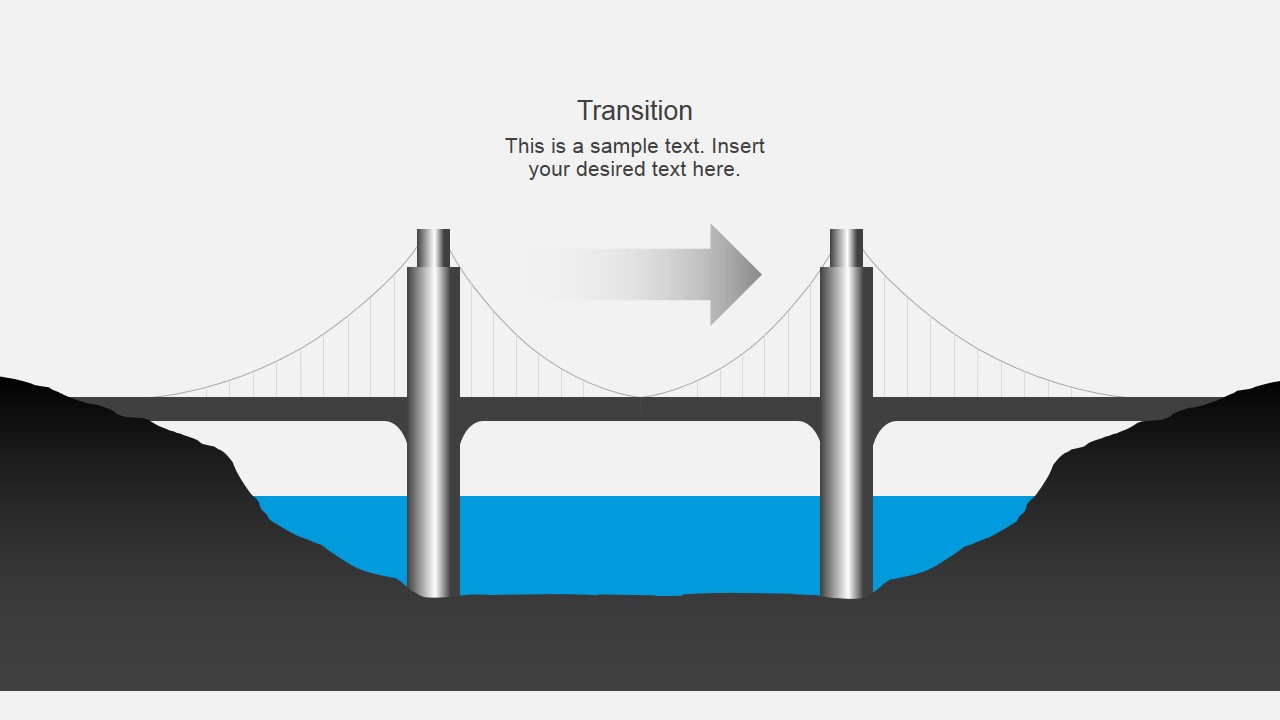
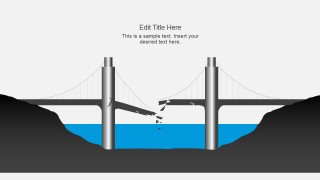
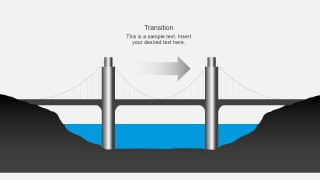
- A consultant can use the broken bridge slide to frame implementation risk, then move to the transition arrow slide to explain the recovery path.
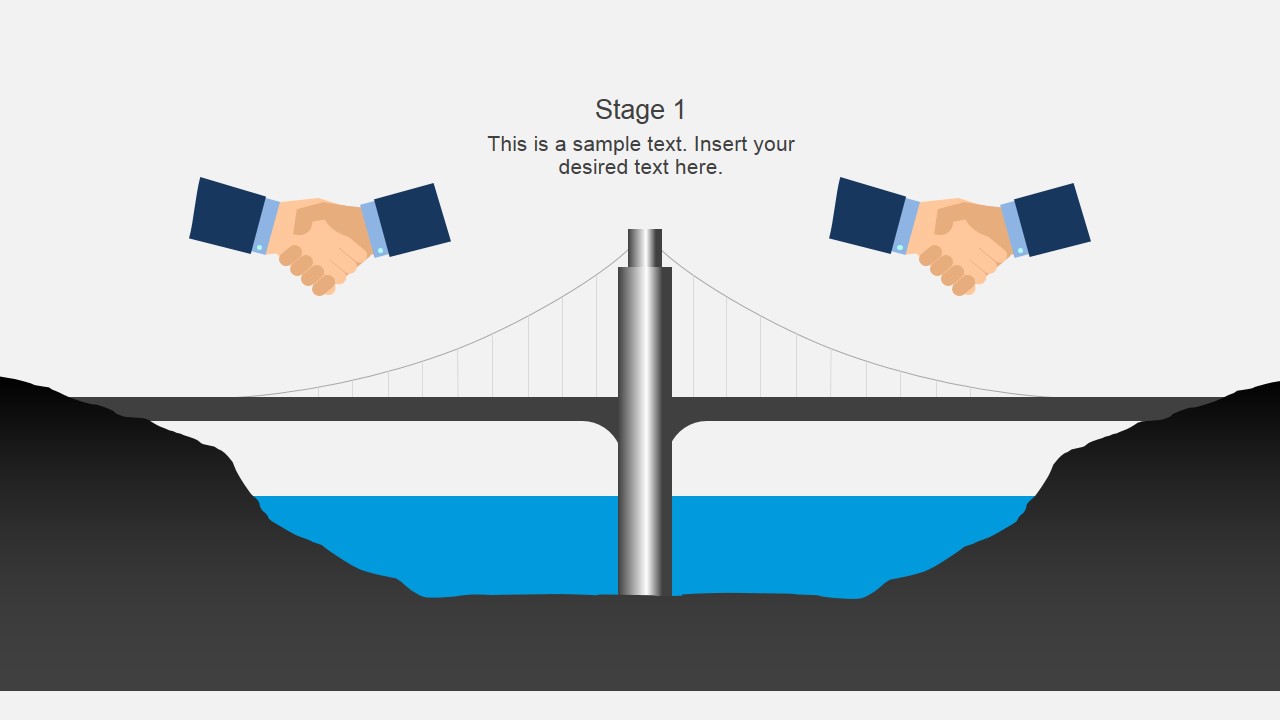
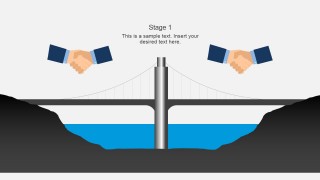
- A sales or account team can use the handshake slides to describe partnership alignment, client onboarding, or negotiation milestones.
Features
- 100% editable presentation template
- Compatible with Microsoft PowerPoint and Google Slides
- Scalable vector shapes, icons and illustrations
- AI-Ready for Microsoft Copilot and Claude
- Instant access and download
Frequently asked questions
Q: How should a presenter structure the message with this bridge metaphor?
A: Start by naming the gap or divide the audience already recognizes, then show the Closing the Gap slide to make the objective concrete. Use the stage and A-to-B layouts to break the crossing into practical steps. Reserve the broken bridge slide for risk, delay, or missing capability so the metaphor does not stay purely positive.
Q: What types of business presentations fit this template best?
A: This template fits presentations where the core message is movement from one condition to another. Project managers, consultants, and operations leaders can use it for implementation plans, transition briefings, delivery workflows, or client onboarding. The bridge scenes work best when the presenter can define two sides, the obstacle between them, and the plan for crossing.
Q: Why does the bridge visual help audiences understand the process?
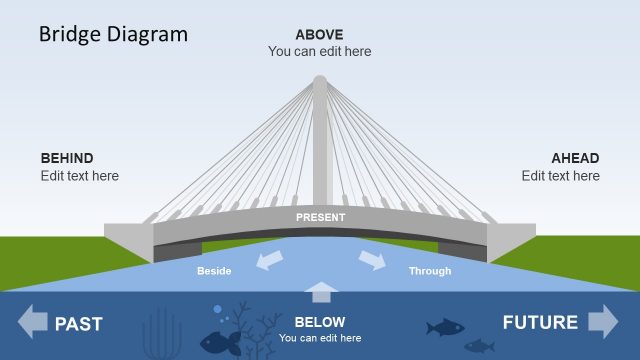
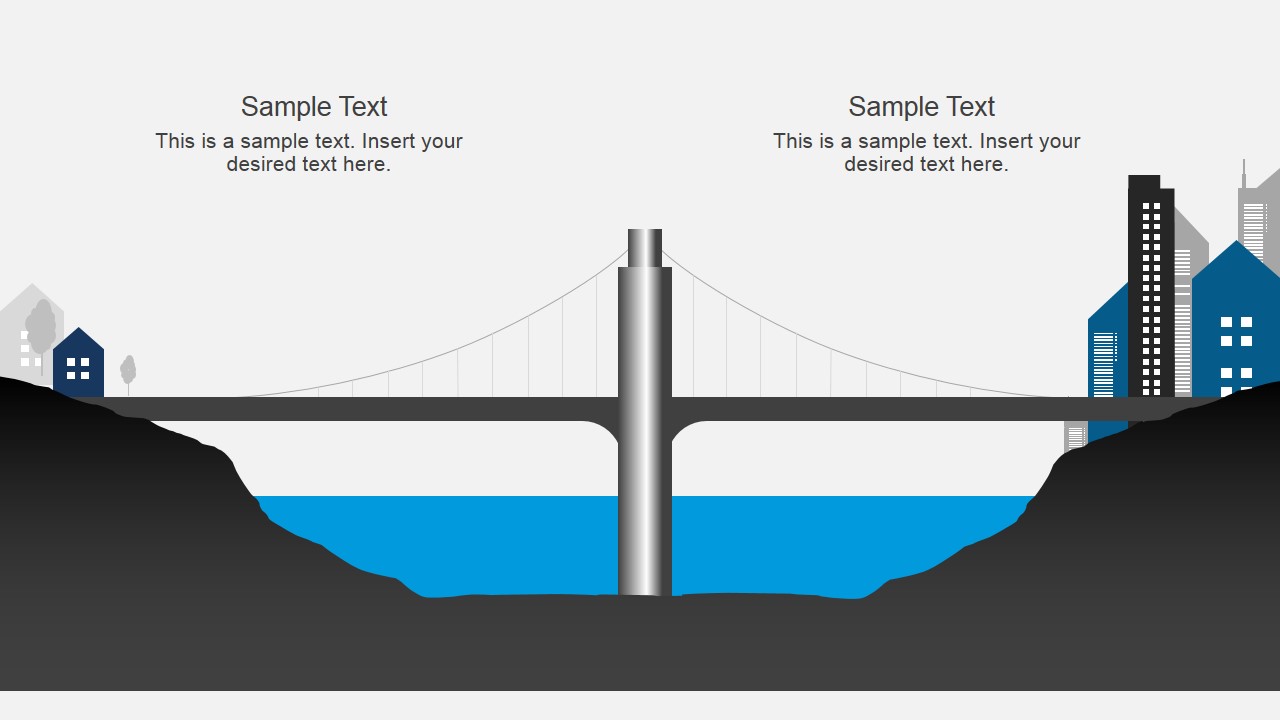
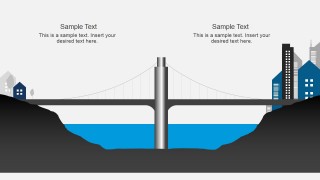
A: The suspension bridge gives the audience an immediate mental model: two sides, a gap, support structures, and a path across. Vehicles, arrows, handshake icons, and city endpoints turn abstract business change into visible movement. This reduces explanation time because the audience can see connection, progress, risk, and destination in one scene.


Bridge Diagrams PowerPoint Template
10-slide bridge diagram presentation template for closing gaps, transitions, and staged business processes.
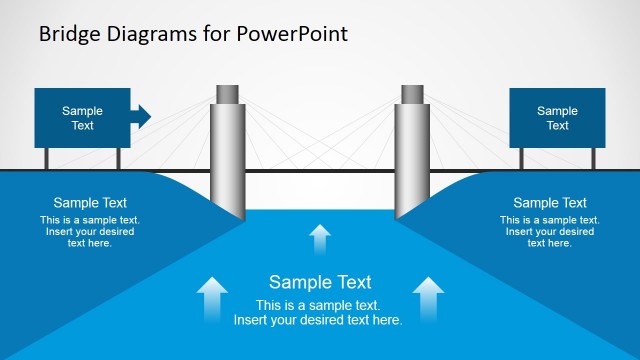
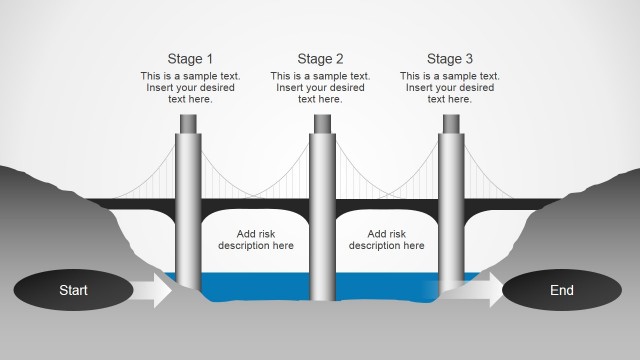
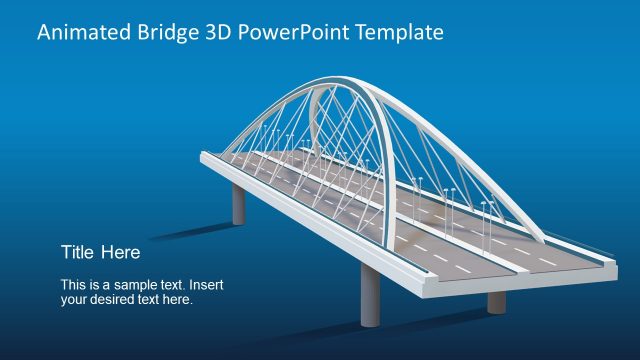
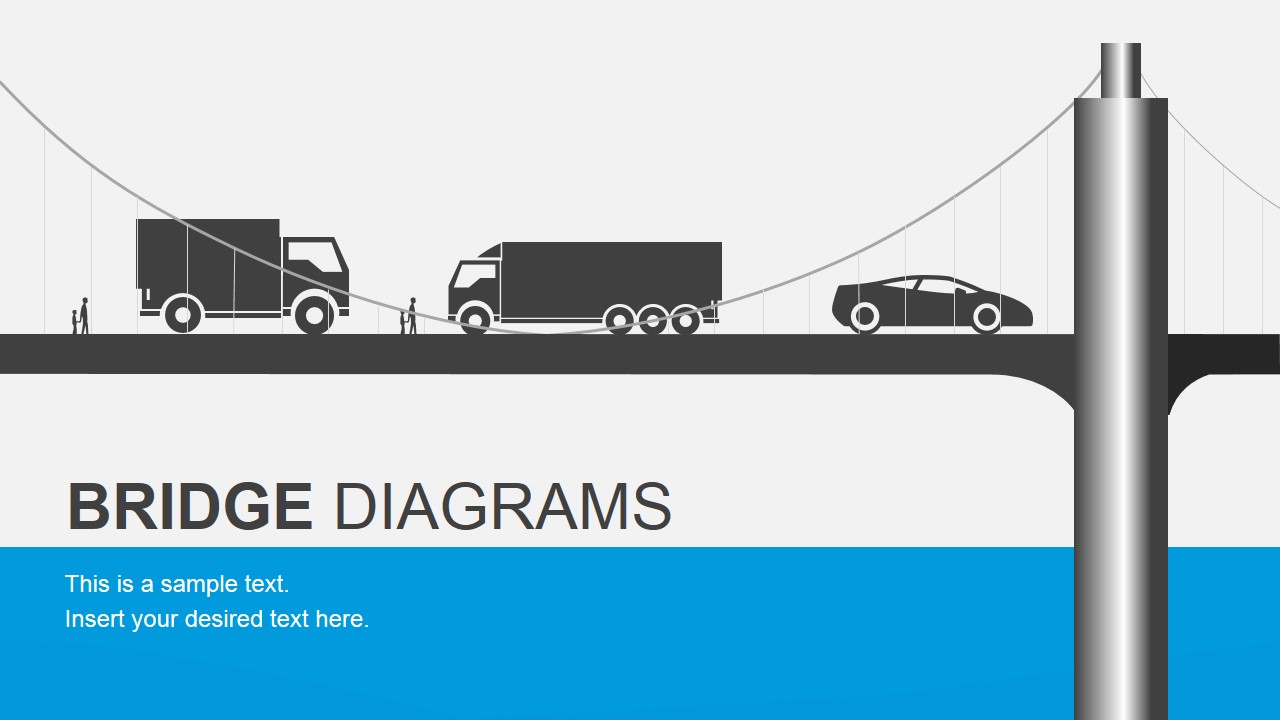
Bridge Diagrams PowerPoint Template is a 10-slide diagram presentation template for explaining gaps, transitions, handoffs, and process movement. It includes a title slide, Closing the Gap handshake scene, two-stage bridge process, broken bridge risk view, A-to-B transition diagram, contact slide, and thank-you slide for Microsoft PowerPoint and Google Slides.

 Loading...
 Microsoft PowerPoint
  Microsoft Copilot
  Claude for PowerPoint
 Other formats supported
Subscribe today and get immediate
access to download our PowerPoint templates.