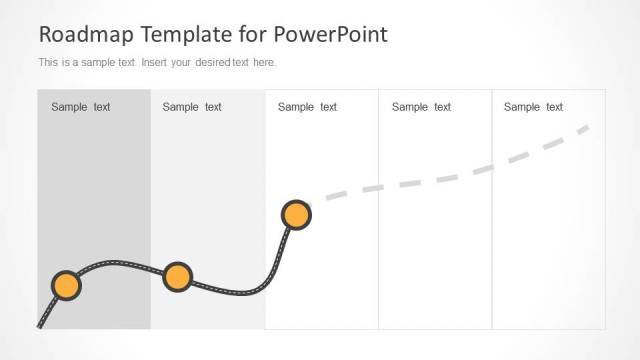
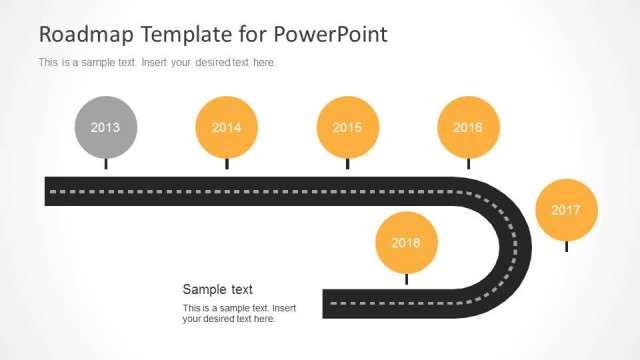
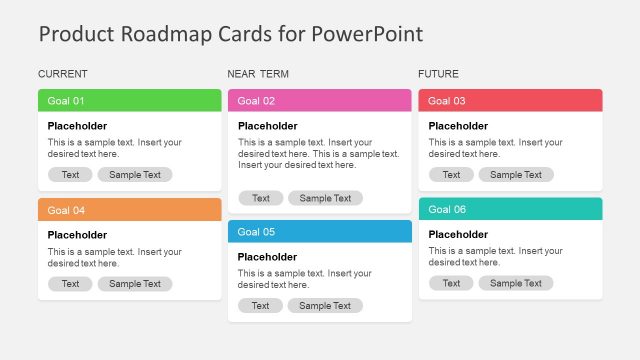
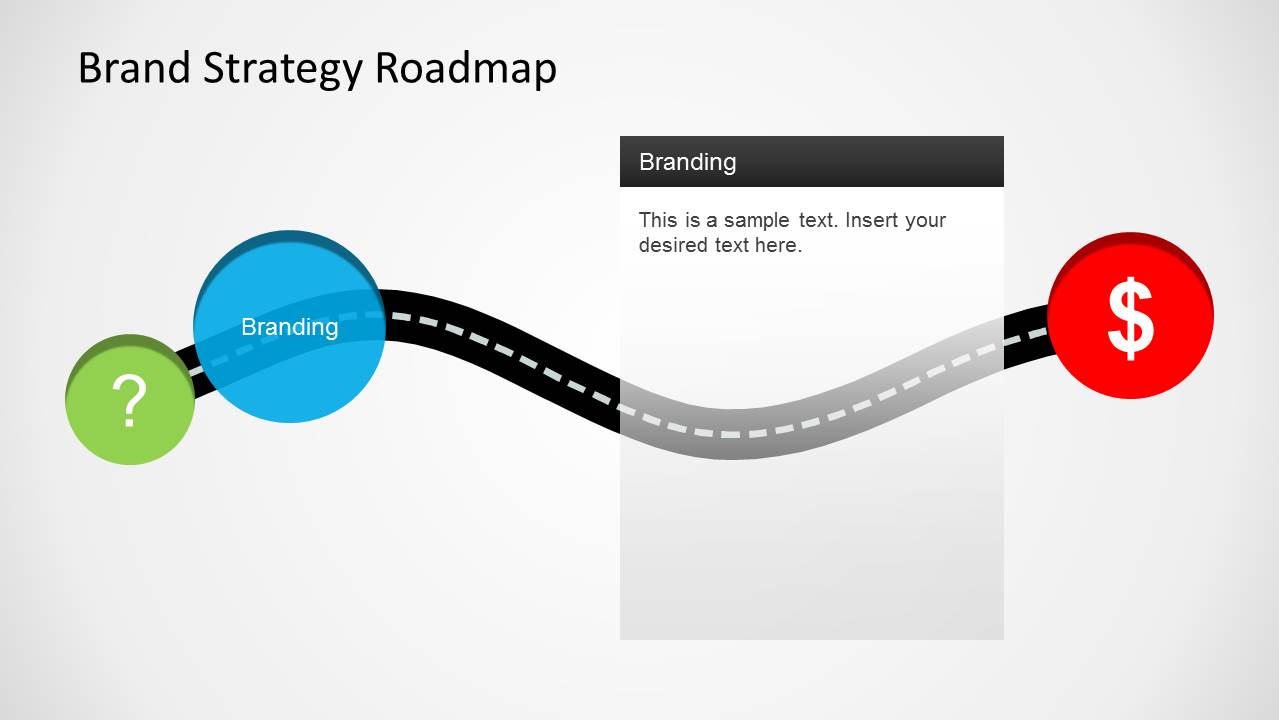
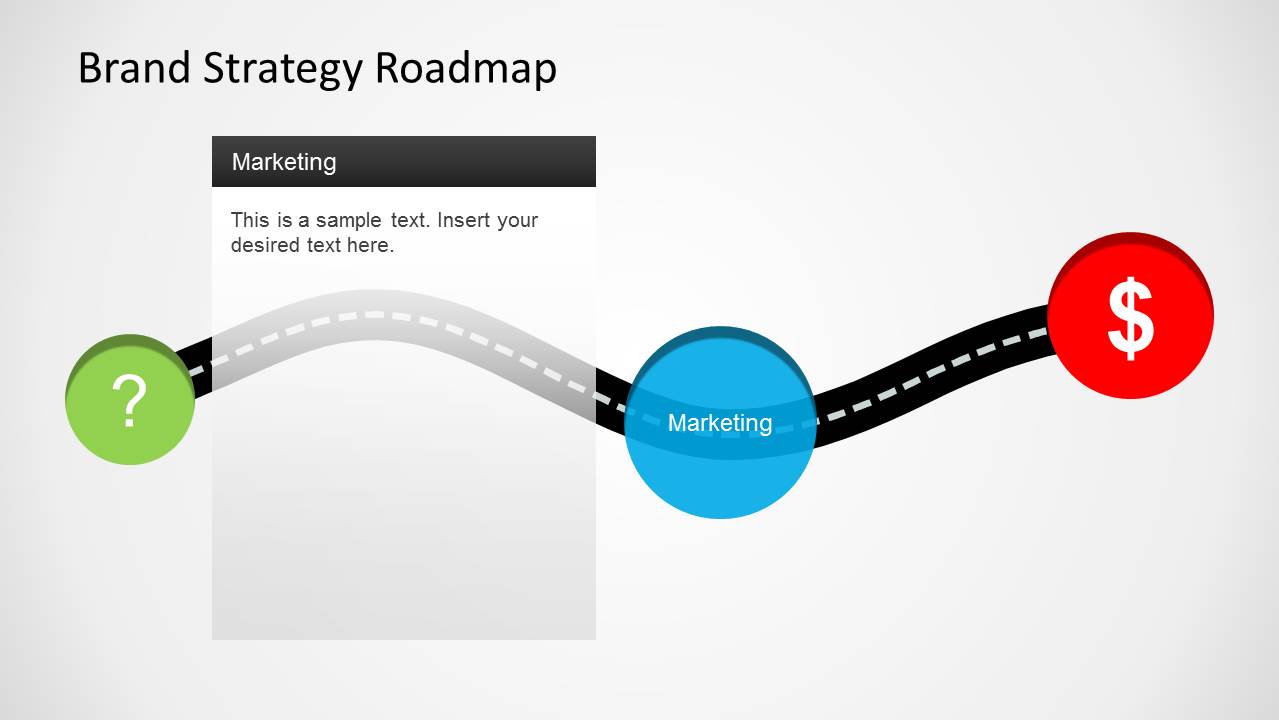
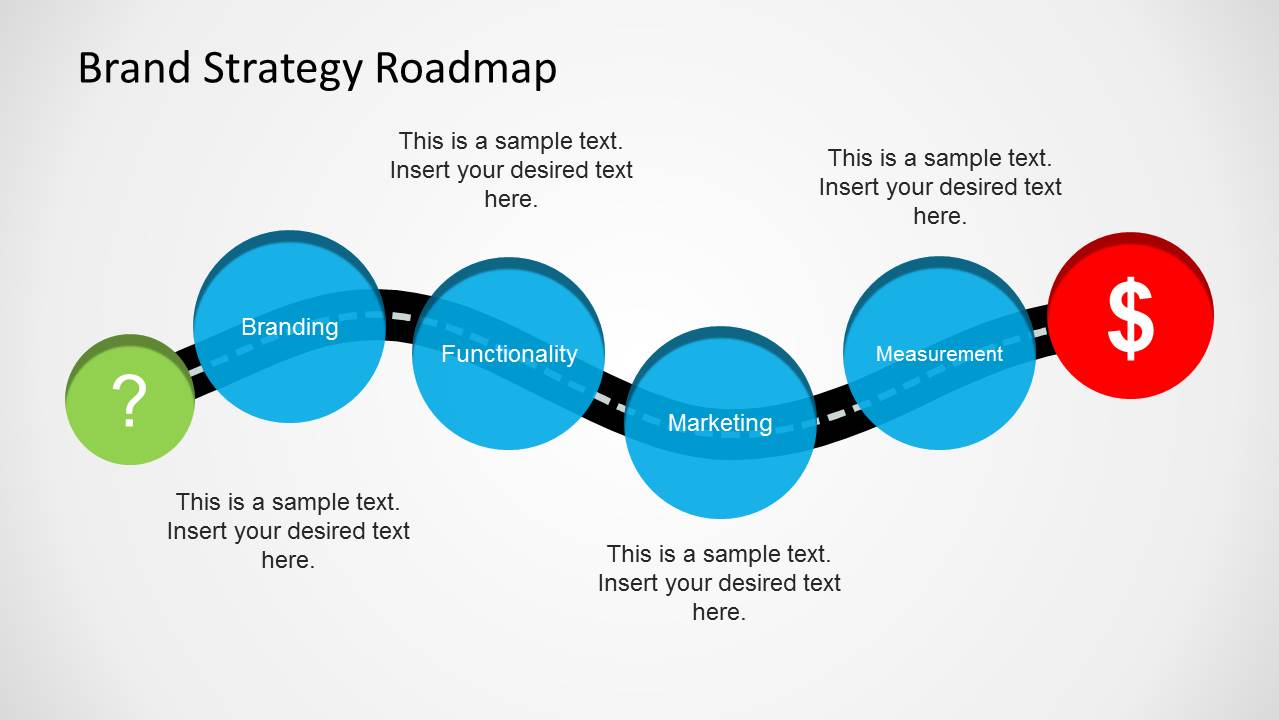
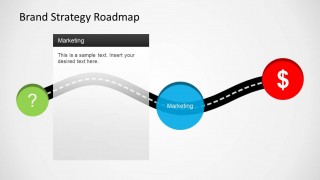
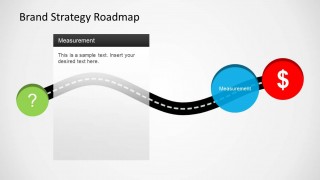
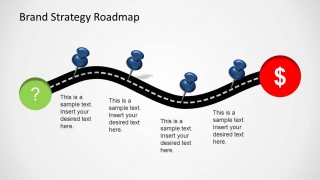
Brand Strategy Roadmap Template for PowerPoint is a presentation design containing an illustration that you can use in roadmap presentations on brand strategy and marketing. This brand strategy PowerPoint timeline template is also suitable for other strategy PowerPoint presentations. The slide design contains a road illustration with milestones that you can use to define the plan phases.
What’s inside this template
Example presentation scenarios
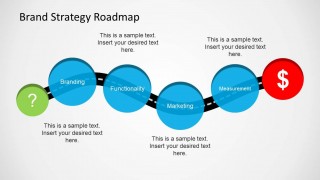
- A marketing director can use the four-phase roadmap to align executives on branding, functionality, marketing, and measurement before approving a campaign plan.
- A brand consultant can use the single-phase milestone slides to explain each stage of a client strategy workshop and focus discussion on one decision area at a time.
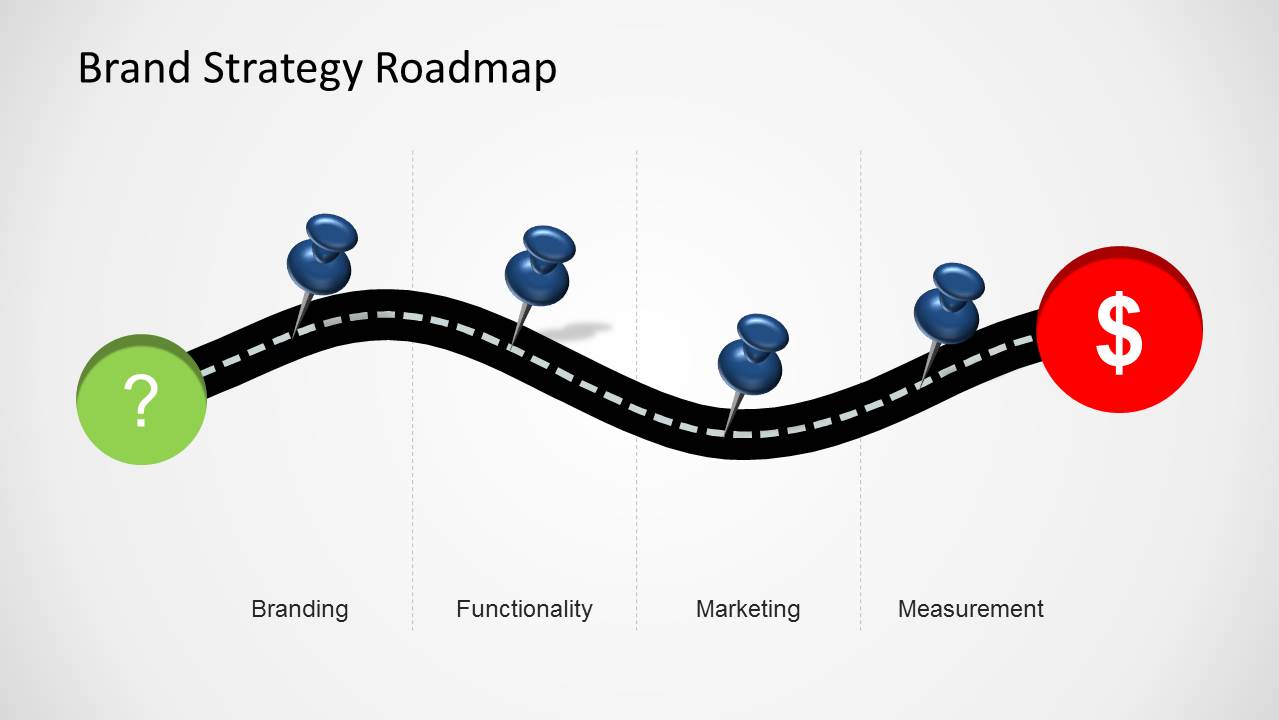
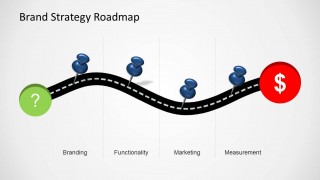
- A product marketing lead can use the pushpin timeline to map launch preparation tasks and show how brand work connects to a measurable revenue goal.
- A project manager can use the curved road layout to summarize roadmap status for stakeholders and distinguish current work from upcoming phases.
Features
- 100% editable presentation template
- Compatible with Microsoft PowerPoint and Google Slides
- Scalable vector shapes, icons and illustrations
- AI-Ready for Microsoft Copilot and Claude
- Instant access and download
Frequently asked questions
Q: How should a presenter explain the roadmap without making it feel like a generic path graphic?
A: Anchor each stop on the road to a real decision or deliverable. Use the single-phase slides first to explain why branding, functionality, marketing, or measurement matters, then use the four-phase roadmap to connect them into one sequence. Keep each text block outcome-based so the audience hears progress, not labels.
Q: Who is this template best suited for in a brand strategy presentation?
A: It fits marketing leaders, brand strategists, consultants, and product marketers who need to explain a phased plan to executives or cross-functional teams. The road metaphor works well when the audience needs a simple view of where the initiative starts, what milestones must be reached, and how the effort leads to business value.
Q: Why does the road metaphor help communicate a brand strategy roadmap?
A: The curved road makes the plan feel sequential and directional, while the green question mark and red dollar icon frame the journey from uncertainty to business outcome. Blue milestone circles and pushpins create clear stopping points, which helps audiences remember the phases as part of one connected path rather than separate tasks.



Brand Strategy Roadmap Template for PowerPoint
7-slide PowerPoint presentation template for brand strategy roadmaps, phase milestones, and marketing plans
Brand Strategy Roadmap Template for PowerPoint is a 7-slide roadmap presentation template for brand and marketing planning. It uses a curved road timeline, phase milestone circles, pin markers, and start-to-revenue icons to show stages such as branding, functionality, marketing, and measurement.


 Loading...
 Microsoft PowerPoint
  Microsoft Copilot
  Claude for PowerPoint
 Other formats supported
Subscribe today and get immediate
access to download our PowerPoint templates.