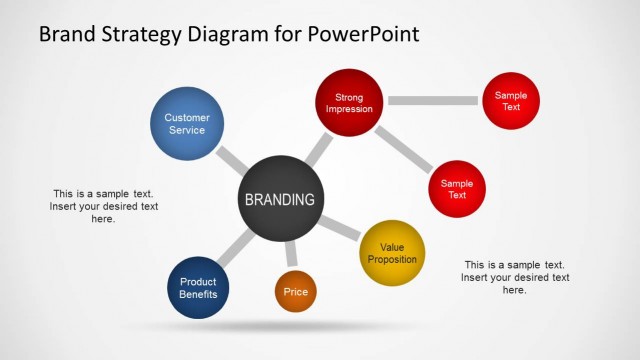
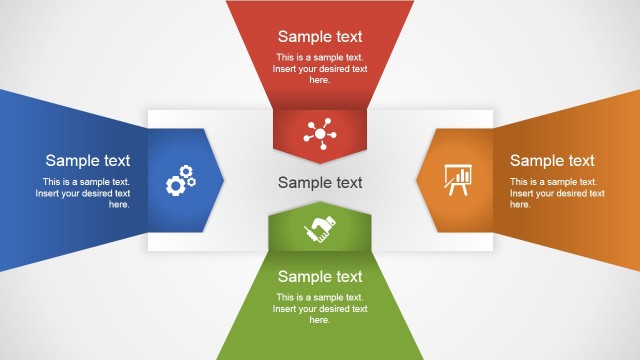
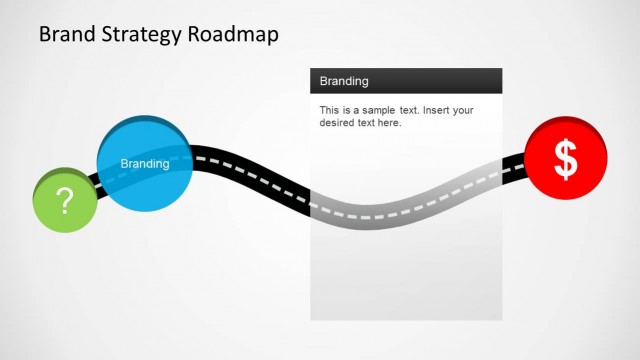
Brand Strategy Template for PowerPoint is applicable to marketing presentations. It can show brand strategy plans and brand awareness slide designs. The template uses a complementing blue and green color scheme for a professional design.
The template provides a visual aid for brand strategies. PowerPoint graphics portray the brand name’s attempt to gain clients while discouraging competitors. A marketing team can properly explain the details of the strategy using the presentation. The slide designs can show a summary of the plan. The graphics help make the report easier to understand.
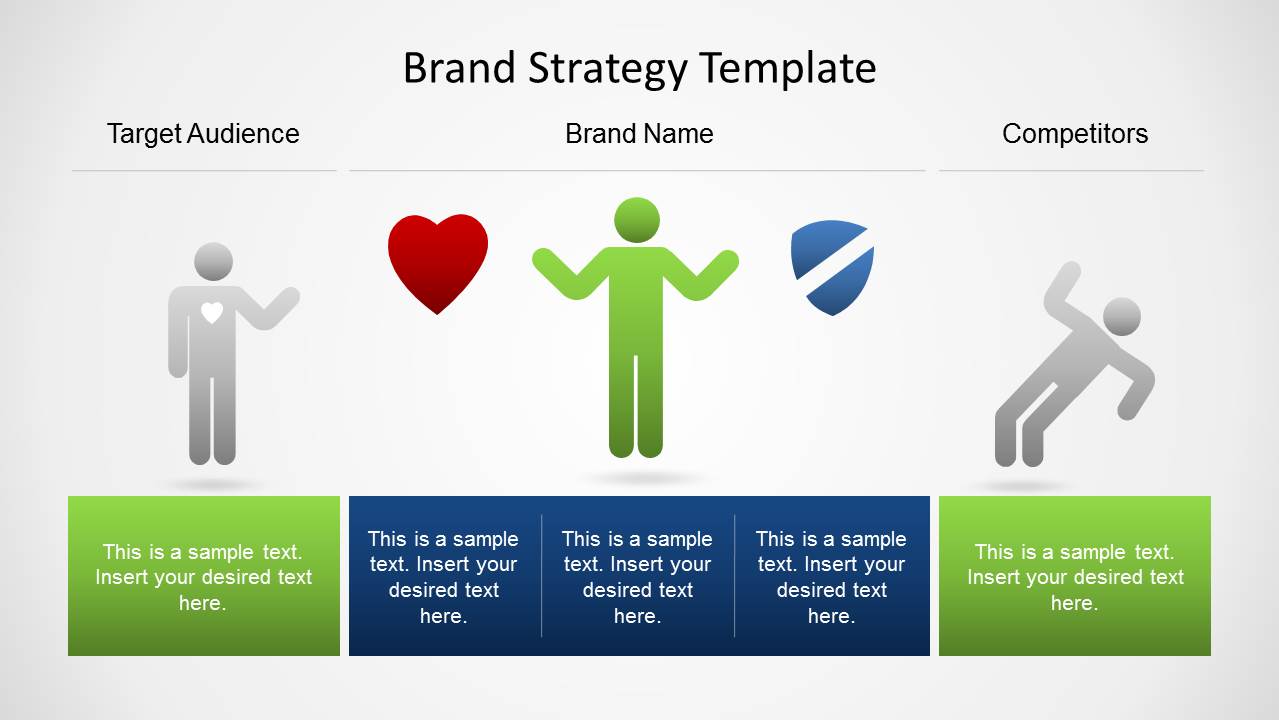
Three platforms are located on the first slide. Two green platforms flank a larger blue platform. The center one has an icon of a person, between a heart and a shield. To the left of the heart graphic is a customer symbol. A symbol for competitors is found to the right of the shield icon. This diagram shows the purpose of branding. It can invite new customers and prevent the entry of competitors.
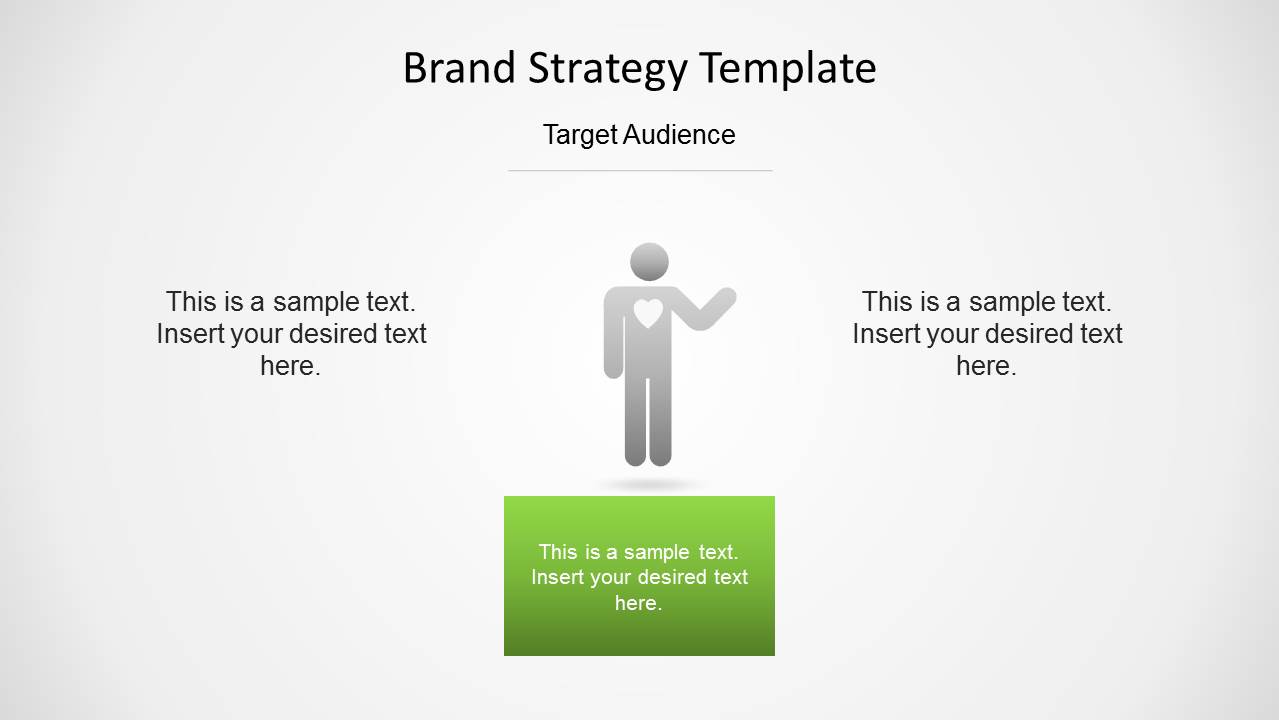
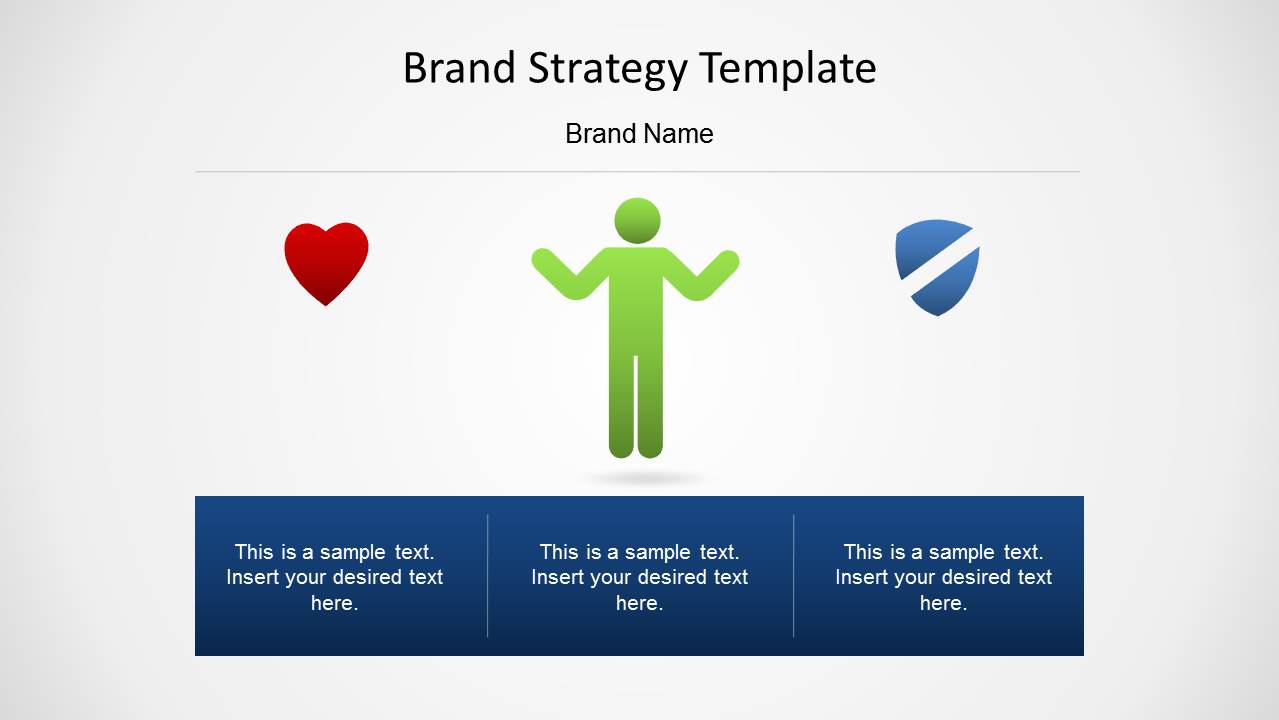
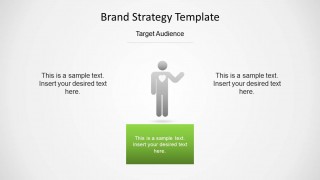
The three succeeding slides break down the strategy. The three elements are shown individually. By separating them, they can be given more emphasis. The elements can be seen objectively, independent of other factors. This presentation is perfect for marketing analysis. Each featured platform is located at the center of the slides.
Efforts to gain customer loyalty can be included in the report. Other attempts to gain new clients can be discussed. On the other side, limits can be placed on their competition. Such examples are patents, copyrights, and trademarks. These ensure that competitors cannot gain industry secrets.
Alternatively, brand marketers and strategy professionals can download the Brand Strategy template for PowerPoint with a 12 slide designs and a complete slide deck for brand strategy presentations.
The Brand Strategy Template for PowerPoint is suitable for marketing plans. The PowerPoint clipart are flexible. The user can insert or modify their color. Their size and arrangement can be changed without affecting image quality. The strategy PowerPoint templates are downloadable from the SlideModel Gallery.
What’s inside this template
Example presentation scenarios
- A brand manager can use the overview platform diagram to explain how a brand connects with customers while defining a defensive position against competitors.
- A marketing consultant can use the Target Audience focus slide to discuss customer segments, loyalty drivers, and the message that should attract new buyers.
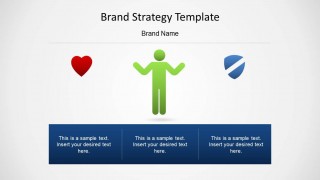
- A retail strategy team can use the Brand Name slide with heart and shield icons to show emotional appeal, brand identity, and protection signals in one view.
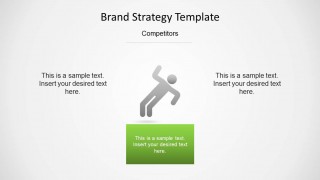
- An executive presenter can use the Competitors slide to summarize barriers such as proprietary knowledge, legal protections, or market positioning without overloading the audience.
Features
- 100% editable presentation template
- Compatible with Microsoft PowerPoint and Google Slides
- Scalable vector shapes, icons and illustrations
- AI-Ready for Microsoft Copilot and Claude
- Instant access and download
Frequently asked questions
Q: How should a presenter explain the main brand strategy message with these four slides?
A: Start with Slide 1 to frame the whole brand system: target audience on the left, brand name in the center, and competitors on the right. Then move through the three focus slides to explain each element separately. Keep each bottom text block to one clear statement so the icons stay in control of the message.
Q: Who is this template best suited for in a business presentation?
A: This template fits brand managers, marketing leads, and consultants who need to explain a simple brand strategy model rather than a full marketing plan. It is especially useful when the discussion centers on customer attraction, brand meaning, and competitor barriers in a short executive or planning meeting.
Q: Why does the design use heart, shield, audience, and competitor icons?
A: The icons make the strategy easier to decode quickly. The heart suggests customer preference or loyalty, the shield suggests brand protection, the audience icon marks the customer side, and the pushing figure represents competitor pressure. These metaphors help the presenter explain abstract brand strategy choices without adding dense text.

Brand Strategy Template for PowerPoint
4-slide PowerPoint presentation template for brand strategy, target audience, and competitor barrier diagrams
Brand Strategy Template for PowerPoint is a 4-slide brand planning diagram set for marketing and strategy teams. It includes an overview platform diagram, a target audience slide, a brand name slide with heart and shield icons, and a competitor barrier slide. The template is built around editable PowerPoint shapes and vector icons.


 Loading...
 Microsoft PowerPoint
  Microsoft Copilot
  Claude for PowerPoint
 Other formats supported
Subscribe today and get immediate
access to download our PowerPoint templates.