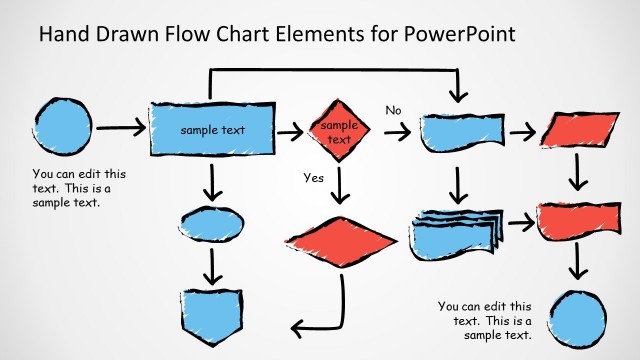
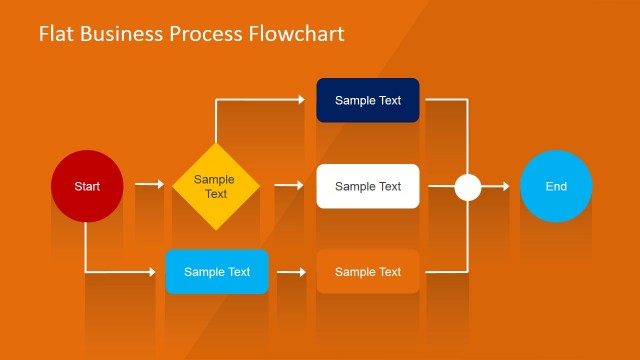
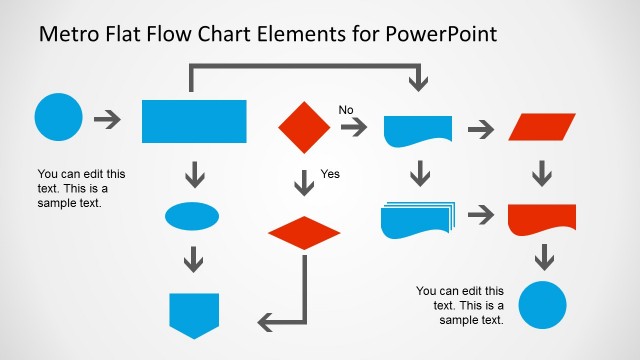
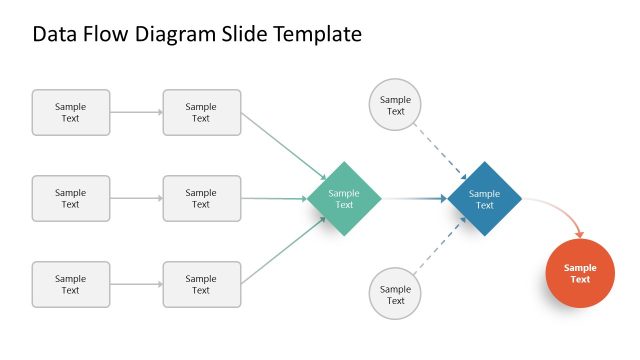
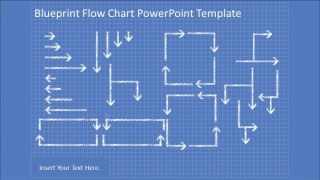
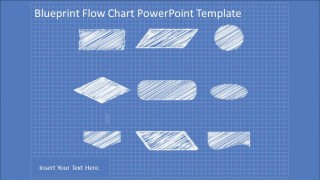
Blueprint Flowchart PowerPoint Diagram is a professional presentation containing a blueprint PowerPoint Theme and a set of PowerPoint Flowchart components simulating hand drawn effect. The blueprint background is set for all the slides and can be edited through the PowerPoint Slide Master tool in the “View” menu. It can be edited and reused by the presenter in different templates. The flow chart elements and connectors are created as PowerPoint shapes, allowing the user to customize all their properties without losing visual quality.
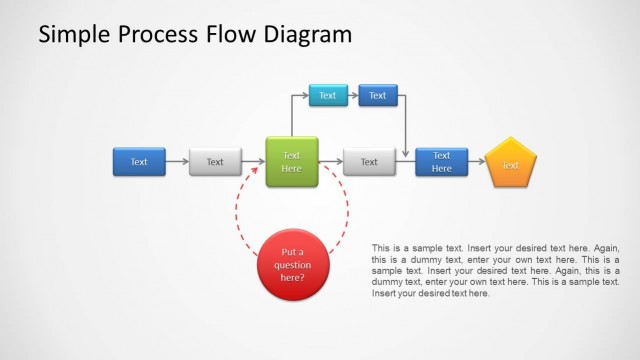
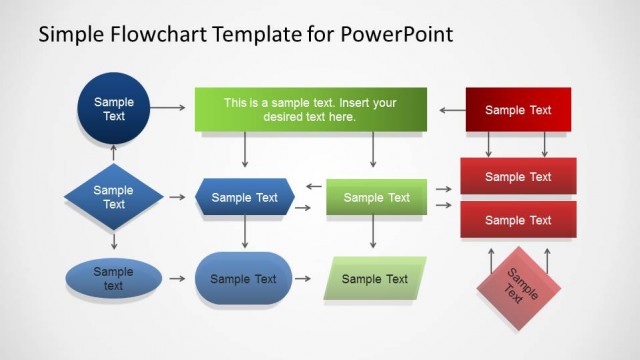
A flowchart is a diagram that represents a workflow or process, showing the steps as box elements of various shapes, ordered by a flow represented by arrow connectors. This representation illustrates a solution model to a problem .Flowcharts are used in analyzing, designing, documenting or managing a process or program.
Blueprints are schematical technical drawings for documenting engineering or architectural designs. Back in the paper era, blueprints where created in blue background drawing paper, with a grid that allowed technical drawers to contemplate sizing and transformations. Actually real schematics are created using 3D software , but the blueprint design remains in culture as something really detailed about a complex design.
Impress your audience with this amazing Blueprint Flowchart PowerPoint Diagram . Create professional PowerPoint presentations that appeal to technical and executive audiences.
What’s inside this template
Example presentation scenarios
- A process analyst can present a proposed workflow by adapting the connected flowchart slide and using the decision diamonds, arrows, and process blocks to show handoffs.
- An engineering lead can explain a system sequence to stakeholders by using the blueprint background, arrow connector slide, and reusable flowchart components.
- A project manager can document a new operating procedure by placing custom steps into the flowchart symbols and using the shape library for consistent notation.
- A consultant can map a client process during a workshop by starting with the component library and building a clear flow with the editable connectors.
Features
- 100% editable presentation template
- Compatible with Microsoft PowerPoint and Google Slides
- 16:9 aspect ratio slides
- Scalable vector shapes, icons and illustrations
- AI-Ready for Microsoft Copilot and Claude
- Instant access and download
Frequently asked questions
Q: How should I communicate a process clearly with this blueprint flowchart template?
A: Start with the connected flowchart slide and keep each symbol to one action, decision, or handoff. Use the arrows to show direction before adding detail. If the process is complex, move secondary paths to the connector reference slide or create a second diagram so the main workflow remains readable.
Q: Who is this template best suited for?
A: This template fits presenters who need to explain how work moves through a system, such as process analysts, engineers, operations managers, and project leads. The blueprint style is especially useful when the message involves design, planning, documentation, or a technical workflow that must feel mapped rather than decorated.
Q: Why does the blueprint metaphor work for flowchart communication?
A: The blue grid and white sketch treatment make the diagram feel like a plan under construction, which helps audiences accept iteration and discussion. Because the slides separate a finished flowchart, connector patterns, and component shapes, the design supports both explanation and co-creation during process reviews.


Blueprint Flowchart PowerPoint Diagram
4-slide presentation template with blueprint flowchart shapes, connectors, and process diagram components
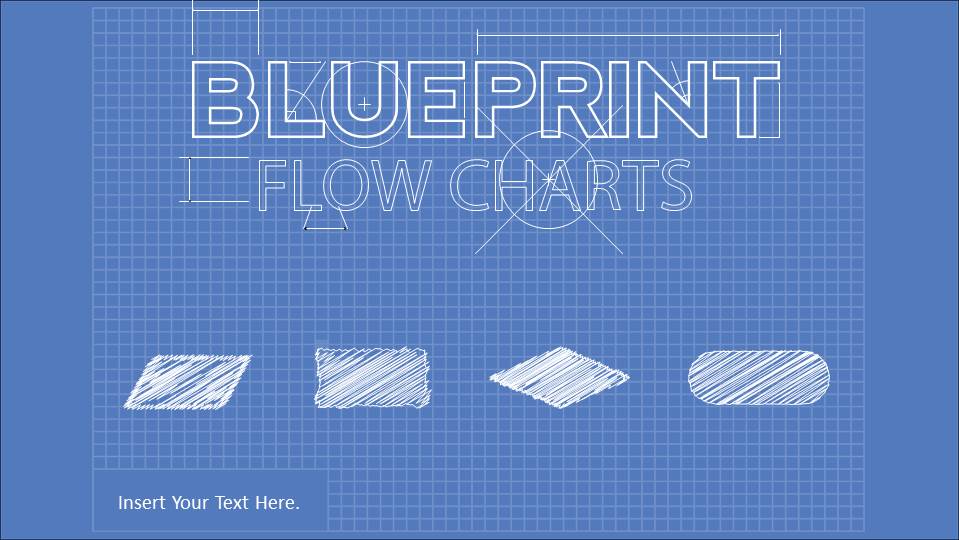
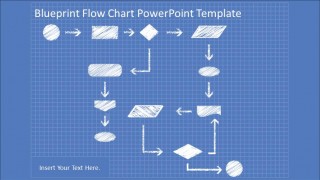
Blueprint Flowchart PowerPoint Diagram is a 4-slide diagram template for building process flows on a blue grid blueprint background. It includes a cover, a connected flowchart, an arrow connector layout, and a reusable shape library. It is made for technical, operations, and business presenters in Microsoft PowerPoint and Google Slides.
- Category
- Process Diagrams
- Rating


 Loading...
- Aspect ratio
- 16:9, 4:3
- Item ID
- 8120-01
- Colors
 Microsoft PowerPoint
  Microsoft Copilot
  Claude for PowerPoint
 Other formats supported
Subscribe today and get immediate
access to download our PowerPoint templates.