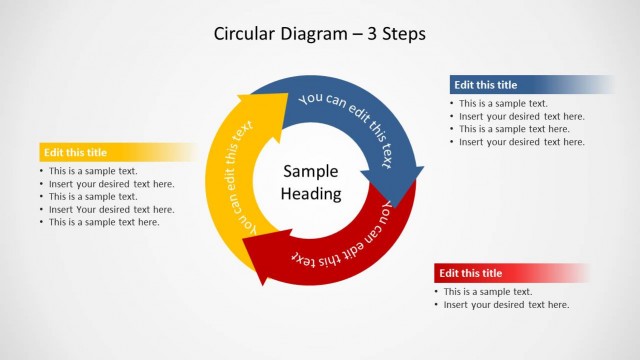
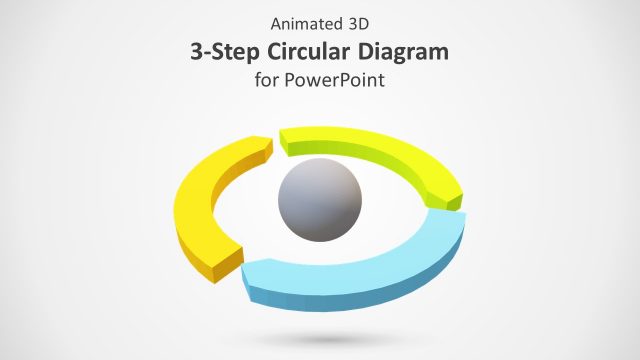
Blue Circular Diagram 3 Steps for PowerPoint– a perfect PowerPoint template to suit any process cycle with 3 stages. It is designed with custom menus that allow quick edits from the user. Its functional features make it easier for the presenter to apply specifics that can surely draw the interest of the audience.
The PowerPoint object is versatile and very helpful for both students and professionals. It can serve the user in a long-term basis. In academics, it is an ideal pick when creating a life cycle report or any 3-step model. The business world can put it to good use in presenting business models such as the generic initiation, progression and termination phases. It can display a looping or progressive task.
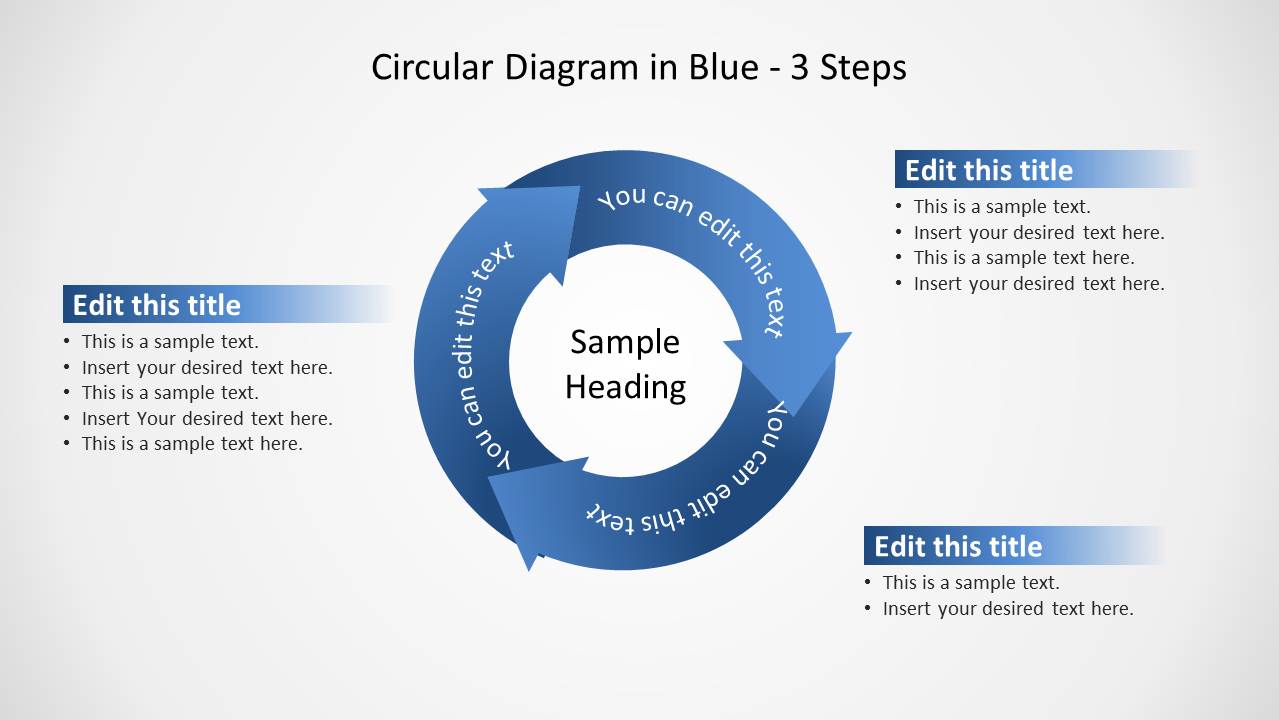
The diagram has an overall light and dark blue gradient. The shade gives the arrows a continuous look. It is made up of 3 chevron arrow shapes that can be easily adjusted using PowerPoint shapes menu. The user can use the middle circle as a venue for the title or the main topic; subheadings can be written in the curved arrows surrounding it. Further explanation points are written in text placeholders in the adjoining text boxes within each arrow.
For example, this PowerPoint template can be used to layout the duties and elaborate the organization of an event. Present to the team the required information so that everyone know and understands the whole cycle of event management, trusting each other with the assigned task. Event-launching can be entered in the first arrow. This can be followed by the program proper and closing, in the consecutive arrows.
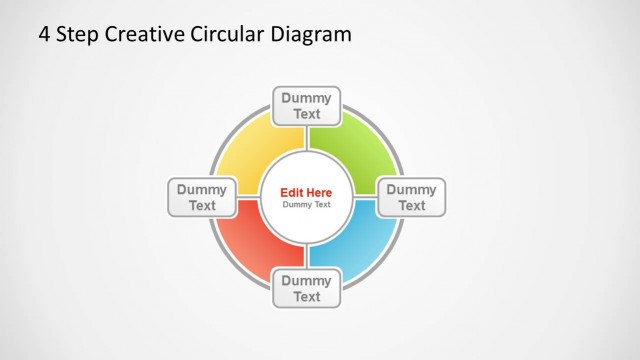
Create impressive presentations using Blue Circular Diagram 3 Steps for PowerPoint. The cool colors and block white background can stimulate learning and information retention of the audience. Circular Diagram 4 Steps for PowerPoint is another appealing cyclical PowerPoint slide. SlideModel gallery holds many more downloadable templates.
What’s inside this template
Example presentation scenarios
- A project manager can explain a repeatable planning, execution, and review cycle by placing the main workflow name in the center circle and details in the three surrounding callout boxes.
- An educator can teach a simple life cycle or feedback loop by labeling each curved arrow with a stage name and using the bullet areas for short definitions.
- An event coordinator can brief a team on event launch, program delivery, and closing tasks using the 3-step circular arrow diagram as a shared process map.
- A business analyst can present initiation, progression, and completion phases for a service model by pairing each arrow segment with a short title and supporting bullet points.
Features
- 100% editable presentation template
- Compatible with Microsoft PowerPoint and Google Slides
- 16:9 aspect ratio slides
- Scalable vector shapes, icons and illustrations
- AI-Ready for Microsoft Copilot and Claude
- Instant access and download
Frequently asked questions
Q: How should a presenter organize content on this 3-step cycle slide?
A: Start with the main process name in the center circle, then write short stage names along the three arrow segments. Use the callout boxes only for the decision points, responsibilities, or outputs tied to each stage. This keeps the audience focused on the cycle first and the supporting detail second.
Q: Who is this circular diagram best suited for?
A: This slide works best for managers, educators, consultants, and team leads who need to explain a simple recurring process without building a full deck. It fits topics such as event management, academic cycles, business workflows, feedback loops, and any model that returns to the starting point after three stages.
Q: Why use a circular arrow metaphor instead of a list?
A: The circular arrow form signals repetition and continuity, while a numbered list usually implies a one-time sequence. Here, the three blue arrow segments show movement around a shared center, so the audience can see that each stage connects to the next and supports the same core topic.
Blue Circular Diagram 3 Steps for PowerPoint
1-slide presentation template with a blue 3-step circular cycle diagram and callout text boxes
Blue Circular Diagram 3 Steps for PowerPoint is a 1-slide diagram template for showing a repeating or staged process. It includes a blue circular arrow cycle, center topic circle, three curved step labels, and three callout text boxes. It is built for business, academic, or team explanations in PowerPoint and Google Slides.
- Category
- Diagrams
- Rating


 Loading...
- Aspect ratio
- 16:9
- Item ID
- 9072-03
- Colors
 Microsoft PowerPoint
  Microsoft Copilot
  Claude for PowerPoint
 Other formats supported
Subscribe today and get immediate
access to download our PowerPoint templates.