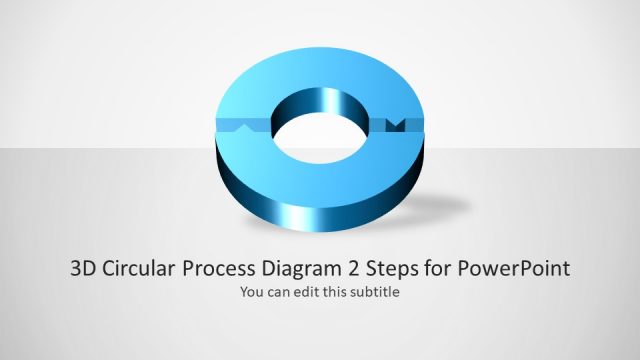
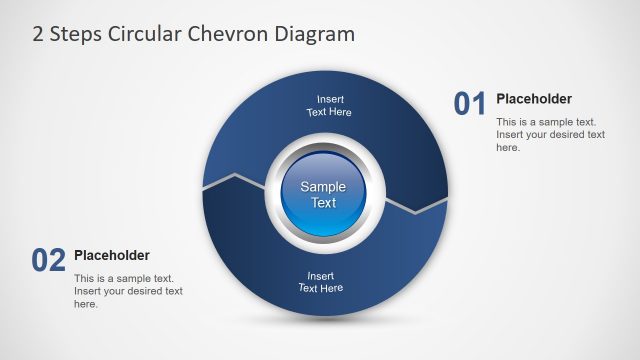
Awesome 2 Steps Process Diagram for PowerPoint is a presentation template for displaying two step processes using easy to grasp slides.
This professionally designed template is ideal for making two step diagrams and to compare and explain the dynamics of a process consisting of two major elements.
This PowerPoint Template can be used for depicting such a process using various diverse layouts, where you get ample space to lay out precise details regarding your model with the aid of helpful, customizable diagrams. Also, check our collection of 2 steps PowerPoint templates.
What’s inside this template
Example presentation scenarios
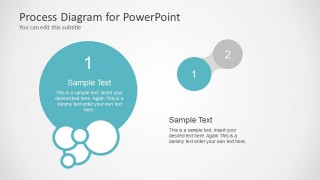
- An operations manager can use the connected circle layouts to explain a handoff between two teams and clarify what changes between step 1 and step 2.
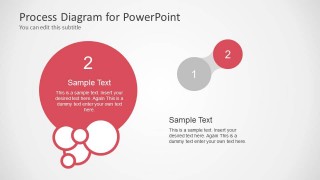
- A consultant can use the spotlight step slides to compare the current state with a recommended next state during a client workshop.
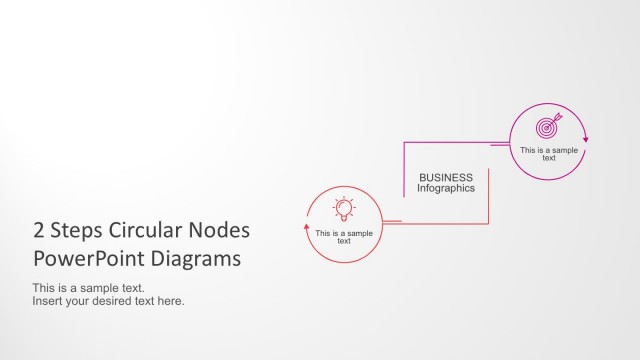
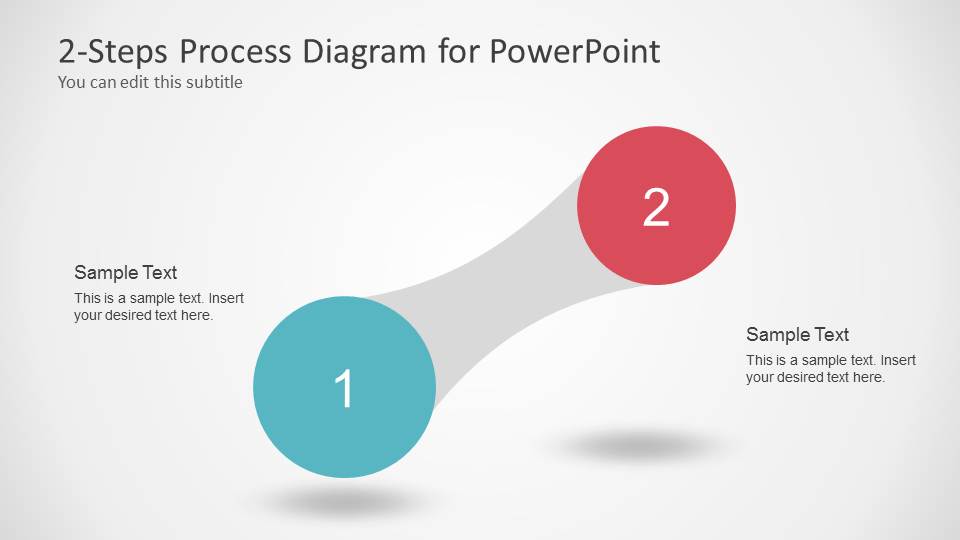
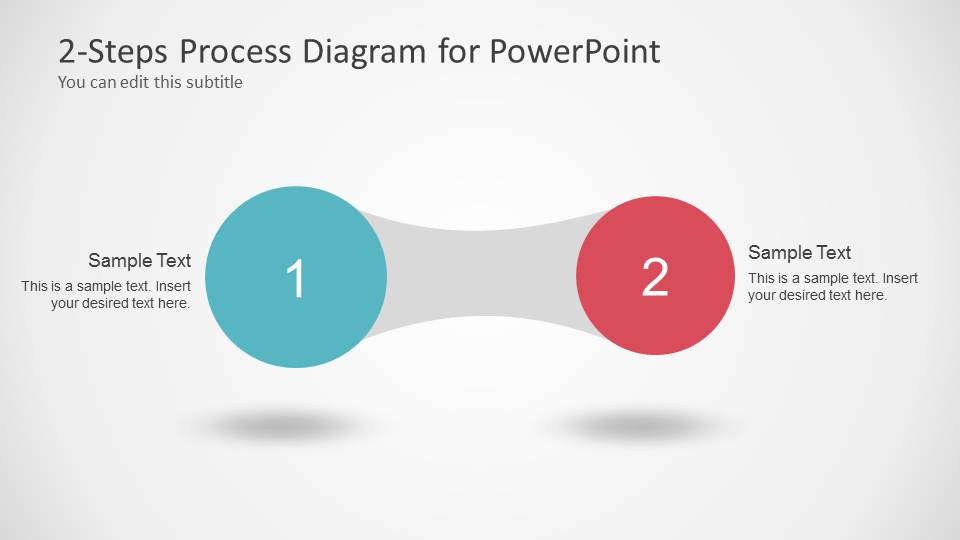
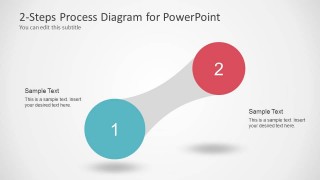
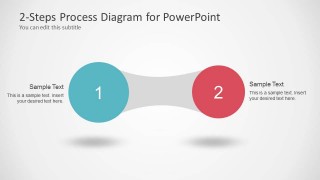
- A product manager can use the curved connector diagram to show how an idea moves from initial review to a second decision point.
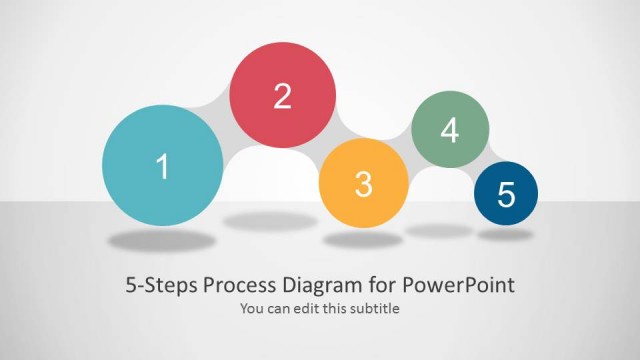
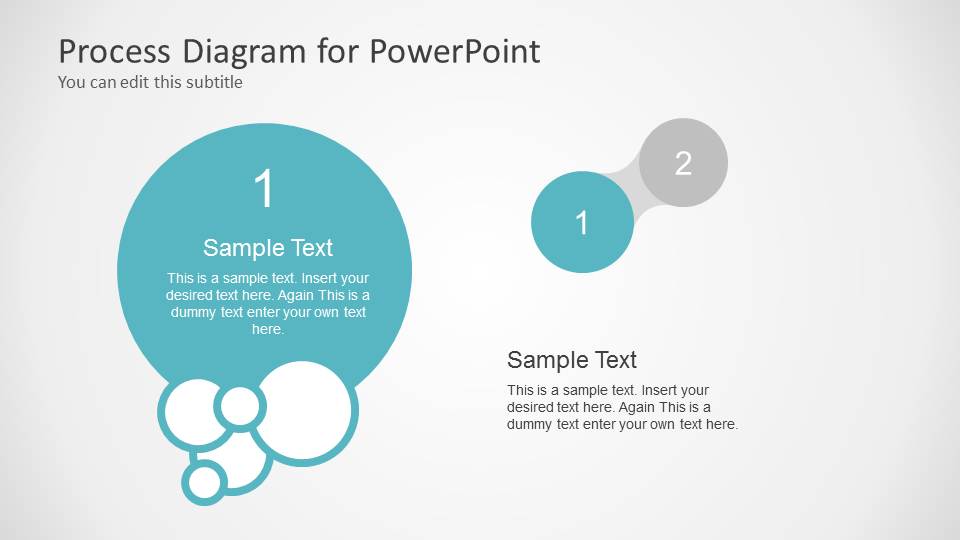
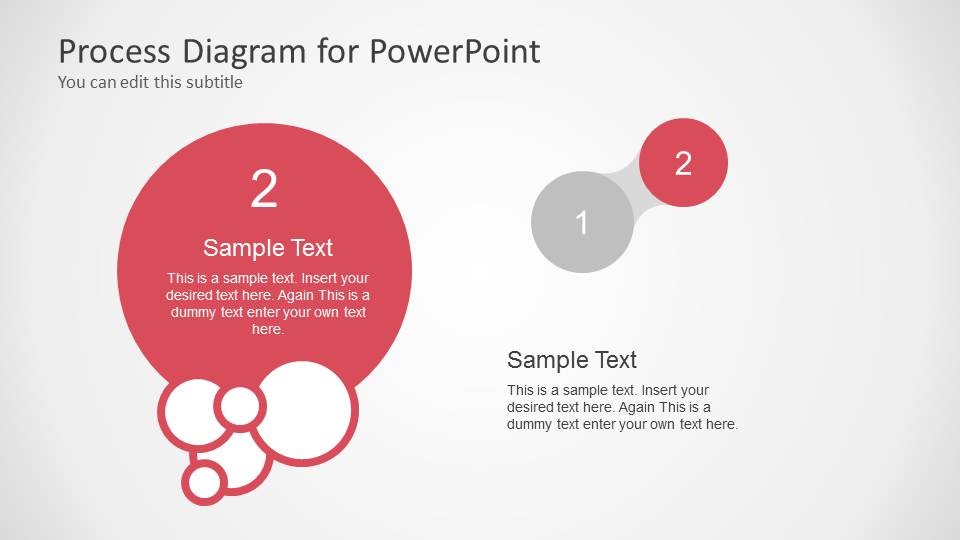
- A trainer can use the cover slide and large numbered circles to introduce a two-part concept before discussing each step separately.
Features
- 100% editable presentation template
- Compatible with Microsoft PowerPoint and Google Slides
- Scalable vector shapes, icons and illustrations
- AI-Ready for Microsoft Copilot and Claude
- Instant access and download
Frequently asked questions
Q: How should a presenter explain the two-step message clearly with this template?
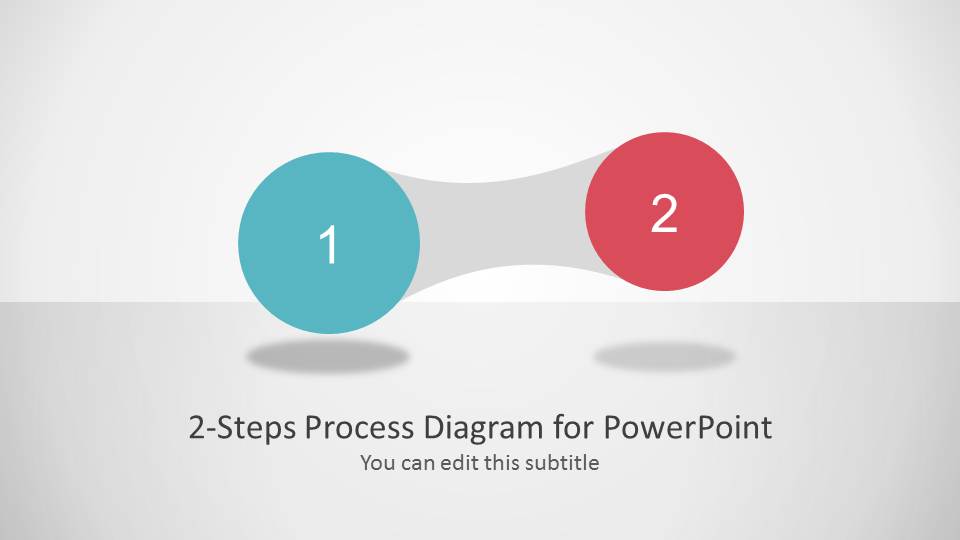
A: Start with the connected circle slide to name the two stages in plain language, then use the spotlight slides to give each step its own explanation. Keep each callout short: one outcome, one owner, or one decision per step. The bridge shape works best when the presenter describes movement from one state to the next.
Q: Who is this two-step process diagram best suited for?
A: This template is best for business presenters, consultants, trainers, and project leads who need to explain a simple relationship between two parts. It works well for before-and-after logic, phase 1 versus phase 2 planning, approval handoffs, and paired options where a full roadmap would add unnecessary detail.
Q: Why do the circle and connector layouts make the message easier to understand?
A: The large numbered circles create an immediate reading order, while the gray connector acts as a visual bridge between the two ideas. That bridge metaphor helps the audience see dependency or transition, not just a side-by-side comparison. The separate spotlight slides then slow the pace so each stage gets focused attention.
Awesome 2 Steps Process Diagram for PowerPoint
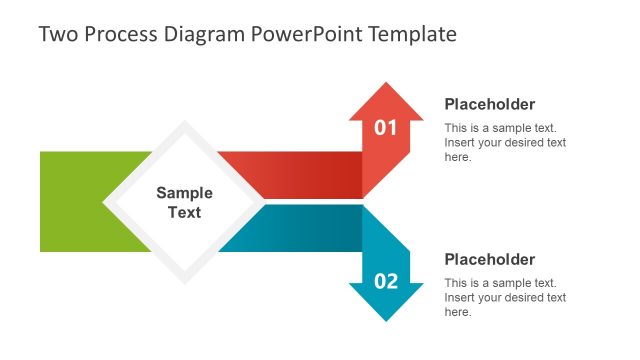
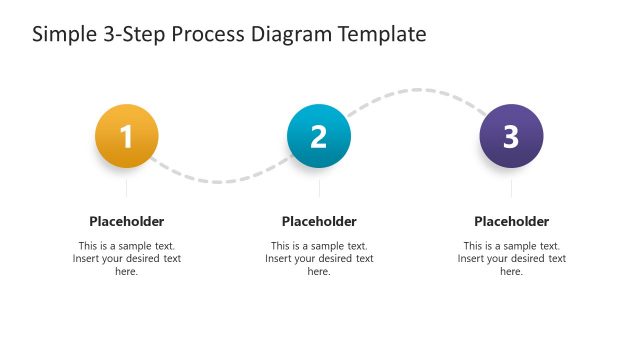
5-slide process diagram presentation template with connected circles and two-step flow layouts
Awesome 2 Steps Process Diagram for PowerPoint is a 5-slide process diagram template for explaining two related stages. It includes a cover slide, curved connector diagrams, spotlight circle layouts, and text callouts for step descriptions. It fits presenters who need to compare two phases, actions, options, or handoffs in PowerPoint.


 Loading...
 Microsoft PowerPoint
  Microsoft Copilot
  Claude for PowerPoint
 Other formats supported
Subscribe today and get immediate
access to download our PowerPoint templates.