Slide 5 of 5 from Awesome 2 Steps Process Diagram for PowerPoint
6103-02-awesome-process-diagram-2-5
2-Steps Process Diagram for Presentations
- Diagram
- Process Flow
- Process Slide
- 16:9
- 100% Editable
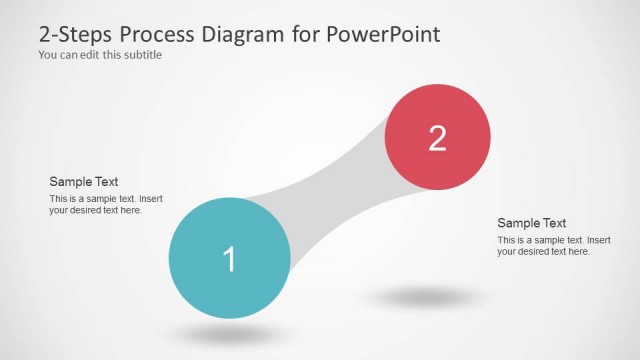
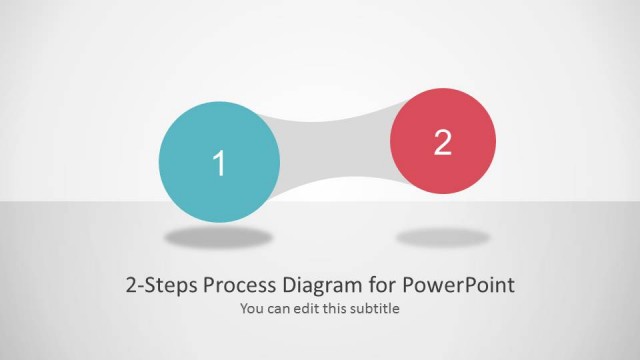
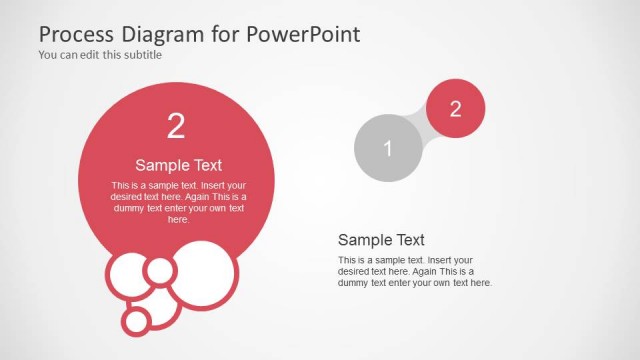
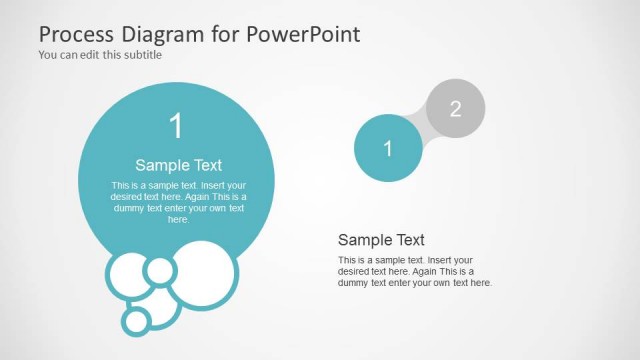
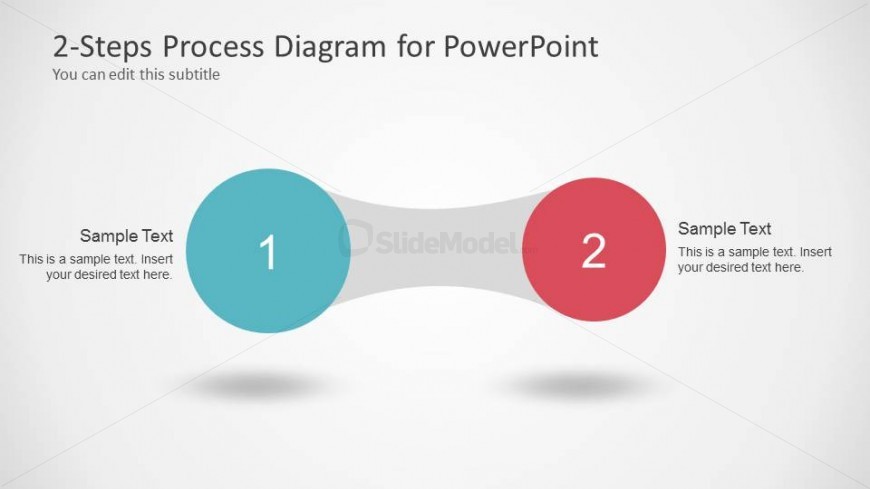
The 2-Steps Process Diagram slide from the Awesome 2 Steps Process Diagram for PowerPoint template offers a clear visual format for illustrating sequential phases or decisions. This slide layout uses editable shapes and vector icons to emphasize two key steps linked by a smooth connector, making it suitable for business presentations or pitch deck templates that require concise process explanations.
What’s on This Slide
The layout features two large circles positioned on the left and right sides, each containing a number and a text placeholder. The left circle is colored teal, while the right circle is red. A curved connector shape in gray links the two circles at their bases, creating a smooth flow between them. Each circle has a corresponding text placeholder below, aligned to the left and right, respectively. The background is light gray, enhancing the visibility of the colored circles and text. The title and subtitle are positioned at the top, centered.
How to Use It
This layout serves as a two-step process diagram, ideal for illustrating sequential actions or phases. It fits well in presentations that aim to compare or transition between two distinct stages. Common scenarios include project updates, product development phases, or decision-making processes. This slide is best placed after an introduction or problem statement, leading into detailed discussions of each step.
Text Placeholders & Capacity
Keep your copy within these limits so it fits without resizing. Node body slots can hold about 15-20 words each.
| Placeholder | Count | Max characters (approx.) |
|---|---|---|
| Slide title | 1 | 40 |
| Subtitle | 1 | 60 |
| Item heading | 2 | 10 |
| Item body | 2 | 100 |
Slide Keywords
Download unlimited PowerPoint templates, charts and graphics for your presentations with our annual plan.
DOWNLOAD