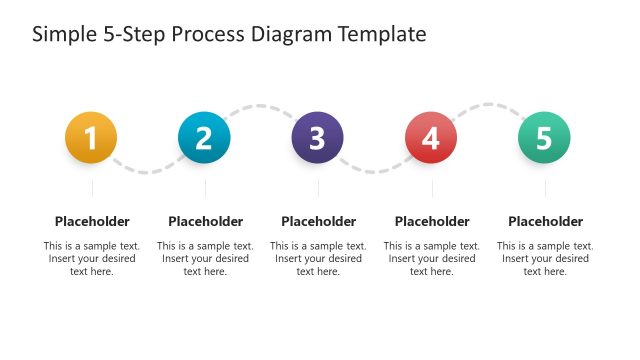
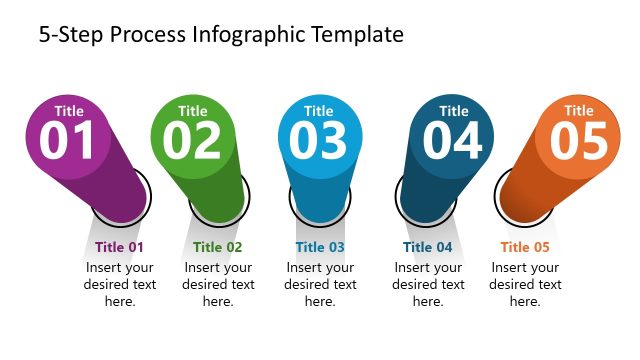
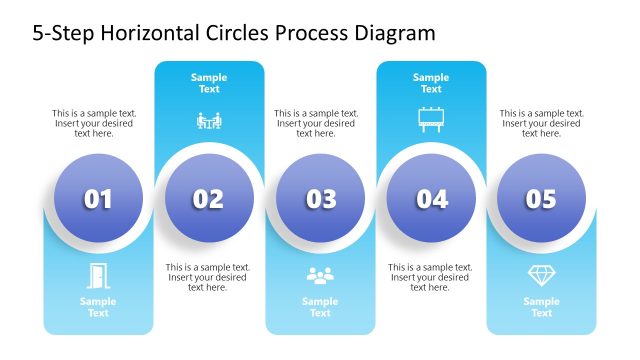
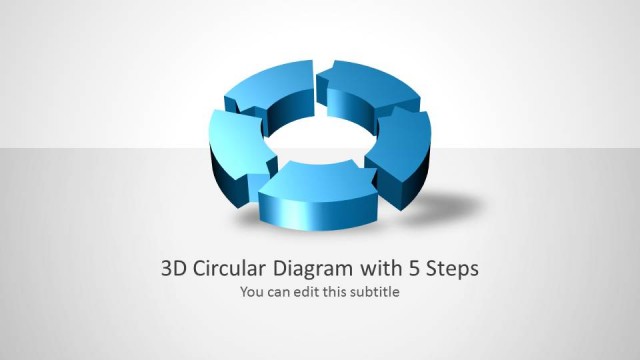
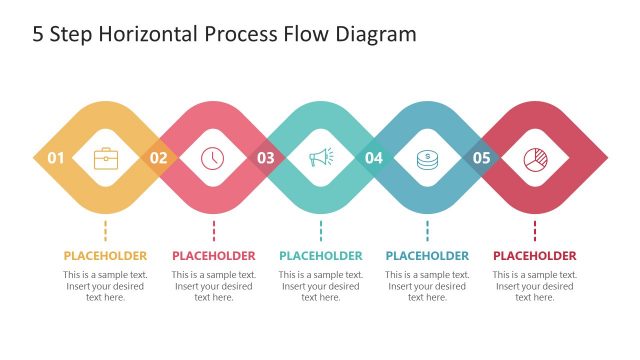
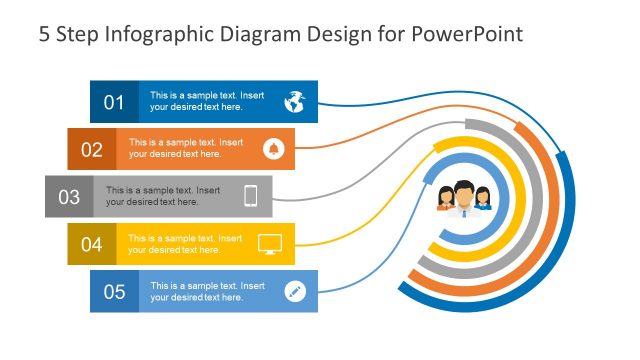
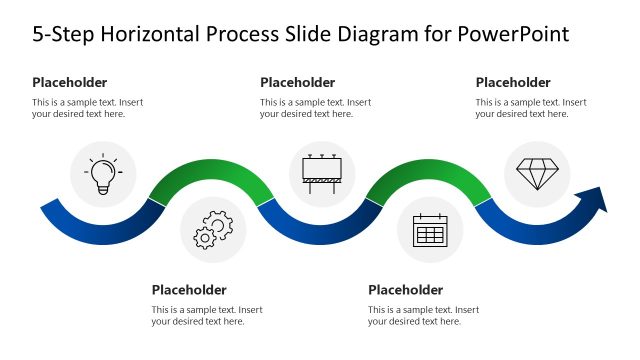
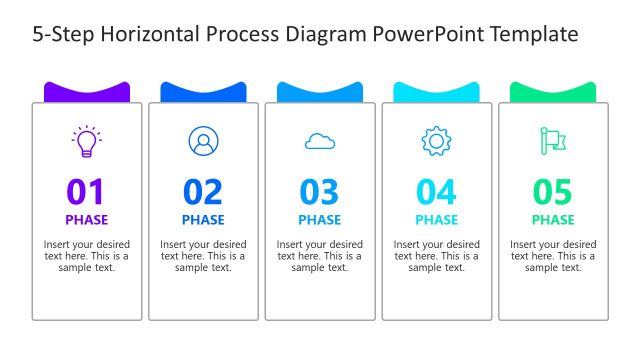
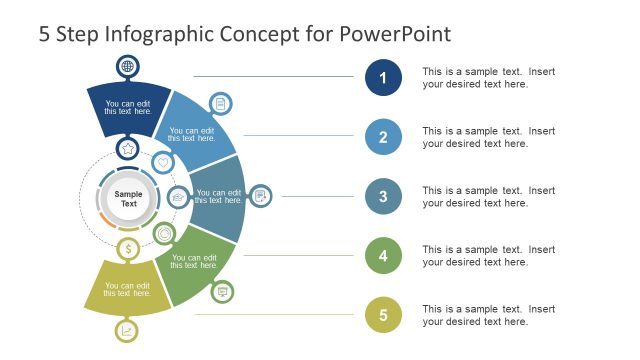
Awesome 5 Steps Process Diagram for PowerPoint – colorful and creative, the PowerPoint template can surely develop quality graphics to any 5-step process flow presentation. The slides contain circular shapes and a dynamic design. The flat styles give a simple and comprehensive look to any professional report.
The PowerPoint design is perfect for presentations with 5 steps. It is a generic layout with no title and specific details. It is flexible and can accommodate a wide variation of topics. It can showcase a professional report, personal, academic or institutional modules. The PowerPoint shapes can be modified by the user. The colors and text fonts can be altered. The arrangement of the objects can be edited to suit a particular mood. The sizes of the shapes can be changed using PowerPoint shapes menu right away.
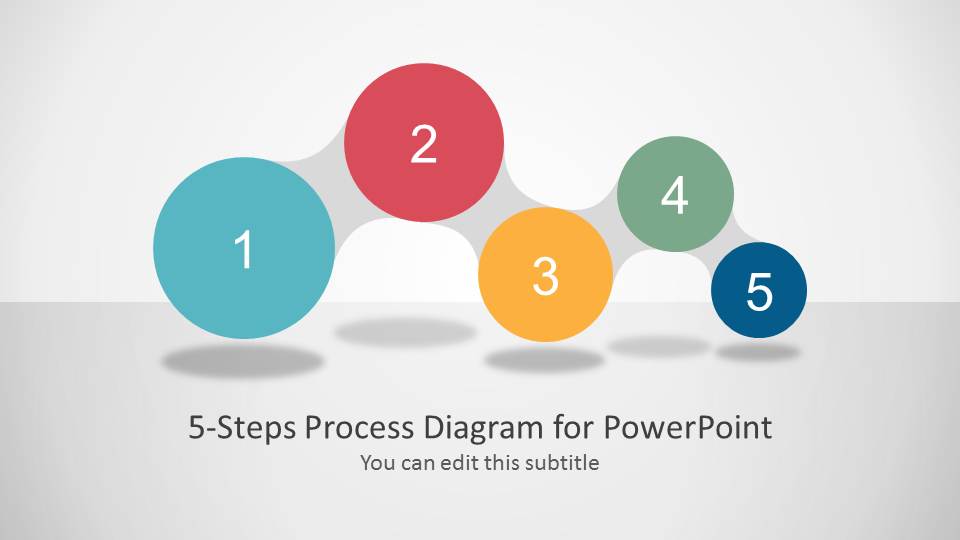
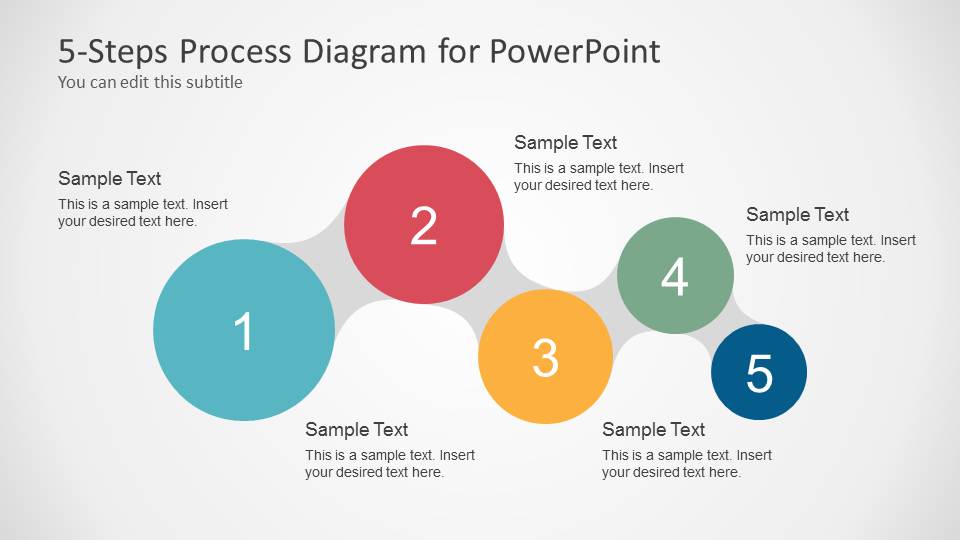
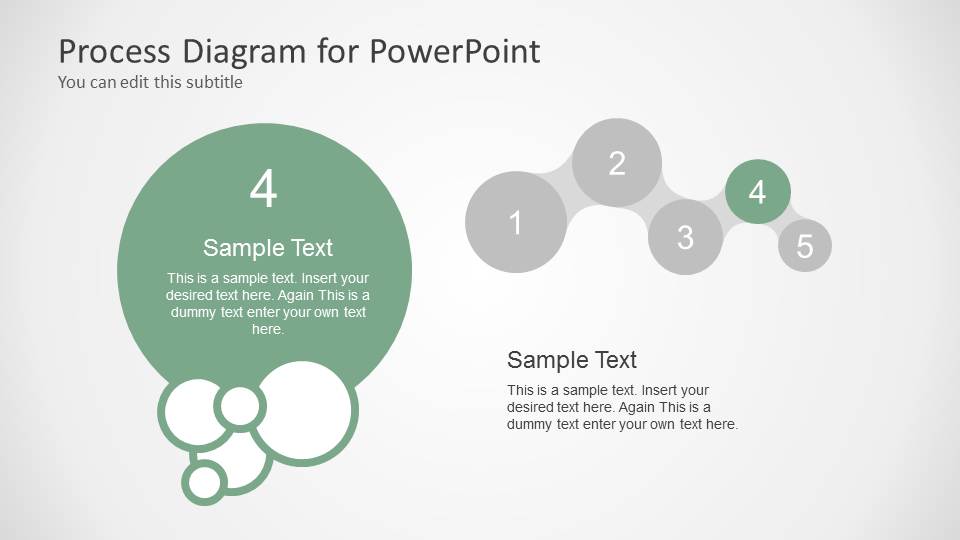
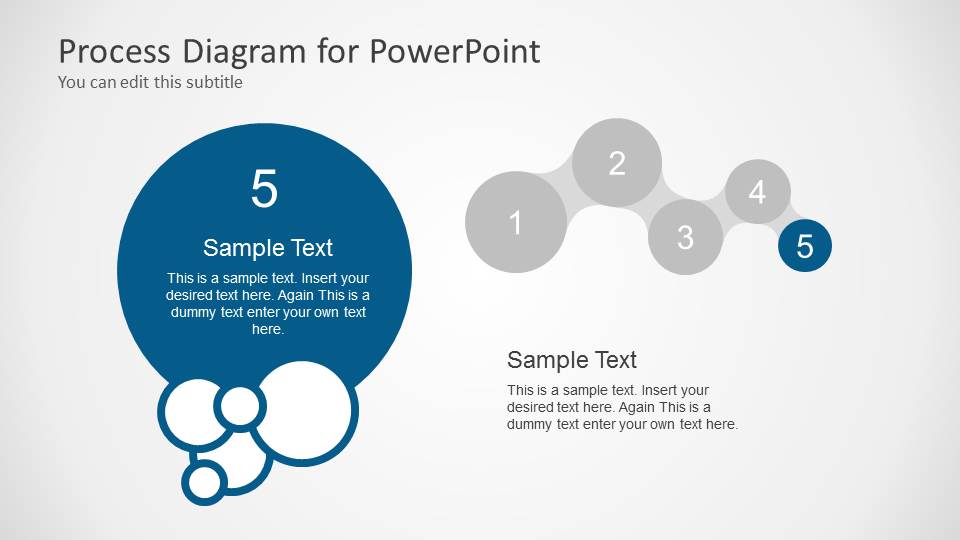
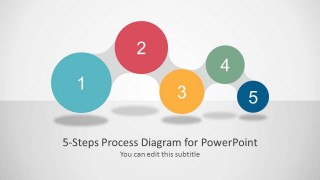
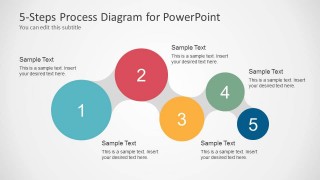
In the first and second slides, a completed process is displayed. Each circle represents a phase in the flow of procedures or tasks. They are numbered in an ascending order from 1 to 5. Each circle is uniquely colored, making them easy to identify. The following are the colors for every step:
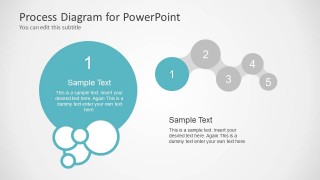
1- light blue
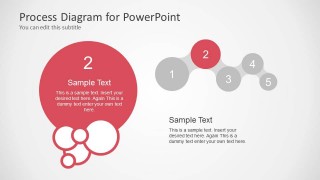
2- red
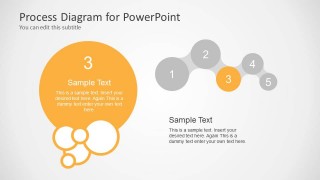
3- yellow
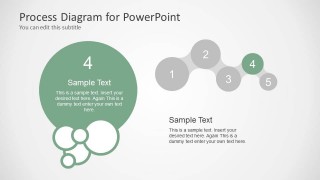
4- green
5- dark blue
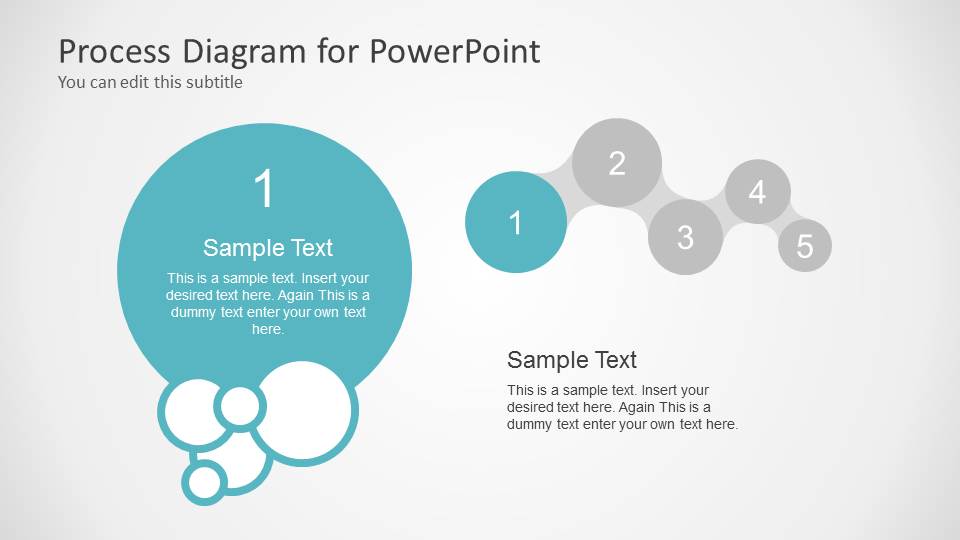
The 3rd slide showcases the 1st step. It has a corresponding text placeholder where the user can further explain the details. The 4th slide highlights the 2nd step, and so on. A colored circular shape is the focus for every individual phase. It is located at the left part of the slide while a miniature overall picture is featured on the right.
Process flow diagrams are generic and can incorporate numerous methodologies and concepts. The 5-step process means that there should be 5 key points or tasks for the entire project or goal to be completed.
Enhance and decorate presentations with Awesome 5 Steps Process Diagram for PowerPoint. More process flow diagrams are downloadable at the SlideModel gallery. Process Flow PowerPoint Templates is a category with high standard templates.
What’s inside this template
Example presentation scenarios
- A project manager can present a rollout plan by using the five-step overview to show the full sequence, then the step focus slides to explain owners, actions, and timing for each phase.
- A trainer can teach a repeatable method by introducing the full bubble process flow, then moving through the individual phase slides so learners can concentrate on one concept at a time.
- A consultant can summarize a client engagement process by replacing each numbered circle with discovery, analysis, recommendation, implementation, and review language in the overview and focus layouts.
- An operations leader can explain a workflow change by using the mini progress map on each detail slide to show where the current step sits in the overall procedure.
Features
- 100% editable presentation template
- Compatible with Microsoft PowerPoint and Google Slides
- Scalable vector shapes, icons and illustrations
- AI-Ready for Microsoft Copilot and Claude
- Instant access and download
Frequently asked questions
Q: How should a presenter structure the message across the overview and step focus slides?
A: Start with Slide 2 to name the five stages and explain the outcome of the whole process. Then use Slides 3 through 7 for one decision, action, or responsibility per phase. Keep the large bubble text short and place supporting detail in the body area so the audience follows the sequence without reading dense paragraphs.
Q: Who is this five-step process layout best suited for?
A: This template fits presenters who need to make a workflow easy to remember, such as project managers, trainers, consultants, and operations leads. It works best when the message has exactly five major phases and each phase needs a short explanation supported by the same visual structure from slide to slide.
Q: Why does the bubble design help explain a process?
A: The connected circles create a simple movement metaphor: each numbered bubble acts like a station in the process. The color differences separate the phases, while the repeated mini progress map on detail slides keeps context visible. This reduces the chance that the audience loses track when the presenter discusses one phase in depth.


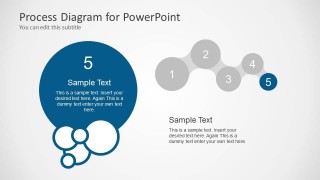
Awesome 5 Steps Process Diagram for PowerPoint
7-slide process diagram presentation template with five bubble steps and phase focus layouts
Awesome 5 Steps Process Diagram for PowerPoint is a 7-slide process diagram template for explaining a five-phase workflow. It includes a bubble process cover, full five-step overview with text callouts, and individual phase focus slides. It is built for presenters who need editable PowerPoint process visuals.


 Loading...
 Microsoft PowerPoint
  Microsoft Copilot
  Claude for PowerPoint
 Other formats supported
Subscribe today and get immediate
access to download our PowerPoint templates.