Slide 3 of 5 from Awesome 2 Steps Process Diagram for PowerPoint
6103-02-awesome-process-diagram-2-3
Two Steps Process Diagram for PowerPoint
- Diagram
- Process Flow
- Process Slide
- 16:9
- 100% Editable
The Two Steps Process Diagram slide from the Awesome 2 Steps Process Diagram for PowerPoint template offers a clear visual format for illustrating sequential workflows or decision-making stages. This slide layout uses editable shapes and vector icons to emphasize the relationship between two key phases, making it suitable for business presentations and project planning within professional slide decks.
What’s on This Slide
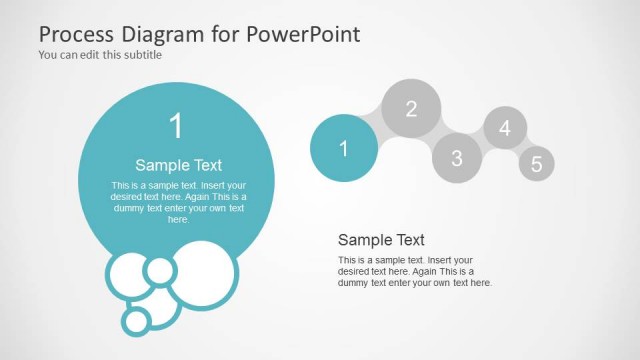
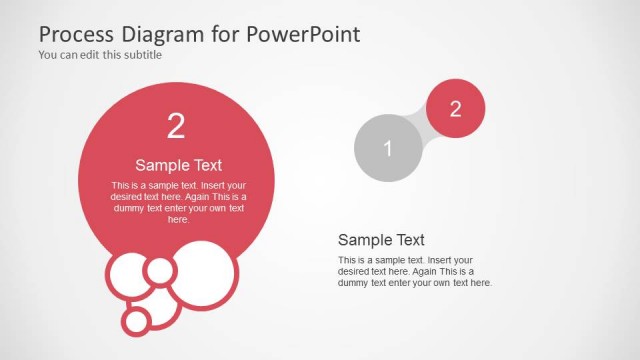
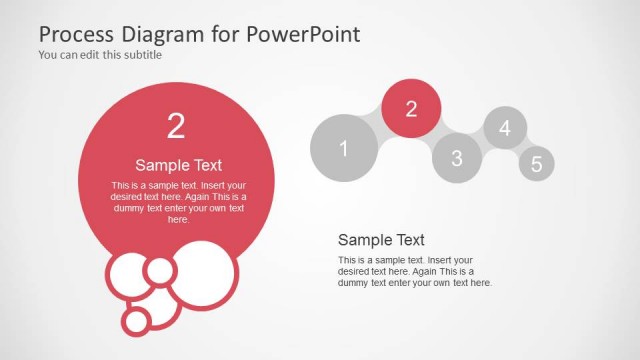
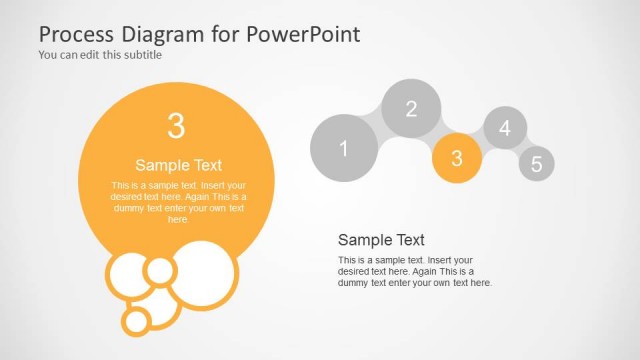
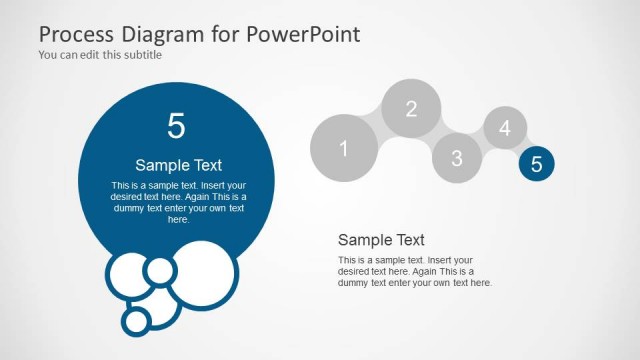
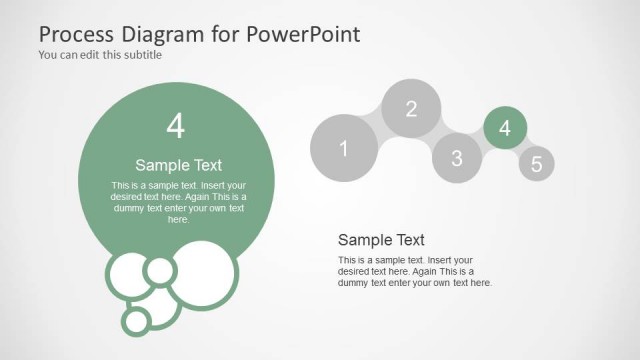
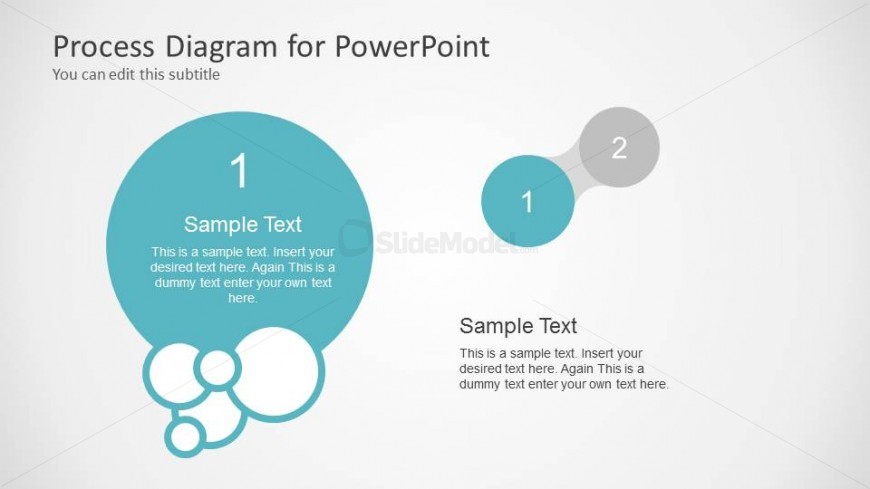
The layout features two main circular nodes positioned on the left and right sides of the slide. The left node is larger, colored in teal, and contains a number '1' and a sample text placeholder centered within it. The right node is smaller, colored in gray, and contains a number '2' with a text placeholder below it. A curved connector visually links the two nodes, emphasizing their relationship. Additional circular shapes are arranged at the bottom left, creating a clustered effect. Background is light gray, enhancing visual contrast.
How to Use It
This layout effectively illustrates a two-step process or comparison, making it suitable for presentations that require clear delineation of sequential actions or options. It fits well in a sequence following an introductory slide or problem statement, guiding the audience through a structured narrative. Use this format in business contexts such as project planning, process mapping, or decision-making scenarios where two related phases need emphasis.
Text Placeholders & Capacity
Keep your copy within these limits so it fits without resizing. Node body slots can accommodate roughly 15-20 words each.
| Placeholder | Count | Max characters (approx.) |
|---|---|---|
| Slide title | 1 | 40 |
| Subtitle | 1 | 40 |
| Item heading | 2 | 10 |
| Item body | 2 | 100 |
Slide Keywords
Download unlimited PowerPoint templates, charts and graphics for your presentations with our annual plan.
DOWNLOAD