Slide 4 of 5 from Awesome 2 Steps Process Diagram for PowerPoint
6103-02-awesome-process-diagram-2-4
Two Steps Process Diagram for Presentations
- Diagram
- Process Flow
- Process Slide
- 16:9
- 100% Editable
What’s on This Slide
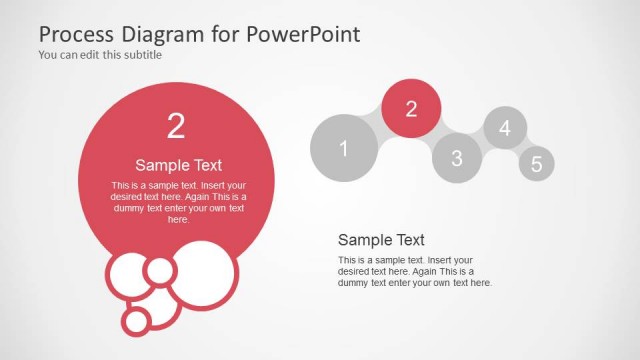
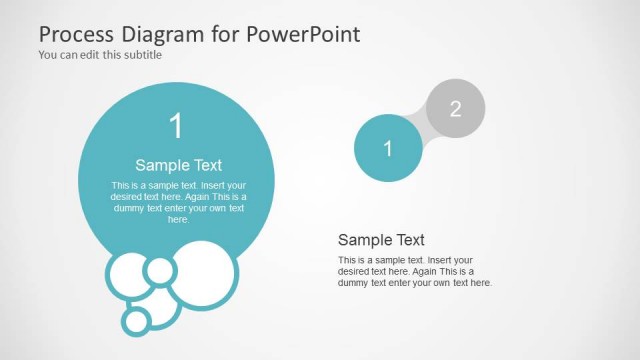
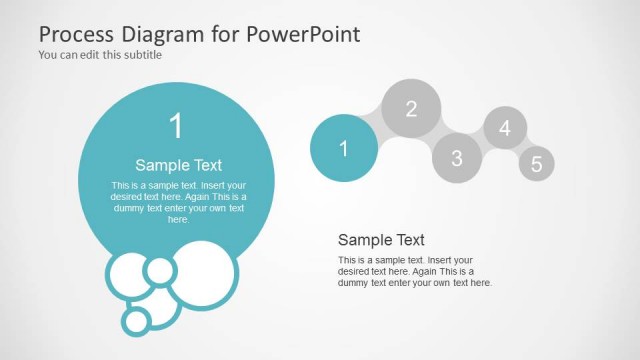
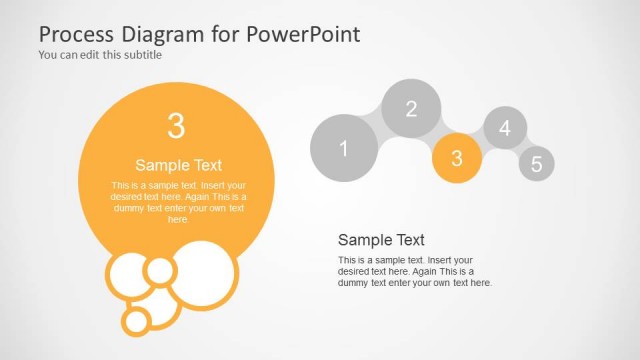
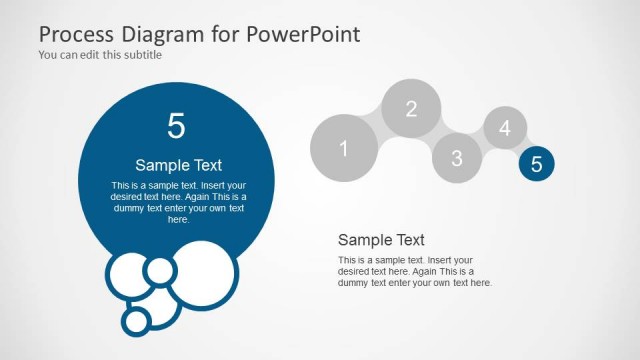
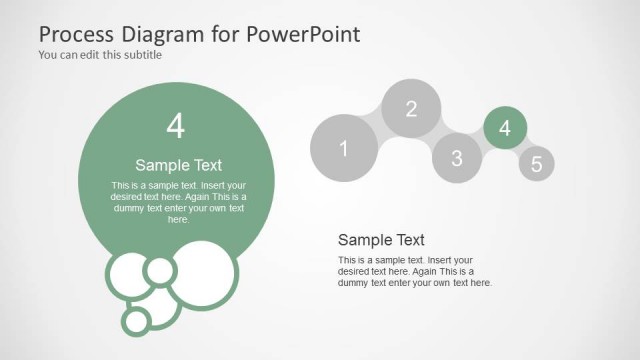
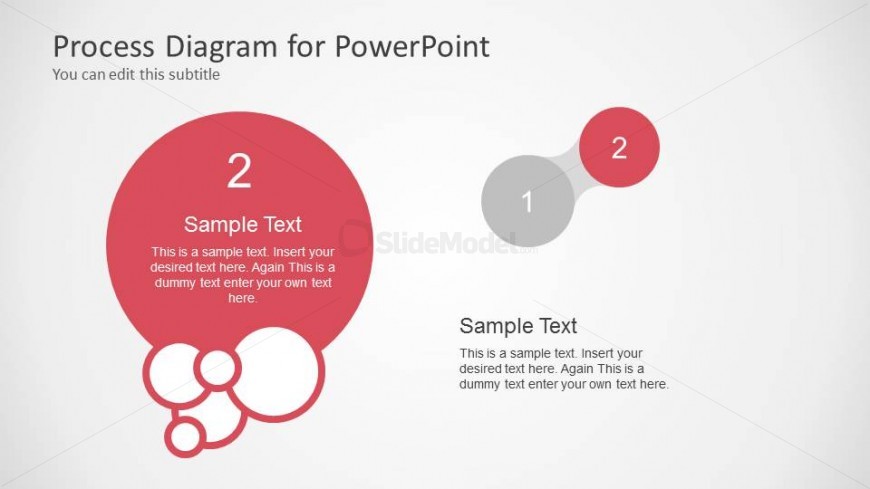
The layout features two large circular shapes positioned on the left and right sides. The left circle is red, labeled '2' with a sample text placeholder below it. The right side has a smaller gray circle labeled '1' connected to a red circle, indicating a relationship. Below each circle, there are text placeholders for descriptions. The background is light gray, providing contrast to the colored circles. The visual hierarchy emphasizes the left circle, while the right side remains balanced with smaller elements. Additional smaller circles are present near the left circle.
How to Use It
This layout serves as a two-step process diagram, ideal for illustrating sequential stages or actions. It fits well in presentations that require a clear comparison of two related concepts or phases. This slide can be used in business contexts such as project management, workflow explanations, or product development stages. It is effective when transitioning from one phase to another, helping audiences visualize the process flow clearly.
Text Placeholders & Capacity
Keep your copy within these limits so it fits without resizing. Node body slots can accommodate roughly 15-20 words each.
| Placeholder | Count | Max characters (approx.) |
|---|---|---|
| Slide title | 1 | 40 |
| Subtitle | 1 | 40 |
| Item heading | 2 | 10 |
| Item body | 2 | 100 |
Slide Keywords
Download unlimited PowerPoint templates, charts and graphics for your presentations with our annual plan.
DOWNLOAD