Slide 1 of 5 from Awesome 2 Steps Process Diagram for PowerPoint
6103-02-awesome-process-diagram-2-1
2-Steps Process Diagram for PowerPoint
- Diagram
- Other
- Process Slide
- 16:9
- 100% Editable
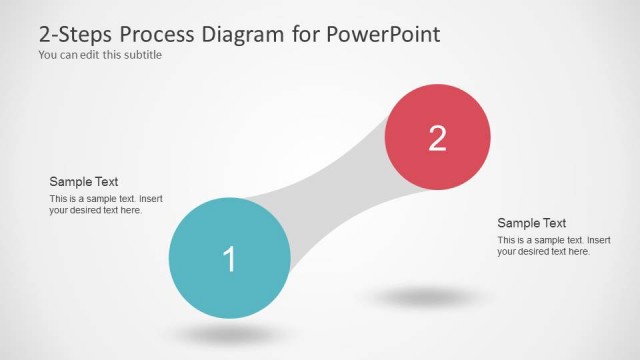
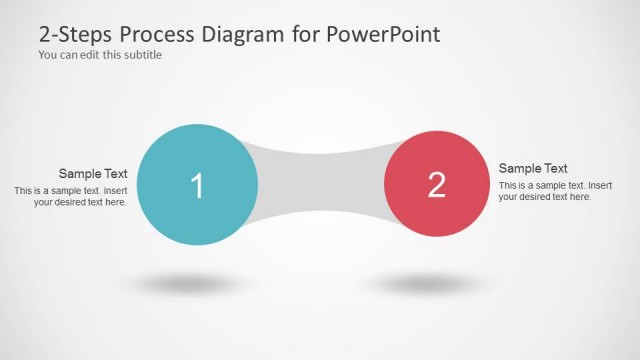
The 2-Steps Process Diagram slide from the Awesome 2 Steps Process Diagram for PowerPoint template offers a clear visual layout for illustrating sequential workflows or decision-making stages. This diagram slide uses editable shapes and vector icons to enhance business presentations or project planning pitch decks, making it a practical choice for corporate presentations requiring concise process explanation.
What’s on This Slide
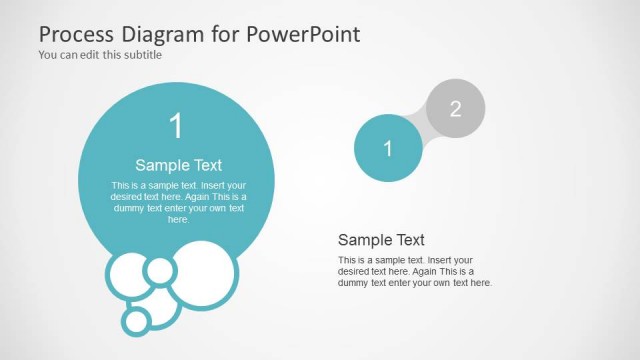
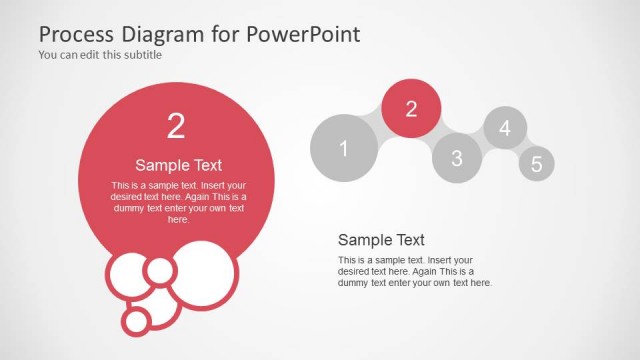
The slide features two large circles positioned on the left and right sides, colored in teal and red respectively. A curved connector shape links the two circles at the center, creating a flow effect. The number '1' is placed inside the teal circle, while '2' is inside the red circle. Below the circles, there is a title placeholder aligned to the center, stating '2-Steps Process Diagram for PowerPoint,' with a subtitle placeholder directly beneath it. The background is a light gradient, enhancing the visual hierarchy.
How to Use It
This layout serves as a two-step process diagram, ideal for illustrating sequential actions or phases. It fits well within a presentation that discusses processes, workflows, or comparisons between two related concepts. This slide is effective for business scenarios such as project planning, product development stages, or decision-making processes, where clarity in the relationship between two steps is essential.
Text Placeholders & Capacity
Keep your copy within these limits so it fits without resizing. Node labels can accommodate single characters, while the title can hold about 8 words.
| Placeholder | Count | Max characters (approx.) |
|---|---|---|
| Slide title | 1 | 40 |
| Item heading | 2 | 1 |
| Subtitle | 1 | 60 |
Slide Keywords
Download unlimited PowerPoint templates, charts and graphics for your presentations with our annual plan.
DOWNLOAD