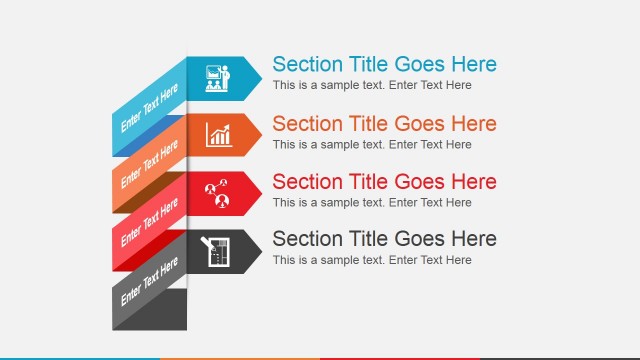
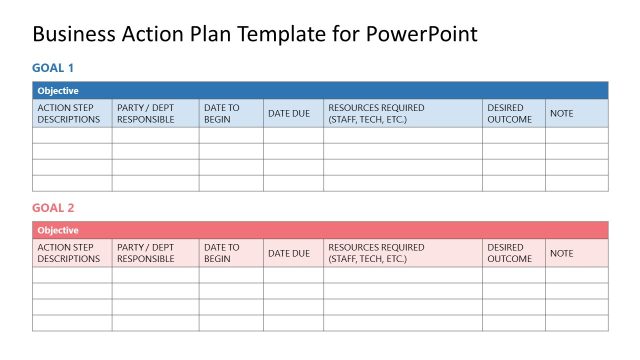
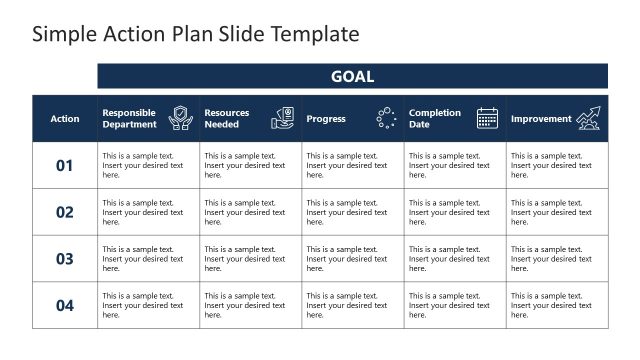
Action Project Slide Template for PowerPoint is a creative presentation design containing many slides that can be useful to create a business presentation in Microsoft PowerPoint.
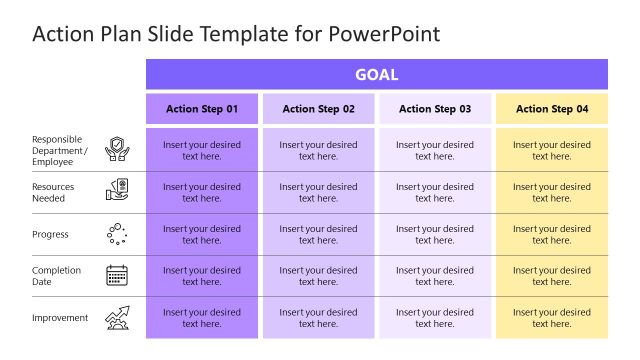
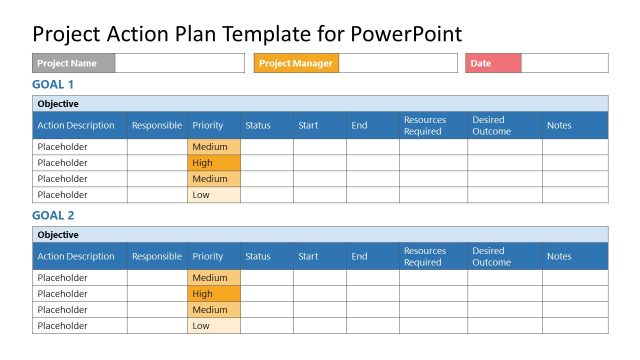
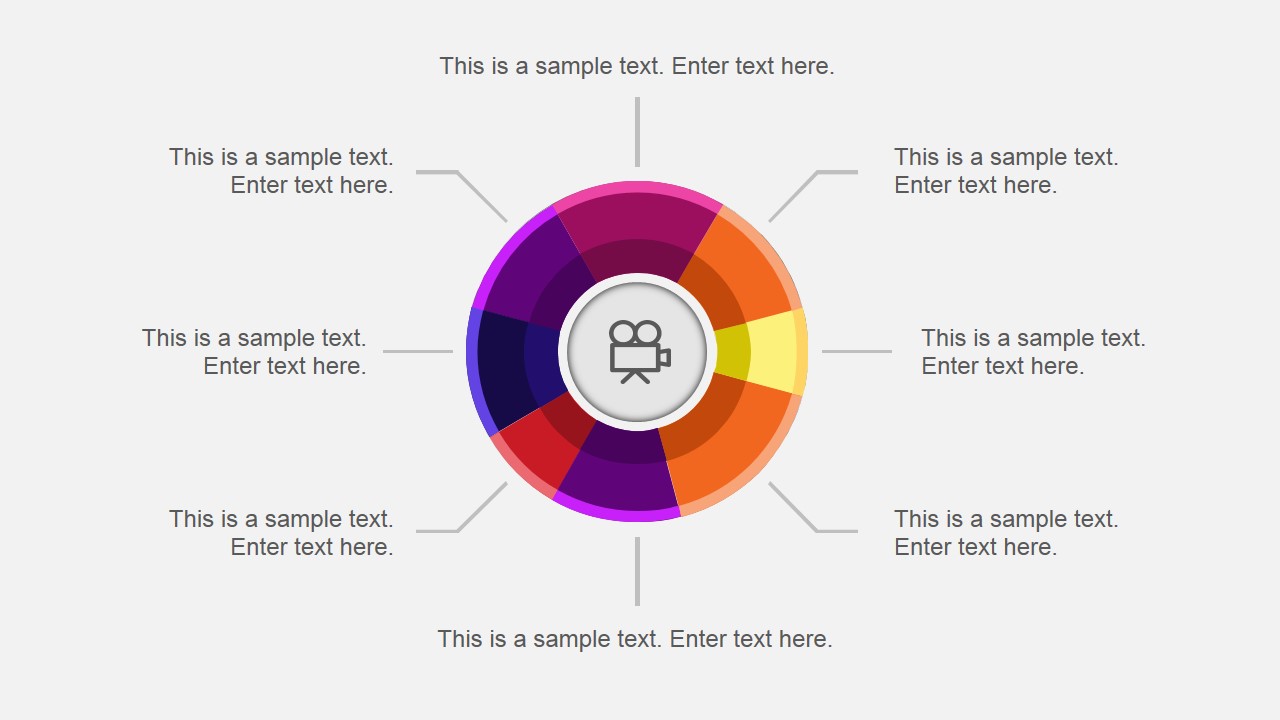
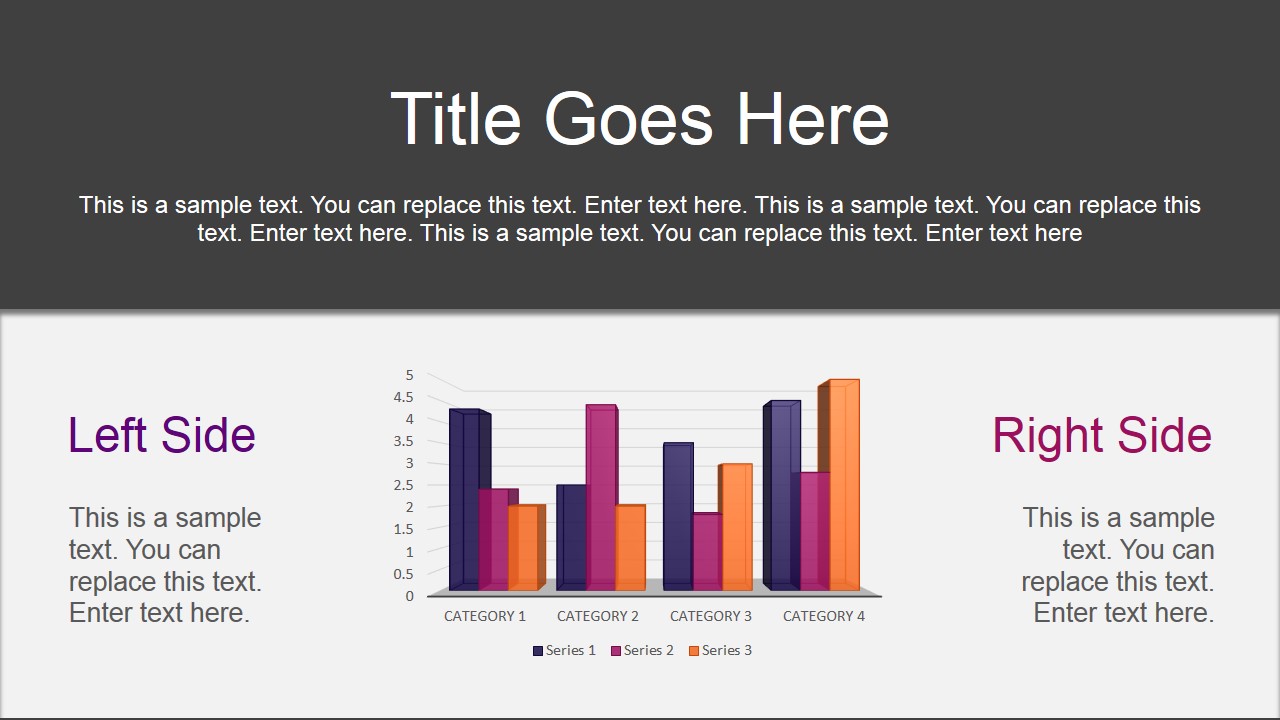
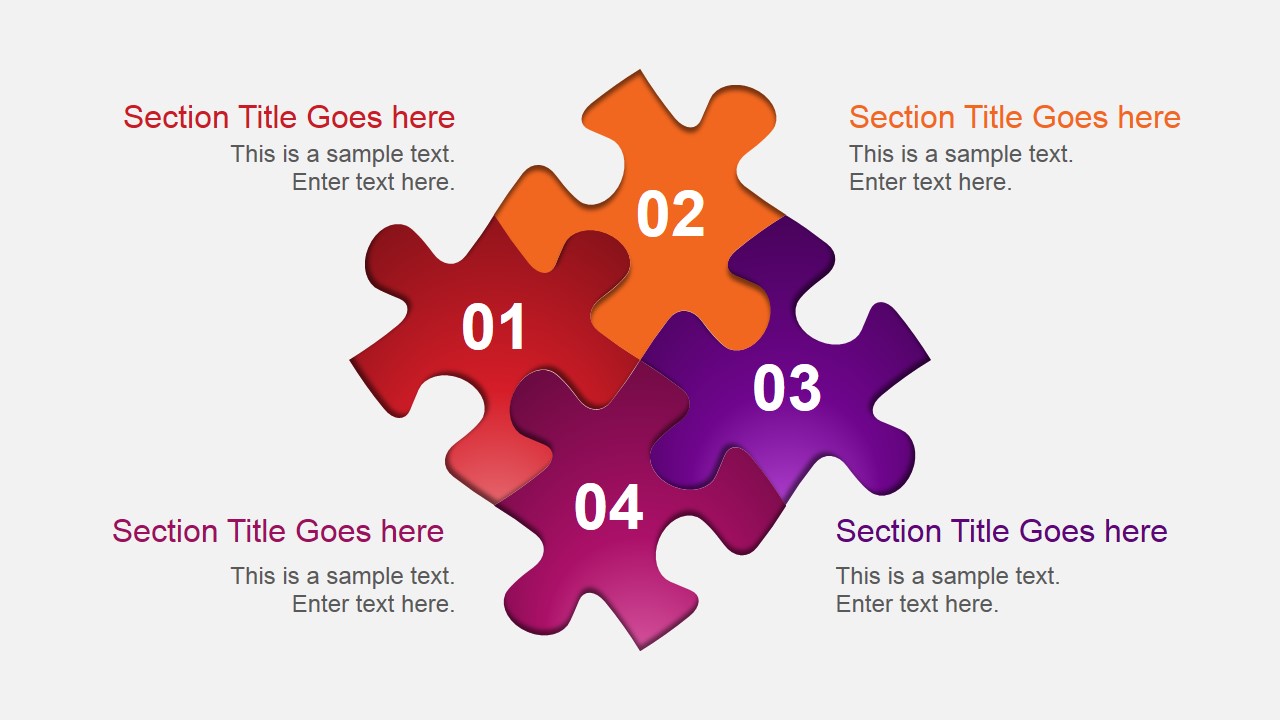
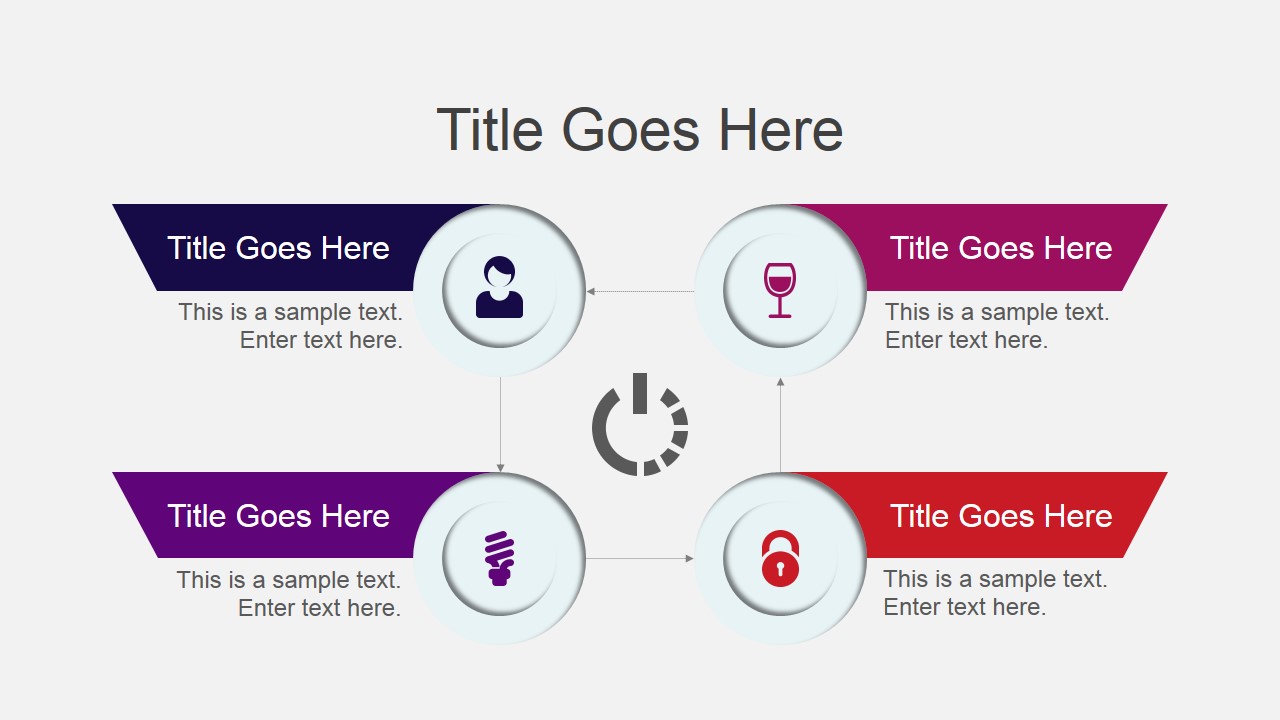
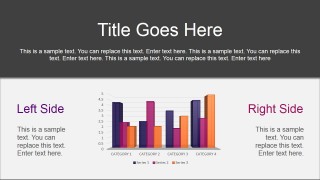
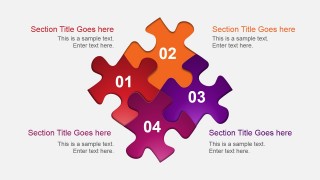
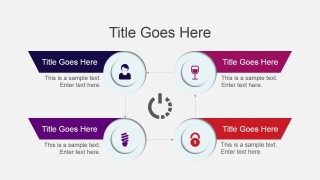
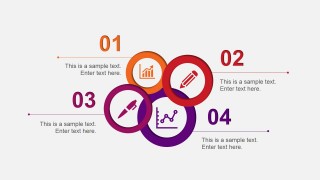
Inside this presentation template you can find useful slide layouts and diagrams including agenda and content slides, puzzle diagram design with 4 pieces, a simple process flow diagram, a world map slide created with PowerPoint shapes, data charts and a last slide design containing a Hand Shaking illustration that was also created with shapes.
The advantage of using shapes to make all the graphics inside this presentation template is that you can easily edit the shape properties and meet your presentation requirements and visual identity. You can also move the shapes to make other creative layouts or add new number of steps.
What’s inside this template
Example presentation scenarios
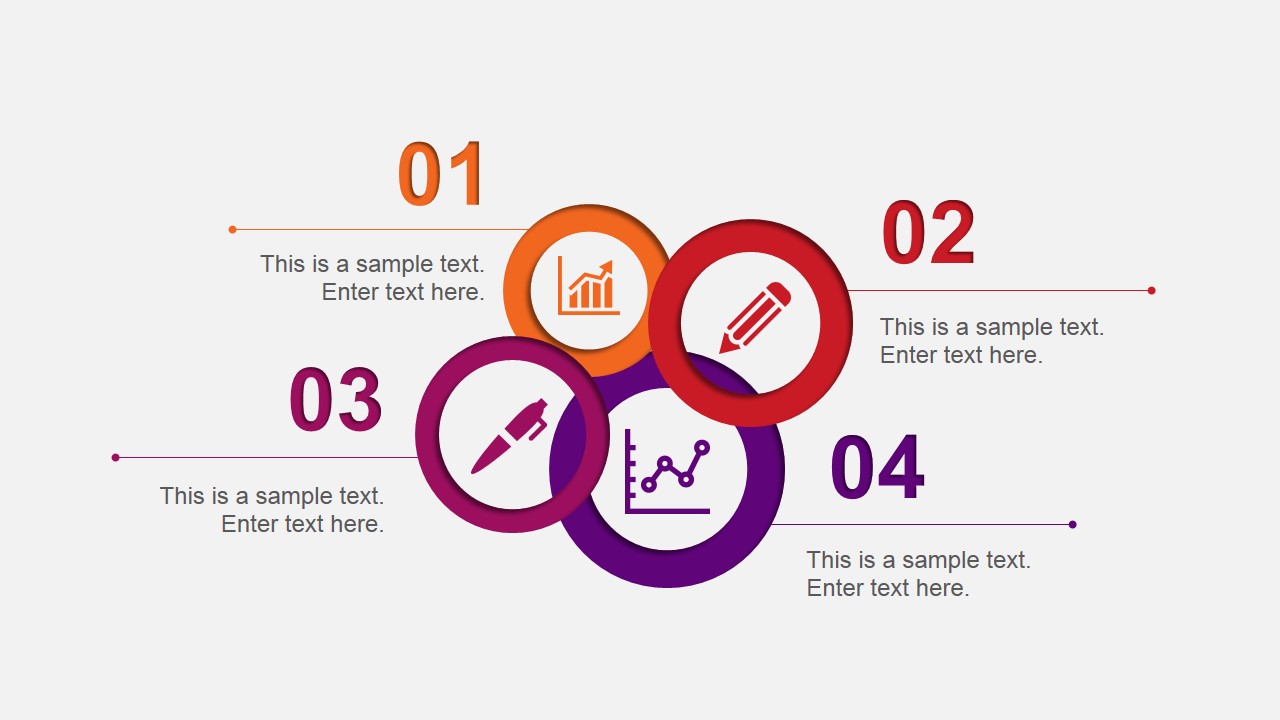
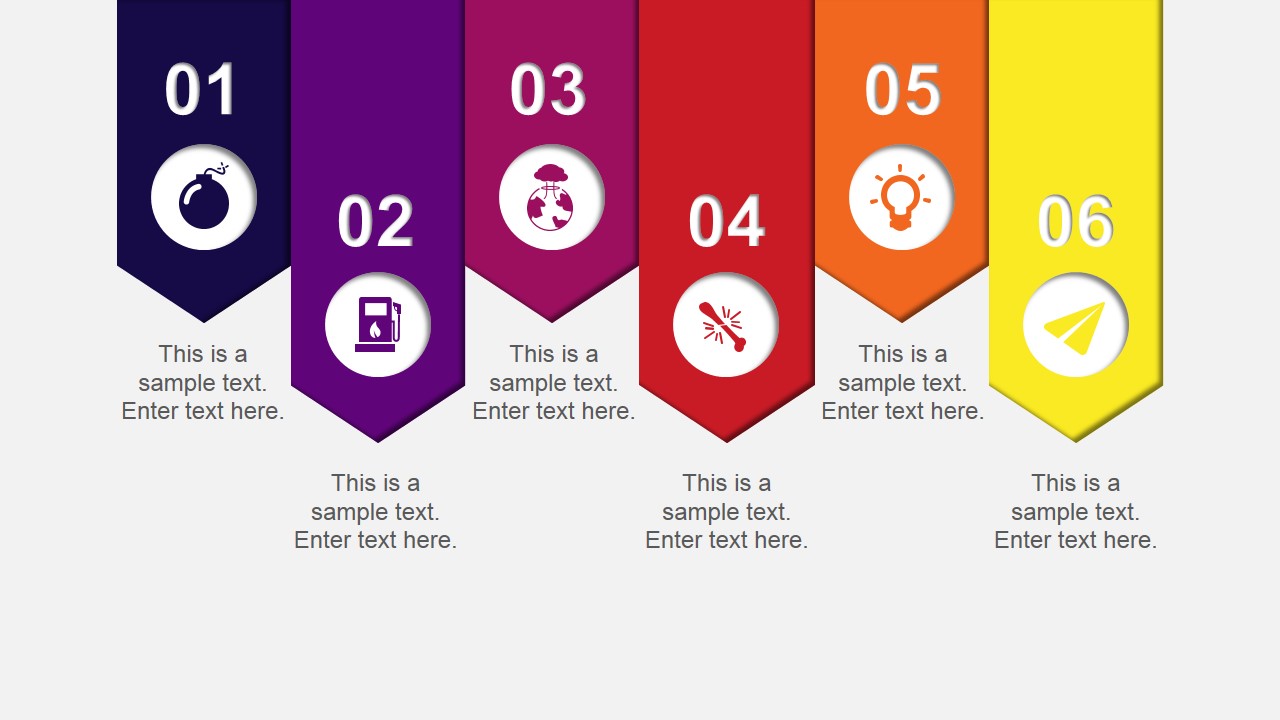
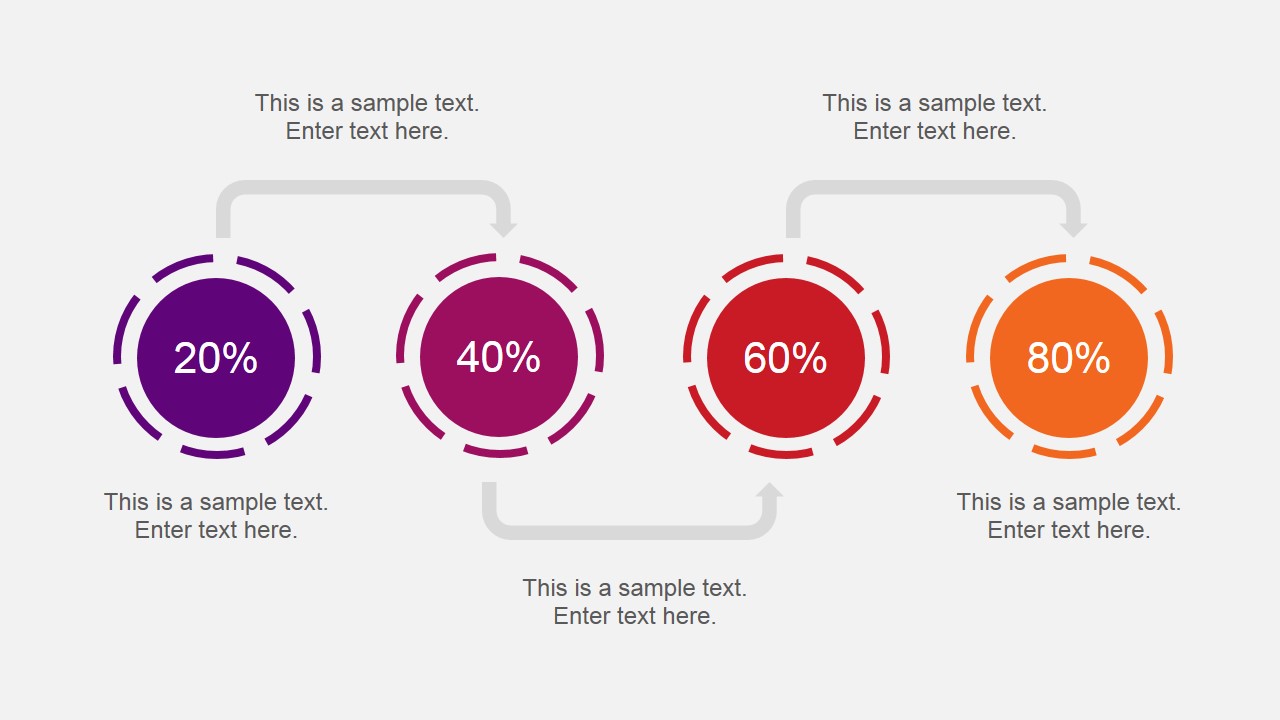
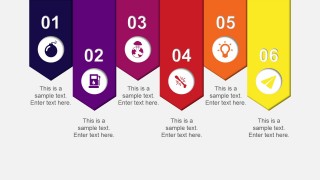
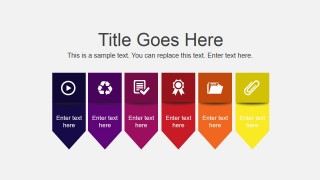
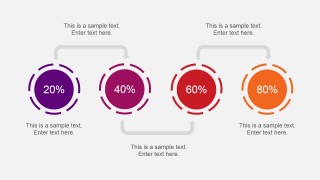
- A project manager can present a weekly action plan to stakeholders using the four-step process diagram, six-banner sequence, and percentage indicator slide to show progress and next tasks.
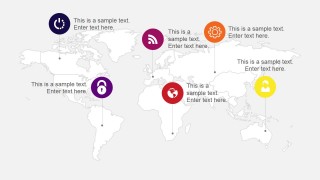
- A consultant can frame a client recommendation with the puzzle diagram for key components, the clustered column chart for comparison, and the world map for regional implications.
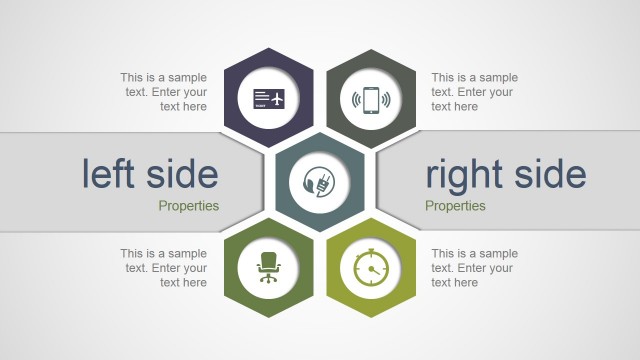
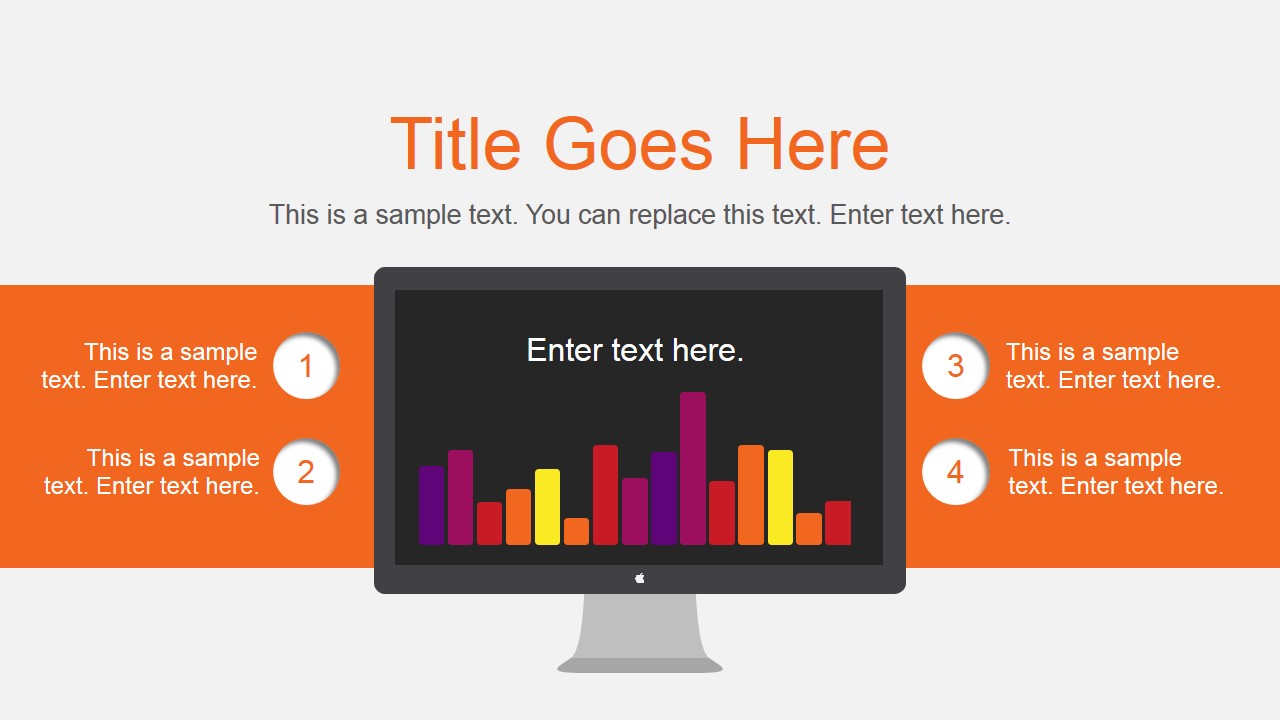
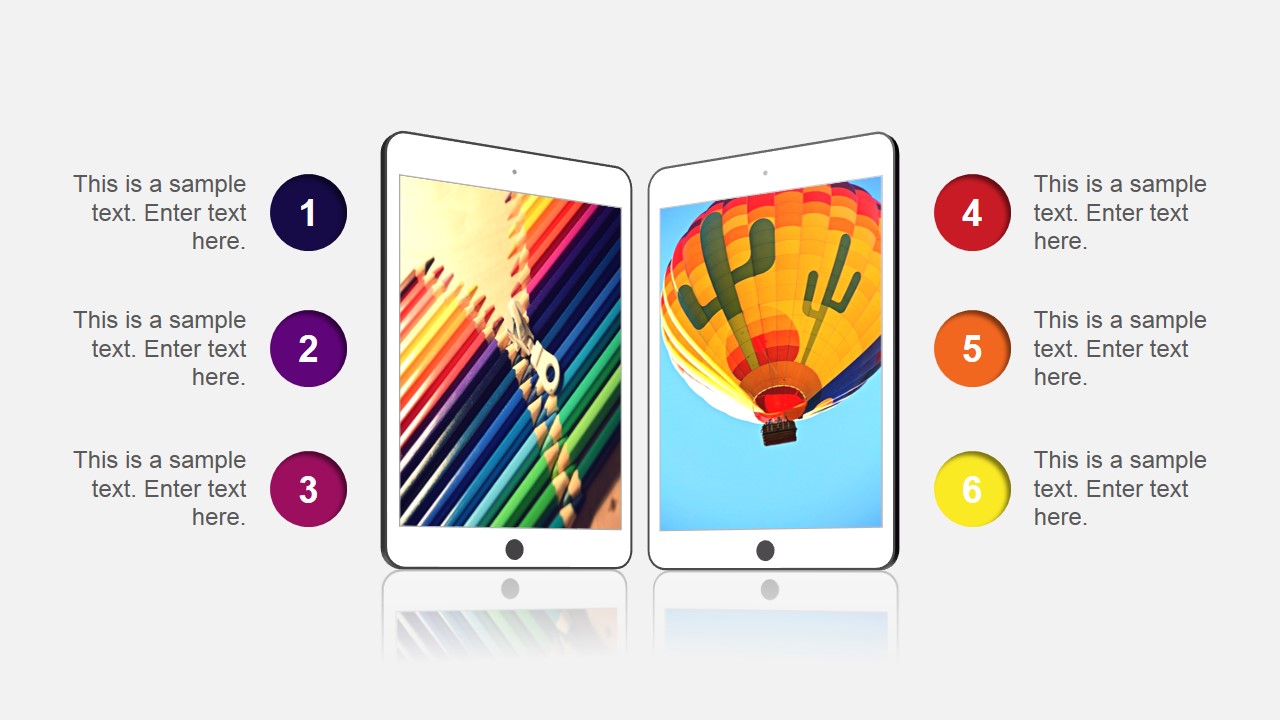
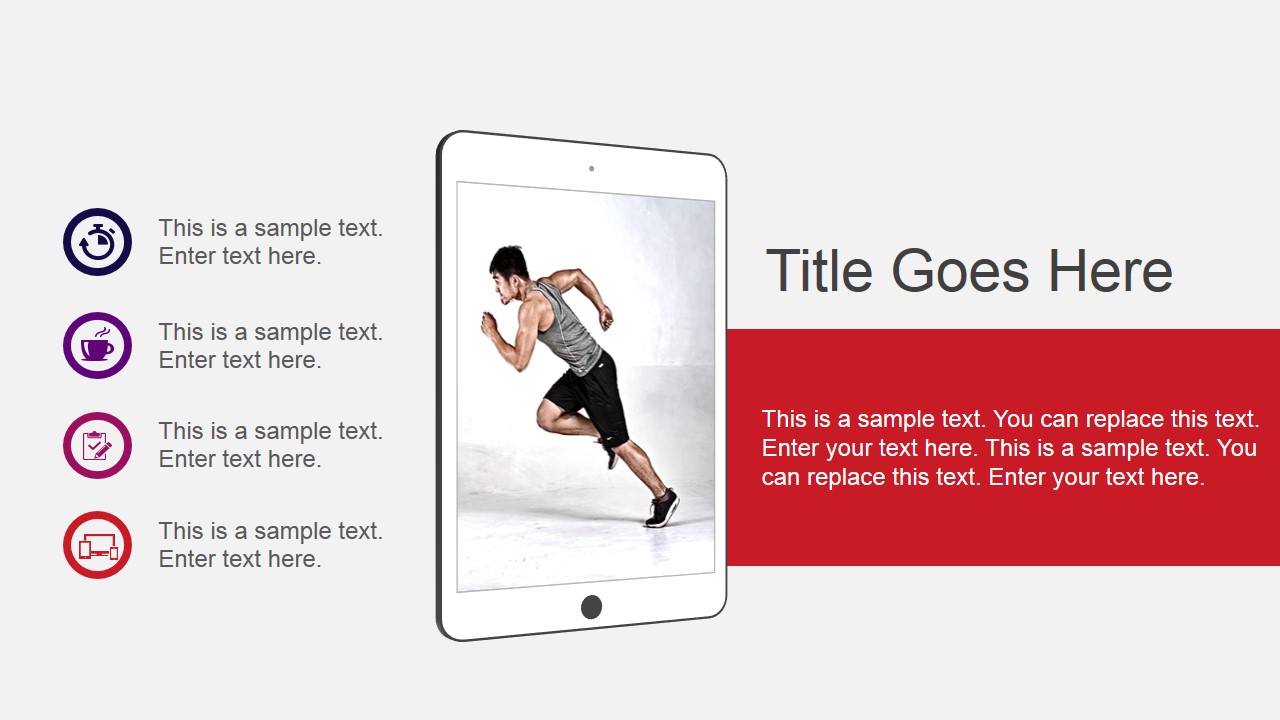
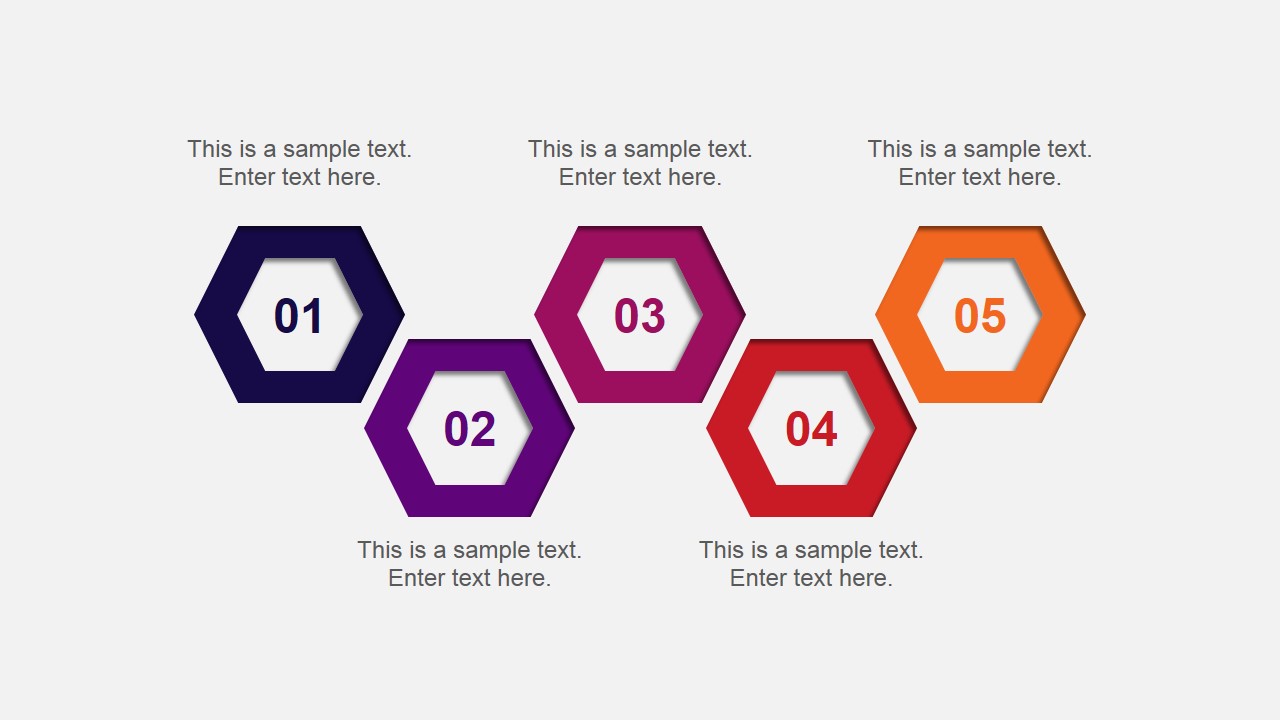
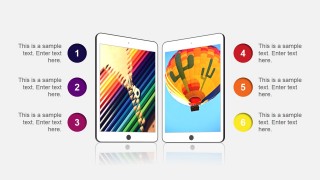
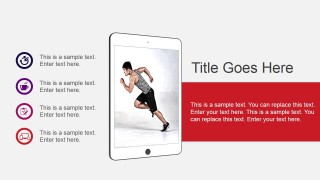
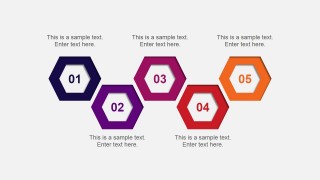
- A marketing team lead can introduce a campaign plan using the device mockup slides for creative examples and the hexagon process layout for launch stages.
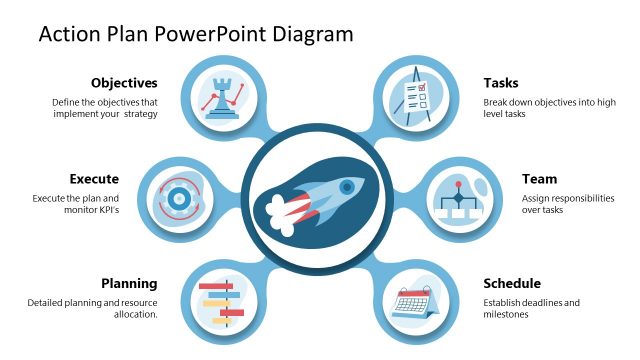
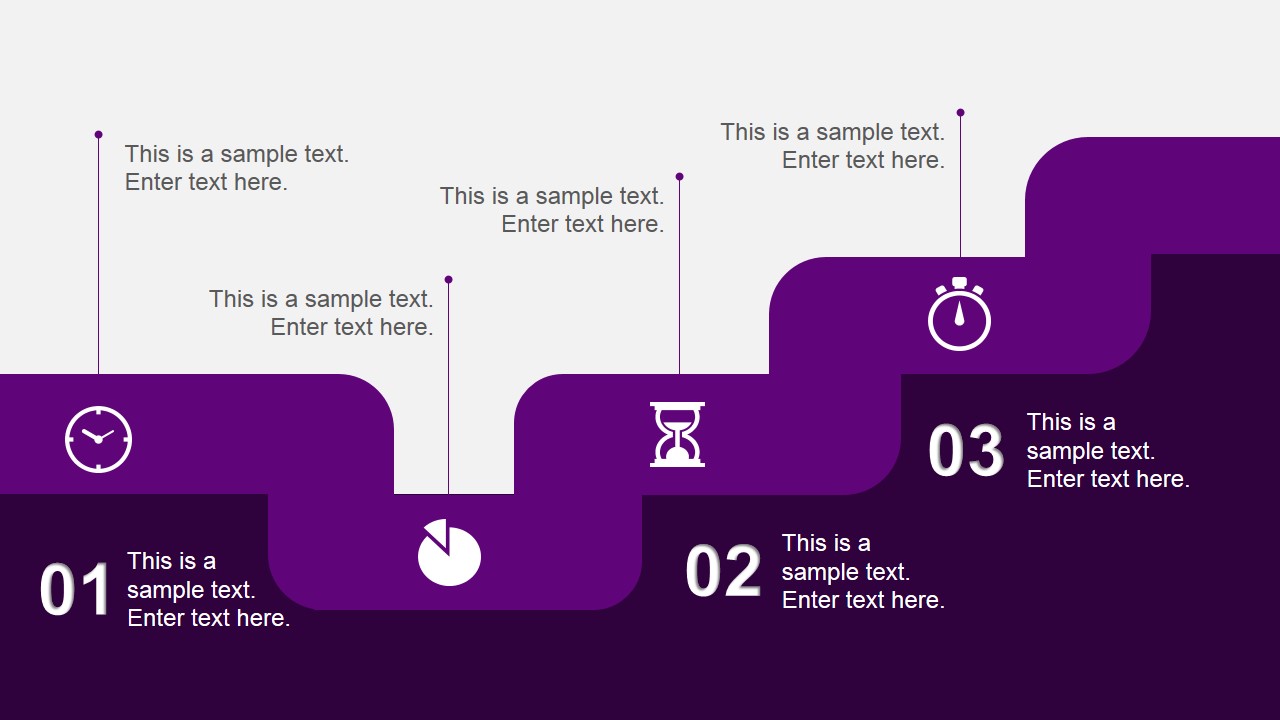
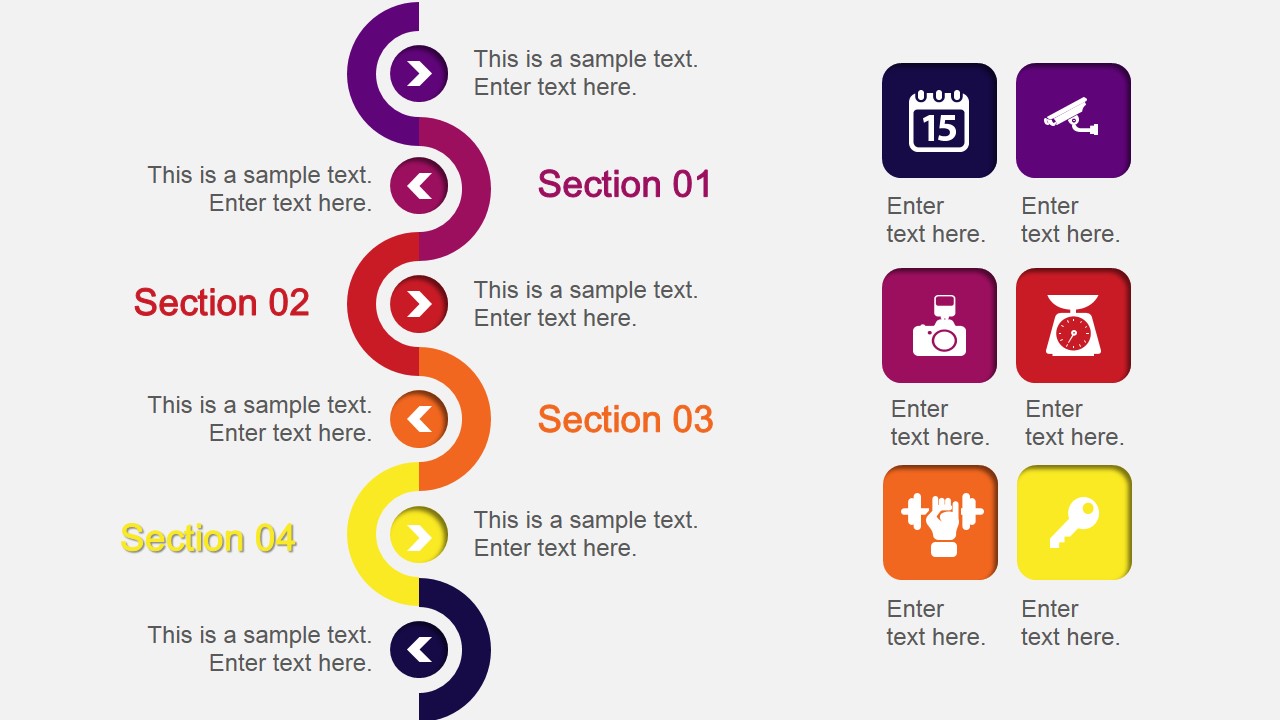
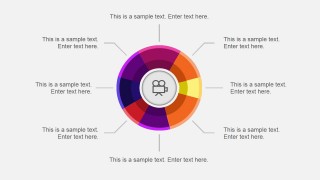
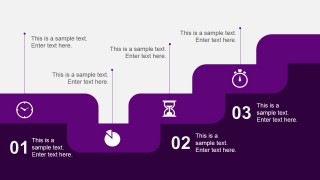
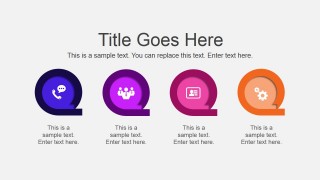
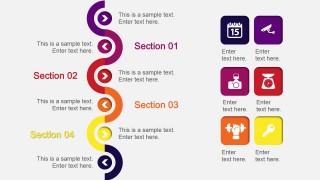
- An operations presenter can explain workflow ownership with the stepped process path, circular milestone slide, and icon bullet content slide.
Features
- 100% editable presentation template
- Compatible with Microsoft PowerPoint and Google Slides
- 16:9 aspect ratio slides
- Scalable vector shapes, icons and illustrations
- AI-Ready for Microsoft Copilot and Claude
- Instant access and download
Frequently asked questions
Q: How should a presenter structure a project message with this template?
A: Start with the title and agenda-style slides to orient the audience, then use the chart slide to show evidence before moving into action diagrams. The puzzle layout can group the main workstreams, while the stepped process and hexagon sequence can assign order. Close with the map or handshake slide when the message needs scope or agreement.
Q: Who is this template best suited for in a business setting?
A: This template fits presenters who need to explain an active project rather than deliver a long written report. Project managers, consultants, marketers, and operations teams can use the process diagrams, percentage circles, device mockups, and map slide to turn status, deliverables, and next steps into a visual briefing.
Q: Why does the deck use puzzle, ribbon, and stepped-process visuals?
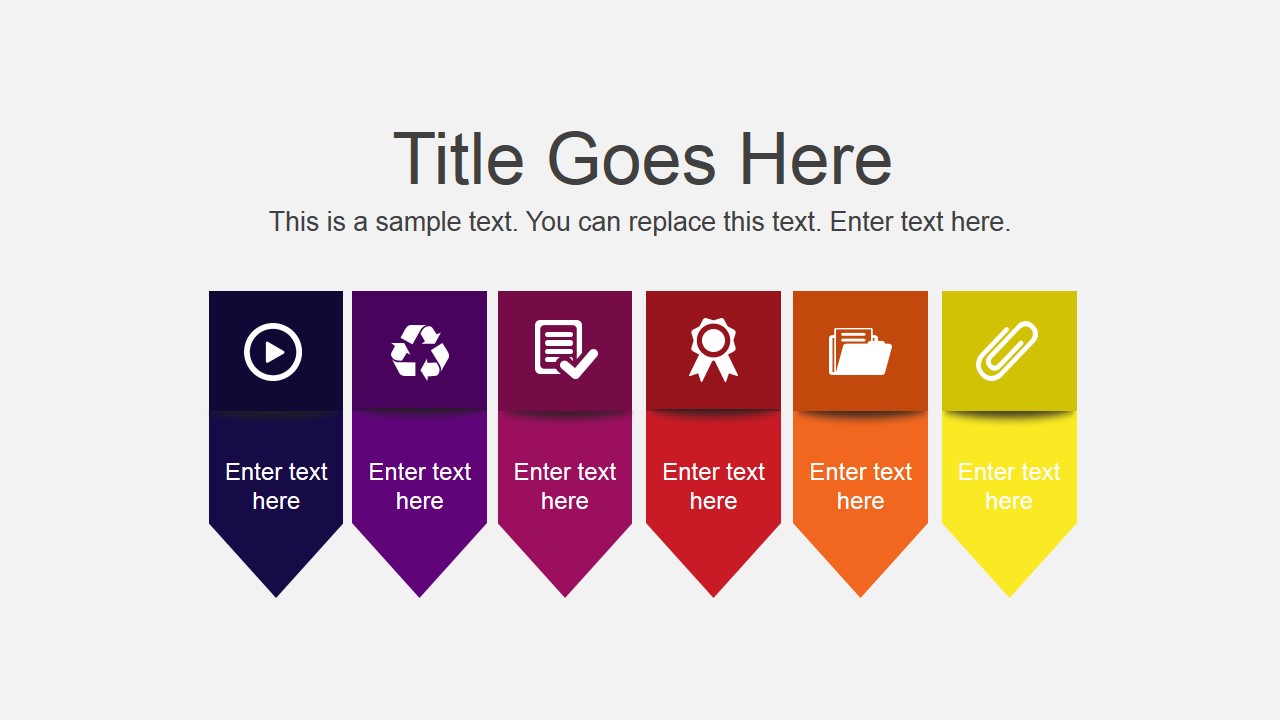
A: The visual metaphors help the audience separate different kinds of project information. Puzzle pieces suggest interdependent workstreams, ribbons make categories easy to scan, and the stepped-process slide implies sequence and progress. This reduces the need for long paragraphs and makes decisions, ownership, or action order easier to discuss.





Action Project Slide Template for PowerPoint
18-slide presentation template with process diagrams, puzzle layout, world map, and editable project visuals
Action Project Slide Template for PowerPoint is an 18-slide business presentation template for project updates and creative reports. It includes agenda-style content slides, a 4-piece puzzle diagram, process flows, percentage indicators, device mockups, a world map, and data charts. It is made for Microsoft PowerPoint and Google Slides.
- Category
- Template Backgrounds
- Rating


 Loading...
- Aspect ratio
- 16:9
- Item ID
- 4082-02
- Colors
 Microsoft PowerPoint
  Microsoft Copilot
  Claude for PowerPoint
 Other formats supported
Subscribe today and get immediate
access to download our PowerPoint templates.