Slide 6 of 11 from Animated 3D Bridge PowerPoint Template
Risk Management Concept Bridge Template
3D Bridge Diagram for Presentations
- Diagram
- Other
- Concept Explanation Slide
- 16:9
- 100% Editable
What’s on This Slide
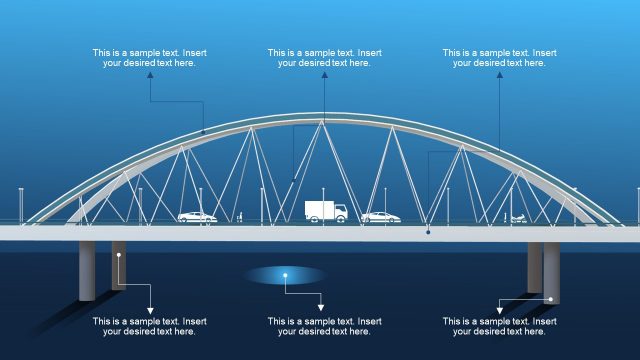
The slide features a prominent 3D bridge illustration centered horizontally. Above the bridge, there are two text placeholders aligned to the left and right, each containing a title and a sample text area. An upward-pointing arrow is positioned centrally above the bridge, indicating direction or progression. Below the bridge, two additional text placeholders mirror the upper ones, also aligned left and right. The background is a gradient blue, enhancing the 3D effect of the bridge. The overall layout emphasizes the bridge as a central visual element.
How to Use It
This layout serves as a visual metaphor for bridging gaps in presentations, suitable for topics like risk assessment or project planning. It can be effectively used to illustrate progress or transitions in a business context. Positioned after problem identification slides, it can lead into solution-oriented discussions. The placeholders allow for customization of titles and content, making it versatile for various presentation themes. This structure is particularly useful for conveying complex ideas in a visually engaging manner.
Text Placeholders & Capacity
Keep your copy within these limits so it fits without resizing. Body slots can hold roughly 10-12 words each.
| Placeholder | Count | Max characters (approx.) |
|---|---|---|
| Slide title | 1 | 30 |
| Body paragraph | 4 | 50 |
Slide Keywords
Download unlimited PowerPoint templates, charts and graphics for your presentations with our annual plan.
DOWNLOADReturn to Animated 3D Bridge PowerPoint Template.