Slide 11 of 11 from Animated 3D Bridge PowerPoint Template
3D Bridge Layout with Morph Animation
3D Bridge End Slide for Presentations
- Media Layout
- Other
- Closing Slide
- 16:9
- 100% Editable
What’s on This Slide
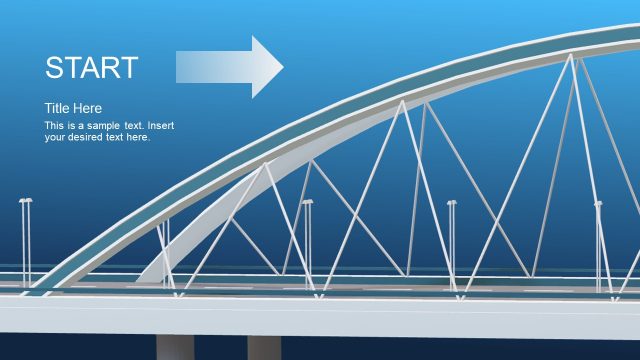
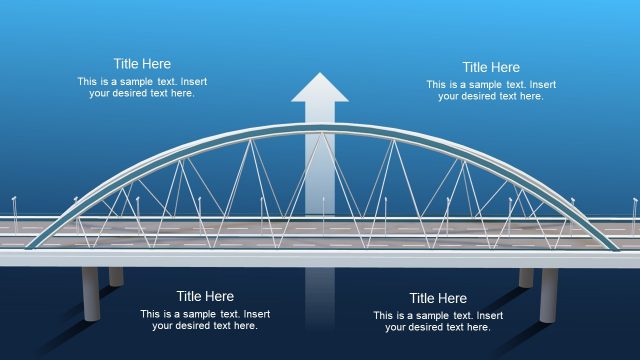
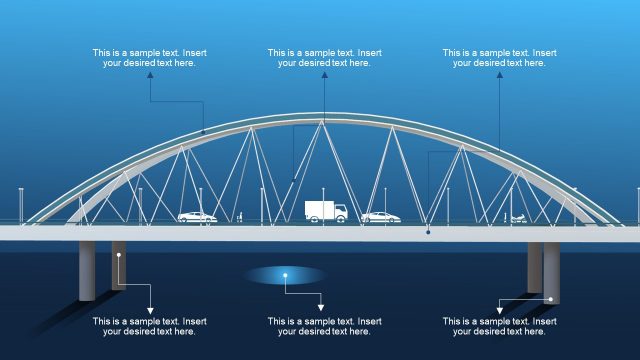
The slide features a 3D bridge graphic positioned centrally, with a blue gradient background. An arrow points to the right, labeled 'END,' indicating the conclusion of the presentation. The title placeholder is located at the top right, while a body text placeholder is below it, aligned to the right. The bridge structure includes triangular supports and a flat surface, creating a sense of depth. The overall layout emphasizes the bridge as a metaphor for transition, with clear visual hierarchy established through positioning and size of elements.
How to Use It
This layout serves as a concluding slide, effectively summarizing key points or signaling the end of a presentation. It fits well at the end of a sequence, particularly after discussing challenges and solutions. Real-world scenarios include project wrap-ups, final reports, or presentations that require a strong visual metaphor for completion. The slide can be used to reinforce messages about overcoming obstacles or achieving goals, making it suitable for business, educational, or motivational contexts.
Text Placeholders & Capacity
Keep your copy within these limits so it fits without resizing. Body slots can hold about 15-20 words each.
| Placeholder | Count | Max characters (approx.) |
|---|---|---|
| Slide title | 1 | 30 |
| Body paragraph | 1 | 100 |
Slide Keywords
Download unlimited PowerPoint templates, charts and graphics for your presentations with our annual plan.
DOWNLOADReturn to Animated 3D Bridge PowerPoint Template.