Slide 3 of 11 from Animated 3D Bridge PowerPoint Template
Bridge 3D Animated Template
3D Bridge Illustration PowerPoint Slide
- Media Layout
- Other
- Concept Explanation Slide
- 16:9
- 100% Editable
What’s on This Slide
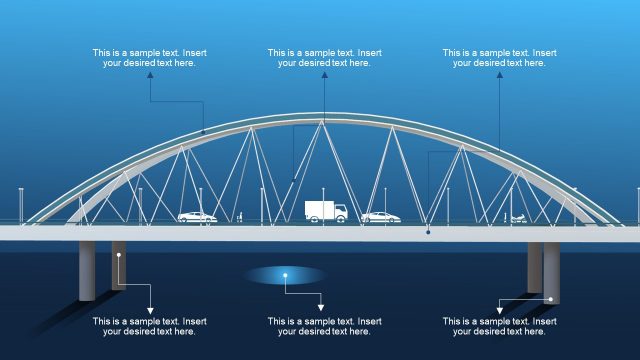
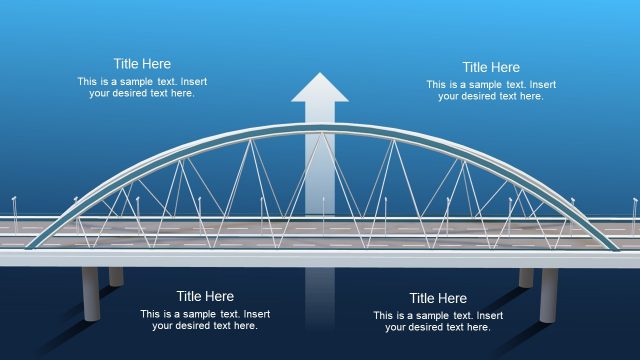
The slide features a prominent 3D bridge illustration centered at the top. Below the bridge, there are two text placeholders aligned centrally, with the top placeholder for the title and the bottom for additional text. The bridge is depicted with vehicles, including a truck and cars, creating a dynamic scene. The background transitions from a light blue at the top to a darker blue at the bottom, enhancing depth. The overall layout emphasizes the bridge as the focal point, with text elements clearly separated for readability.
How to Use It
This layout serves as a visual metaphor for bridging gaps or connecting ideas in a presentation. It is suitable for topics related to risk assessment, gap analysis, or business communications. This slide can effectively follow a problem-framing slide, illustrating solutions or pathways forward. It is ideal for business presentations, project updates, or strategic planning discussions, where visual representation of concepts is essential for engagement.
Text Placeholders & Capacity
Keep your copy within these limits so it fits without resizing. Text slots can accommodate a moderate amount of content, roughly 5-10 words each.
| Placeholder | Count | Max characters (approx.) |
|---|---|---|
| Slide title | 1 | 30 |
| Body paragraph | 1 | 100 |
Slide Keywords
Download unlimited PowerPoint templates, charts and graphics for your presentations with our annual plan.
DOWNLOADReturn to Animated 3D Bridge PowerPoint Template.