Slide 4 of 11 from Animated 3D Bridge PowerPoint Template
3D PowerPoint Template of Bridge
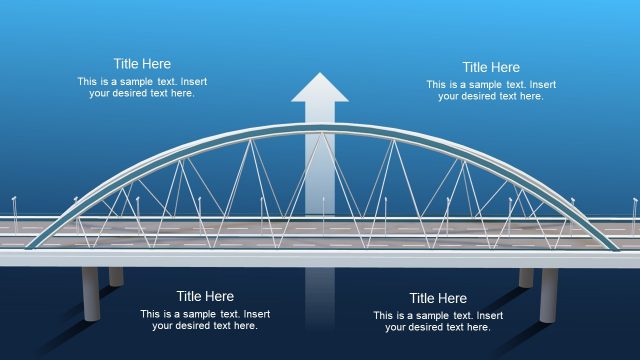
Bridge Structure with Text Annotations Slide
- Diagram
- Other
- Gap Analysis Slide
- 16:9
- 100% Editable
What’s on This Slide
The layout features a stylized bridge graphic centered in the upper half. Above the bridge, there are four text placeholders evenly spaced, each aligned centrally, allowing for annotation or labeling. Below the bridge, additional text placeholders are present, aligned with the structure's supports. The bridge itself is depicted in a 3D style, with a blue gradient background that enhances depth. The overall composition is balanced, with the bridge as the focal point, and the text placeholders provide clear areas for content insertion without overlapping visual elements.
How to Use It
This layout serves as a visual representation of a bridge, ideal for illustrating connections or transitions in a presentation. It fits well in a sequence discussing gaps or risks, particularly in business contexts like project management or strategic planning. The bridge metaphor can effectively convey overcoming obstacles or connecting ideas. It is suitable for presentations focused on gap analysis, risk assessment, or project milestones, where visual metaphors enhance understanding and retention of concepts.
Text Placeholders & Capacity
Keep your copy within these limits so it fits without resizing. Each text slot can hold a few short sentences, roughly 5-10 words each.
| Placeholder | Count | Max characters (approx.) |
|---|---|---|
| Item heading | 4 | 40 |
| Item body | 4 | 60 |
Slide Keywords
Download unlimited PowerPoint templates, charts and graphics for your presentations with our annual plan.
DOWNLOADReturn to Animated 3D Bridge PowerPoint Template.