Slide 10 of 11 from Animated 3D Bridge PowerPoint Template
Animated PowerPoint Design of Bridge
3D Bridge Start Diagram for Presentations
- Diagram
- Arrow Sequence
- Process Slide
- 16:9
- 100% Editable
What’s on This Slide
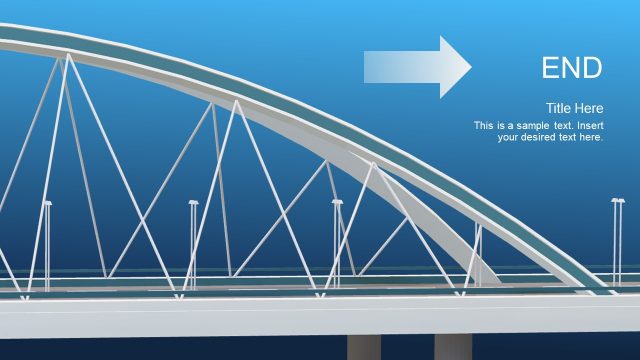
The slide features a 3D bridge graphic positioned centrally, with a blue gradient background. The bridge has a curved arch and supporting cables, creating a sense of depth. An arrow points left, indicating direction, while the word 'START' is prominently displayed at the top left. Below, there are text placeholders for a title and a sample paragraph, aligned left. The overall composition emphasizes the bridge as a metaphor for progress or transition, with clear visual hierarchy and spacing between elements.
How to Use It
This layout serves as a starting point in a presentation, ideal for introducing topics related to progress, transitions, or strategic initiatives. It fits well in a sequence where a problem is framed before outlining solutions or next steps. Suitable for business scenarios such as project kick-offs, strategic planning sessions, or gap analysis discussions, it visually represents the concept of moving forward.
Text Placeholders & Capacity
Keep your copy within these limits so it fits without resizing. Body slots can accommodate roughly 15-20 words each.
| Placeholder | Count | Max characters (approx.) |
|---|---|---|
| Slide title | 1 | 30 |
| Body paragraph | 1 | 100 |
Slide Keywords
Download unlimited PowerPoint templates, charts and graphics for your presentations with our annual plan.
DOWNLOADReturn to Animated 3D Bridge PowerPoint Template.