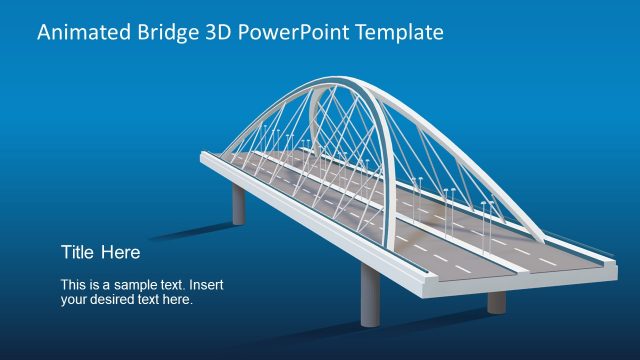
Slide 2 of 11 from Animated 3D Bridge PowerPoint Template
Bridge Metaphor 3D Model PPT
3D Bridge Visual Layout for Presentations
- Media Layout
- Other
- Concept Explanation Slide
- 16:9
- 100% Editable
What’s on This Slide
The slide features a 3D bridge graphic positioned centrally, with a blue gradient background. The bridge is detailed with structural elements and a roadway. Text placeholders are located at the top and bottom left, and another at the right side, each aligned to the respective edges. The title placeholder is at the top, while the body text placeholders are beneath it, providing space for additional information. The overall composition is balanced, with the bridge serving as the focal point and the placeholders arranged to maintain visual clarity.
How to Use It
This layout serves as a visual metaphor for bridging gaps in business contexts, such as risk assessment or gap analysis. It fits well in a presentation sequence following problem identification slides, making it suitable for discussions on solutions or strategies. This structure can be used to illustrate connections between concepts or to highlight key points in a narrative. It is ideal for scenarios where visual representation enhances understanding of complex ideas.
Text Placeholders & Capacity
Keep your copy within these limits so it fits without resizing. Body slots are tight, roughly 10 words each.
| Placeholder | Count | Max characters (approx.) |
|---|---|---|
| Slide title | 1 | 30 |
| Body paragraph | 3 | 50 |
Slide Keywords
Download unlimited PowerPoint templates, charts and graphics for your presentations with our annual plan.
DOWNLOADReturn to Animated 3D Bridge PowerPoint Template.