Slide 5 of 8 from Animated 3D 4 Steps & Core PowerPoint Template
Editable 3D Slides of PowerPoint
4 Steps Circular Diagram for Presentations
- Diagram
- Circular Cycle
- Process Slide
- 16:9
- 100% Editable
What’s on This Slide
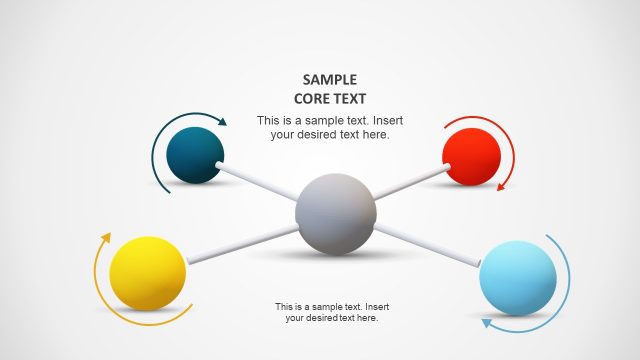
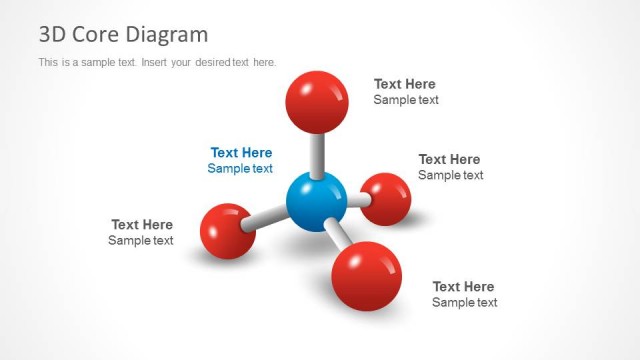
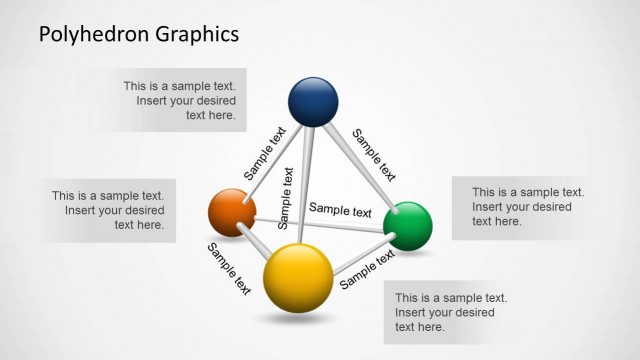
The layout features a central red circle with a white arrow pointing outward. Surrounding the circle are four text placeholders, positioned at the top, bottom, left, and right. Each placeholder is aligned horizontally and contains sample text. The background is a light gradient, enhancing the central focus. The arrow indicates a flow or direction, suggesting a process. The overall composition is balanced, with the central element drawing attention while the text placeholders provide space for detailed information.
How to Use It
This layout serves as a circular process diagram, ideal for illustrating four sequential steps or components. It fits well in presentations that require a visual representation of processes, such as project phases or product features. This structure can be used in business meetings, training sessions, or marketing pitches to convey information clearly and effectively. It is particularly useful when explaining concepts that require a cyclical or iterative approach.
Text Placeholders & Capacity
Keep your copy within these limits so it fits without resizing. Node body slots can hold roughly 10 words each.
| Placeholder | Count | Max characters (approx.) |
|---|---|---|
| Item body | 4 | 50 |
| Slide title | 1 | 30 |
Slide Keywords
Download unlimited PowerPoint templates, charts and graphics for your presentations with our annual plan.
DOWNLOAD