Slide 3 of 8 from Animated 3D 4 Steps & Core PowerPoint Template
Circular Segments Diagram 3D Units
3D Circular Process Diagram for Presentations
- Diagram
- Circular Cycle
- Process Slide
- 16:9
- 100% Editable
What’s on This Slide
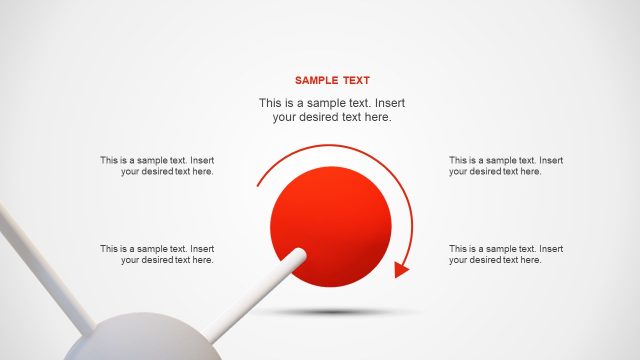
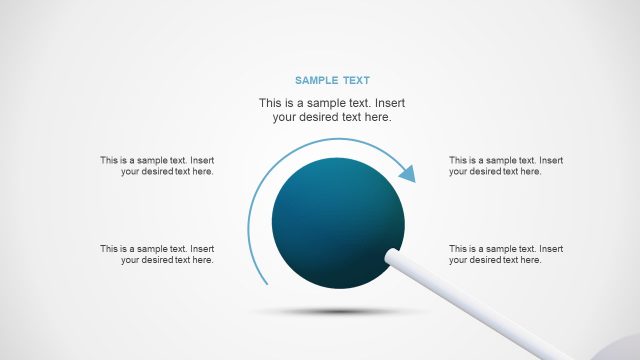
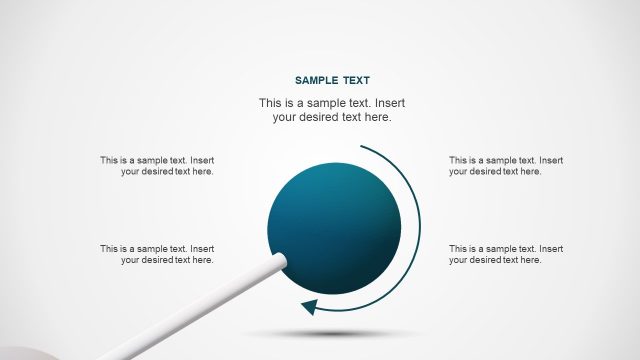
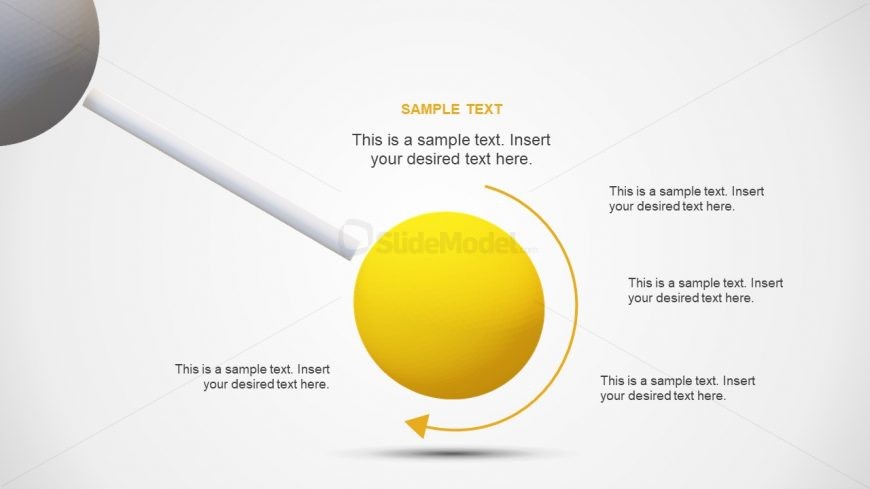
The layout features a central yellow sphere with a circular arrow around it. The sphere is positioned in the center, while four text placeholders are arranged around it, each aligned to the right and left. The placeholders are evenly spaced, with one at the top, one at the bottom, and two on either side. A white rod extends from the sphere, indicating a connection. The background is a light gradient, enhancing the 3D effect of the elements. The overall composition emphasizes the central sphere as the focal point.
How to Use It
This layout serves as a circular process diagram, ideal for illustrating sequential steps or stages in a process. It fits well in presentations that require a visual representation of workflows or methodologies. This structure is useful in business contexts such as project management, product development, or strategic planning. It can effectively convey information in a clear and engaging manner, making it suitable for both team meetings and client presentations.
Text Placeholders & Capacity
Keep your copy within these limits so it fits without resizing. Node body slots can accommodate about 40 characters each comfortably.
| Placeholder | Count | Max characters (approx.) |
|---|---|---|
| Item body | 4 | 40 |
Slide Keywords
Download unlimited PowerPoint templates, charts and graphics for your presentations with our annual plan.
DOWNLOAD