Slide 2 of 4 from 3D Core Diagram for PowerPoint
3D Molecule Core Diagram for PowerPoint
3D Core Diagram for Presentations
- Diagram
- Other
- Concept Explanation Slide
- 16:9
- 100% Editable
The 3D Core Diagram slide from the 3D Core Diagram for PowerPoint template offers a clear visual tool for explaining complex relationships such as molecular structures or organizational hierarchies. This slide layout uses editable shapes and vector icons arranged in a balanced three-dimensional design, making it suitable for business presentations or educational slide decks that require detailed concept explanation.
What’s on This Slide
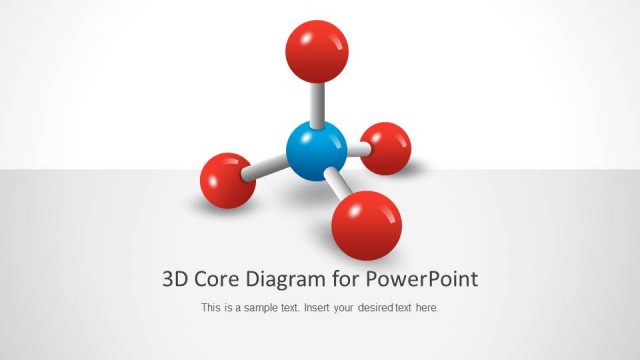
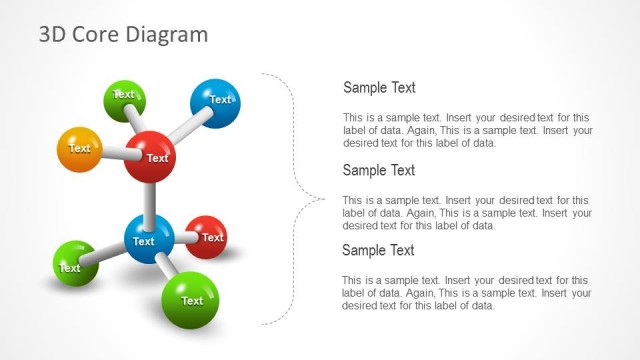
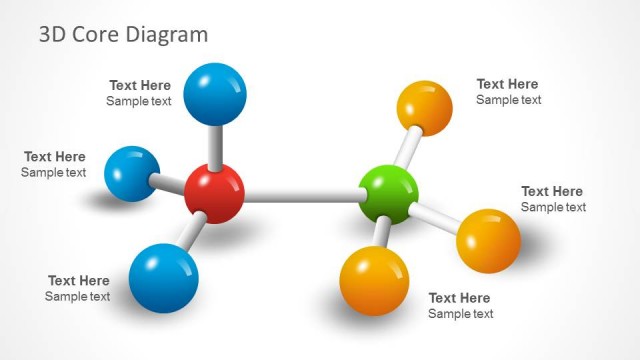
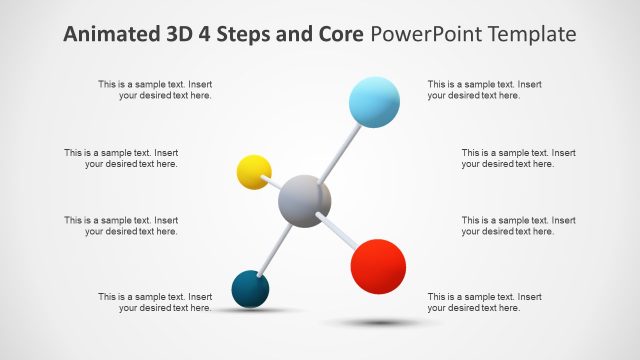
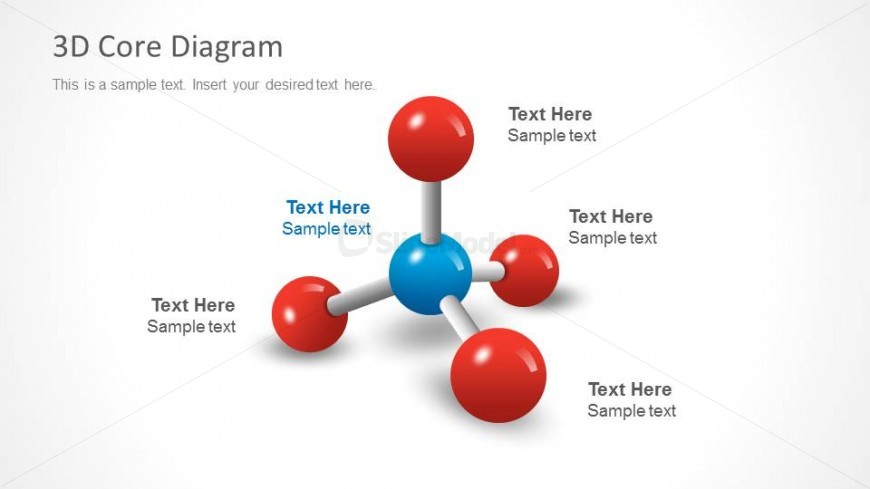
The layout features a central blue sphere connected to four red and orange spheres, representing a core diagram. The spheres are arranged in a three-dimensional structure, with the central sphere at the top and the surrounding spheres positioned below and to the sides. Each sphere has a text placeholder aligned near it, allowing for descriptive text. The background is a light gradient, enhancing the visual appeal. The overall composition emphasizes the central node while maintaining balance among the surrounding elements.
How to Use It
This layout serves as a visual representation of interconnected elements, suitable for illustrating relationships in scientific, educational, or business contexts. It fits well in a presentation sequence after introducing a concept and before detailing specific components. Ideal scenarios include explaining molecular structures, organizational hierarchies, or project components. Use it to clarify complex relationships visually and facilitate audience understanding.
Text Placeholders & Capacity
Keep your copy within these limits so it fits without resizing. Node labels can hold about 20 characters each, while the title can accommodate up to 30 characters.
| Placeholder | Count | Max characters (approx.) |
|---|---|---|
| Item heading | 4 | 20 |
| Slide title | 1 | 30 |
| Body paragraph | 1 | 50 |
Slide Keywords
Download unlimited PowerPoint templates, charts and graphics for your presentations with our annual plan.
DOWNLOADReturn to 3D Core Diagram for PowerPoint.