Slide 7 of 8 from Animated 3D 4 Steps & Core PowerPoint Template
Creative Core Design of 3D Animations
4 Steps Core Diagram for Presentations
- Diagram
- Other
- Process Slide
- 16:9
- 100% Editable
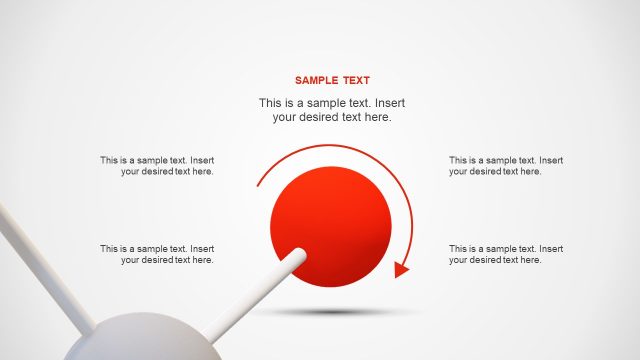
The 4 Steps Core Diagram slide from the Animated 3D 4 Steps & Core PowerPoint Template visually represents process flows and conceptual frameworks using interconnected spheres and arrows. This slide layout supports strategic planning and project explanation within corporate presentations, offering editable shapes and vector icons for clear communication in business presentation slide decks.
What’s on This Slide
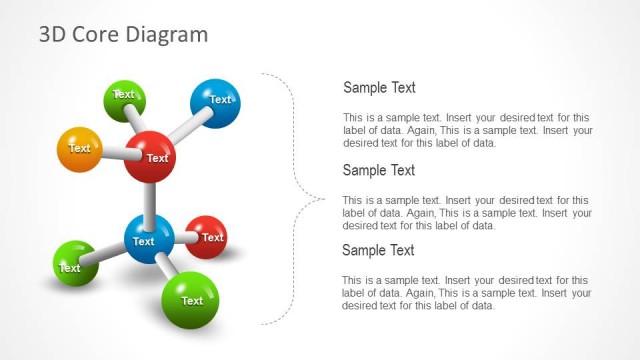
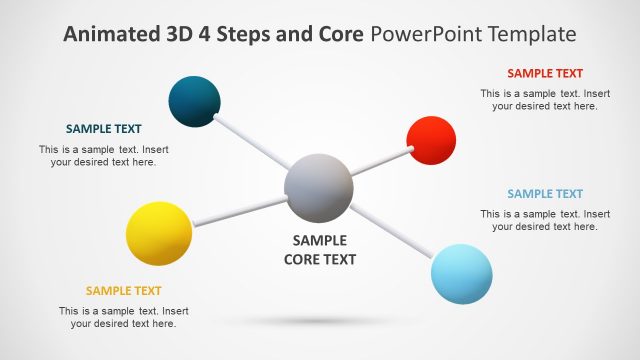
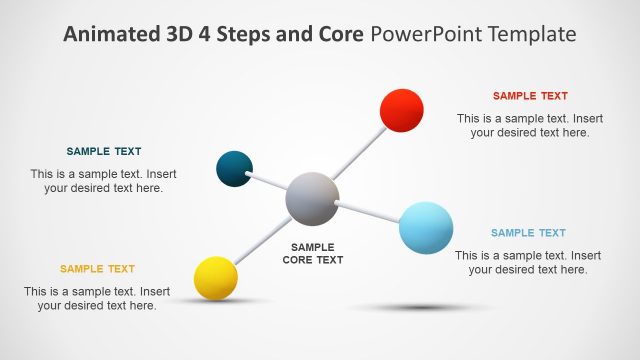
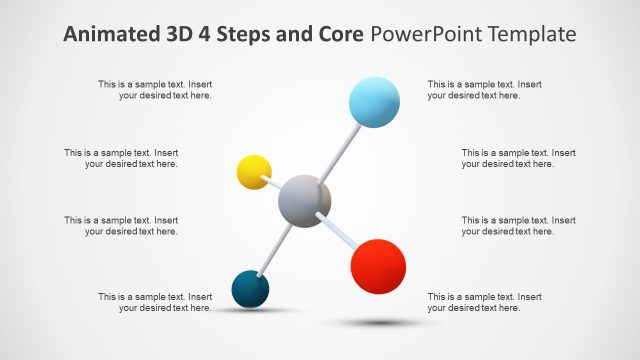
The layout features a central gray sphere connected to four colored spheres: blue, red, yellow, and light blue. Each sphere is positioned at the corners of the slide, with arrows indicating movement between them. The arrows are curved, suggesting interaction among the spheres. Text placeholders are centrally aligned near the gray sphere and below the colored spheres, allowing for descriptive content. The background is light, enhancing the visibility of the spheres and arrows. The overall composition emphasizes the relationships among the elements.
How to Use It
This layout serves as a process flow or conceptual model, illustrating connections among four key components. It is suitable for presentations that require a visual representation of steps, phases, or categories. This slide fits well in a sequence following an introduction or problem statement, leading into a detailed analysis or solution. It can be used in business contexts such as project planning, strategic initiatives, or educational settings to explain concepts or frameworks.
Text Placeholders & Capacity
Keep your copy within these limits so it fits without resizing. Node labels can hold about 30 characters each, while body text can fit around 50 characters.
| Placeholder | Count | Max characters (approx.) |
|---|---|---|
| Item heading | 4 | 30 |
| Body paragraph | 2 | 50 |
Slide Keywords
Download unlimited PowerPoint templates, charts and graphics for your presentations with our annual plan.
DOWNLOAD