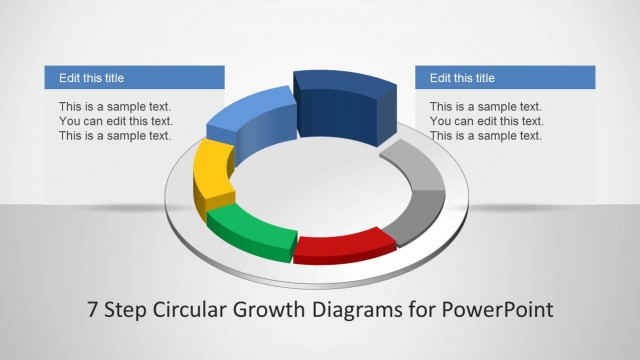
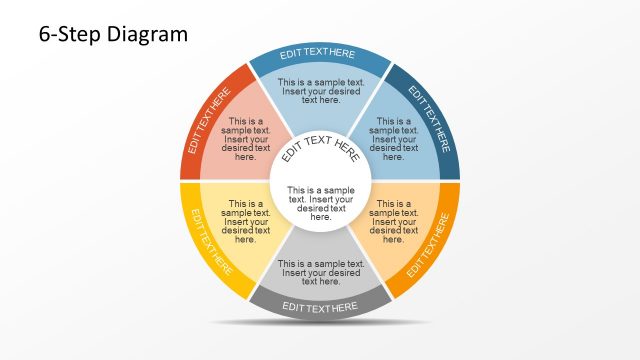
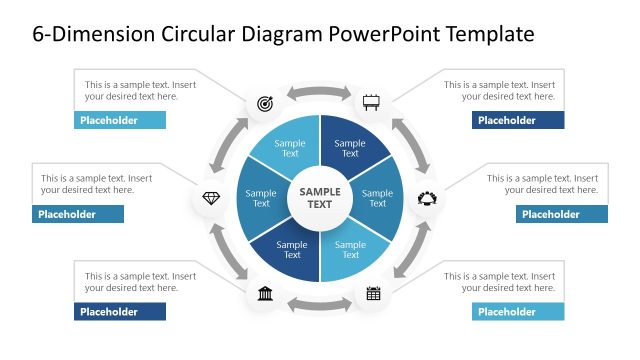
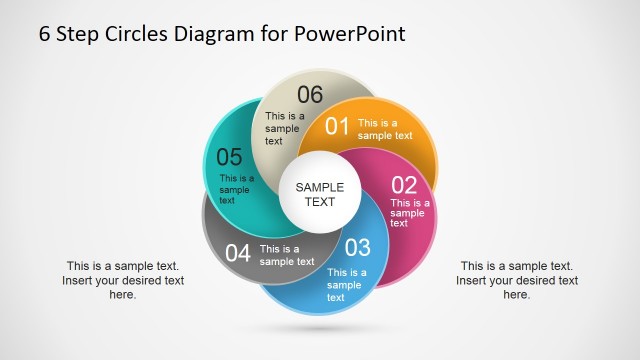
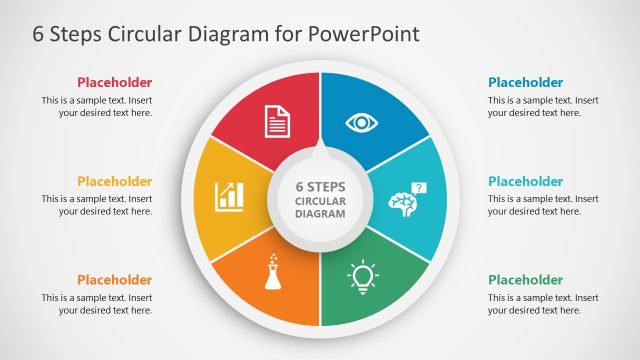
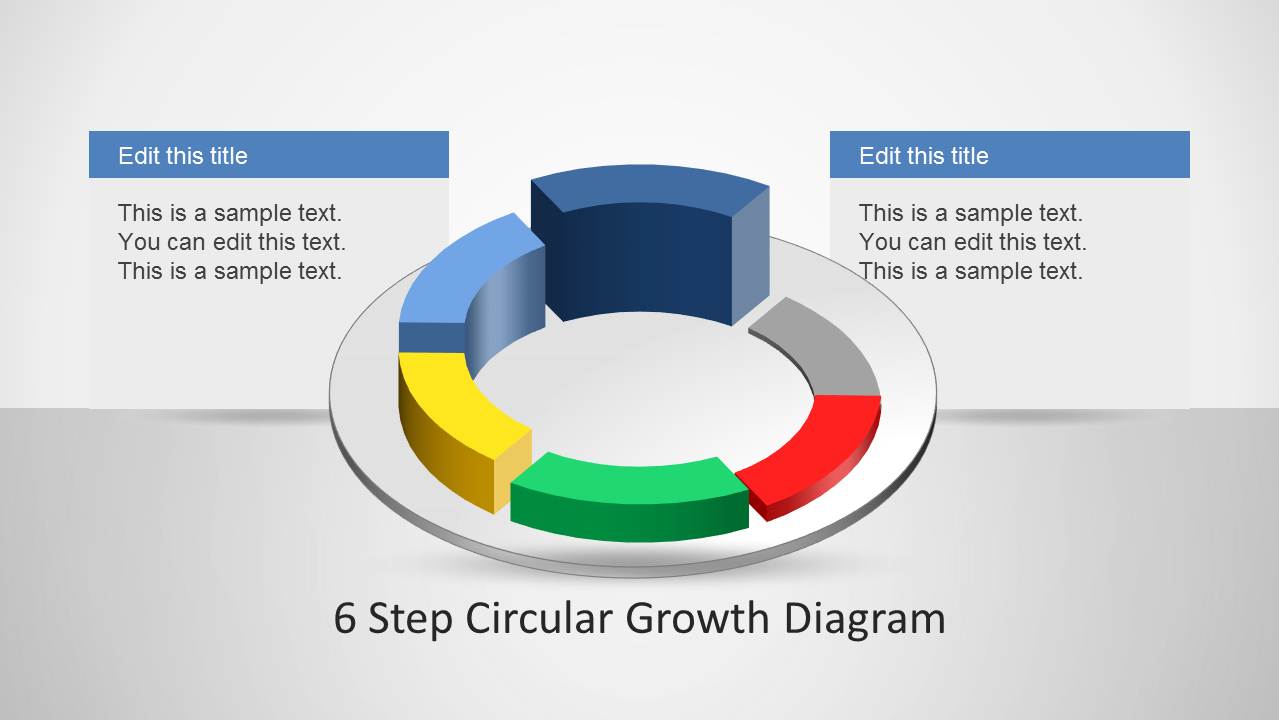
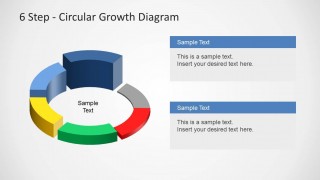
6 Step Circular Growth Diagram for PowerPoint is a professionally designed template for making six step circular growth diagrams in PowerPoint.
You can comprehensively customize this circular diagram template for making custom diagrams according to your specific presentation topic, by resizing, recoloring and rearranging various elements given within the sample slides.
What’s inside this template
Example presentation scenarios
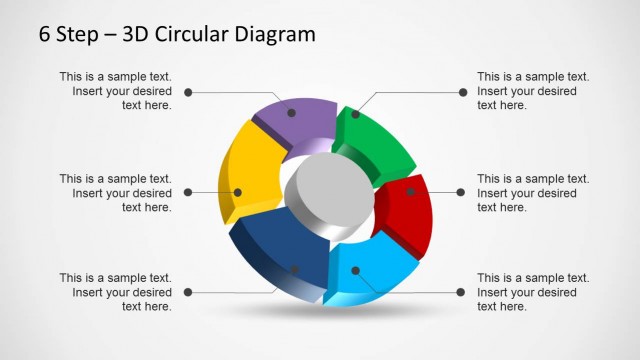
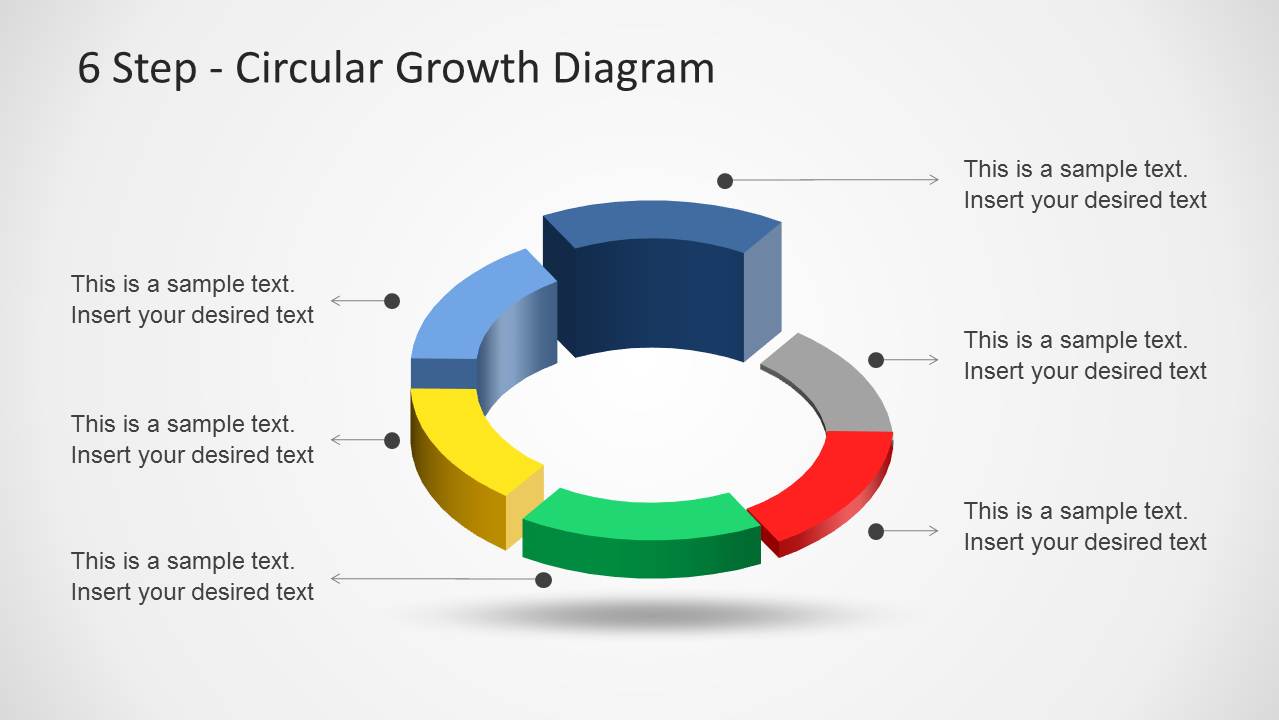
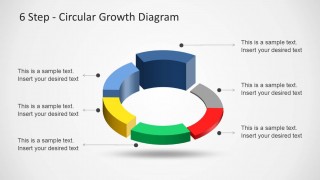
- A strategy consultant can use the six-callout ring to explain a cyclical growth model and assign one business action to each phase.
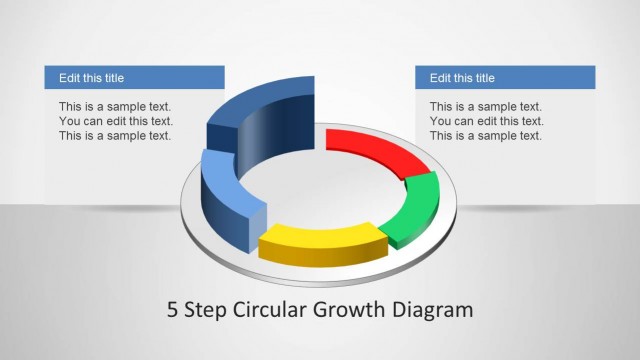
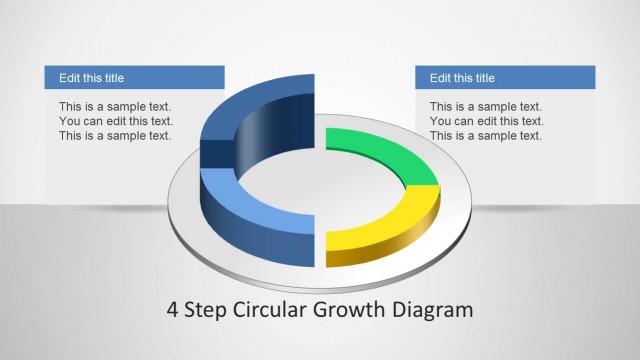
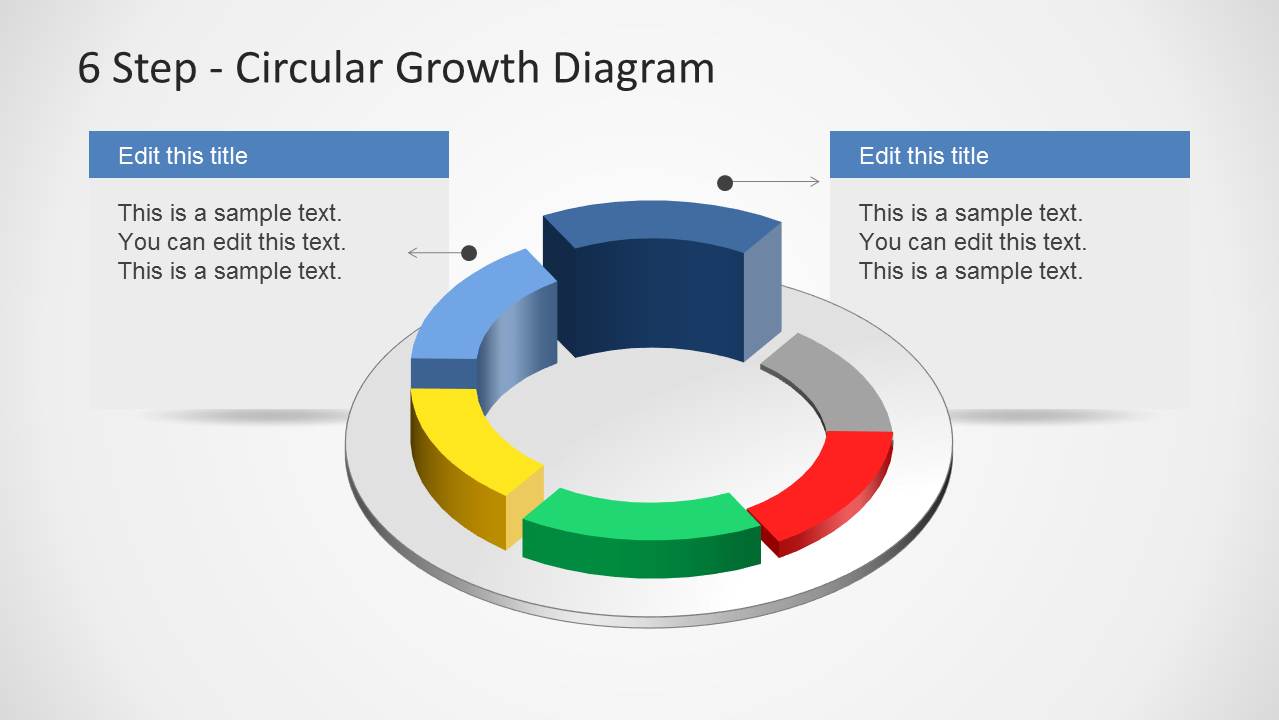
- A product manager can use the paired text panel layout to present two priority areas while keeping the six-step platform cycle visible.
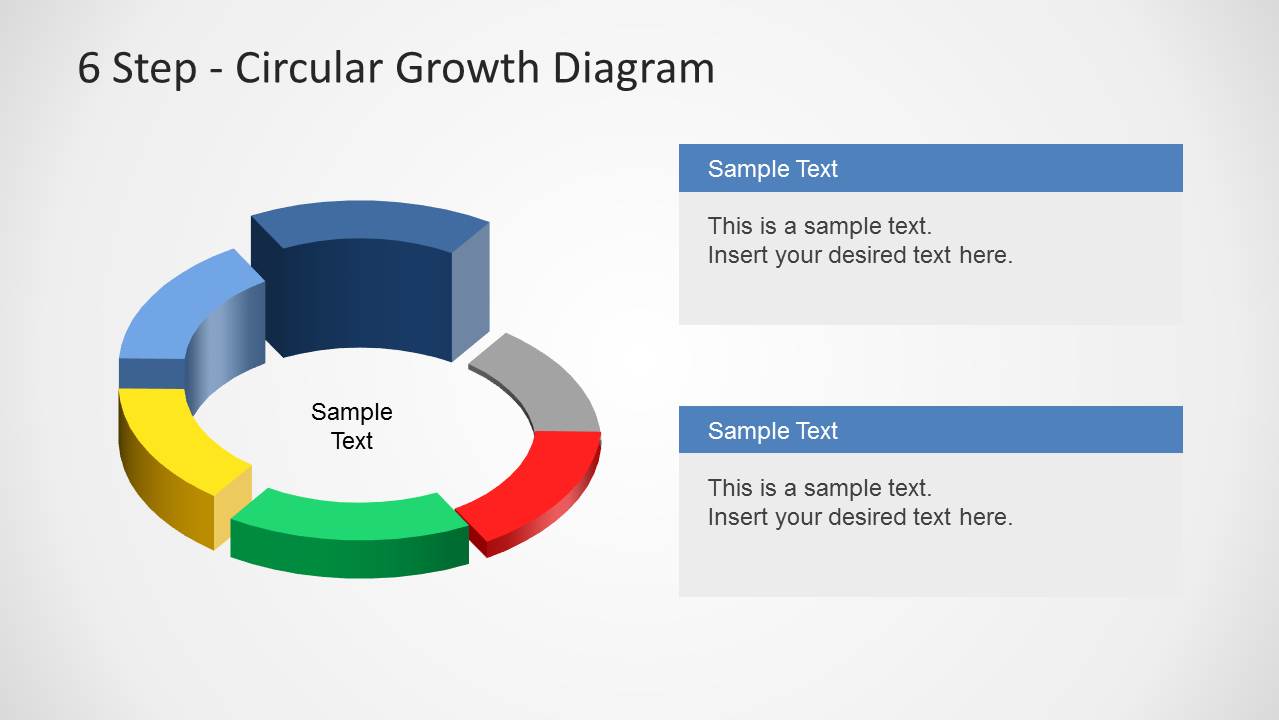
- An operations leader can use the center-label diagram to summarize a continuous improvement process and then describe each action in the right-side text panels.
- A trainer can use the title slide and six-step callout slide to introduce a process framework before discussing each phase with learners.
Features
- 100% editable presentation template
- Compatible with Microsoft PowerPoint and Google Slides
- Scalable vector shapes, icons and illustrations
- AI-Ready for Microsoft Copilot and Claude
- Instant access and download
Frequently asked questions
Q: How should I present the six steps without making the cycle feel like a checklist?
A: Introduce the ring as a repeatable growth loop, not as six isolated tasks. Name the overall process first, then move around the segments in order and explain how each step feeds the next. Use the six-callout slide for equal-weight phases and the side-panel slide when two steps need more explanation.
Q: Who is this template best suited for in a business presentation?
A: This template fits presenters who need to explain how a business, product, or operating model progresses through six recurring phases. Consultants, product managers, and operations leaders can use it when the audience must understand sequence, dependency, and repetition rather than only a list of action items.
Q: Why use a circular 3D growth diagram instead of a linear process graphic?
A: The circular shape signals continuity and renewal, which fits growth, improvement, and platform maturity topics. The 3D segmented ring gives each phase a distinct visual position while keeping the process connected. That metaphor helps audiences see the model as an ongoing cycle instead of a one-time sequence.
6 Step Circular Growth Diagram for PowerPoint
4-slide PowerPoint diagram template for six-step circular growth cycles and phase callouts
The 6 Step Circular Growth Diagram for PowerPoint is a 4-slide diagram template for showing six phases in a circular growth process. It includes a title diagram, a six-callout ring, paired text panel layouts, and a center-label diagram for strategy, platform, operations, or process presenters.


 Loading...
 Microsoft PowerPoint
  Microsoft Copilot
  Claude for PowerPoint
 Other formats supported
Subscribe today and get immediate
access to download our PowerPoint templates.