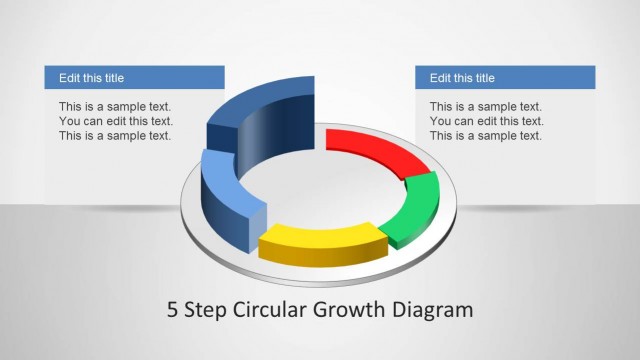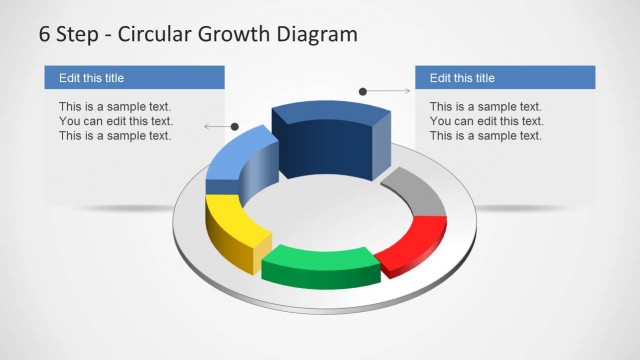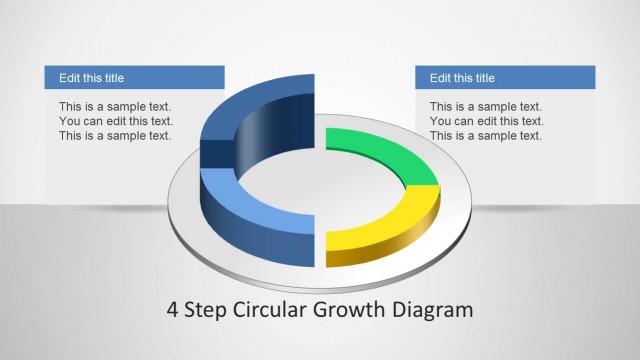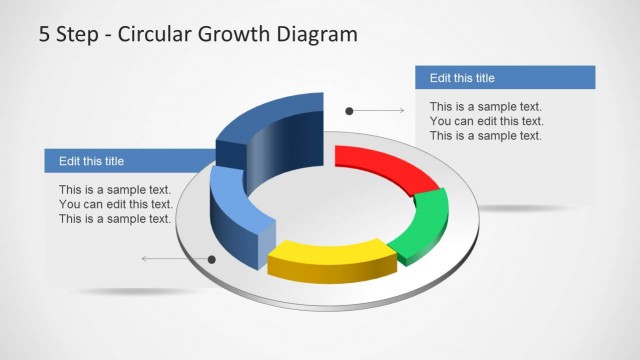
Slide 1 of 4 from 6 Step Circular Growth Diagram for PowerPoint
6233-06-6step-circular-growth-diagrams-1
6 Step Circular Growth Diagram for Presentations
- Diagram
- Circular Cycle
- Process Slide
- 16:9
- 100% Editable
The 6 Step Circular Growth Diagram slide from the 6 Step Circular Growth Diagram for PowerPoint template offers a clear visual framework for illustrating business processes and growth phases. This slide layout includes editable shapes arranged in a circular format, making it ideal for strategic planning sessions and training presentations within corporate slide decks. Its design supports effective communication of complex cyclical processes in professional business presentations.
What’s on This Slide
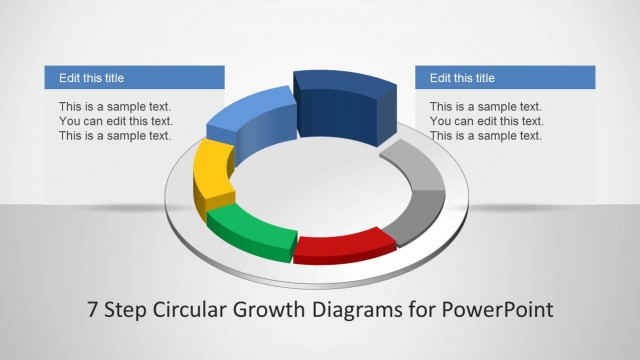
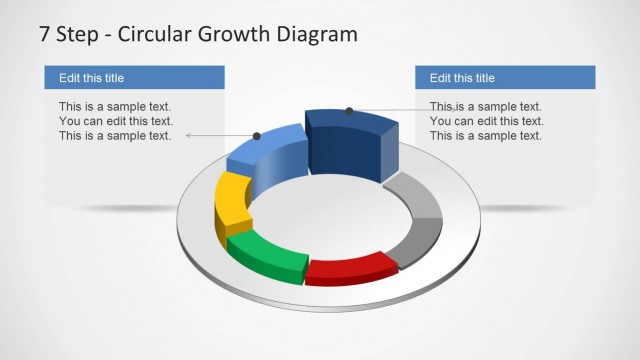
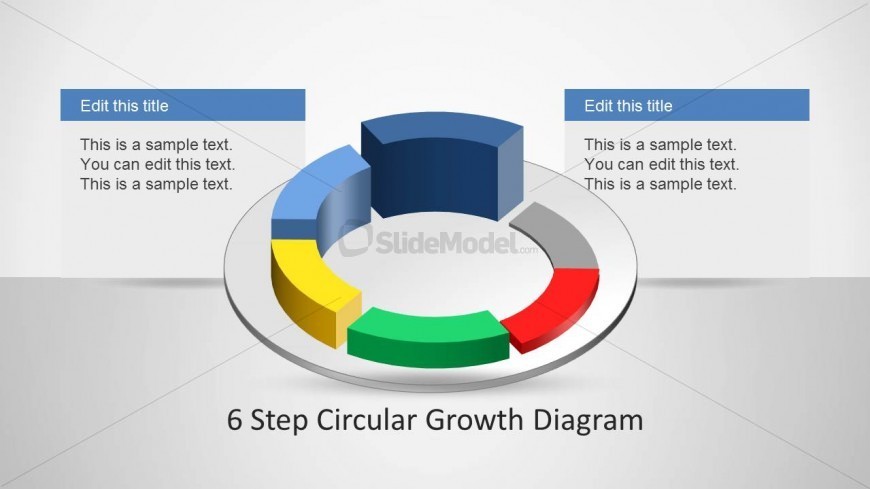
The layout features a central circular diagram with six colored segments arranged in a ring. Each segment is a 3D shape, with alternating colors of blue, yellow, green, red, gray, and dark blue. Two rectangular text placeholders are positioned at the top left and top right, aligned horizontally. Each placeholder has a title area above a body text area. The overall composition is centered, with the circular diagram dominating the middle space, while the text placeholders are visually balanced above it. The background is a light gradient, enhancing the diagram's visibility.
How to Use It
This layout serves to illustrate a six-step process or growth model in a circular format. It is suitable for presentations that require a visual representation of phases or stages in a business strategy or operational plan. Typically, it fits well after an introductory slide and before detailed explanations of each phase. This structure is effective for training sessions, strategic planning meetings, or project kick-offs where clarity in process visualization is essential.
Text Placeholders & Capacity
Keep your copy within these limits so it fits without resizing. Body slots can hold roughly 25-30 words each.
| Placeholder | Count | Max characters (approx.) |
|---|---|---|
| Slide title | 1 | 30 |
| Item heading | 6 | 20 |
| Body paragraph | 2 | 150 |