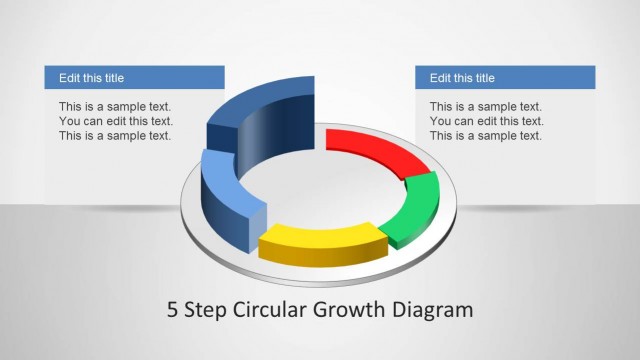
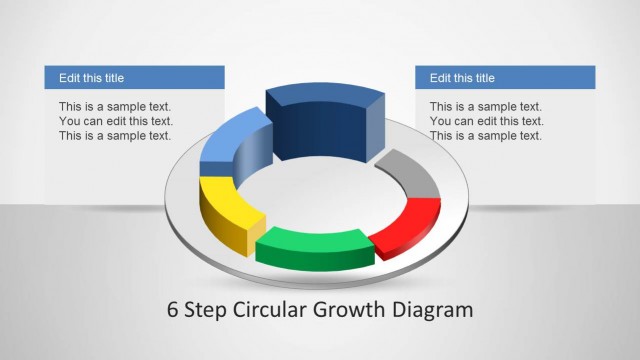
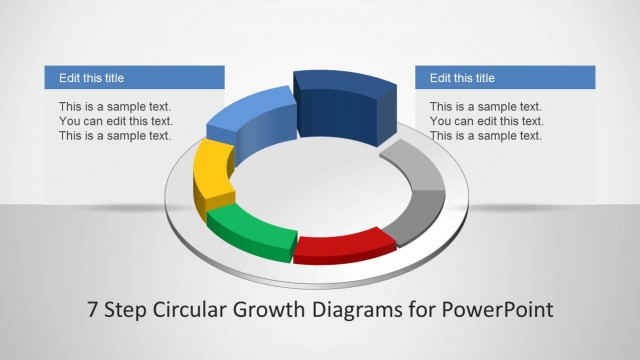
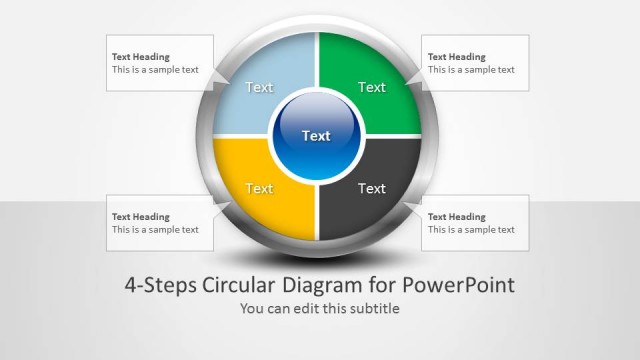
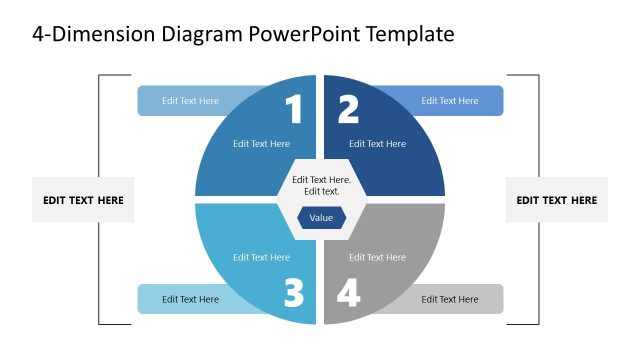
4 Step Circular Growth Diagram for PowerPoint is a growth themed PowerPoint Diagram Template.
With this template you can depict growth with the help of customizable slide designs which can be used for showing progress in both symbolic and actual terms, as well as to create Circular Growth Diagrams for PowerPoint.
What’s inside this template
Example presentation scenarios
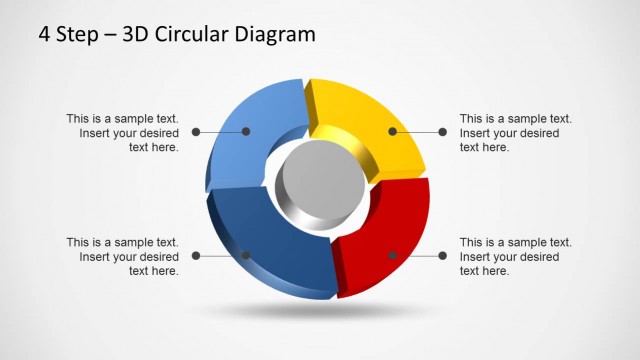
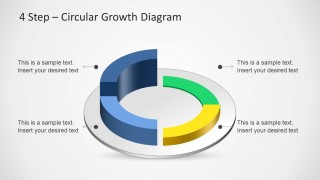
- A strategy consultant can use the four-part circular cycle to explain how planning, execution, measurement, and refinement repeat in a client growth model.
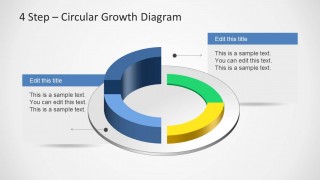
- A project manager can use the dot-and-arrow callout slide to walk stakeholders through four connected workstream phases without making the process look linear.
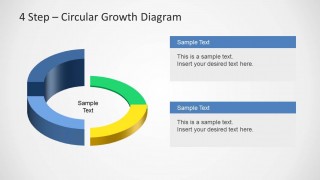
- A sales leader can use the side text-panel layouts to connect four growth drivers to a central revenue or pipeline concept.
- A training facilitator can use the stacked explanation boxes to teach a recurring four-step improvement method and keep supporting text separated from the main diagram.
Features
- 100% editable presentation template
- Compatible with Microsoft PowerPoint and Google Slides
- Scalable vector shapes, icons and illustrations
- AI-Ready for Microsoft Copilot and Claude
- Instant access and download
Frequently asked questions
Q: How should a presenter explain the four-step growth cycle without overloading the slide?
A: Use the circular diagram for the stage names and keep the explanation in the callouts or side panels. Present the sequence one segment at a time, then close by showing how the fourth step feeds the first. The strongest message is the repeatable cycle, not long body copy inside the ring.
Q: Who is this template best suited for?
A: This template works best for presenters who need to simplify a recurring four-part business idea. Consultants, project managers, sales leaders, and trainers can use it to show growth loops, maturity stages, continuous improvement, or strategic priorities when a standard timeline would wrongly imply a fixed endpoint.
Q: Why use a circular 3D diagram instead of a numbered list?
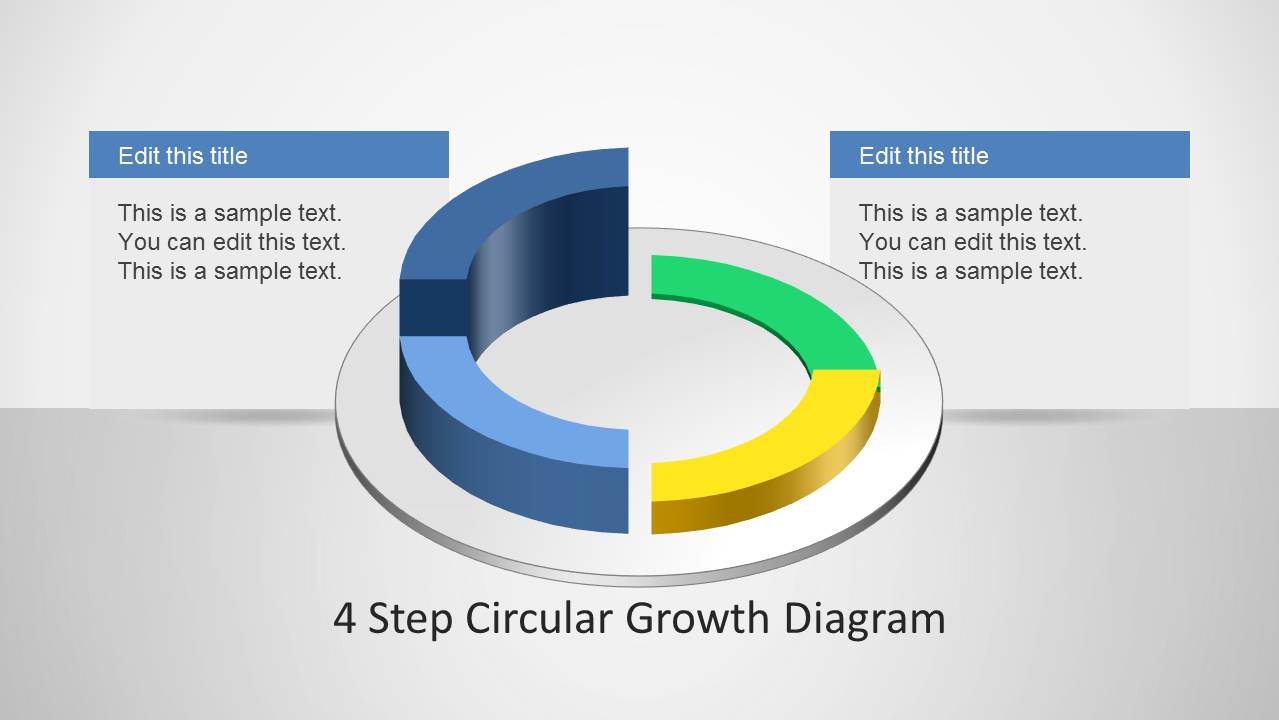
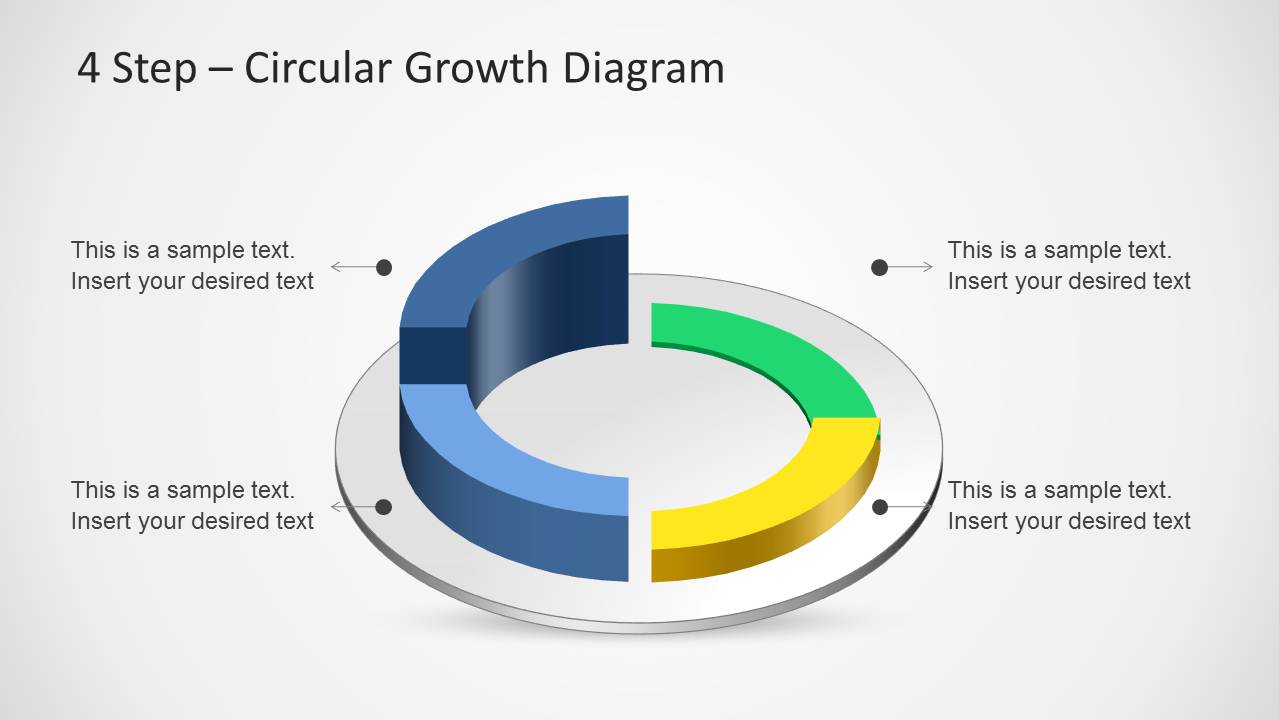
A: The circular shape signals continuity, while the four colored segments separate the steps clearly. The 3D depth makes the model feel like a tangible system, and the callout dots help the presenter connect each idea to a precise part of the ring. This supports memory better than a flat list.


4 Step Circular Growth Diagram for PowerPoint
4-slide presentation template with 3D circular growth cycle diagrams and editable callouts
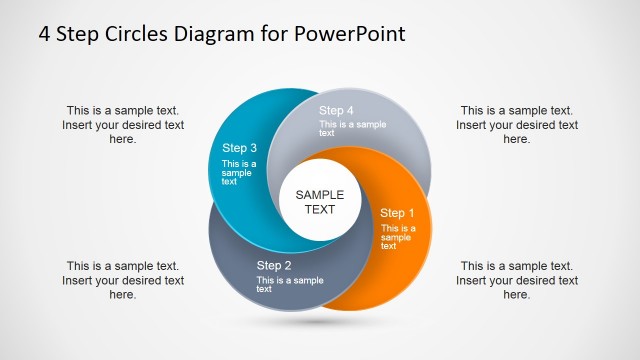
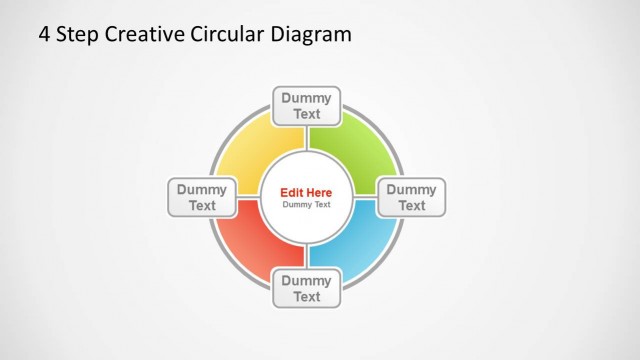
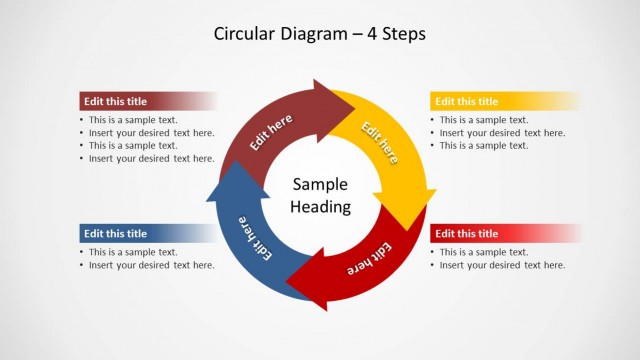
This is a 4-slide PowerPoint diagram template for presenting growth, progress, or recurring business steps. Visible layouts include a 3D four-part circular cycle, surrounding dot-and-arrow callouts, side text panels, and stacked explanation boxes. It is suited to consultants, managers, and trainers who need a concise growth model.


 Loading...
 Microsoft PowerPoint
  Microsoft Copilot
  Claude for PowerPoint
 Other formats supported
Subscribe today and get immediate
access to download our PowerPoint templates.