Slide 3 of 4 from 6 Step Circular Growth Diagram for PowerPoint
6233-06-6step-circular-growth-diagrams-3
6 Step Circular Growth Diagram for Presentations
- Diagram
- Circular Cycle
- Process Slide
- 16:9
- 100% Editable
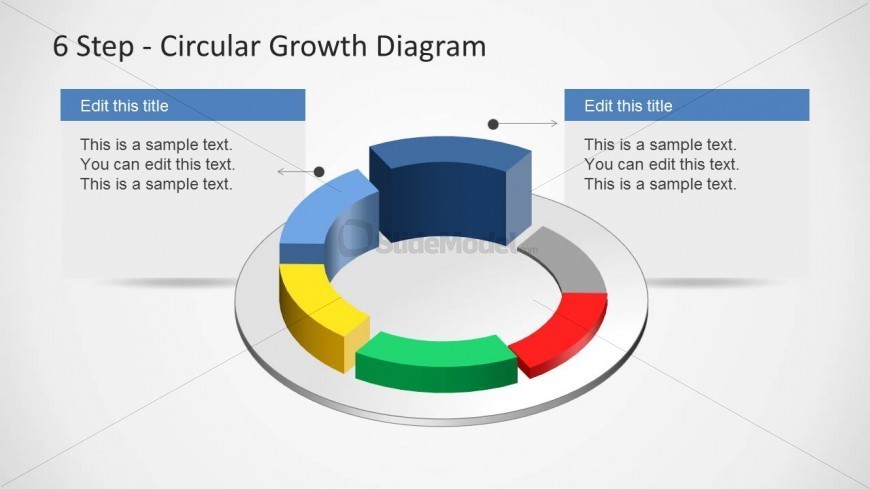
The 6 Step Circular Growth Diagram slide from the 6 Step Circular Growth Diagram for PowerPoint template offers a clear visual representation of cyclical growth phases. This slide layout uses a segmented circular diagram with editable shapes and vector icons to illustrate process steps effectively, making it suitable for business presentations and corporate slide decks that require a structured overview of growth strategies.
What’s on This Slide
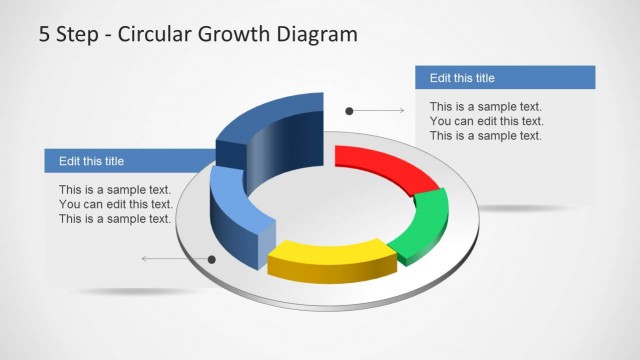
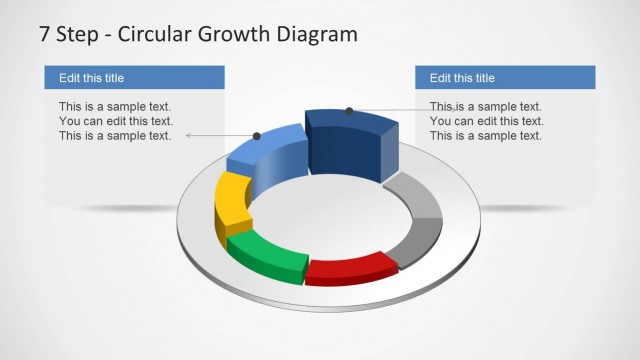
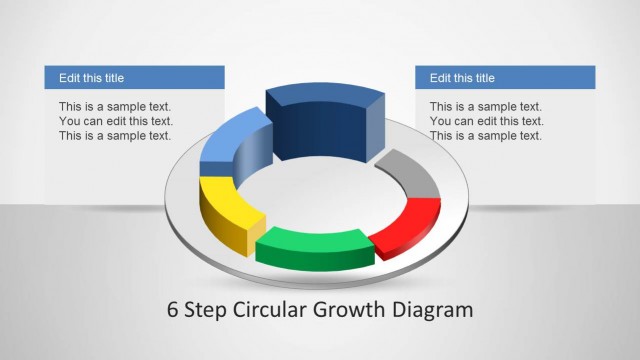
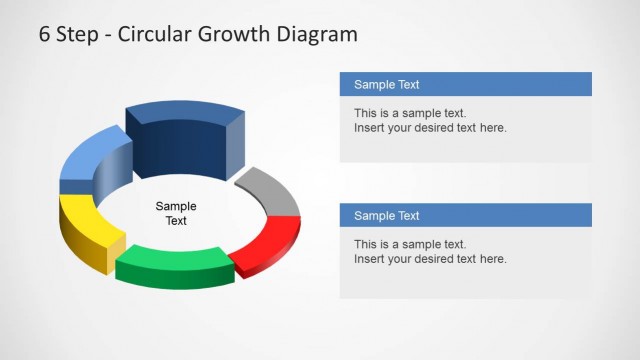
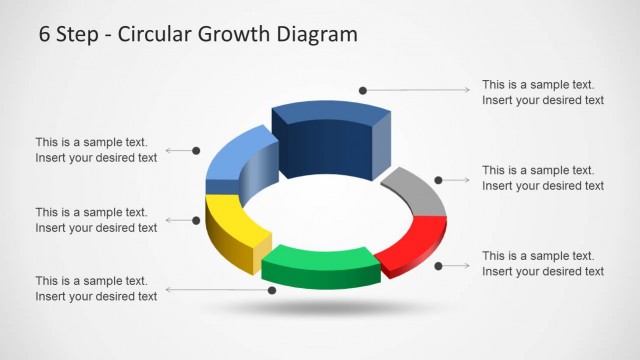
The layout features a circular diagram divided into six segments, each with distinct colors: blue, green, yellow, red, gray, and a central white area. Two text placeholders are positioned at the top left and top right, aligned horizontally, with the first placeholder above the circular diagram. The circular segments are raised, creating a 3D effect, and the overall background is light gray. Each segment can accommodate text, while the placeholders allow for titles and descriptions. The visual hierarchy emphasizes the circular structure, guiding the viewer's focus around the diagram.
How to Use It
This layout serves as a process flow diagram, illustrating six phases of growth in a circular format. It is effective for presentations that require a visual representation of cyclical processes or strategies. This diagram fits well after introductory slides, providing a clear overview of steps involved in a project or strategy. It is suitable for business scenarios such as growth strategies, product development phases, or operational processes, allowing presenters to convey complex information in an organized manner.
Text Placeholders & Capacity
Keep your copy within these limits so it fits without resizing. Node body slots can hold roughly 10-12 words each.
| Placeholder | Count | Max characters (approx.) |
|---|---|---|
| Slide title | 1 | 30 |
| Item body | 6 | 50 |
| Item heading | 6 | 20 |
| Body paragraph | 2 | 100 |