7 Step Circular Growth Diagram for PowerPoint is a well-crafted seven step circular diagram template with a plethora of editable diagrams that can help you create presentations for professional use.
Crafted by expert professionals, this template comes with editable objects which can be customized within PowerPoint with ease, to recolor, rearrange and adjust the look of each diagram according to the precise needs of the presenter.
Also see our complete collection of attractive Seven Step Diagram Templates for PowerPoint Presentations.
What’s inside this template
Example presentation scenarios
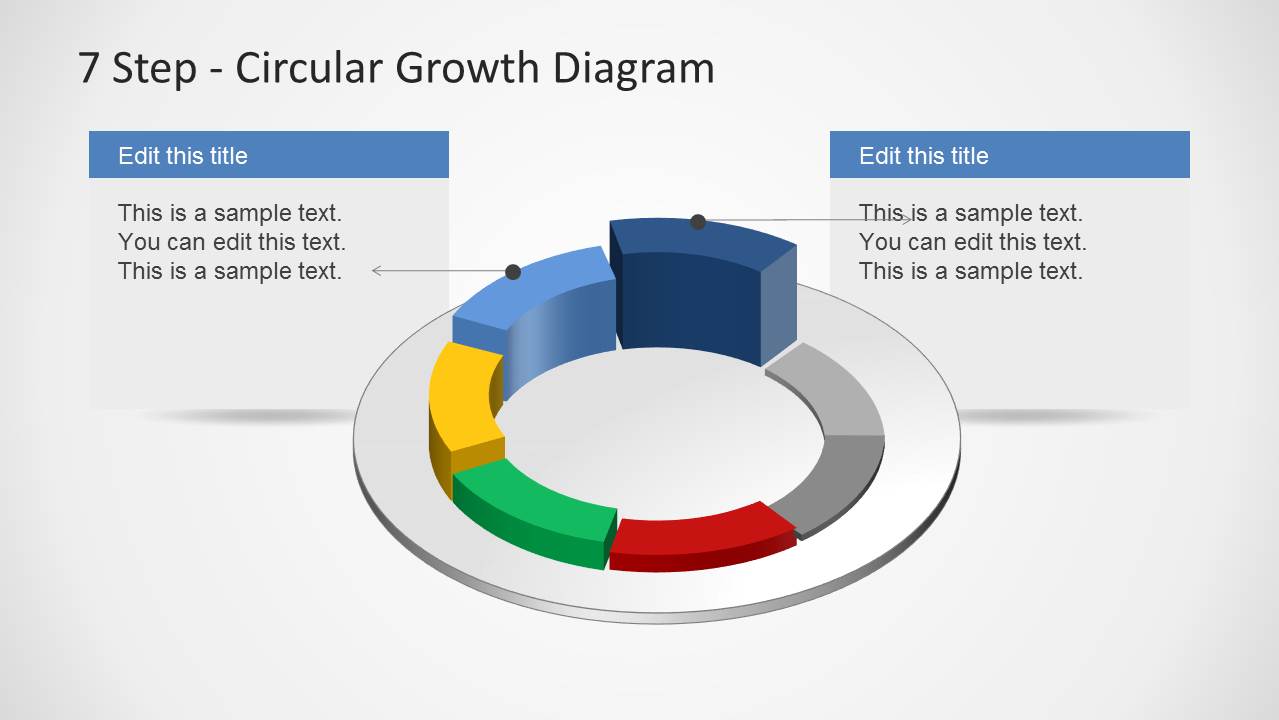
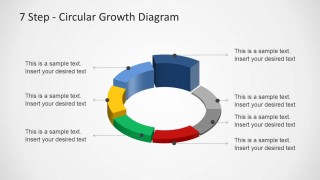
- A strategy consultant can use the leader-line callout slide to explain seven growth levers around a shared business objective.
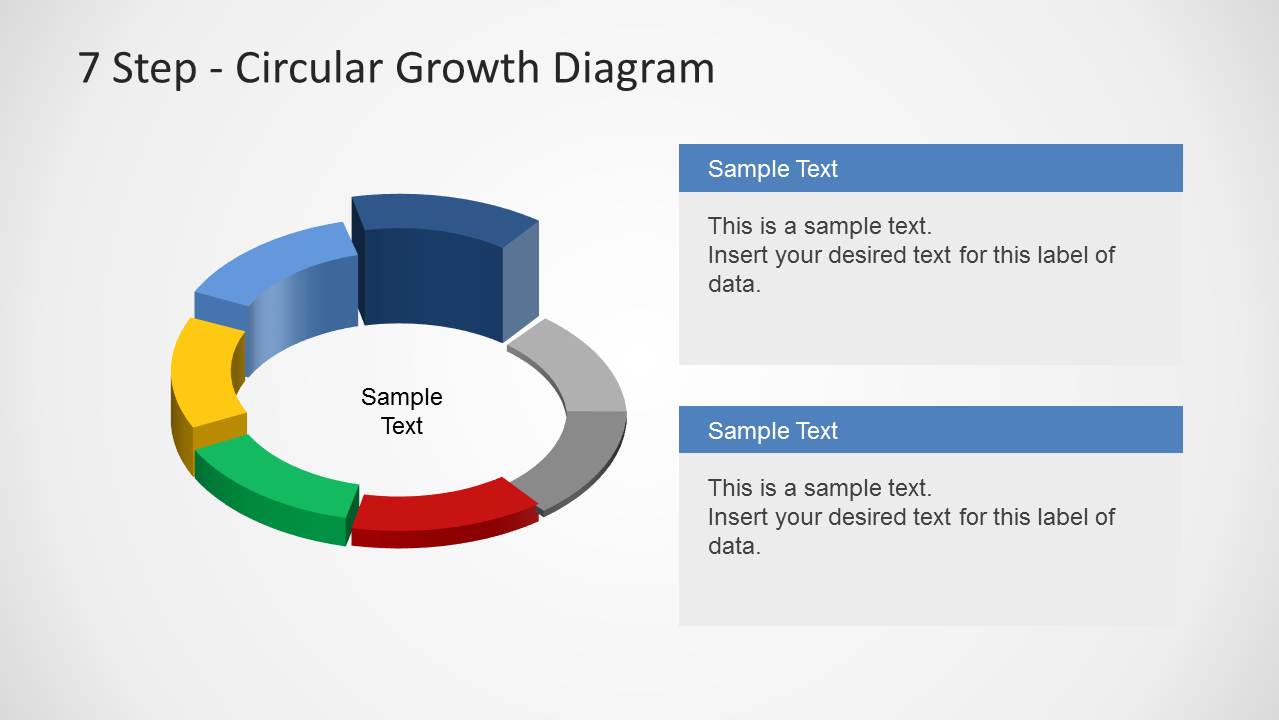
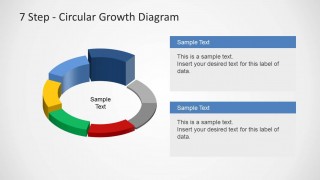
- A product manager can use the two-column notes layout to connect platform phases with short descriptions and ownership notes.
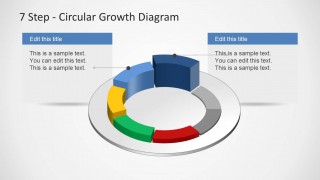
- An operations leader can use the large circular diagram to show a recurring improvement cycle during a process review.
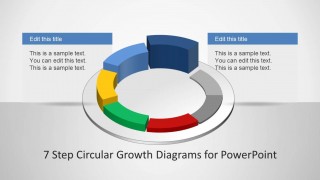
- A startup founder can use the cover-style diagram to introduce a staged growth model before discussing each phase in detail.
Features
- 100% editable presentation template
- Compatible with Microsoft PowerPoint and Google Slides
- Scalable vector shapes, icons and illustrations
- AI-Ready for Microsoft Copilot and Claude
- Instant access and download
Frequently asked questions
Q: How should a presenter explain the seven steps without making the cycle feel generic?
A: Start by naming the center idea or business outcome, then assign each colored segment to a distinct phase. Use the callout slide for the full model, and keep each label short enough to be read quickly. The two-column notes slide works best after the overview, when the audience needs more context for selected phases.
Q: Who is this circular growth diagram best suited for?
A: This template fits presenters who need to explain a repeatable model rather than a one-time sequence. Consultants, product managers, operations leads, and founders can use it to frame platform maturity, customer growth, process improvement, or staged execution. The design is strongest when all seven steps contribute to one continuing system.
Q: Why use a circular 3D growth diagram instead of a linear list?
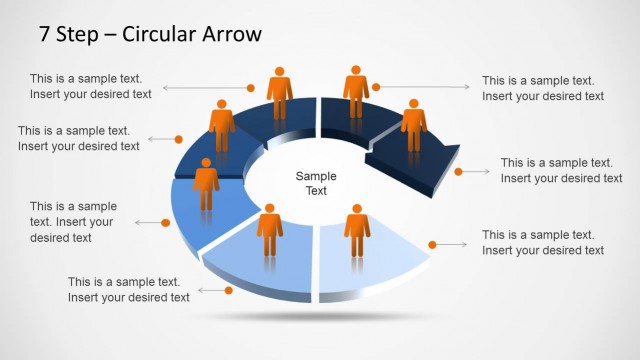
A: The circular shape signals that the process repeats, feeds back, or compounds over time. The seven colored segments separate stages while keeping them visually connected. The 3D ring adds weight to the model, and the leader lines let the presenter explain each phase without crowding text inside the diagram.

7 Step Circular Growth Diagram for PowerPoint
4-slide PowerPoint presentation template for seven-step circular growth cycles, phase labels, and callout notes
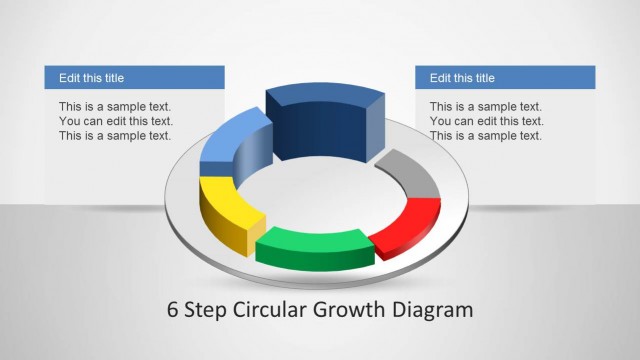
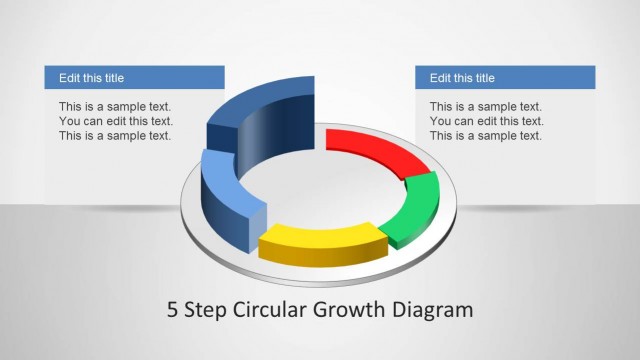
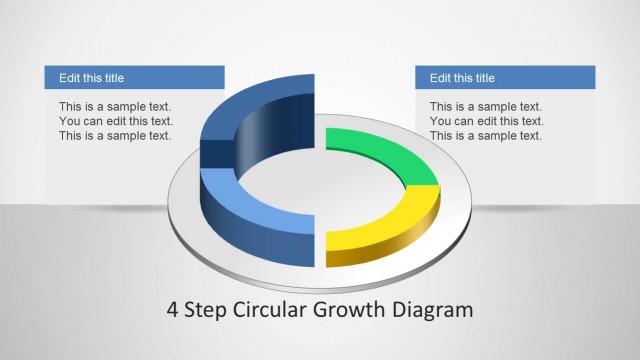
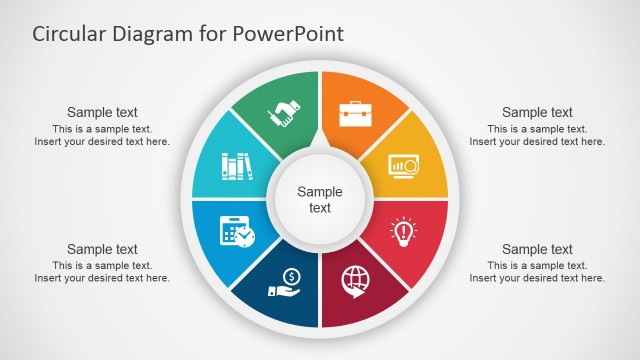
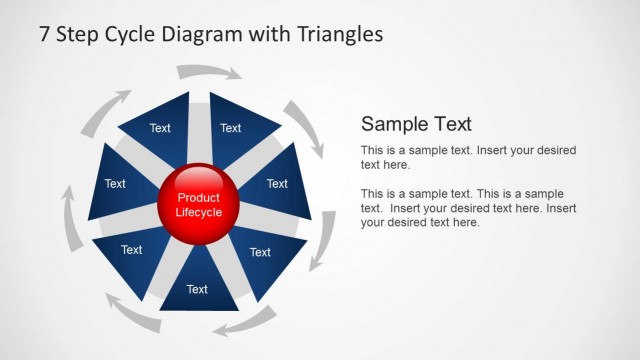
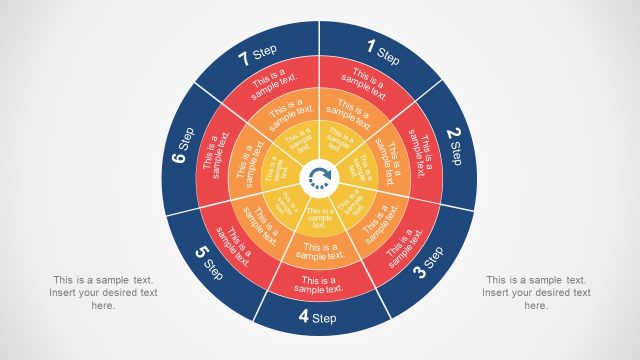
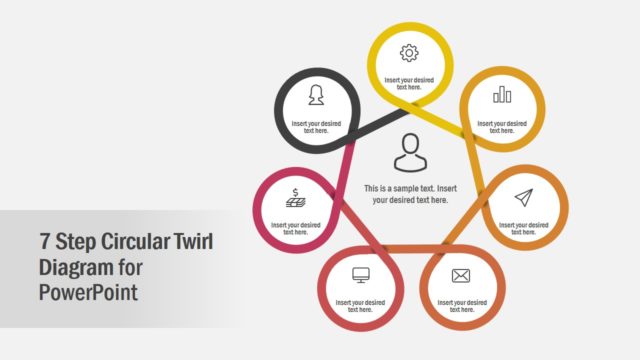
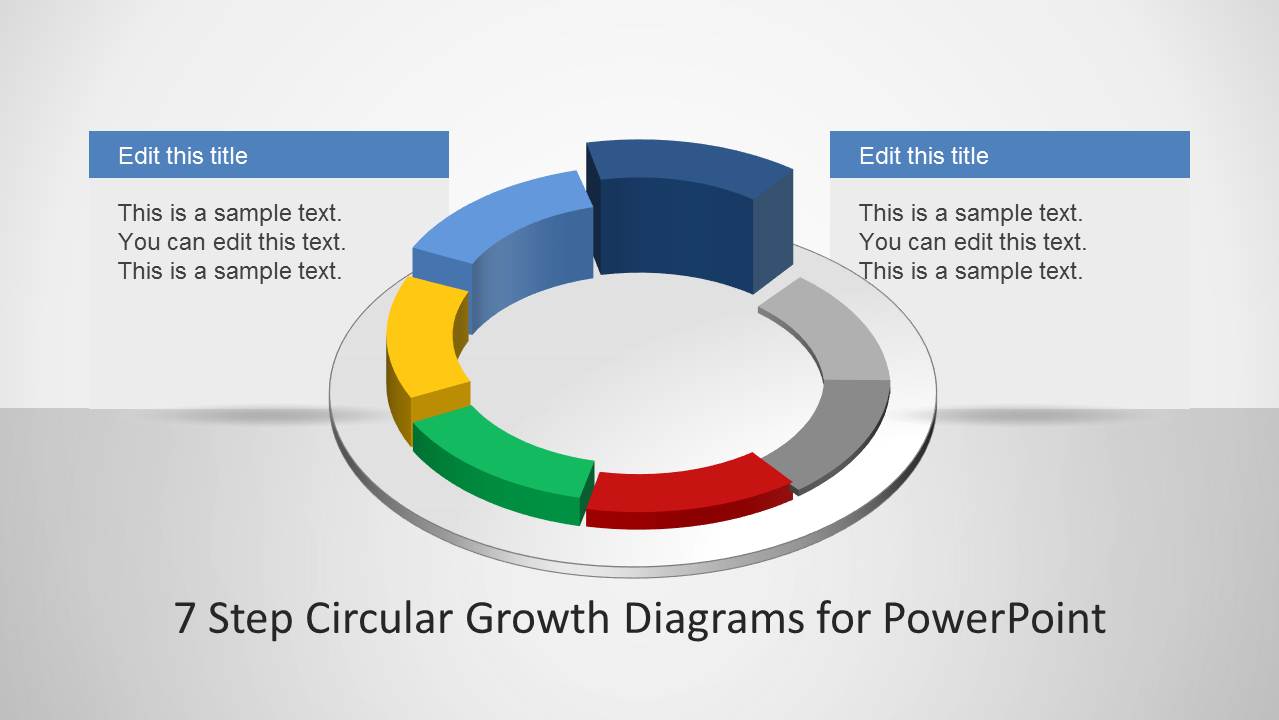
The 7 Step Circular Growth Diagram for PowerPoint is a 4-slide diagram template for showing a seven-phase cycle or growth platform. Visible layouts include a 3D circular process diagram with side text boxes, a callout version with leader lines, a two-column notes layout, and a cover-style diagram slide for business presenters.


 Loading...
 Microsoft PowerPoint
  Microsoft Copilot
  Claude for PowerPoint
 Other formats supported
Subscribe today and get immediate
access to download our PowerPoint templates.