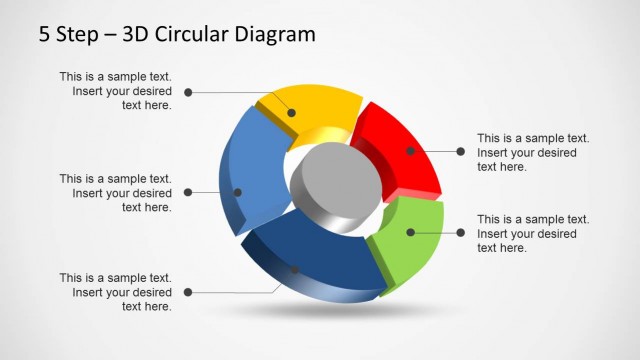
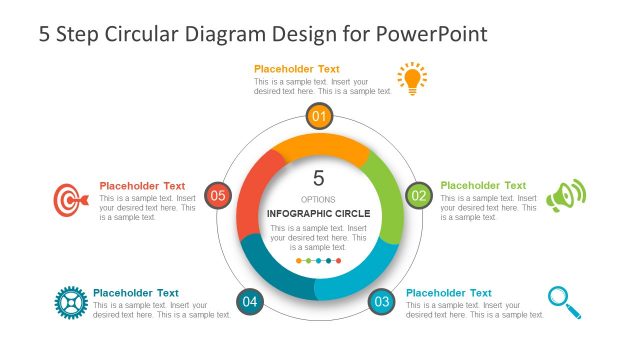
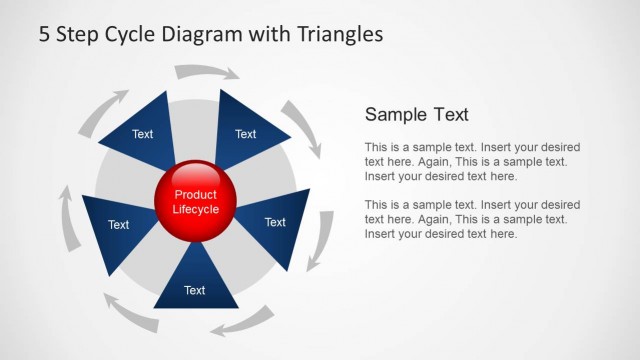
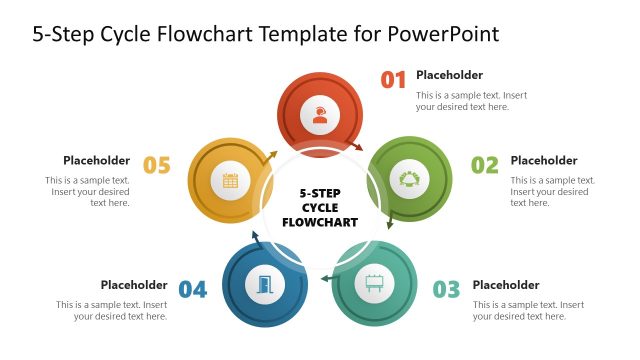
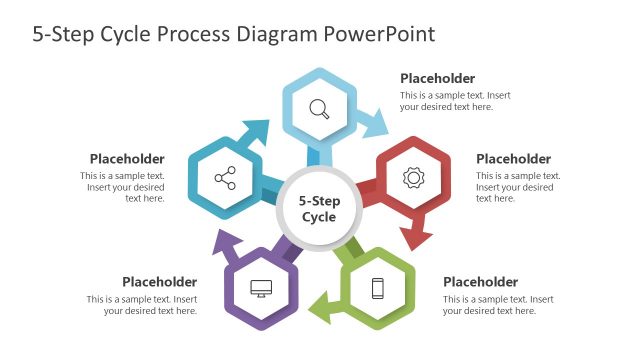
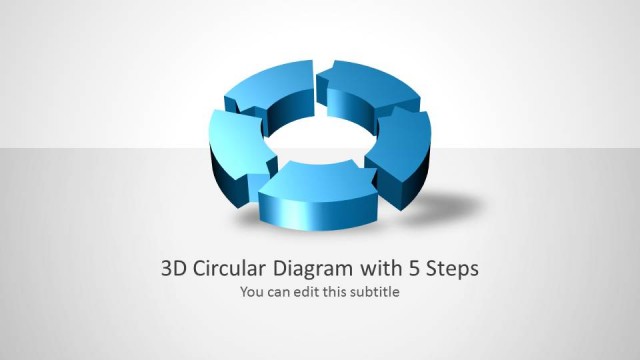
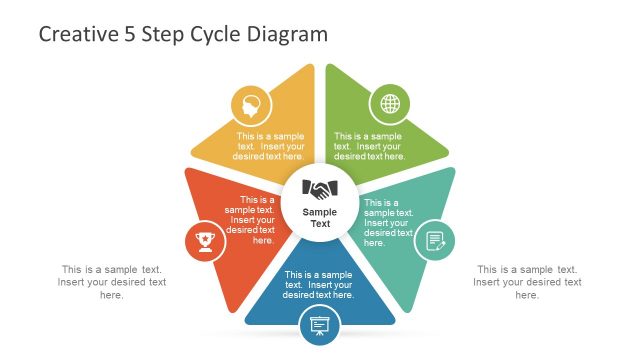
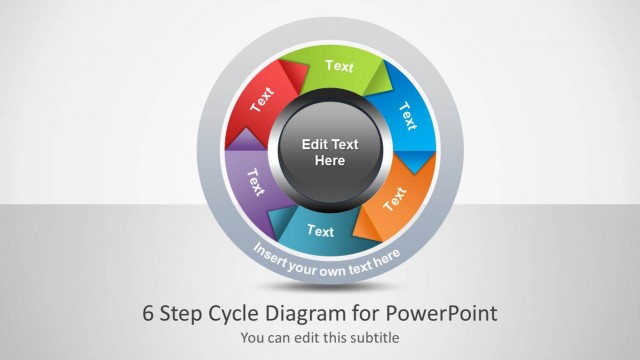
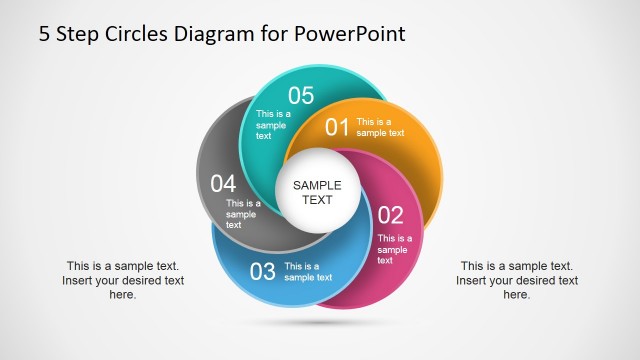
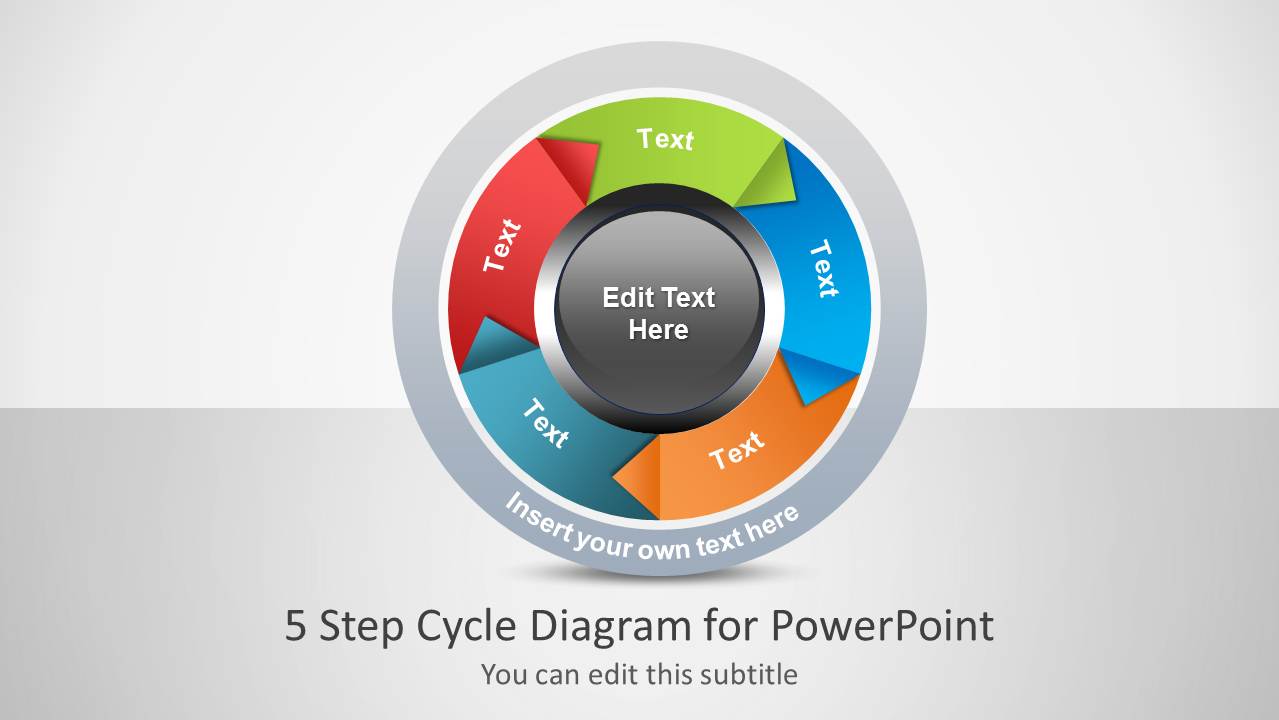
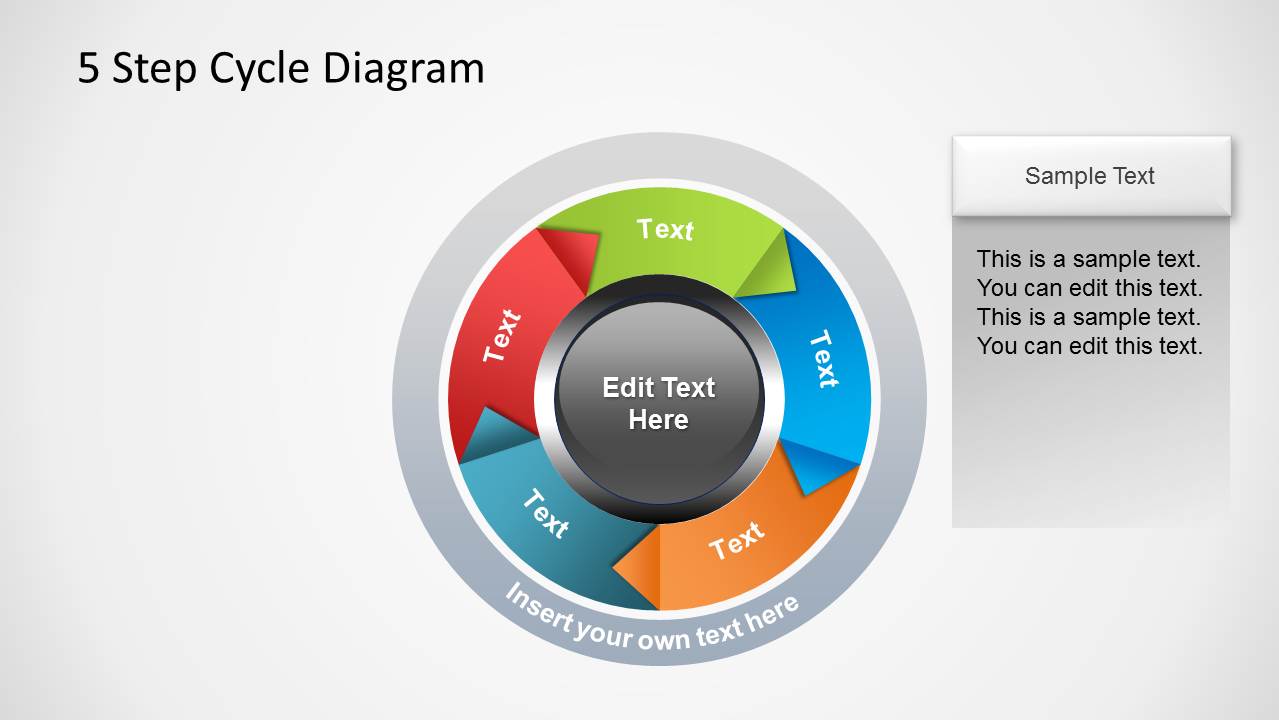
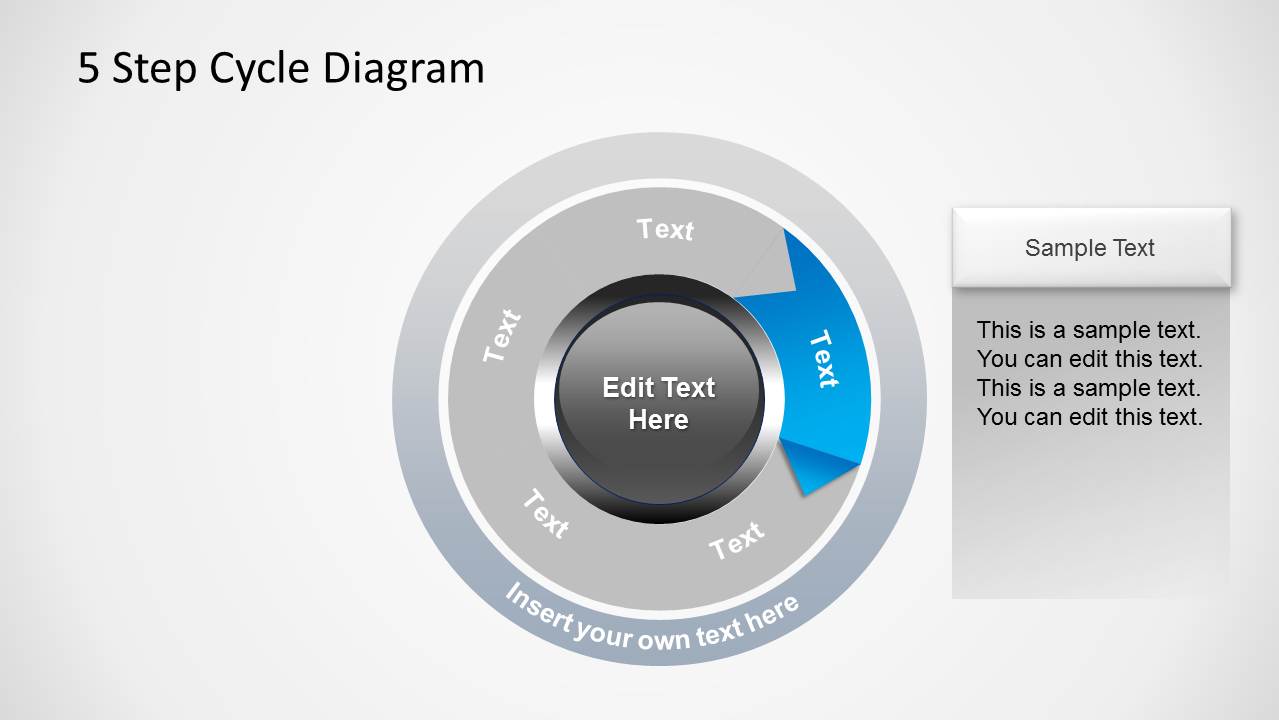
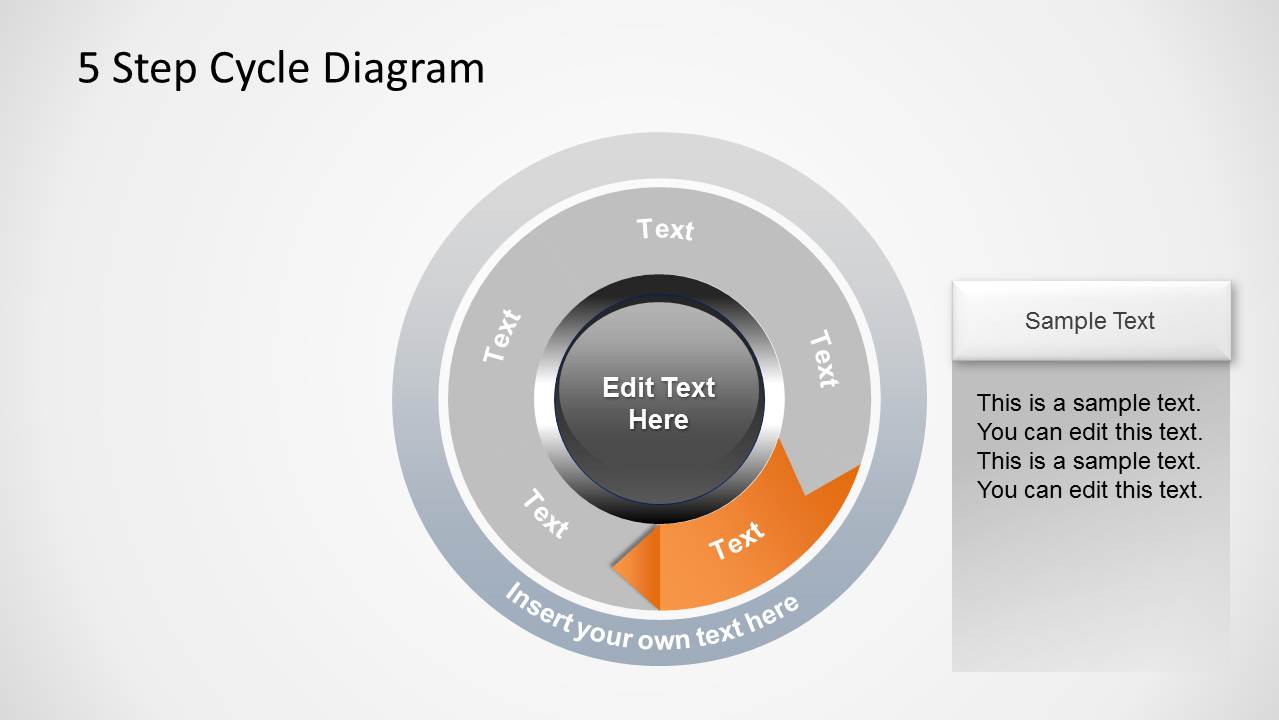
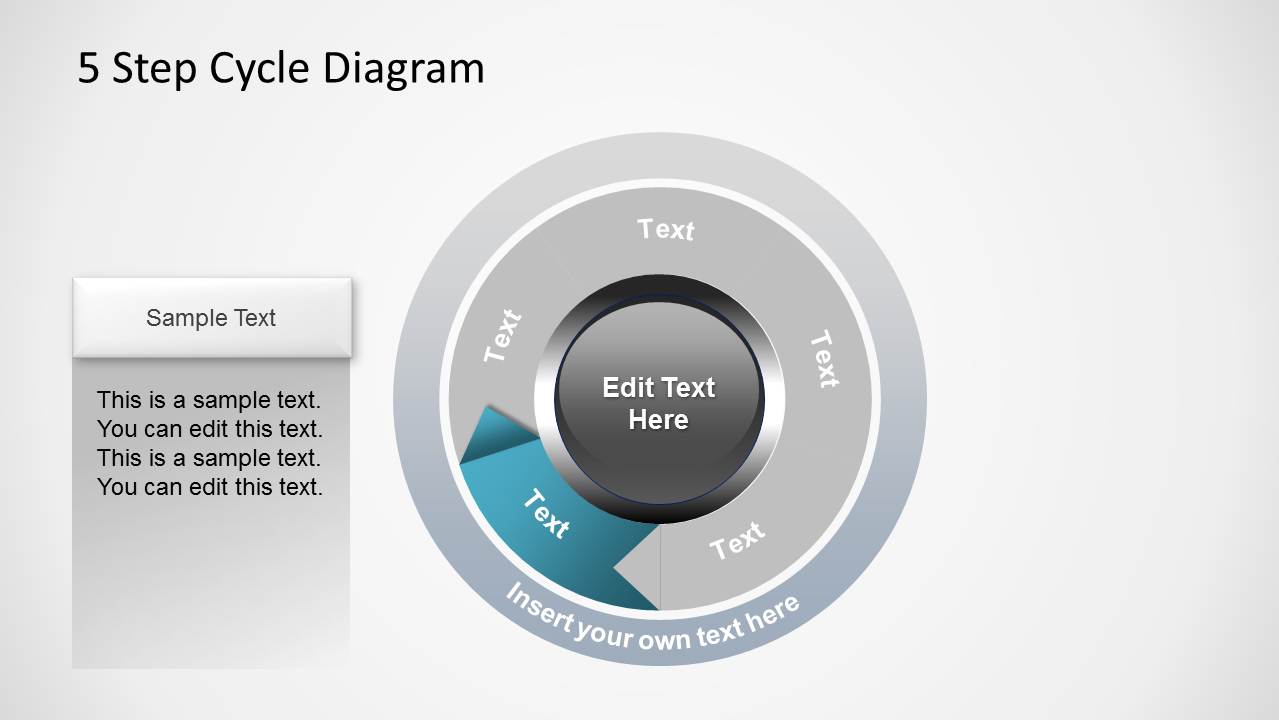
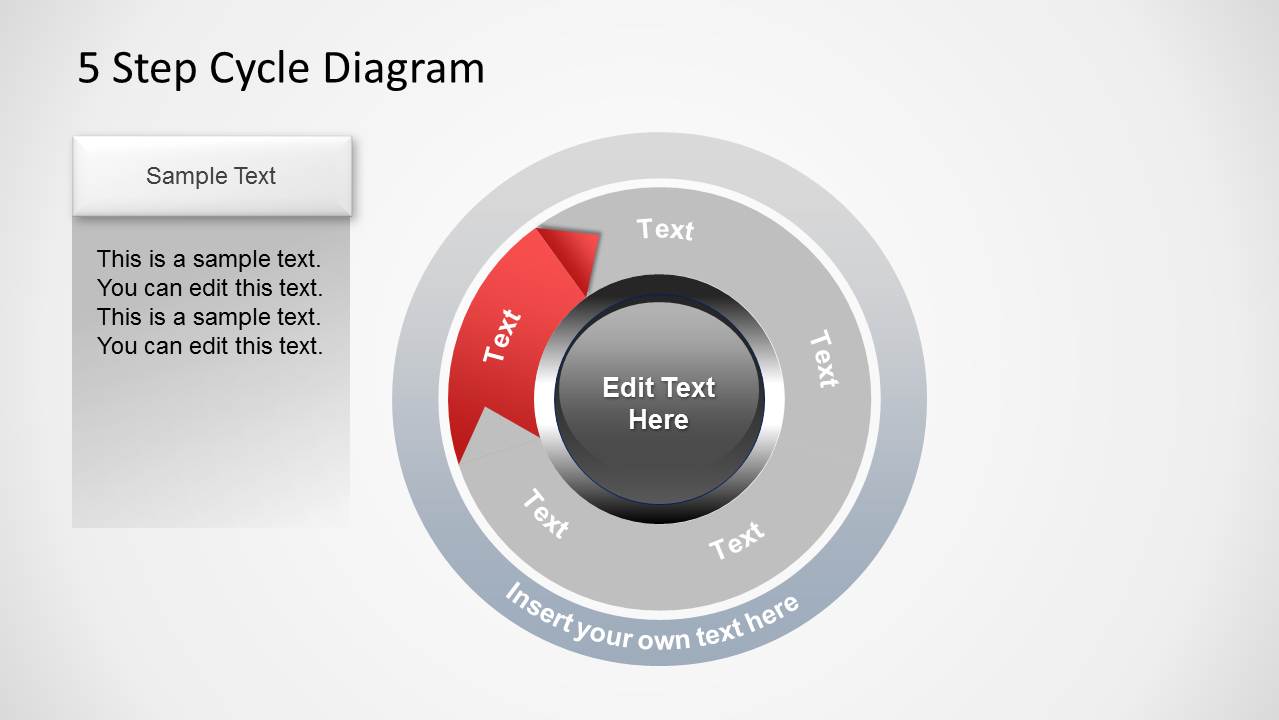
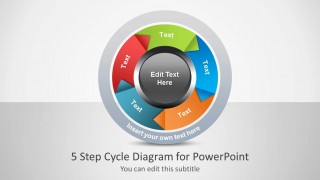
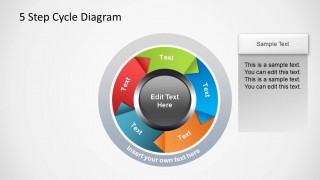
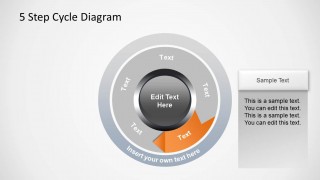
This 5 Step Cycle Process Diagram Template for PowerPoint is a circular diagram template with editable objects. With this template you can cut down the time required for making circular diagrams by simply labeling the textboxes and arranging the sample slides according to need. Since this 5 step cycle Process PPT template is 100% editable, you can easily edit the slide template and change color and size of diagram objects to create a custom circular diagram tailored to your needs.
Alternatively, you can download Circular Diagram templates for PowerPoint or cycle flow chart templates for presentations.
What’s inside this template
Example presentation scenarios
- A project manager can explain a recurring delivery process to stakeholders by starting with the full-color cycle diagram and then using the highlighted-step slides to discuss each phase.
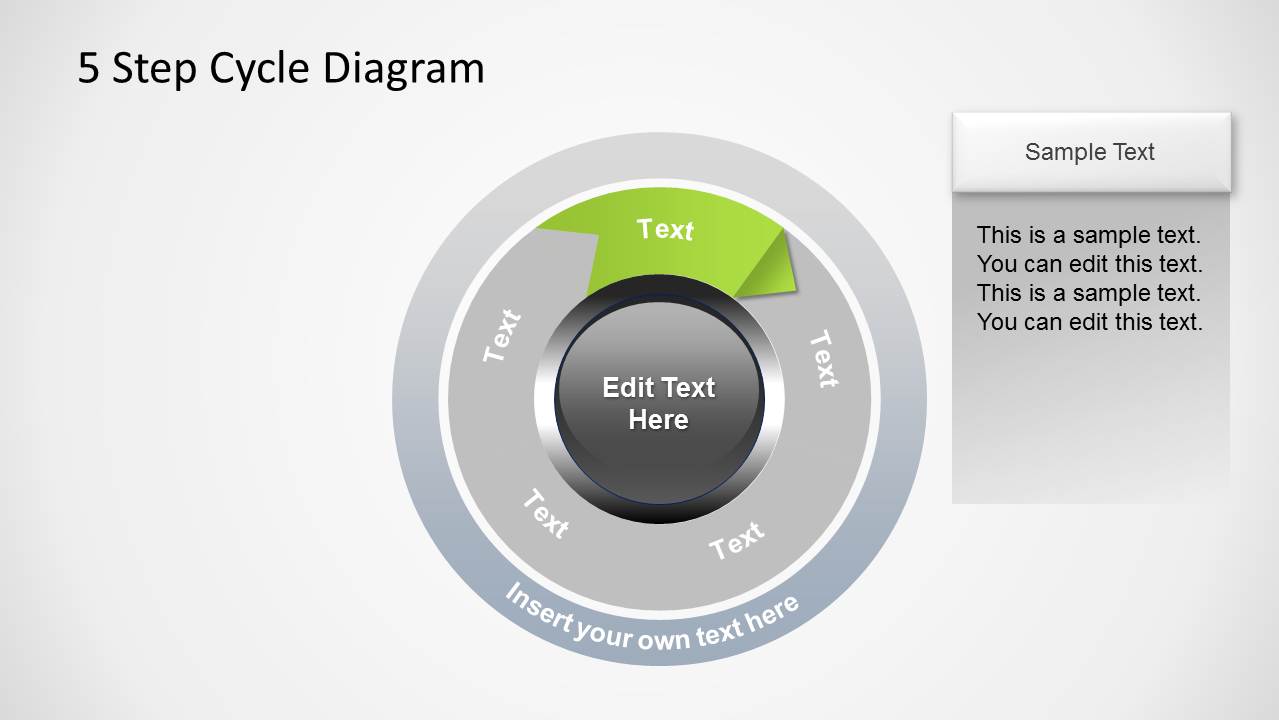
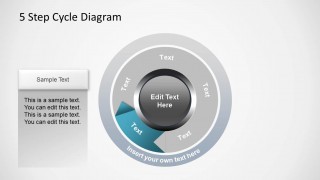
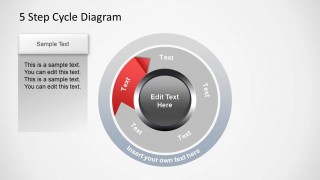
- An operations leader can brief a team on a continuous improvement loop using the muted gray inactive segments and side callout panels to keep attention on one action at a time.
- A consultant can present a client framework by replacing the five segment labels with methodology stages and using the center text area for the core concept.
- A trainer can teach a repeatable workflow by showing the overview slide first, then assigning one highlighted cycle segment to each lesson section.
Features
- 100% editable presentation template
- Compatible with Microsoft PowerPoint and Google Slides
- 16:9 aspect ratio slides
- Scalable vector shapes, icons and illustrations
- AI-Ready for Microsoft Copilot and Claude
- Instant access and download
Frequently asked questions
Q: How should I present the five steps without overcrowding the circular diagram?
A: Keep the ring labels short and put explanations in the side callout panels. Start with the full-color cycle so the audience sees the whole system, then move through the highlighted-step slides. This separates naming the process from explaining each stage, which makes the sequence easier to follow.
Q: Who is this cycle diagram best suited for?
A: This template fits presenters who need to explain a repeatable five-part workflow rather than a linear schedule. Project managers, consultants, trainers, and operations leaders can use it for process adoption, quality loops, governance cycles, onboarding routines, or service delivery methods where the end of one stage feeds the next.
Q: Why does the circular metaphor help communicate this type of process?
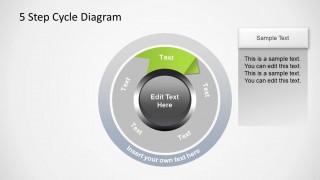
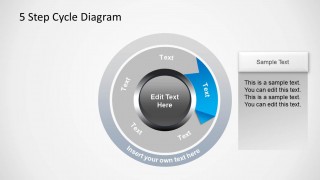
A: The circle signals repetition, feedback, and continuity, so the audience understands that the steps are connected rather than isolated. The highlighted-step variants add focus without breaking the loop. Muted gray segments preserve the full context while directing attention to the current stage being explained.
5-Step Cycle Process Diagram for PowerPoint
8-slide PowerPoint and Google Slides presentation template for 5-step circular cycle diagrams and process callouts
This 8-slide, 16:9 diagram presentation template shows a 5-step circular process for Microsoft PowerPoint and Google Slides. It includes a cover slide, a full-color cycle diagram, single-step highlight layouts, and side callout panels for descriptions. It is for presenters explaining recurring workflows, project phases, or improvement loops.
- Category
- Diagrams
- Rating

 Loading...
- Aspect ratio
- 16:9
- Item ID
- 1213-05
- Colors
 Microsoft PowerPoint
  Microsoft Copilot
  Claude for PowerPoint
 Other formats supported
Subscribe today and get immediate
access to download our PowerPoint templates.