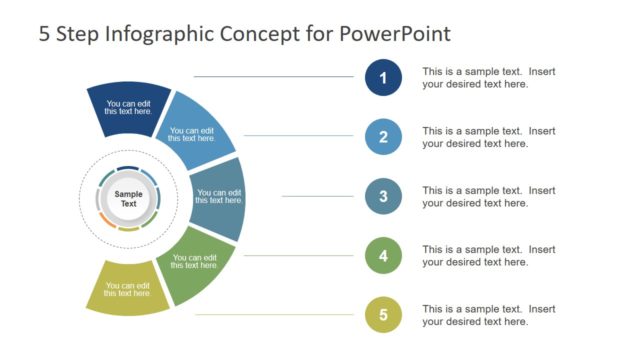
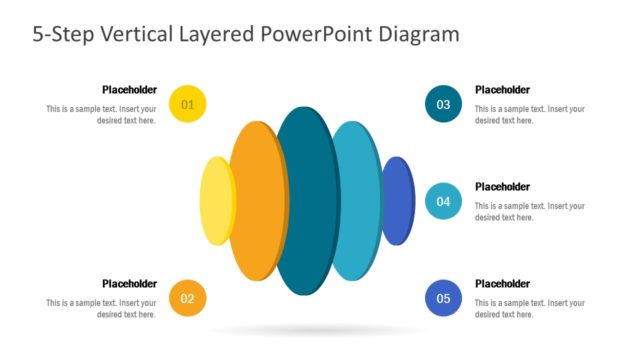
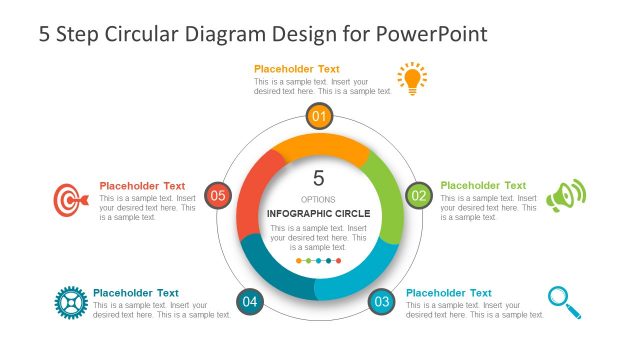
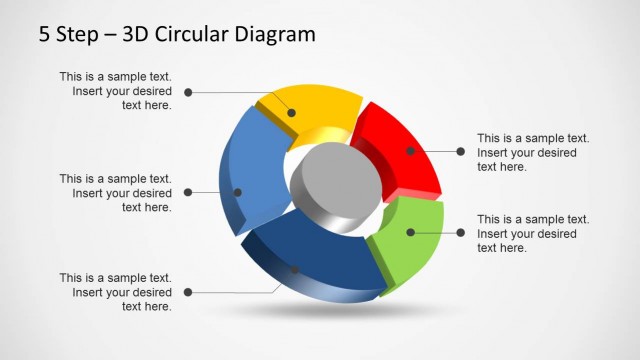
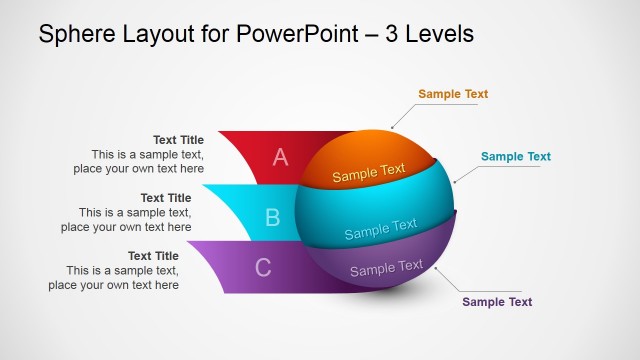
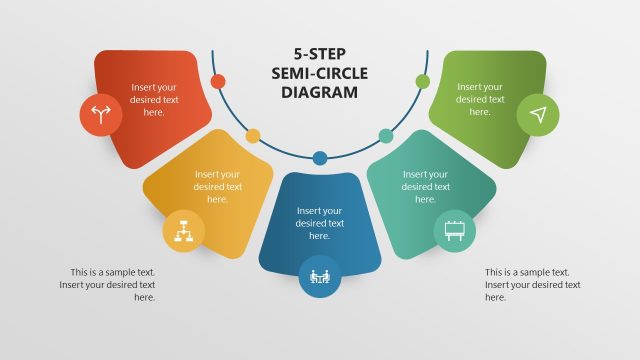
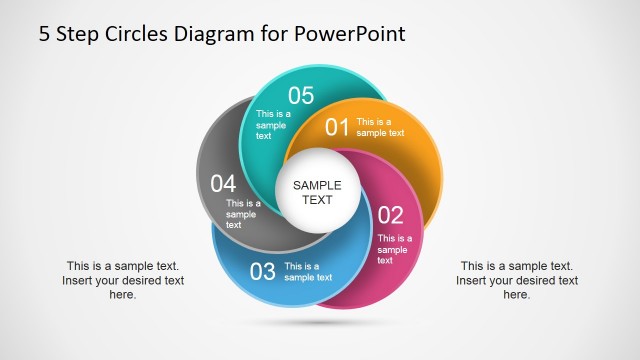
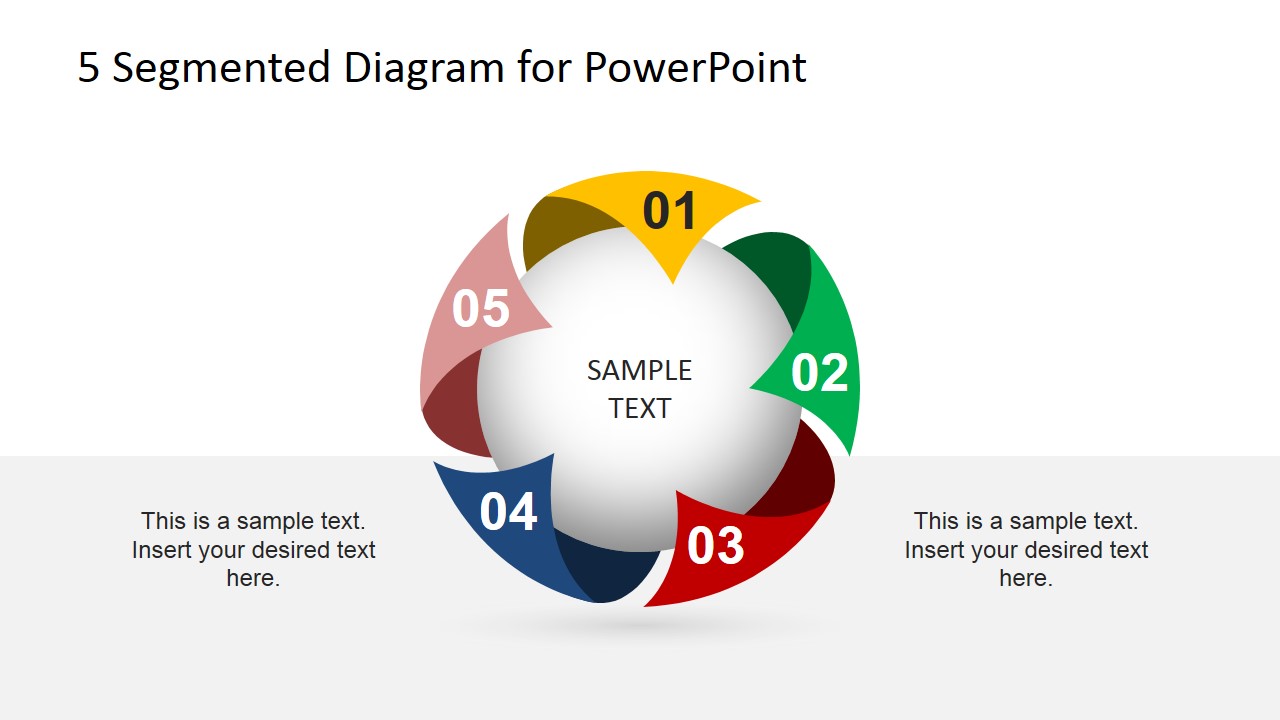
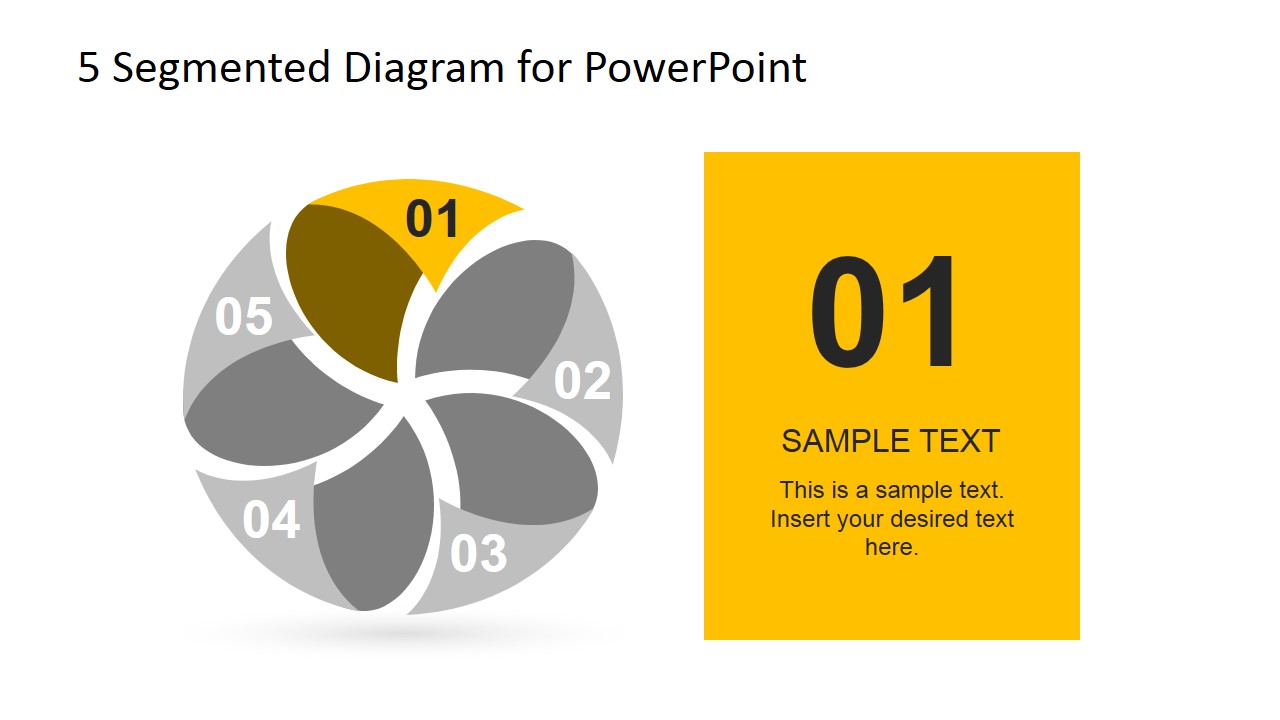
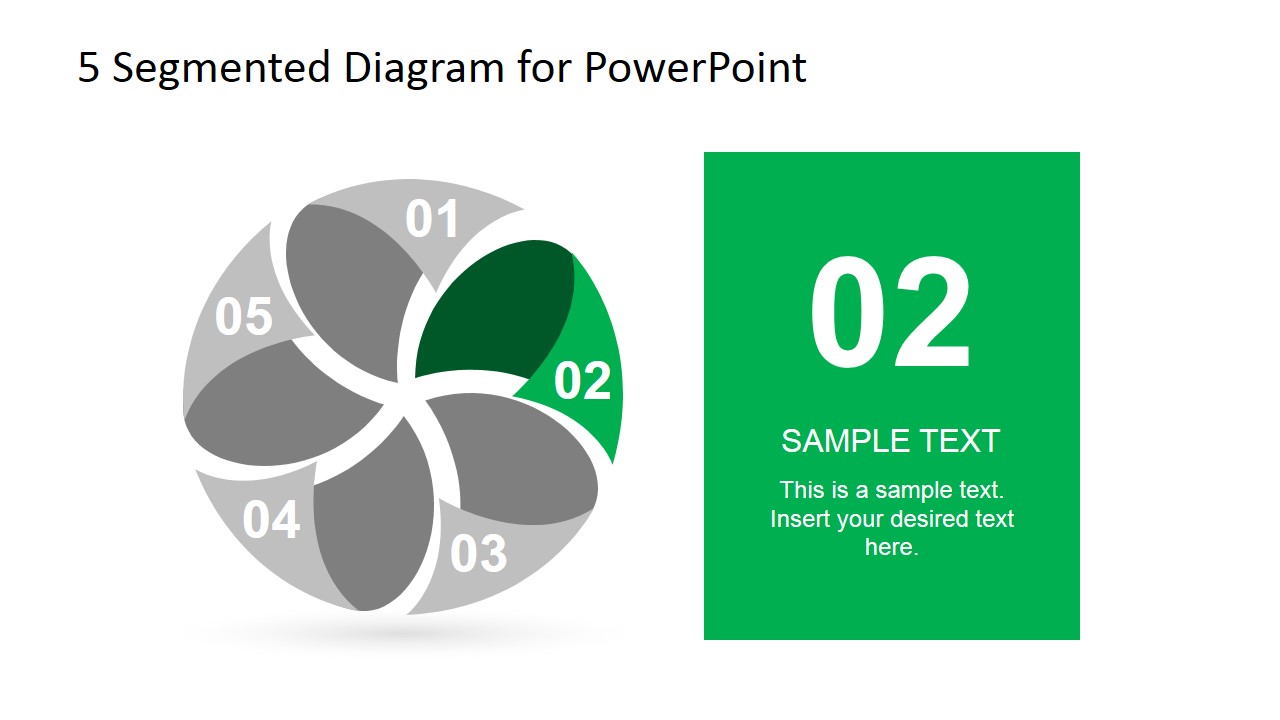
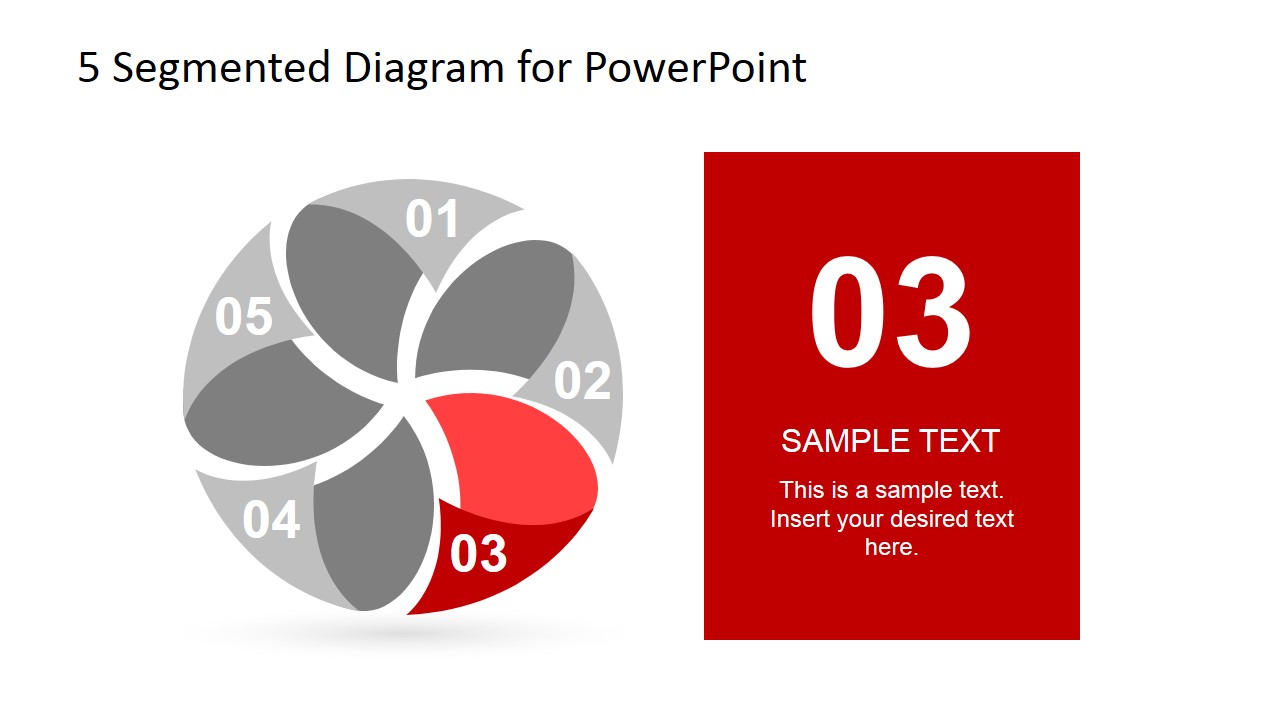
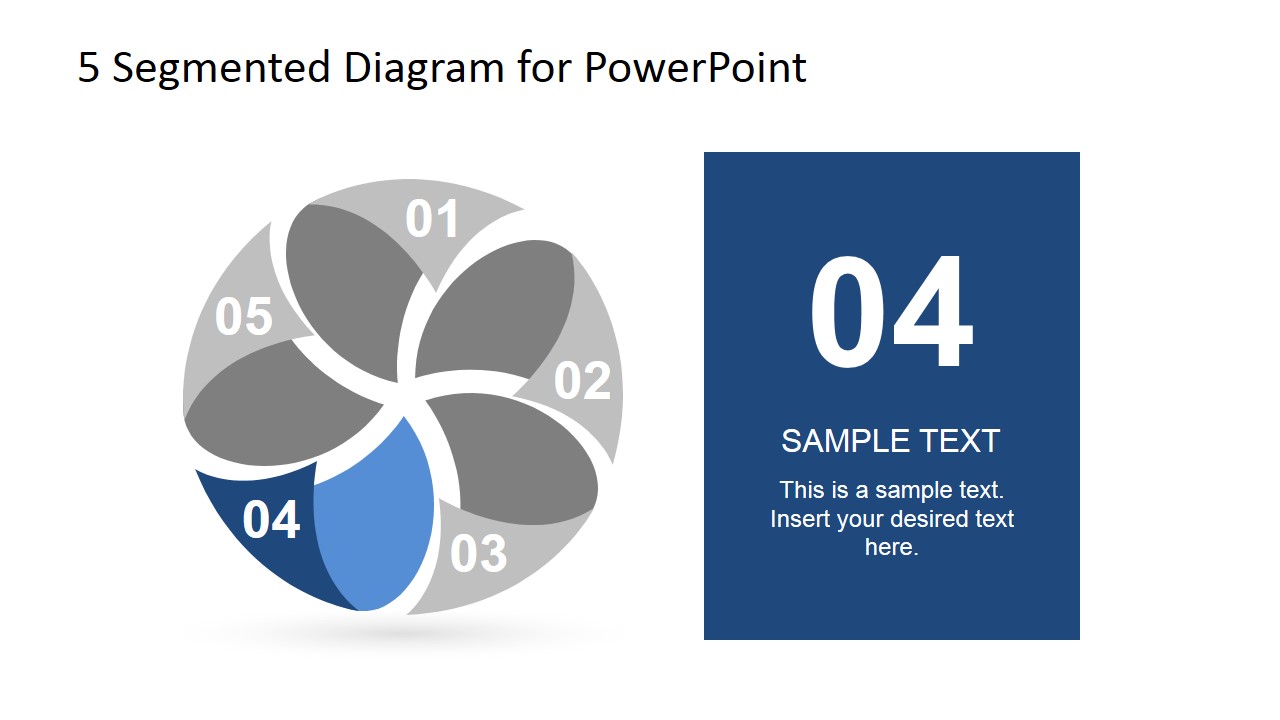
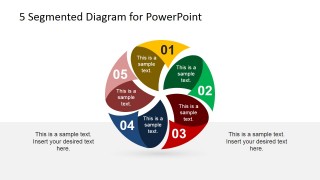
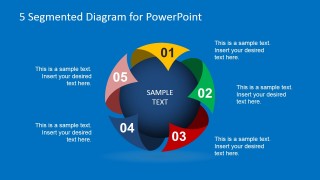
5 Step Spherical Segmented Diagram for PowerPoint is a presentation design containing an awesome segmented diagram that you can use to describe a process in PowerPoint.
This segmented diagram design for PowerPoint can be used as an alternative to other circular process diagrams for PowerPoint. The 3D spherical diagram for PowerPoint can be edited easily.
What’s inside this template
Example presentation scenarios
- A project manager can use the five-segment overview and step spotlight slides to explain a phased implementation plan to stakeholders.
- A consultant can use the spherical segmented diagram to present five connected pillars of an operating model and then detail each pillar on its own slide.
- A marketing lead can use the callout layout to summarize five campaign components, such as audience, offer, channel, message, and measurement.
- A trainer can use the individual numbered slides to teach a five-step method while keeping the full diagram visible for context.
Features
- 100% editable presentation template
- Compatible with Microsoft PowerPoint and Google Slides
- 16:9 aspect ratio slides
- Scalable vector shapes, icons and illustrations
- AI-Ready for Microsoft Copilot and Claude
- Instant access and download
Frequently asked questions
Q: How should a presenter explain the five-part message without making the diagram feel repetitive?
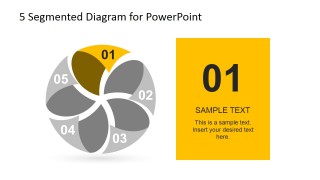
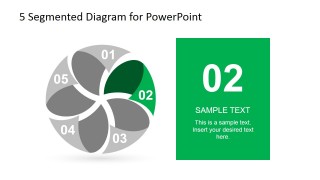
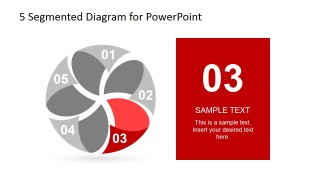
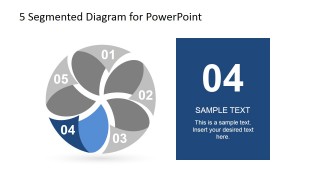
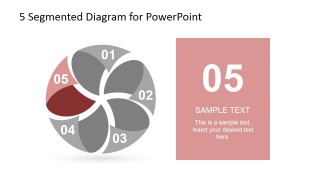
A: Start with the full spherical diagram to define the central idea, then move through the individual step spotlight slides from 01 to 05. Keep the same phrase for each segment title and change only the supporting detail. This gives the audience a stable map while allowing each part to receive focused explanation.
Q: Who is this template best suited for in a business presentation?
A: This template fits presenters who need to explain a structured idea with exactly five connected parts. Project managers, consultants, trainers, and strategy teams can use it to show process phases, capability pillars, service components, or priority areas when the relationships matter as much as the individual steps.
Q: Why does the spherical segmented metaphor help communicate a five-step framework?
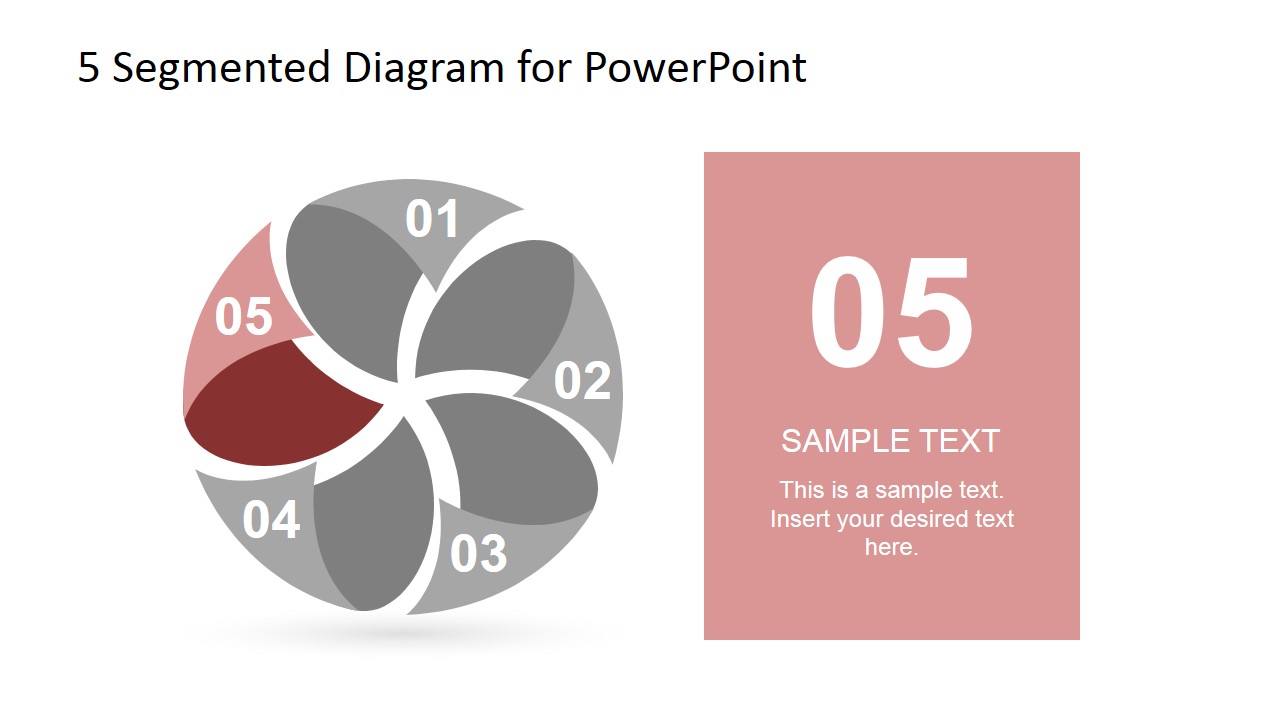
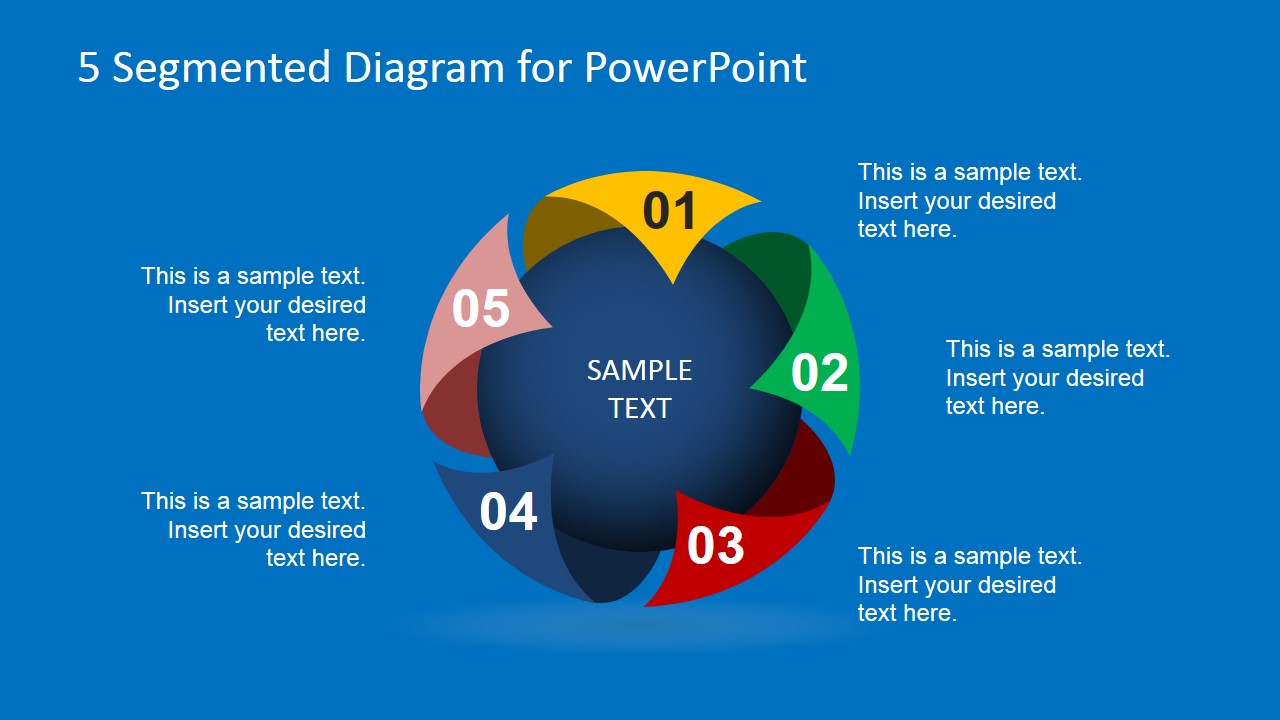
A: The sphere suggests a complete system rather than a simple checklist, while the five colored segments make each part distinct. The gray-and-color spotlight slides reinforce that every component belongs to the same whole. This design is useful when the presenter wants to show balance, interdependence, and sequence together.
You may also like:
5 Segmented Diagram for PowerPoint
9-slide presentation template with five-part spherical segmented diagrams for process steps and cycle explanations
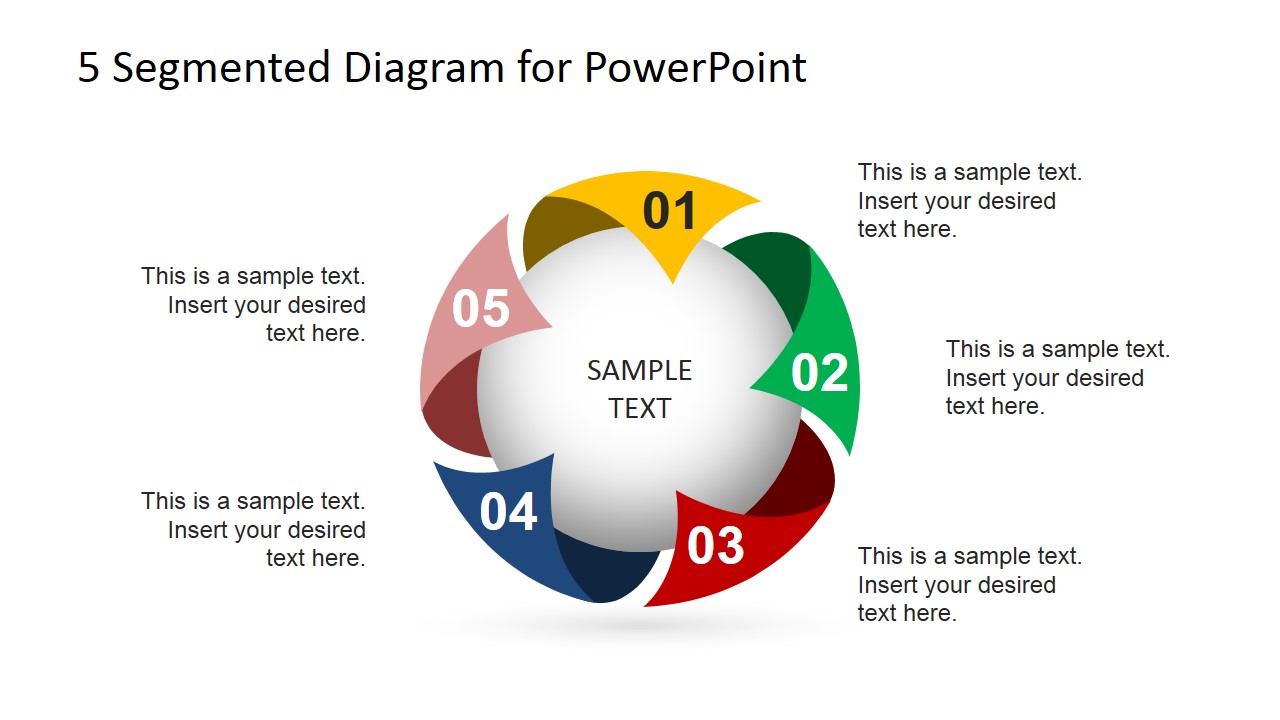
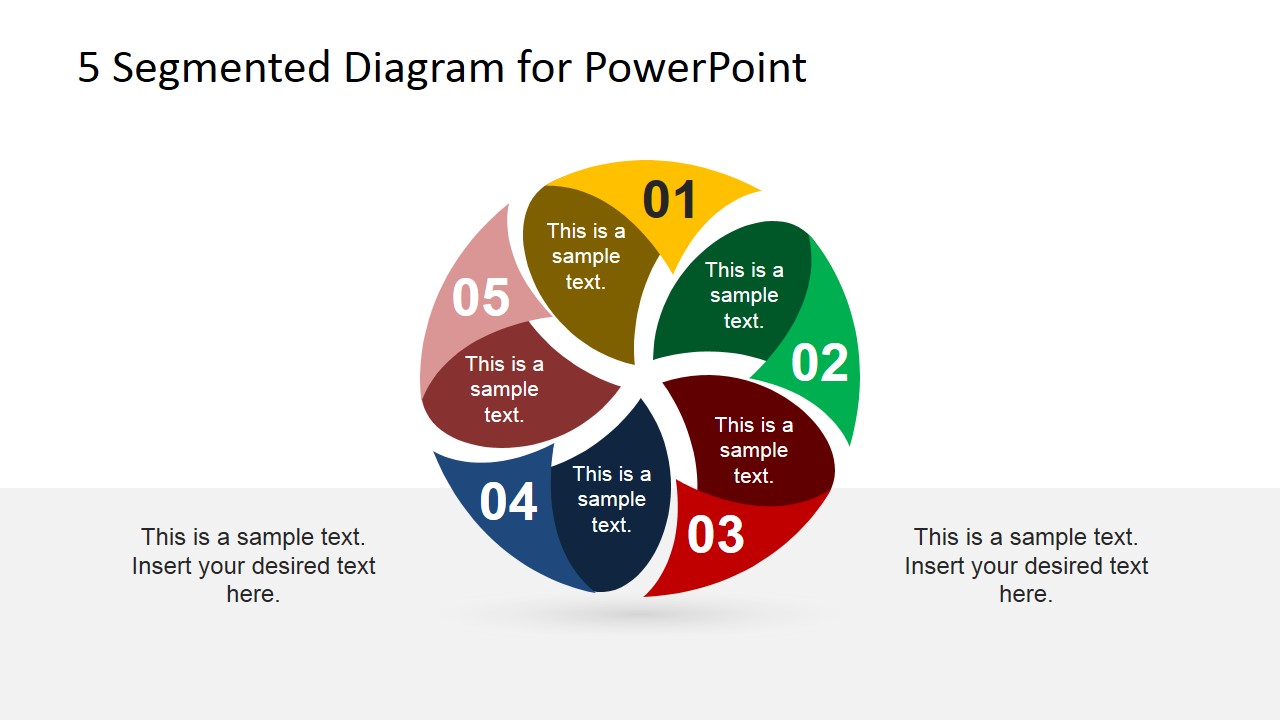
The 5 Segmented Diagram for PowerPoint is a 9-slide diagram template for explaining five process steps or categories. It includes central spherical segmented diagrams, outer text callouts, colored in-segment labels, and five individual step spotlight slides. Business presenters can edit the PowerPoint shapes and vector graphics in Microsoft PowerPoint or Google Slides.
- Category
- Diagrams
- Rating


 Loading...
- Aspect ratio
- 16:9, 4:3
- Item ID
- 6719-01
- Colors
 Microsoft PowerPoint
  Microsoft Copilot
  Claude for PowerPoint
 Other formats supported
Subscribe today and get immediate
access to download our PowerPoint templates.