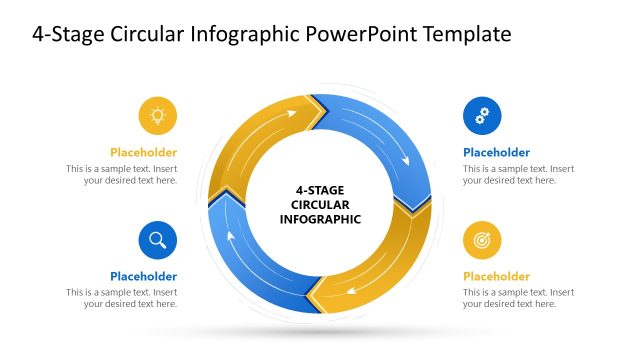
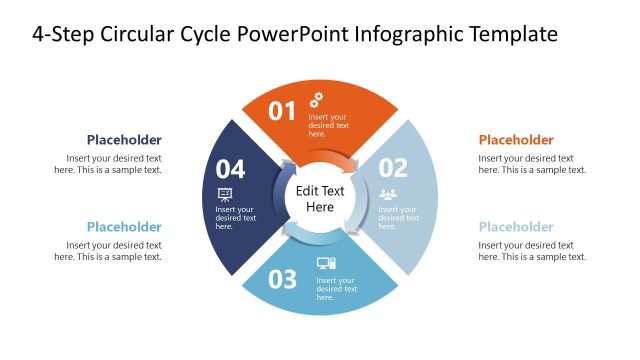
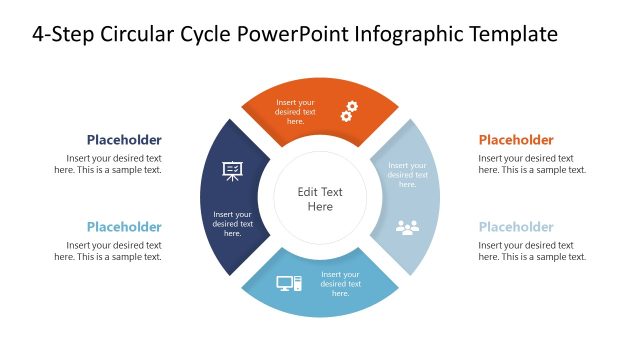
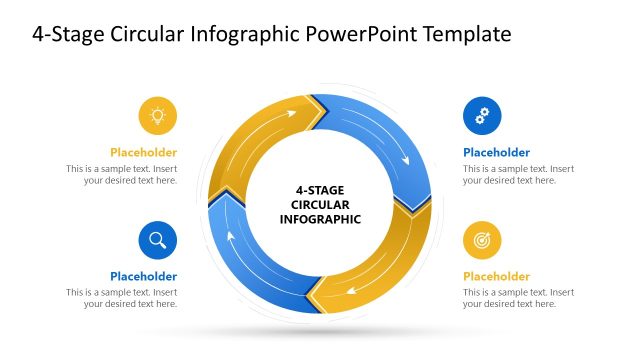
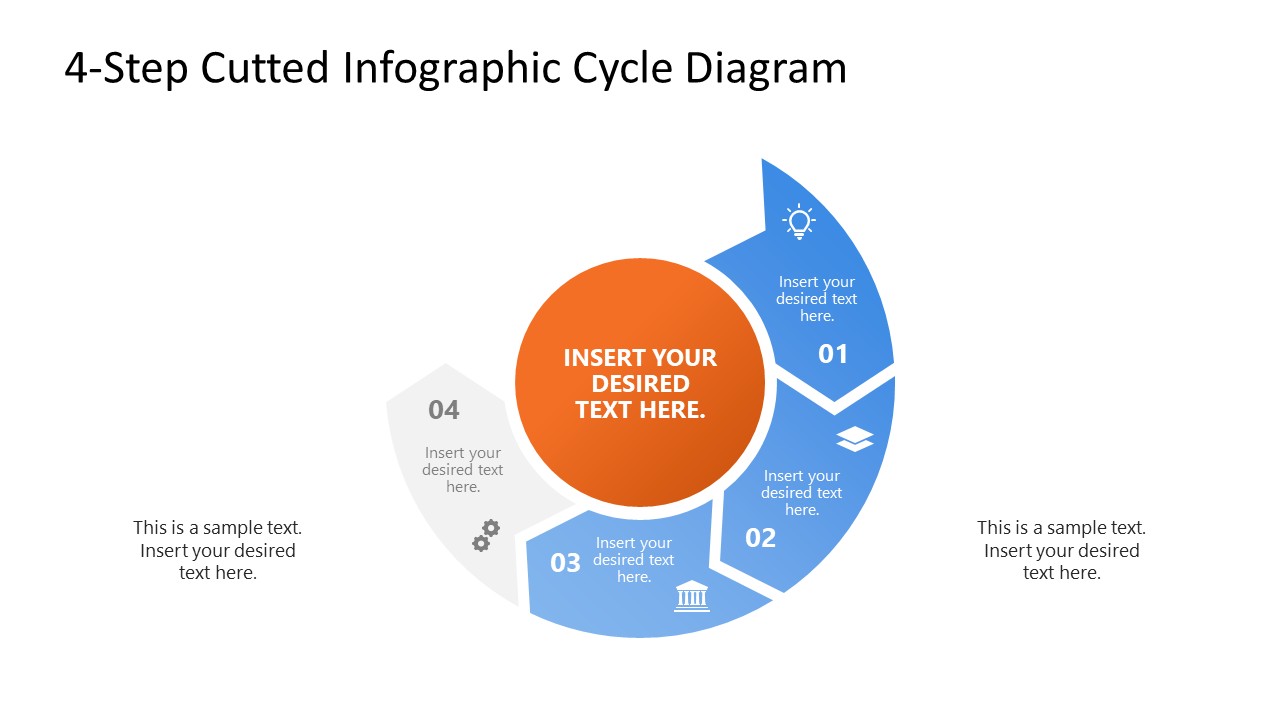
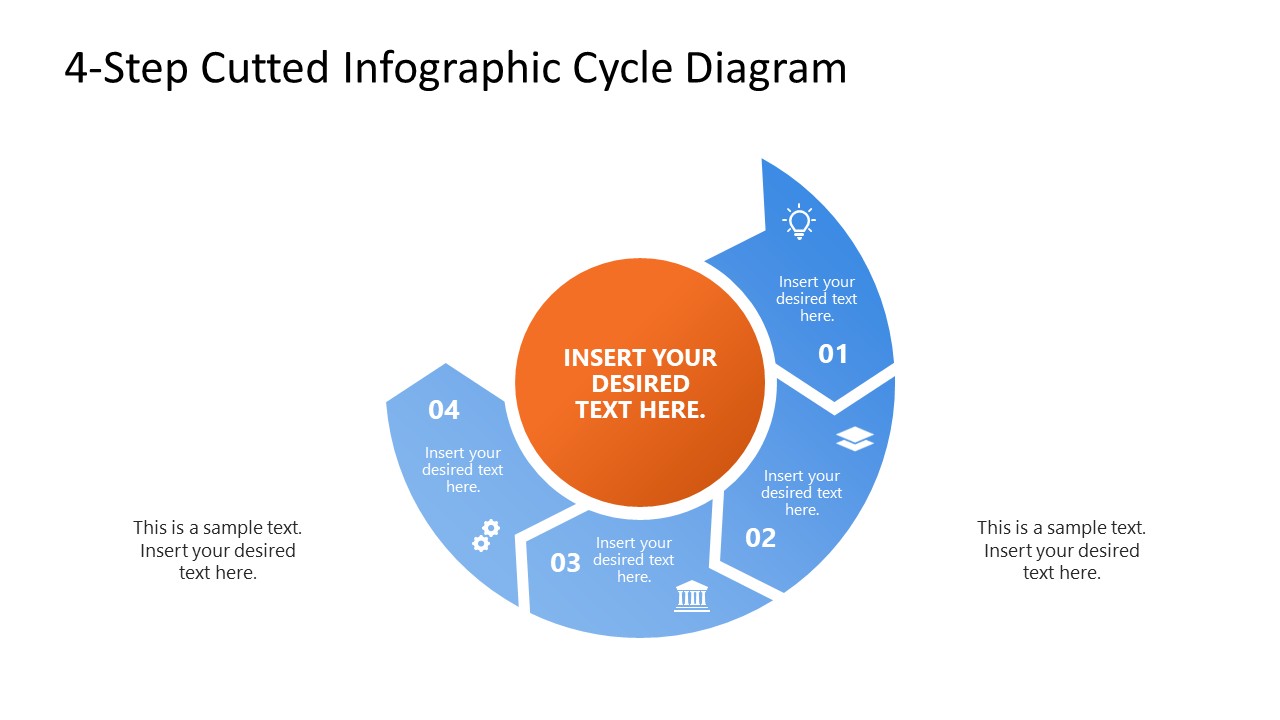
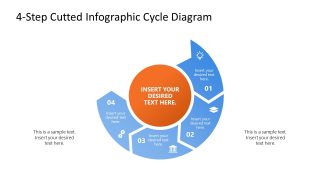
Present a four-stage process that repeats with the 4-Step Cutted Infographic Cycle PowerPoint Template. Four segmented arrows rotate around a central hub, and because the fourth arrow feeds back into the first, the diagram makes an argument a straight timeline cannot: the process has no endpoint. That distinction matters when the message is that a review runs every quarter, not that a project finished.
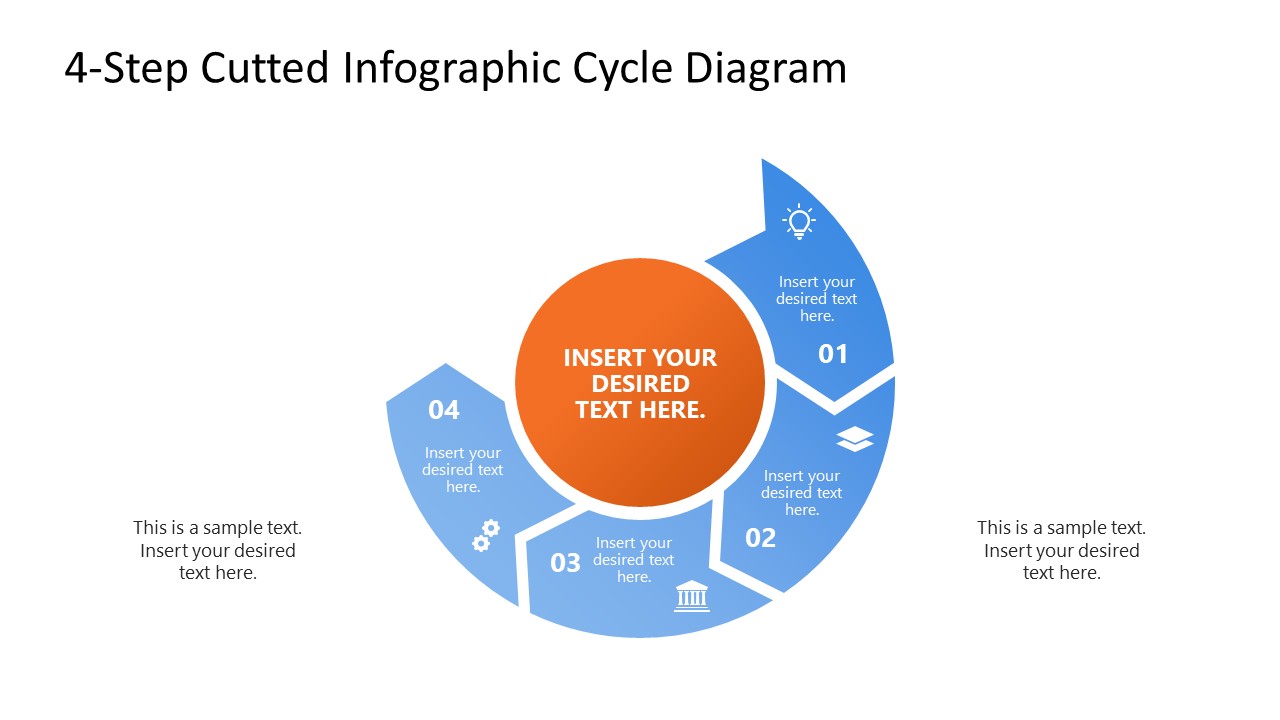
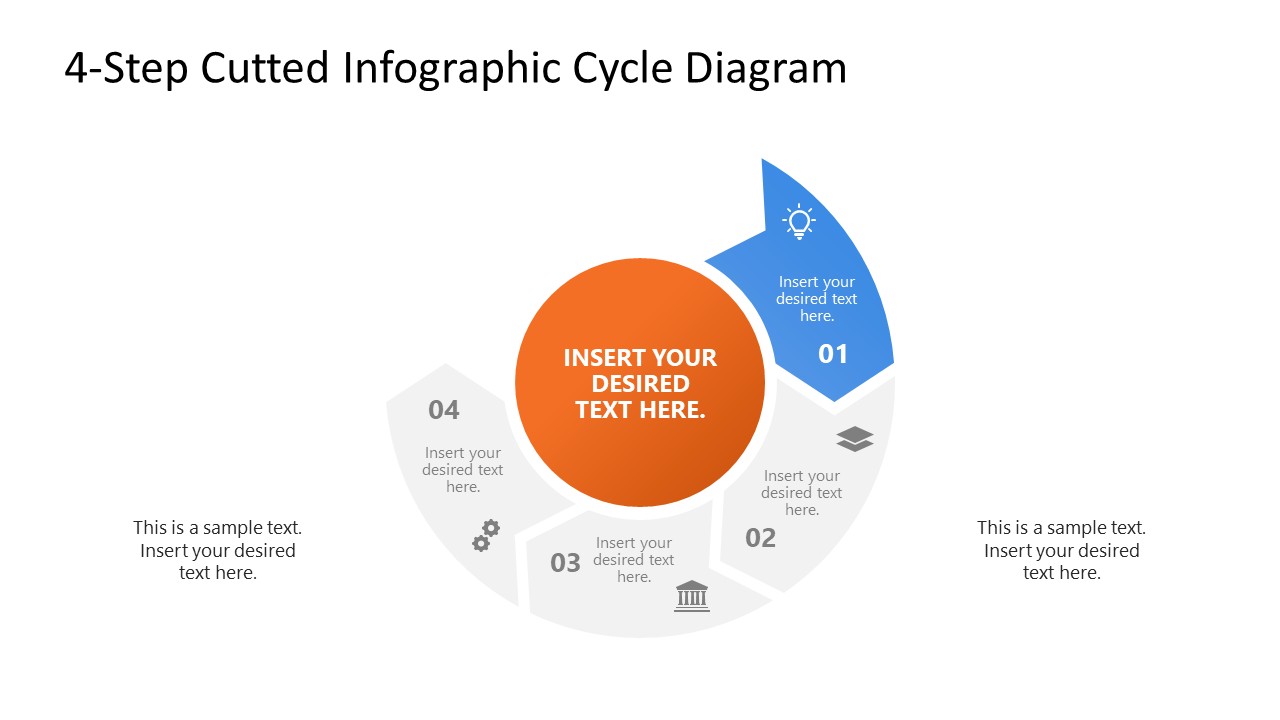
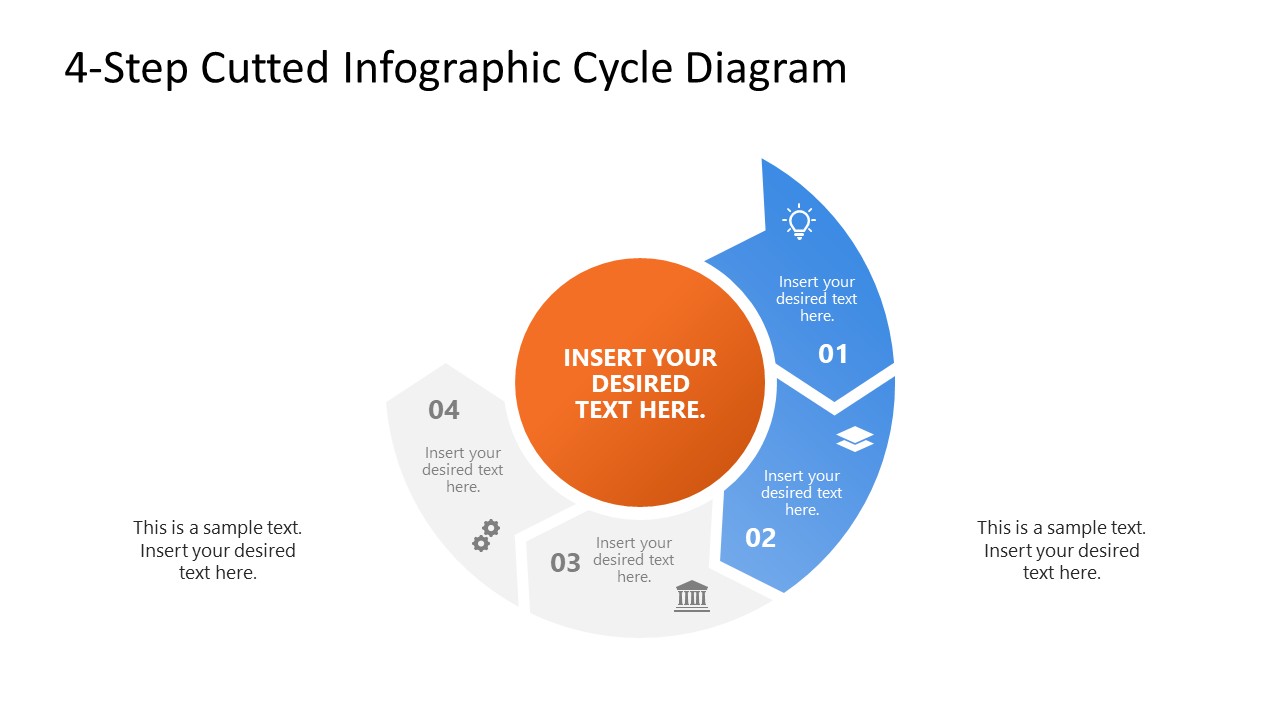
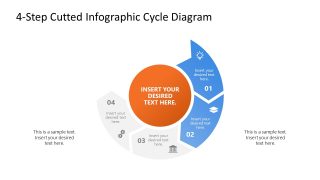
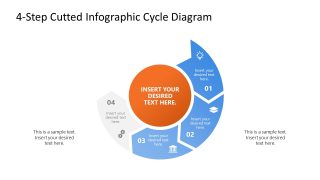
The cover slide shows all four segments at once, with blue arrows framing an orange central shape that holds the cycle name. Four focus slides follow, each isolating a single segment so a presenter can hold the room on one stage before moving to the next. Every segment carries an icon and a text placeholder sized for a stage name, with a short line beneath it for the owner or the metric attached to that stage. Segment colors and icon sets are editable at the shape level, so the four stages can carry brand colors or a status coding scheme. The PPT layout can be easily customized in PowerPoint and Google Slides.
An operations manager running a quarterly quality review maps plan, do, check, and act onto the four segments, then uses the focus slides to show plant leadership exactly where the last cycle stalled. A product manager presenting release cadence assigns discovery, build, launch, and retrospective to the segments, and the loop itself argues that the next release is already in planning while the current one ships.
Choose this layout over a linear four-step diagram when the audience needs to see the work return to its starting point. Download the 4-step cycle infographic for PowerPoint to present a recurring review or a continuous improvement cadence in board presentations. Processes that run longer than four stages are covered by the other cycle and loop diagrams available in our PPT template catalog.
What’s inside this template
Example presentation scenarios
- An operations manager can present a continuous improvement review by mapping each activity to the four-step cycle diagram and using the highlighted segment slides to discuss where the process needs attention.
- A product manager can explain release cadence by assigning discovery, build, launch, and retrospective to the numbered arrow segments while the circular layout shows that each release feeds the next one.
- A consultant can introduce a client workflow by starting with the full-cycle slide, then moving through the progressive focus slides to explain responsibilities, inputs, and stage outcomes.
- A project lead can brief stakeholders on a recurring governance process by placing owners or metrics in the segment text placeholders and using the side callouts for context.
Features
- 100% editable presentation template
- Compatible with Microsoft PowerPoint and Google Slides
- 16:9 aspect ratio slides
- Scalable vector shapes, icons and illustrations
- AI-Ready for Microsoft Copilot and Claude
- Instant access and download
Frequently asked questions
Q: How should I present a four-stage loop without making it feel like a static graphic?
A: Start with the full-cycle slide to define the complete loop, then use the progressive segment-focus slides to slow the audience down at each stage. Keep each arrow label short, place ownership or a metric under the stage name, and reserve the side callouts for the takeaway that connects the current stage to the next pass through the cycle.
Q: What kind of business message fits this cycle better than a timeline?
A: This layout fits recurring work where the final step starts the next round, such as quality reviews, product release cadences, planning cycles, or service improvement routines. A timeline suggests completion, while the four segmented arrows make the repeat behavior visible. It is best for managers or consultants who need to explain ongoing operating rhythm.
Q: Why use cut segmented arrows around a center instead of a simple numbered list?
A: The cut arrow segments separate the four stages enough for individual explanation while still forming a closed loop. The orange center gives the presenter a place to name the overall process, and the surrounding icons create quick visual anchors. The metaphor helps the audience see sequence, repetition, and shared purpose at the same time.
4-Step Cutted Infographic Cycle PowerPoint Template
5-slide presentation template for four-step cycle diagrams, process arrows, icons, and recurring workflows
The 4-Step Cutted Infographic Cycle PowerPoint Template is a 5-slide diagram template for presenting a recurring four-stage process. It includes a full circular arrow cycle, progressive segment-focus slides, central hub text, numbered stage labels, icons, and side callouts for business, operations, and product teams in Microsoft PowerPoint and Google Slides.
- Category
- Diagrams
- Rating

 Loading...
- Aspect ratio
- 16:9
- Item ID
- 23784-01
- Colors
 Microsoft PowerPoint
 Microsoft Copilot
 Claude for PowerPoint
Other formats supported
Subscribe today and get immediate
access to download our PowerPoint templates.