Slide 1 of 5 from 4-Step Cutted Infographic Cycle PowerPoint Template
4-Step Cutted Infographic Cycle Presentation Diagram
4-Step Cutted Infographic Cycle Diagram
- Diagram
- Circular Cycle
- Process Slide
- 16:9
- 100% Editable
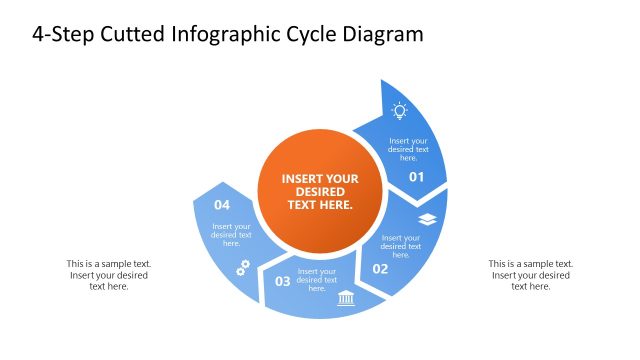
The 4-Step Cutted Infographic Cycle Diagram from the 4-Step Cutted Infographic Cycle PowerPoint Template provides a clear visual process flow ideal for business presentations. This slide layout uses a circular cycle diagram divided into four segments, each with editable shapes and vector icons, to illustrate project management workflows or strategic planning stages. Its design supports effective communication of complex processes within a corporate presentation or pitch deck template, compatible with both PowerPoint slides and Google Slides templates.
What’s on This Slide
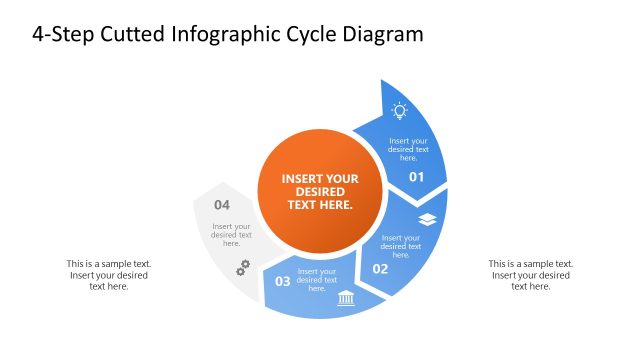
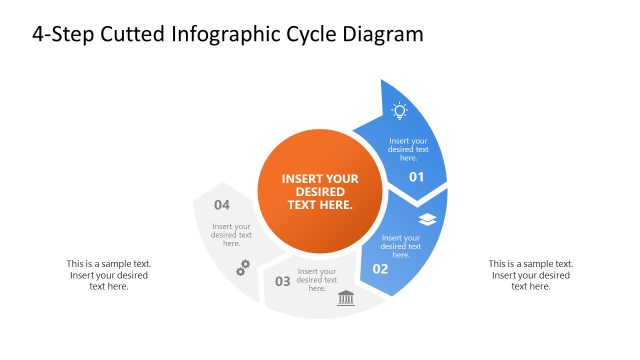
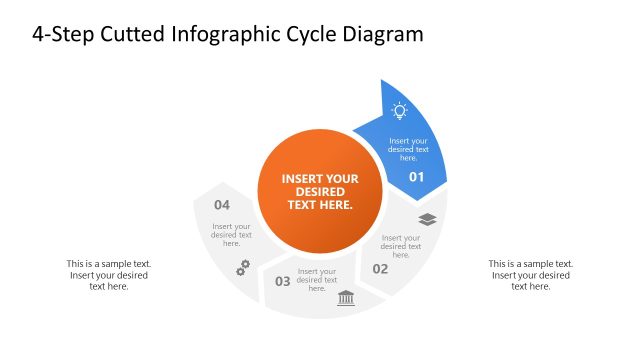
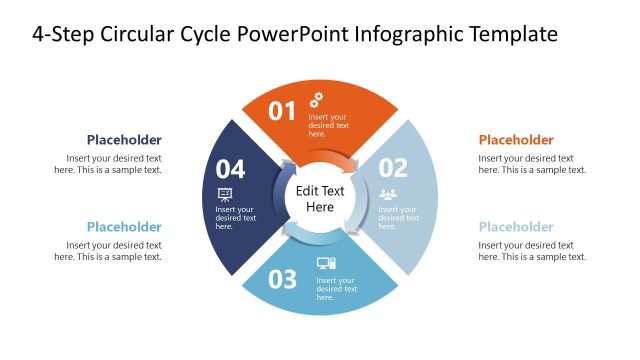
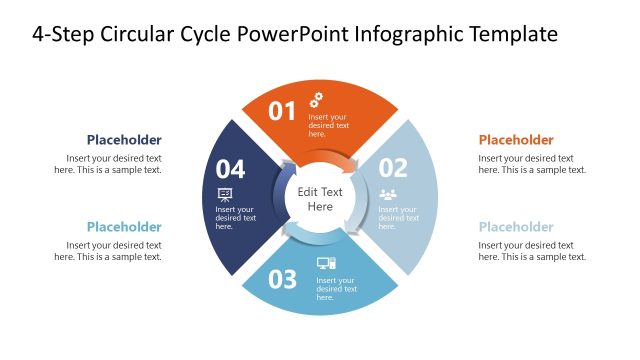
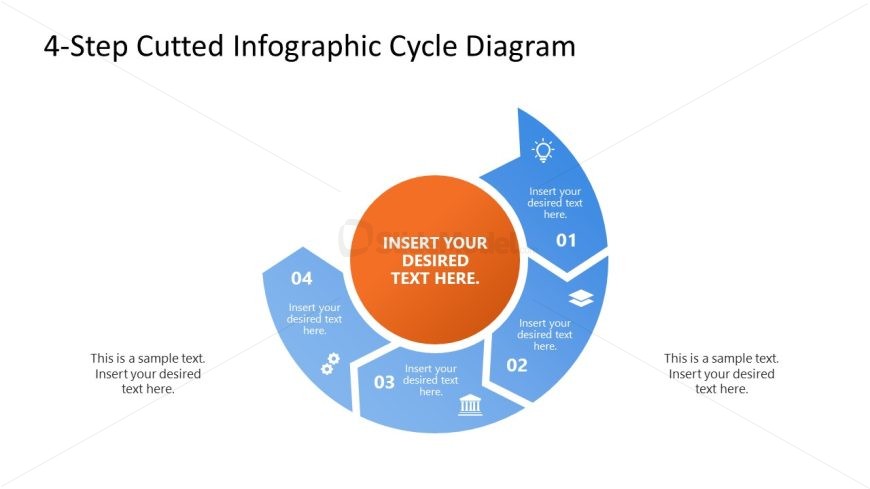
The layout features a circular diagram divided into four segments, each representing a step in a process. The segments are arranged in a clockwise direction, with the first segment at the top. Each segment contains an icon and a text placeholder for stage descriptions, with the central area featuring a larger placeholder for key information. The background is predominantly white, with blue and orange accents used for the segments and icons. Text placeholders are aligned centrally within their respective segments, contributing to a clear visual hierarchy.
How to Use It
This layout serves as a process flow diagram, ideal for illustrating a four-step cycle in presentations. It fits well at the beginning of a presentation to introduce a recurring process or methodology. Business scenarios include project management, operational workflows, or product development stages. It can be used to visually communicate steps in a strategic plan or to outline phases in a service delivery model, making complex information more digestible for audiences.
Text Placeholders & Capacity
Keep your copy within these limits so it fits without resizing. Node body slots can accommodate roughly 10-12 words each.
| Placeholder | Count | Max characters (approx.) |
|---|---|---|
| Slide title | 1 | 30 |
| Item body | 4 | 50 |
| Body paragraph | 4 | 50 |
Slide Keywords
Download unlimited PowerPoint templates, charts and graphics for your presentations with our annual plan.
DOWNLOADReturn to 4-Step Cutted Infographic Cycle PowerPoint Template.