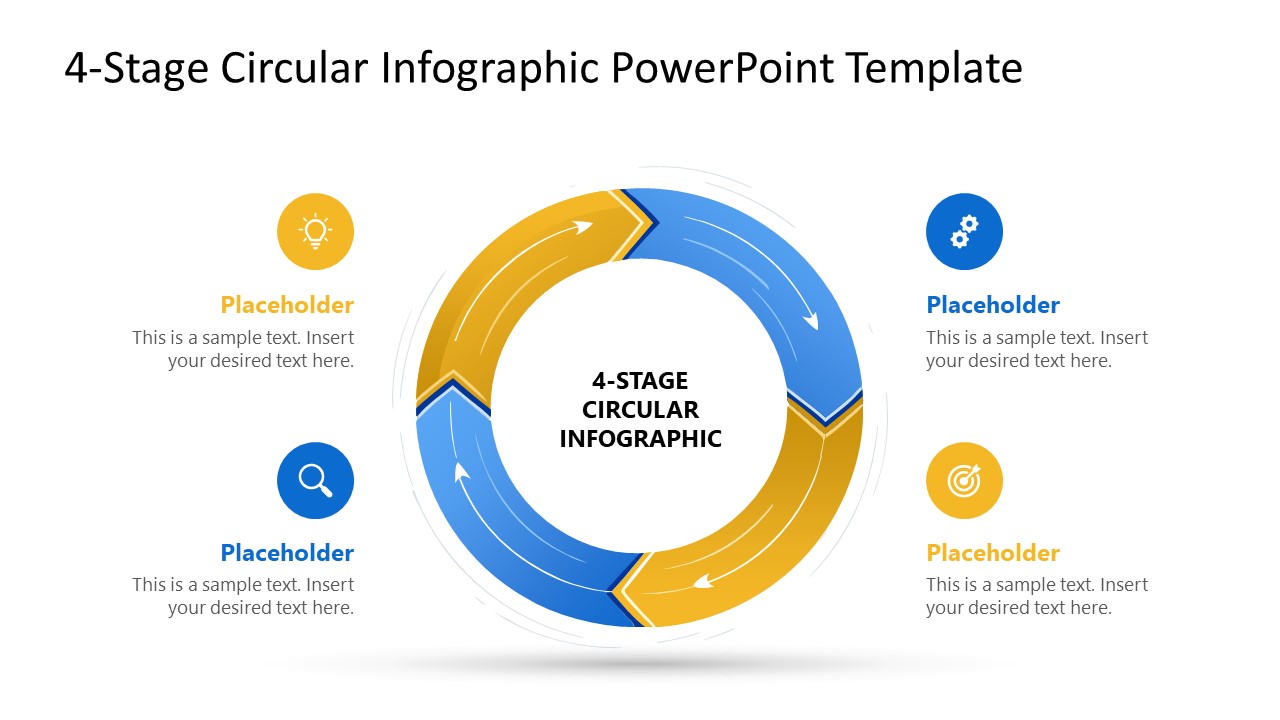
Present the continuous improvement models in your employee training presentation with our 4-Stage Circular Infographic PowerPoint Template. In supply chain management presentations, logistics experts use this circular diagram to illustrate the vendor evaluation cycle to executive-level audiences. The four-segment visual cycle enables QC leads to map four interdependent stages in a continuous process. They can illustrate the product improvement loop, showing how quality standards are maintained for clients. Project managers use the four-step cycle diagram to comprehensively present the product lifecycle stages in team presentations. Management consultants can use the 4-stage circular infographic to illustrate the recurring improvement loop (PDCA) that increases process efficiency. Operations managers use the cyclic diagram template for their stakeholder presentations and discuss the steps of a complex iterative workflow in a simplified layout. We allow professionals to repurpose the template for showing data pipelines or marketing processes.
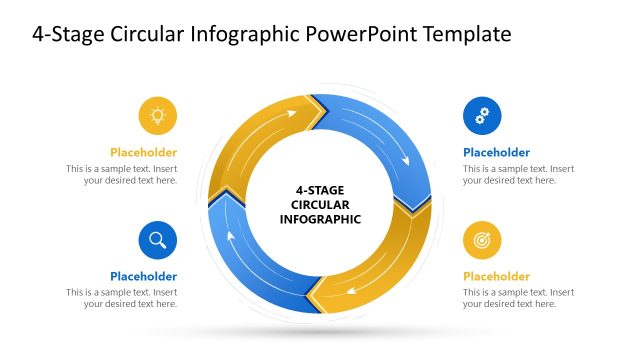
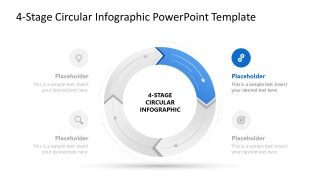
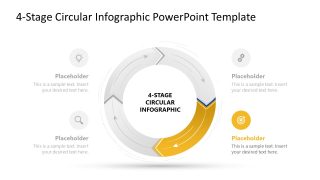
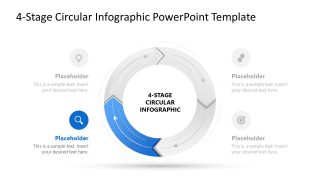
The 4-Stage Circular Infographic PowerPoint Template is compatible with all PowerPoint versions, and users can adjust the design to fit their theme. It uses a circular arrow diagram divided into four segments, alternating between blue and gold. The connecting arrows depict the continuity and direction. Each stage has its corresponding text section paired with a graphical icon to aid in visual demonstration. The color separation creates contrast between process steps, making it quite visible to the audience and helping them grasp distinct stages.
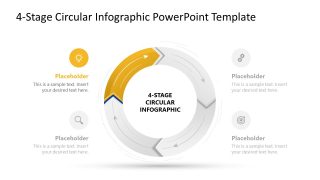
Furthermore, operational directors can focus on each stage separately using spotlight slides, where only one component of the diagram is highlighted in color, while the others are grey. This enables the audience to understand the concept effectively with focus. Download the 4-stage circular infographic template to clearly outline development cycles for your stakeholders.
What’s inside this template
Example presentation scenarios
- An operations manager can use the full circular diagram to explain how four workflow stages repeat across a production or service process.
- A quality control lead can use the spotlight slides to walk executives through each step of a continuous improvement cycle without showing every stage at equal emphasis.
- A project manager can present a product lifecycle discussion by mapping planning, execution, review, and adjustment into the four arrow segments.
- A consultant can use the icon callouts and center label to simplify a vendor evaluation or business process loop for a stakeholder workshop.
Features
- 100% editable presentation template
- Compatible with Microsoft PowerPoint
- 16:9 aspect ratio slides
- Scalable vector shapes, icons and illustrations
- AI-Ready for Microsoft Copilot and Claude
- Instant access and download
Frequently asked questions
Q: How should a presenter explain the circular process without making the four stages feel repetitive?
A: Start with Slide 1 to define the full loop and the meaning of the center label. Then use the four spotlight slides to discuss one stage at a time, naming the action, owner, input, and output for each step. The repeated structure helps the audience compare stages while the highlighted segment keeps attention on the current point.
Q: Who is this template best suited for in a business presentation?
A: This template works best for managers, consultants, trainers, and process owners who need to explain a simple recurring workflow. It is well suited for improvement cycles, vendor evaluation, product lifecycle steps, or operational routines where four stages are interdependent and the main message is continuity rather than a one-time sequence.
Q: Why use a circular arrow layout instead of a numbered list?
A: The circular arrows communicate that the process repeats and that each step feeds the next. The blue and gold segments separate the stages visually, while the gray spotlight slides create a natural presentation rhythm. This metaphor is stronger than a list when the audience must understand iteration, feedback, or ongoing improvement.


4-Stage Circular Infographic PowerPoint Template
5-slide PowerPoint presentation template for 4-stage circular process diagrams and stage spotlight callouts
This 5-slide Microsoft PowerPoint template presents a 4-stage circular process diagram with alternating blue and gold arrow segments. It includes a complete cycle view and four spotlight layouts that isolate individual stages with icon callouts, text placeholders, and a center label for operations, training, or process presentations.
- Category
- Diagrams
- Rating

 Loading...
- Aspect ratio
- 16:9
- Item ID
- 23652-02
- Colors
 Microsoft PowerPoint
  Microsoft Copilot
  Claude for PowerPoint
 Other formats supported
Subscribe today and get immediate
access to download our PowerPoint templates.