Slide 3 of 5 from 4-Step Cutted Infographic Cycle PowerPoint Template
Step 2 PPT Slide – 4-Step Cutted Infographic Cycle Template
4-Step Cutted Infographic Cycle Diagram
- Diagram
- Circular Cycle
- Process Slide
- 16:9
- 100% Editable
What’s on This Slide
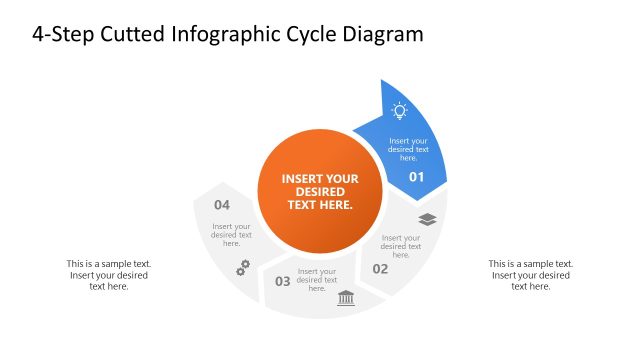
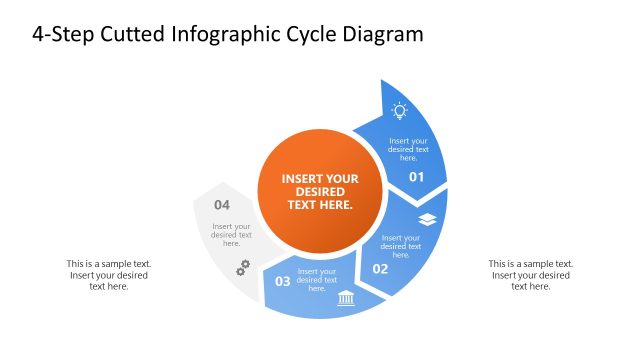
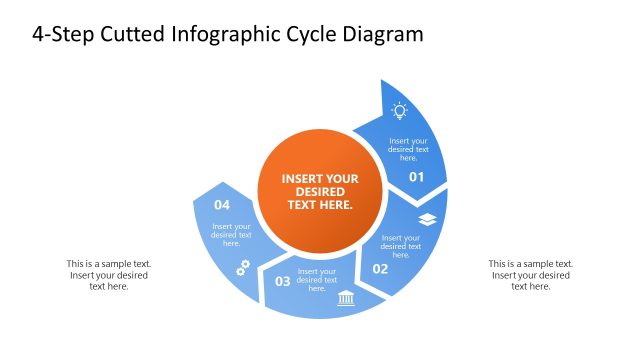
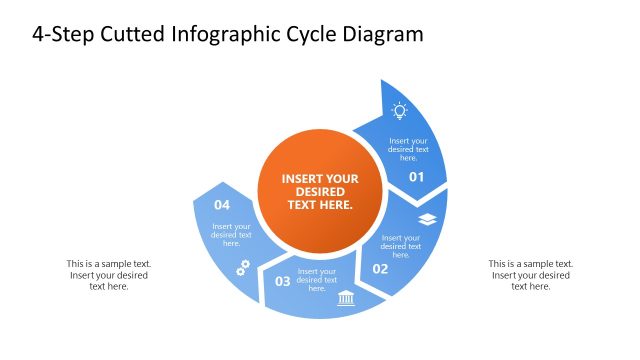
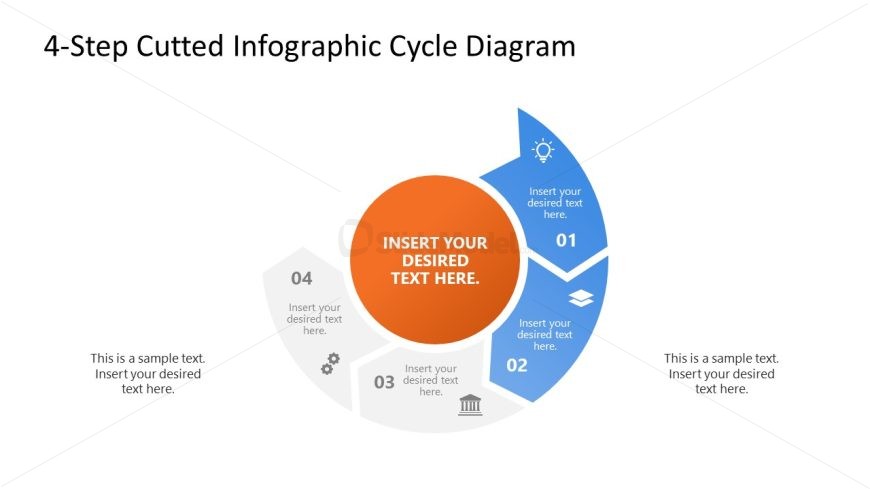
The layout features a circular diagram divided into four segments, with the first segment at the top. Each segment contains a numbered label and an icon, with the central area featuring a large orange circle for primary text. The segments are colored in blue and gray, with the central circle contrasting in orange. Text placeholders are positioned within each segment and the central circle, aligned for clarity. There are additional text placeholders on the left and right for supplementary information. The overall composition emphasizes a cyclical flow.
How to Use It
This layout serves to illustrate a four-step cyclical process, making it suitable for presentations on business operations, project management, or product development. It fits well after problem identification slides and before solution proposals. Use this structure to clearly define stages in a process, enhancing audience understanding of sequential actions. It is effective for workshops, team meetings, or strategic planning sessions where clarity of steps is essential.
Text Placeholders & Capacity
Keep your copy within these limits so it fits without resizing. Node body slots can hold roughly 40 characters each.
| Placeholder | Count | Max characters (approx.) |
|---|---|---|
| Slide title | 1 | 40 |
| Item heading | 4 | 20 |
| Item body | 4 | 40 |
| Callout | 2 | 60 |
Slide Keywords
Download unlimited PowerPoint templates, charts and graphics for your presentations with our annual plan.
DOWNLOADReturn to 4-Step Cutted Infographic Cycle PowerPoint Template.