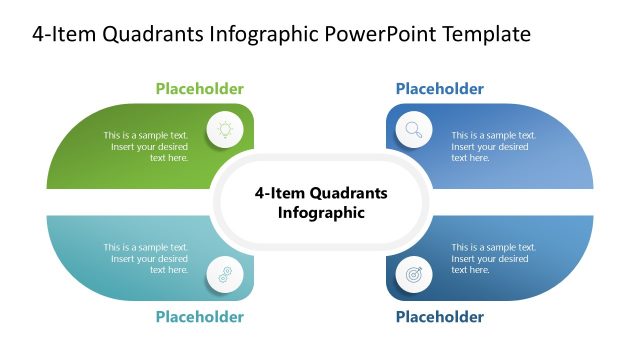
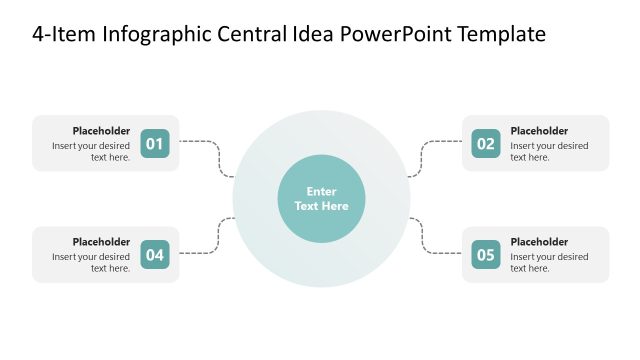
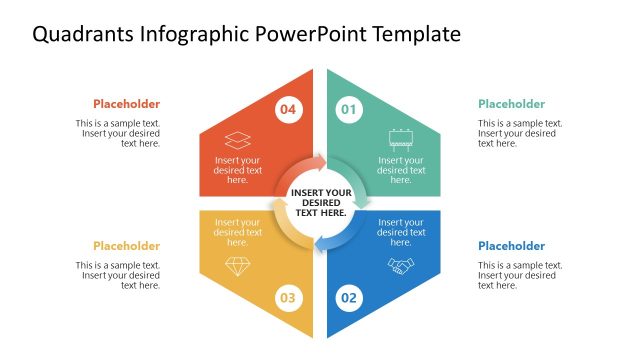
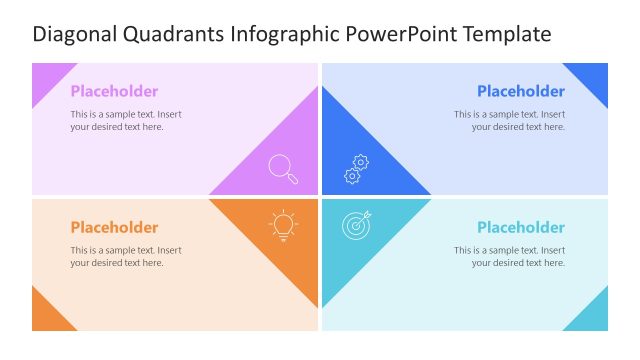
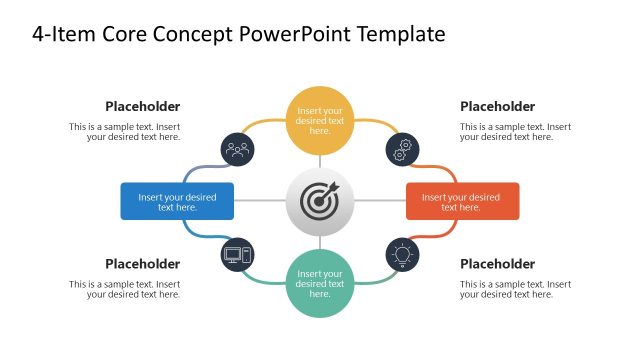
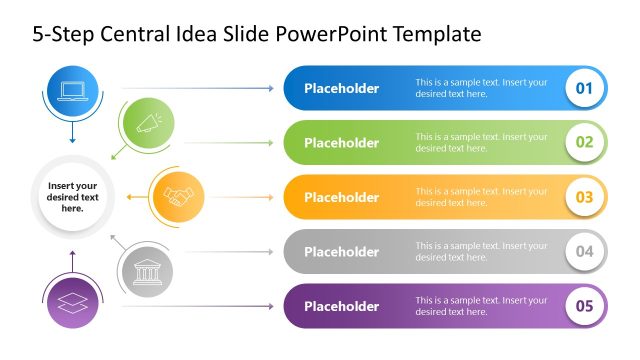
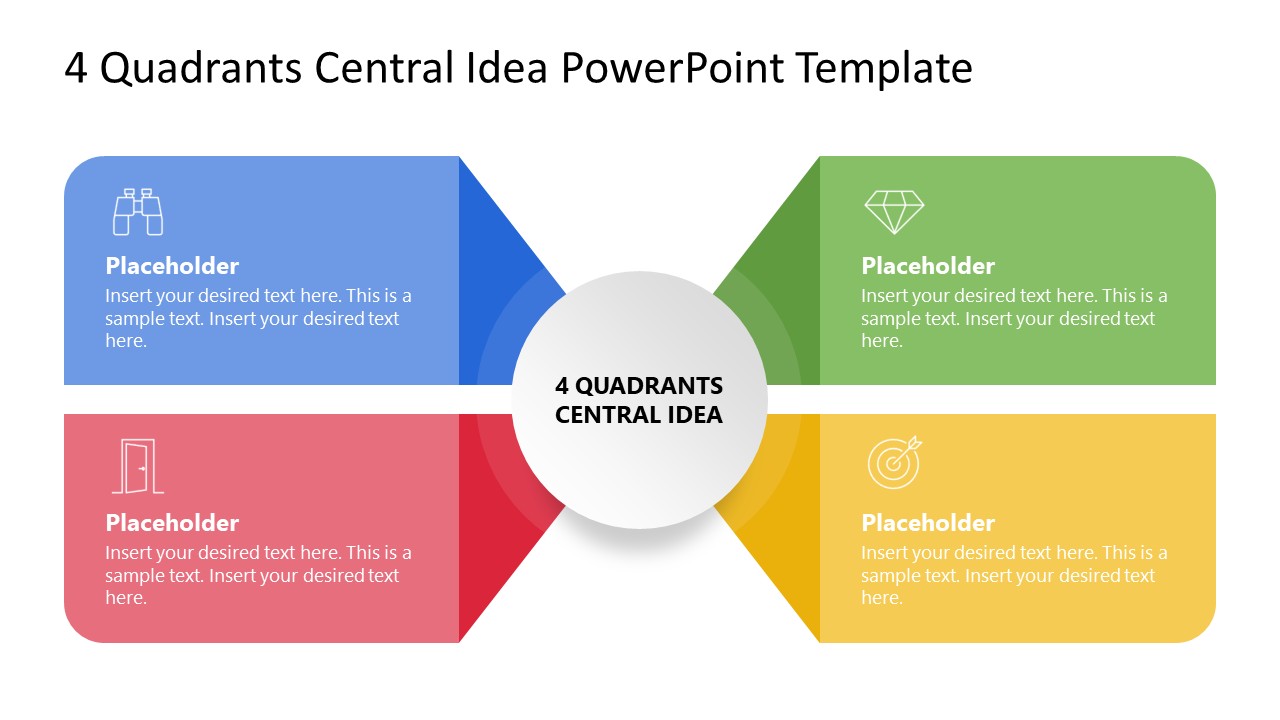
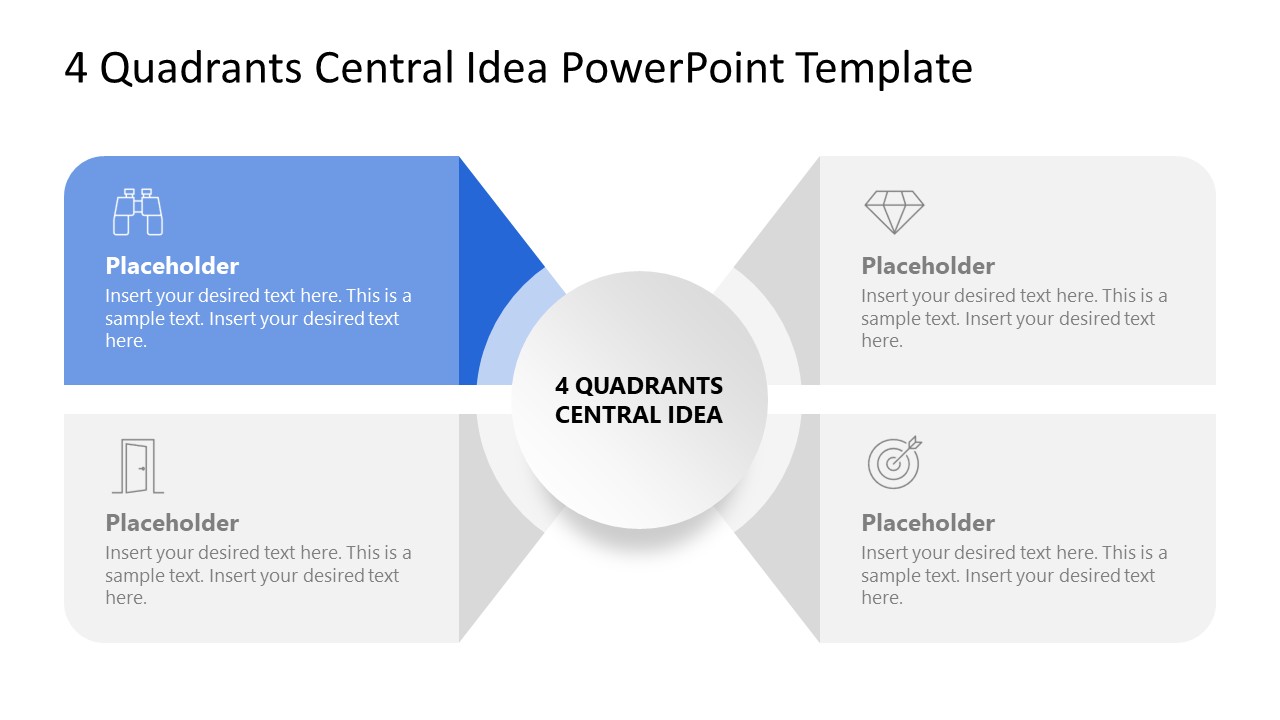
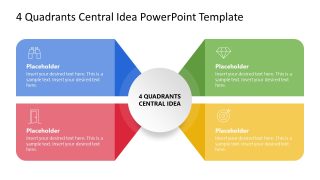
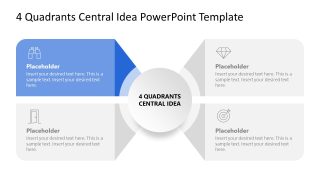
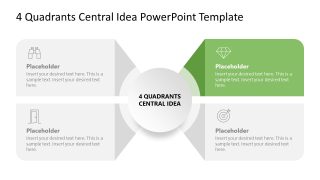
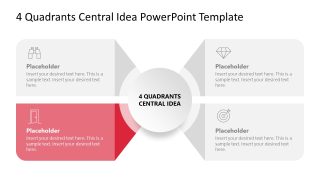
Download our modern 4-Quadrant Central Idea PowerPoint Template to showcase the four components of a business model or attributes of an innovative idea. The quadrants diagram uses a 2×2 matrix layout that is useful for discussing a framework or multiple factors around a central idea or thought. For instance, professionals can present the outcomes of the company’s SWOT analysis during stakeholder sessions using our quadrants central idea diagram. Project managers can edit our template layout to visualize the four categories of key performance indicators in their executive meetings. We have created this layout using modern PPT elements to present the value proposition or project scope breakdown. After the first slide, there are multiple slides with the same diagram but different color effects. Each slide has only one colorful segment to highlight one point at a time. This spotlight effect allows the audience to grab the context properly with complete details.
The template features a central circular shape displaying the title text, with a broader transparent outline. The four rectangular shapes are placed around the central diagram. They are connected with the central shape, creating a 3D stretching effect. Each shape has placeholder text for the title and description, and an infographic icon to visually demonstrate the concept. Furthermore, users can easily change the colors used in the layout, graphical icons, and fonts to accurately match their theme needs. Alternatively, they can check our other matrix templates to showcase other models or strategic pillars in your meetups. Customize our 4-Quadrant Central Idea PowerPoint Template for your business meetings or academic sessions. Download and edit it with Google Slides!
What’s inside this template
Example presentation scenarios
- A strategy consultant can use the full-color 4-quadrant matrix to frame four strategic factors around a central recommendation for a client leadership team.
- A project manager can use the spotlight quadrant slides to walk executives through four scope categories or KPI groups one section at a time.
- A product manager can present four value proposition attributes by placing the core product idea in the center circle and using the surrounding cards for supporting points.
- An instructor can explain a conceptual framework by introducing the full matrix first, then focusing learners on each colored quadrant through the separate emphasis slides.
Features
- 100% editable presentation template
- Compatible with Microsoft PowerPoint
- 16:9 aspect ratio slides
- Scalable vector shapes, icons and illustrations
- AI-Ready for Microsoft Copilot and Claude
- Instant access and download
Frequently asked questions
Q: How should a presenter build a clear explanation with this 4-quadrant matrix?
A: Start with Slide 1 to name the central idea and define the four categories at a high level. Then move through Slides 2 to 5 as a guided explanation, using the highlighted quadrant as the current speaking point. Keep each card short so the audience can compare the four parts without reading dense text.
Q: Who is this template best suited for in a business presentation?
A: This template fits presenters who need to organize a concept rather than report detailed data. Strategy leads, project managers, consultants, and educators can use it to explain SWOT-style findings, priority groups, project scope areas, or business model elements where four related dimensions need equal attention.
Q: Why does the central hub and quadrant spotlight design improve communication?
A: The center circle makes the main idea visually constant while each surrounding card shows one supporting factor. The spotlight slides reduce cognitive load by turning three quadrants gray and emphasizing only one. This helps the presenter control pacing and prevents the audience from treating all four points as equally active at once.


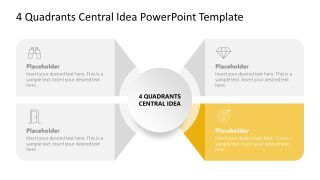
4-Quadrant Central Idea PowerPoint Template
5-slide presentation template for 4-quadrant matrix analysis and central idea prioritization
The 4-Quadrant Central Idea PowerPoint Template is a 5-slide matrix diagram deck for presenting one central concept with four surrounding factors. It includes a full-color quadrant view and four spotlight variations for step-by-step discussion. Business presenters can use it for SWOT-style analysis, priority quadrants, project scope, or KPI categories in Microsoft PowerPoint.
- Category
- Matrix Charts
- Rating

 Loading...
- Aspect ratio
- 16:9
- Item ID
- 23617-01
- Colors
 Microsoft PowerPoint
  Microsoft Copilot
  Claude for PowerPoint
 Other formats supported
Subscribe today and get immediate
access to download our PowerPoint templates.