Slide 3 of 5 from 4-Quadrant Central Idea PowerPoint Template
Customizable 4-Quadrant Central Idea Diagram Layout
4 Quadrants Central Idea Diagram for Presentations
- Diagram
- Matrix Quadrant
- Strategic Analysis Slide
- 16:9
- 100% Editable
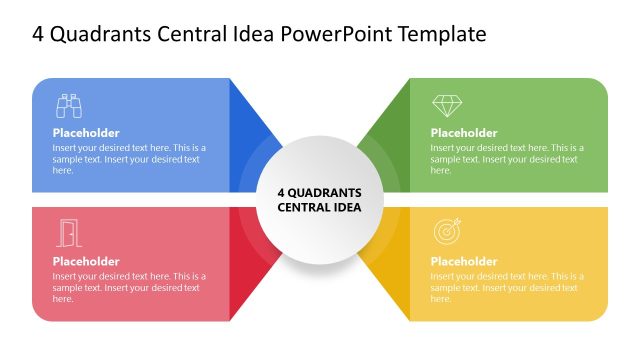
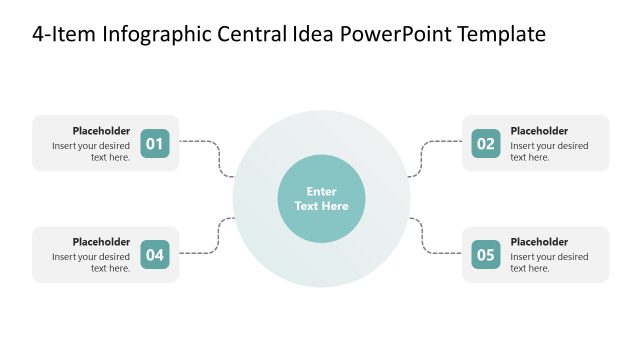
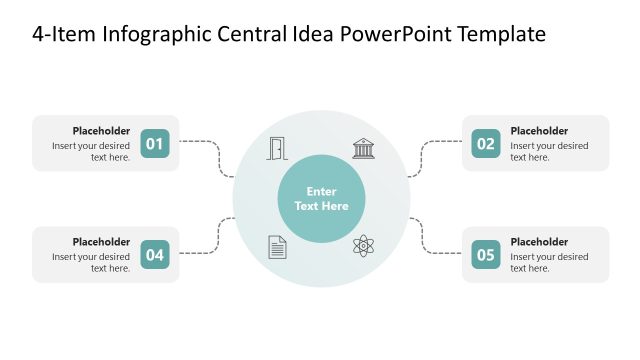
The 4 Quadrants Central Idea slide from the 4-Quadrant Central Idea PowerPoint Template offers a clear matrix diagram layout ideal for strategic analysis such as SWOT assessments and project scope presentations. This slide layout features editable shapes and vector icons arranged around a central node, making it suitable for business presentations and pitch deck templates that require organized, easy-to-understand visual structures.
What’s on This Slide
The layout features a central circular node labeled '4 Quadrants Central Idea' surrounded by four quadrants. Each quadrant contains a placeholder for text, with icons positioned at the top of each section. The top left and bottom right quadrants have a light gray background, while the top right quadrant is highlighted in green. The bottom left quadrant features a white background. Text placeholders are centered within each quadrant, and the overall composition is balanced, with clear visual separation between sections. The slide uses a simple color scheme with a focus on clarity.
How to Use It
This layout serves as a matrix diagram to present a central concept with four related factors. It is suitable for scenarios like SWOT analysis, priority assessments, or project scopes. Positioned as the third slide in a sequence, it effectively summarizes key points before diving into detailed discussions. This structure can help convey complex information in a digestible format, making it ideal for business presentations where clarity and organization are essential.
Text Placeholders & Capacity
Keep your copy within these limits so it fits without resizing. Node slots can hold roughly 25-30 words each.
| Placeholder | Count | Max characters (approx.) |
|---|---|---|
| Slide title | 1 | 30 |
| Item body | 4 | 150 |
Slide Keywords
Download unlimited PowerPoint templates, charts and graphics for your presentations with our annual plan.
DOWNLOADReturn to 4-Quadrant Central Idea PowerPoint Template.