Present the four-step business process or project milestones sequence in the team presentation using the Quadrants PowerPoint Template with a modern layout. In investor pitch decks, this template helps startup founders discuss the four steps to outrank competitors and work on continuous business development and improvement. Business consultants use this template in executive presentations to present frameworks or business models such as SWOT, TOWS, or AIDA. Marketing directors use the quadrants diagram to highlight the four levels of brand development and to achieve maximum output from campaigns.
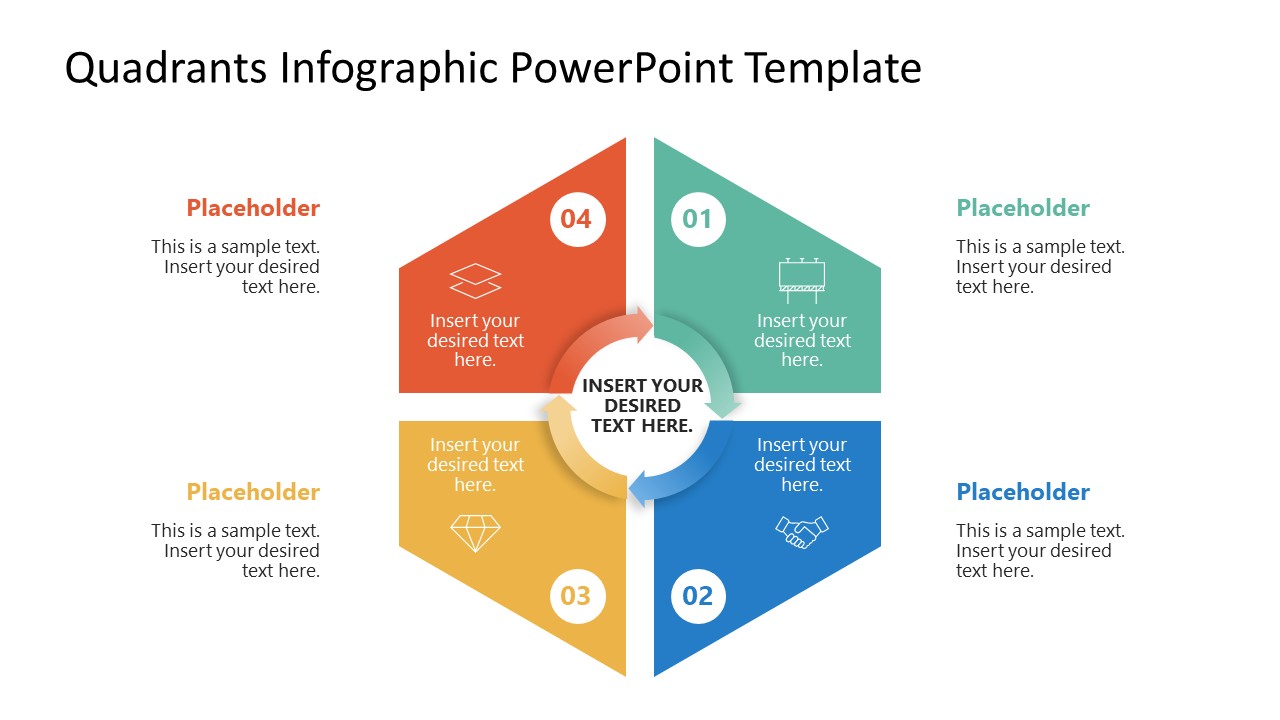
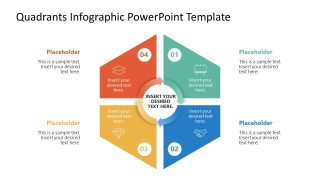
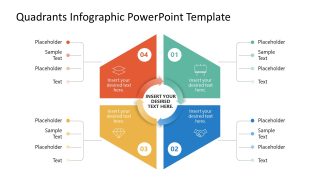
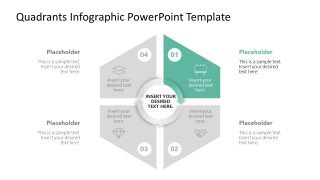
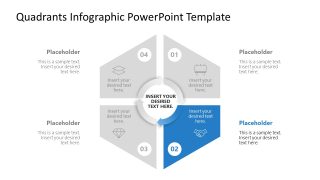
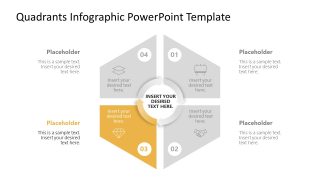
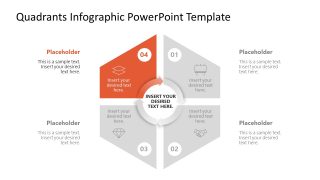
The Quadrants PowerPoint Template is useful for entrepreneurs to share their go-to-market strategy using the four numbered rotating boxes. The diagram shows a hexagon shape with four colored segments around the central circle. The central circle has connected arrows that mark the flow of the sequential process. Each quadrant contains an infographic icon and a bold digit to indicate the step number. The use of arrows illustrates the continuous flow of the process. Product developers use this diagram to present the four steps of product testing for feature enhancement and product improvement. The second slide lets project coordinators visualize the bulleted text alongside each segment of the quadrant diagram. In addition, the spotlight slides are helpful for showing individual business model components in the presentation.
Users can change the color-coded icons and text fonts to match their theme. In addition, the template is fully compatible with Google Slides and other versions of Microsoft PowerPoint. Download the quadrants PPT slide template for stakeholder presentations to clearly outline the workflow optimization strategic action plan.
What’s inside this template
Example presentation scenarios
- A strategy consultant can use the full four-segment quadrant to introduce a client framework and then use the spotlight slides to explain each component in sequence.
- A startup founder can present go-to-market milestones with the numbered quadrant diagram and use the side-callout slide to add evidence, actions, or owner notes around each step.
- A product manager can explain a product testing cycle by assigning each colored quadrant to a phase and using the center circle to state the shared objective.
- A marketing director can map four brand development priorities with the external text placeholders and use the gray spotlight slides to focus discussion on one campaign area at a time.
Features
- 100% editable presentation template
- Compatible with Microsoft PowerPoint and Google Slides
- 16:9 aspect ratio slides
- Scalable vector shapes, icons and illustrations
- AI-Ready for Microsoft Copilot and Claude
- Instant access and download
Frequently asked questions
Q: How should I present a four-part framework without overcrowding the quadrant?
A: Use the first slide to name the four parts at a high level, keeping each quadrant label short. Move supporting detail to the side-callout slide or the four spotlight slides. This keeps the central diagram readable while giving the presenter room to explain assumptions, actions, or examples verbally.
Q: Who is this template best suited for in a business presentation?
A: This template fits presenters who need to organize a strategic idea into four clear areas: consultants explaining a framework, founders describing a go-to-market path, product leaders showing a process cycle, or marketing teams comparing priorities. It is strongest when the message has four balanced components that deserve separate discussion.
Q: Why use a rotating quadrant metaphor instead of a simple numbered list?
A: The four-part hexagon and circular center suggest that the parts connect around a shared goal, not just a linear checklist. The numbered segments provide order, while the spotlight slides let the presenter slow down on one part without losing the audience's memory of the overall model.


Quadrants PowerPoint Template
6-slide PowerPoint presentation template with quadrant infographic diagrams and step spotlight layouts
Quadrants PowerPoint Template is a 6-slide 16:9 presentation template for explaining four-part frameworks, process cycles, and priority quadrants. It includes a central four-segment quadrant diagram, side-callout detail slide, and individual spotlight slides for steps 01-04. It is built for consultants, founders, and managers using Microsoft PowerPoint or Google Slides.
- Category
- Matrix Charts
- Rating

 Loading...
- Aspect ratio
- 16:9
- Item ID
- 23779-01
- Colors
 Microsoft PowerPoint
  Microsoft Copilot
  Claude for PowerPoint
 Other formats supported
Subscribe today and get immediate
access to download our PowerPoint templates.