Slide 4 of 4 from 4 Columns Slide Design for PowerPoint
columns-4-powerpoint-wide-4
Four Column Comparison Layout for Presentations
- Diagram
- Comparison Split
- Comparison Slide
- 16:9
- 100% Editable
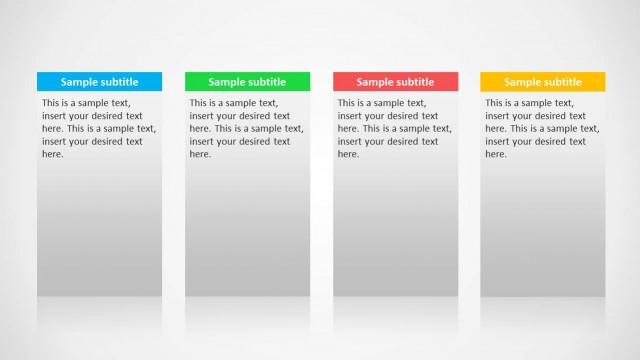
The Four Column Comparison Layout from the 4 Columns Slide Design for PowerPoint template provides a structured format for side-by-side analysis of product features or service offerings. This slide layout uses distinct colored columns with editable shapes to highlight key differences clearly, making it suitable for business presentations and pitch deck templates requiring detailed comparison visuals.
What’s on This Slide
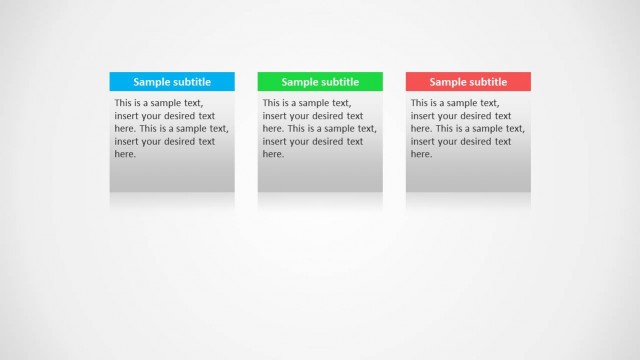
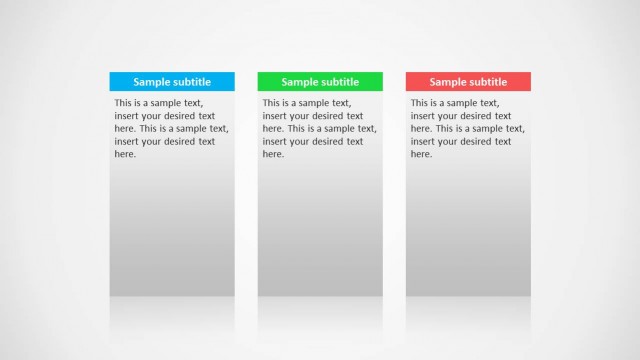
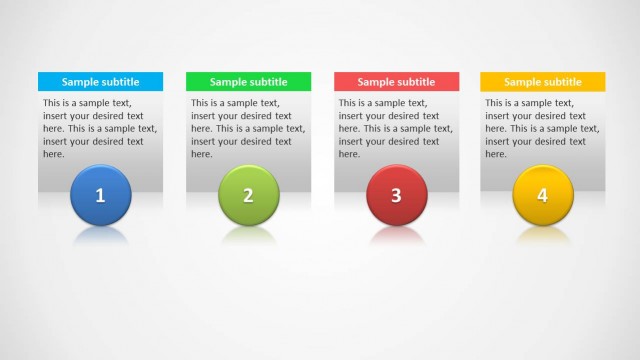
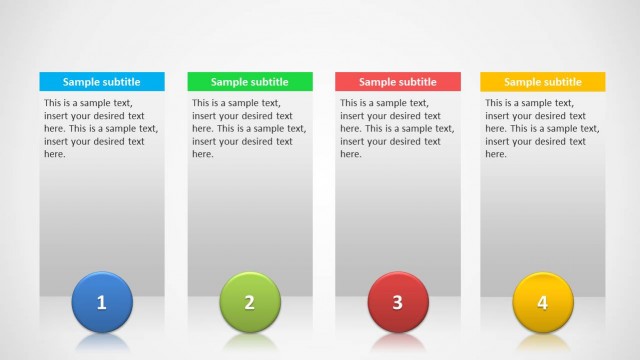
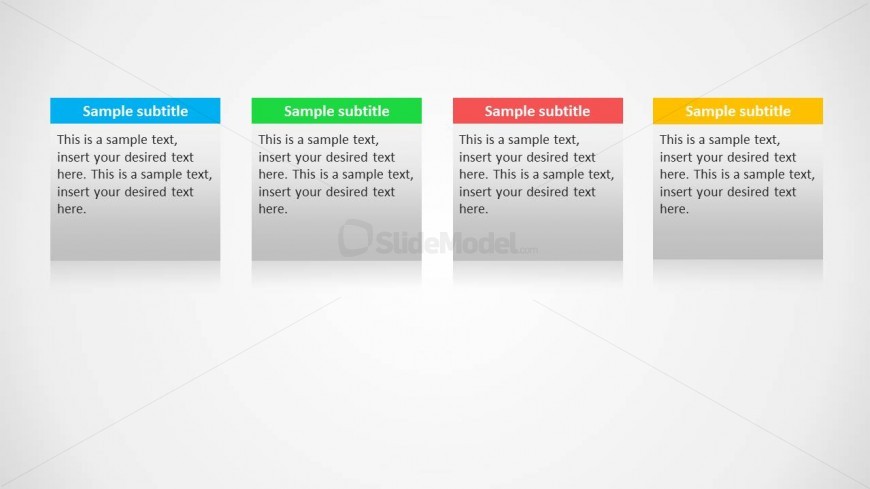
The layout features four vertically aligned columns, each containing a subtitle and a body text area. The columns are evenly spaced across the slide, with each column having a distinct background color: blue, green, red, and yellow. The subtitles are positioned at the top of each column, followed by a larger text area for body content. Each column has a smooth gradient background transitioning from light to dark. Text placeholders exist, aligned centrally within each column, allowing for clear content insertion. The overall composition is balanced, emphasizing each column equally.
How to Use It
This layout serves as a four-column comparison tool, ideal for presenting distinct features or options side by side. It fits well in a presentation sequence after introductory slides, providing a clear visual structure for comparisons. This format is useful in business scenarios such as product feature comparisons, service offerings, or project options. It allows audiences to quickly grasp differences and similarities, making it effective for product managers and sales presentations.
Text Placeholders & Capacity
Keep your copy within these limits so it fits without resizing. Body slots can hold approximately 40-50 words each.
| Placeholder | Count | Max characters (approx.) |
|---|---|---|
| Subtitle | 4 | 30 |
| Body paragraph | 4 | 250 |
Slide Keywords
Download unlimited PowerPoint templates, charts and graphics for your presentations with our annual plan.
DOWNLOADReturn to 4 Columns Slide Design for PowerPoint.