Slide 2 of 4 from 4 Columns Slide Design for PowerPoint
columns-4-powerpoint-wide-2
Four Column Comparison Layout for Presentations
- Diagram
- Comparison Split
- Comparison Slide
- 16:9
- 100% Editable
The Four Column Comparison Layout from the 4 Columns Slide Design for PowerPoint template offers a clear structure for presenting product comparisons, feature lists, or step-by-step guides. This slide template uses editable shapes and distinct colored nodes to highlight four key points, making it suitable for business presentations and corporate slide decks that require organized, easy-to-follow content.
What’s on This Slide
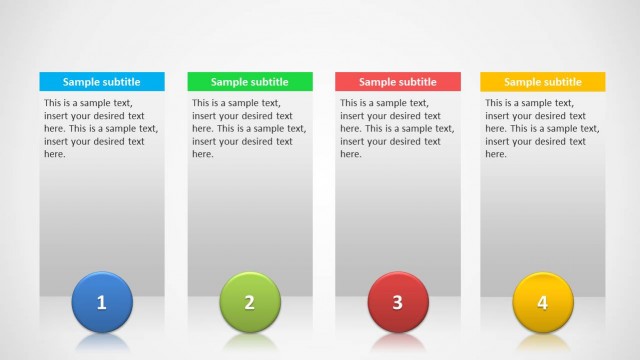
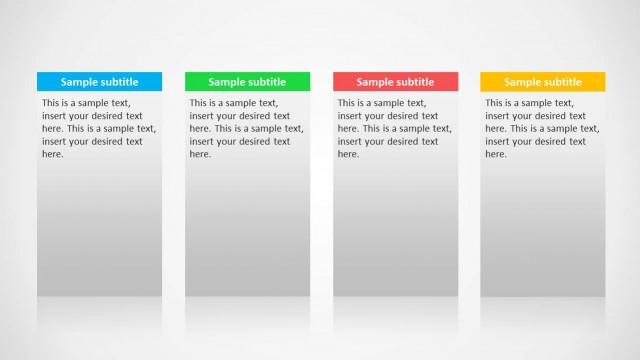
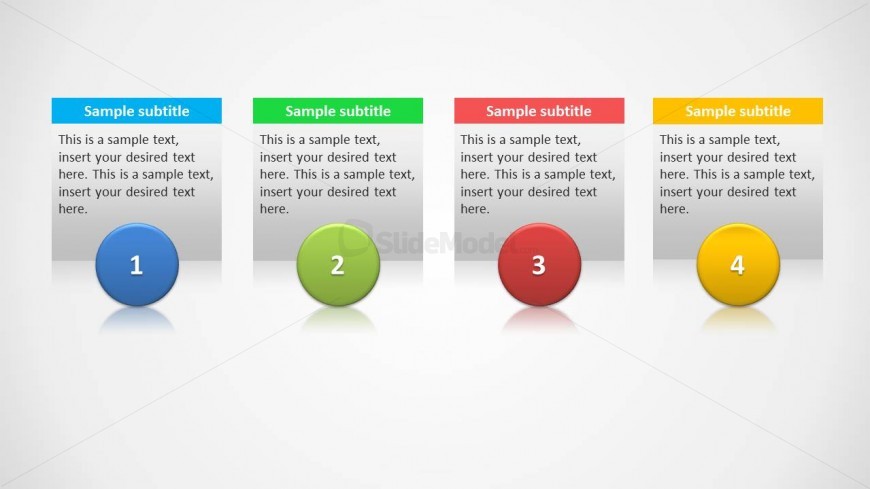
The layout consists of four vertical columns, each containing a circular node at the bottom. The nodes are colored blue, green, red, and yellow, with corresponding numbers 1 through 4. Above each node is a subtitle placeholder, followed by a text placeholder that allows for detailed descriptions. The columns are evenly spaced and aligned, with a light gradient background that enhances visibility. Each column is visually distinct, contributing to a clear hierarchy. The overall composition is balanced, with a focus on the nodes and text areas.
How to Use It
This layout serves as a structured comparison tool, ideal for presenting four distinct items or steps in a sequence. It fits well in a presentation sequence after an introductory slide and before detailed analysis. Suitable scenarios include product comparisons, feature lists, or step-by-step guides. Each column can represent a different option or phase, facilitating easy audience understanding. This layout is particularly effective for product managers and consultants who need to convey multiple points clearly.
Text Placeholders & Capacity
Keep your copy within these limits so it fits without resizing. Node body slots can accommodate roughly 30 words each.
| Placeholder | Count | Max characters (approx.) |
|---|---|---|
| Slide title | 1 | 30 |
| Subtitle | 4 | 30 |
| Item body | 4 | 150 |
| Item heading | 4 | 10 |
Slide Keywords
Download unlimited PowerPoint templates, charts and graphics for your presentations with our annual plan.
DOWNLOADReturn to 4 Columns Slide Design for PowerPoint.