Slide 3 of 4 from 3 Columns Slide Design for PowerPoint
columns-3-powerpoint-wide-3
Three Column Text Layout for Presentations
- Text Layout
- Other
- Comparison Slide
- 16:9
- 100% Editable
The Three Column Text Layout from the 3 Columns Slide Design for PowerPoint template offers a structured format ideal for option comparisons and feature presentations. This slide uses three vertical columns with colored headers and editable text areas, making it suitable for business presentations and educational slide decks. Its clear organization supports grouped messaging and parallel idea exploration within professional PowerPoint templates or Google Slides templates.
What’s on This Slide
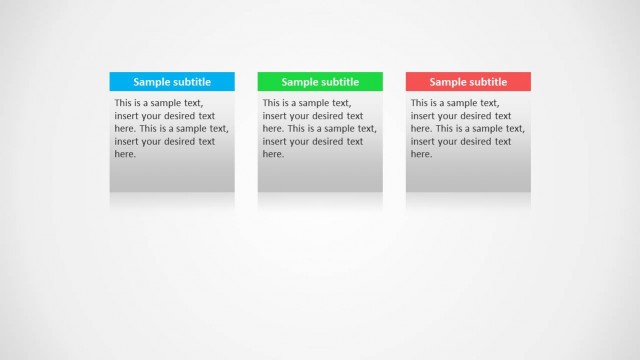
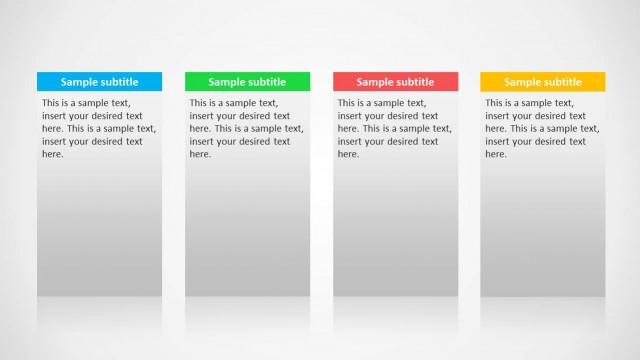
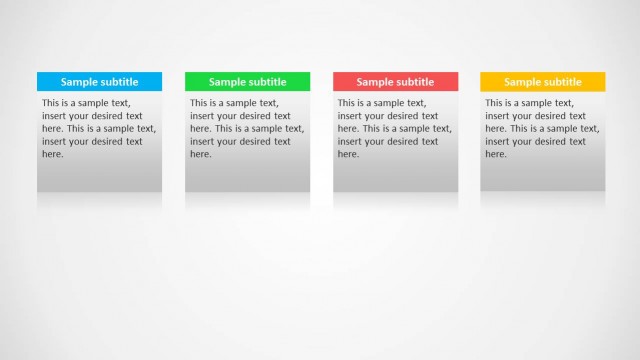
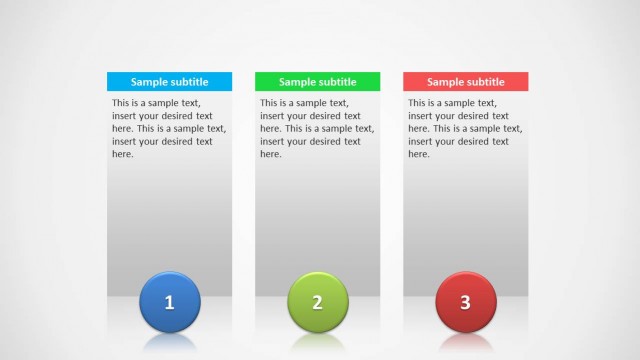
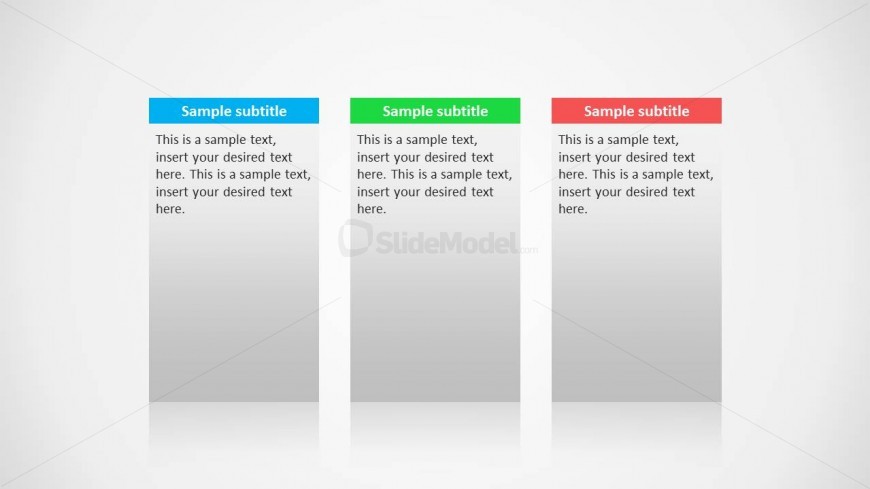
The layout consists of three vertical columns, each containing a colored header at the top. The headers are blue, green, and red, respectively. Below each header, there are text placeholders aligned to the left, allowing for multiple lines of text. Each column has a light gradient background that transitions from white at the top to a light gray at the bottom. The columns are evenly spaced and aligned, creating a structured appearance. The overall design emphasizes clarity and organization, suitable for presenting parallel ideas.
How to Use It
This layout serves as a three-column comparison format, ideal for showcasing distinct yet related concepts. It fits well in a presentation sequence after introducing a topic, allowing for detailed exploration of options or ideas. This structure is useful in business settings for comparing features, presenting timelines, or summarizing key points. It can also be adapted for educational purposes to present parallel arguments or concepts in a clear manner.
Text Placeholders & Capacity
Keep your copy within these limits so it fits without resizing. Body slots can accommodate around 30-40 words each.
| Placeholder | Count | Max characters (approx.) |
|---|---|---|
| Subtitle | 3 | 30 |
| Body paragraph | 3 | 200 |
Slide Keywords
Download unlimited PowerPoint templates, charts and graphics for your presentations with our annual plan.
DOWNLOADReturn to 3 Columns Slide Design for PowerPoint.