Slide 1 of 4 from 4 Columns Slide Design for PowerPoint
columns-4-powerpoint-wide-1
Four Column Comparison Layout for Presentations
- Diagram
- Comparison Split
- Comparison Slide
- 16:9
- 100% Editable
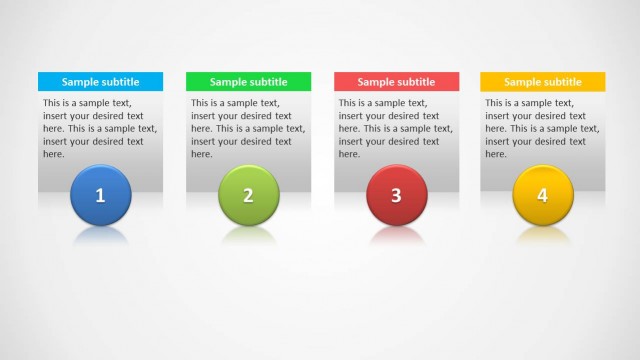
The Four Column Comparison Layout from the 4 Columns Slide Design for PowerPoint template offers a clear structure for presenting product features or step-by-step processes. This slide layout uses editable shapes and vector icons to visually separate information, making it suitable for corporate presentations and business presentation slide decks that require straightforward comparison across multiple items.
What’s on This Slide
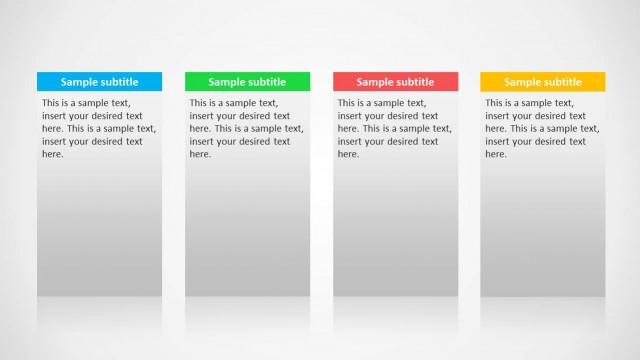
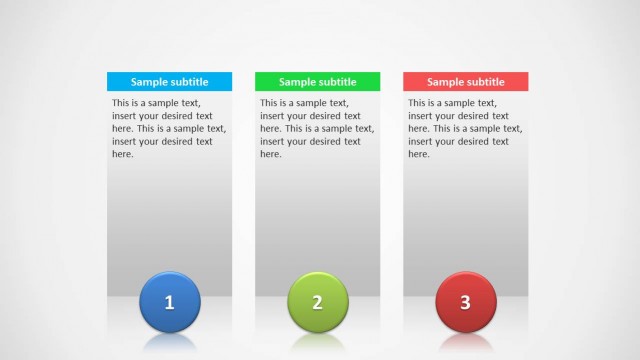
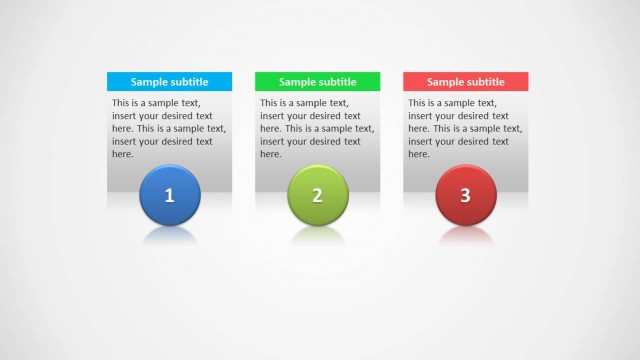
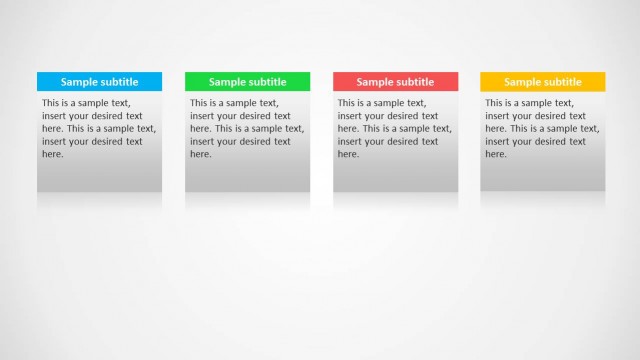
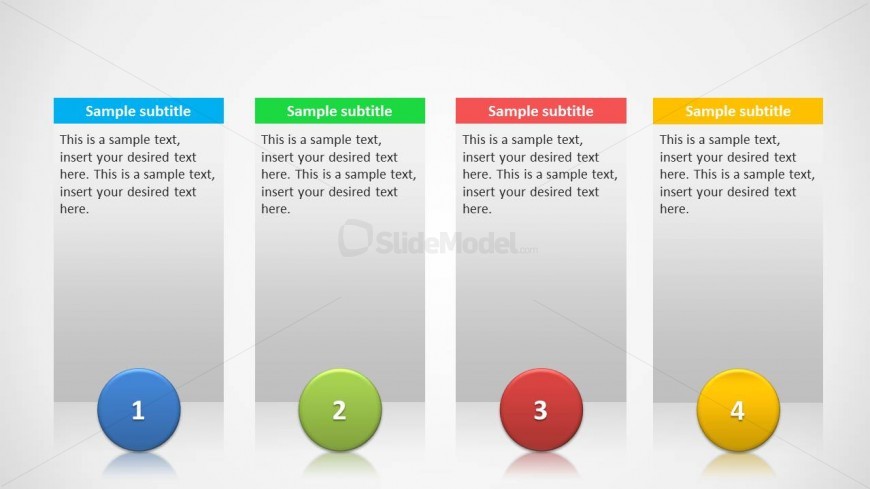
The layout features four vertical columns arranged side by side. Each column contains a colored header at the top, labeled 'Sample subtitle,' followed by a text placeholder for body content. Below each column, there is a circular icon, numbered 1 to 4, in different colors: blue, green, red, and yellow. The columns have a light gray background, creating a subtle contrast with the colored headers and icons. The text placeholders are centrally aligned within each column, maintaining a uniform appearance across the layout.
How to Use It
This layout serves as a structured comparison tool, ideal for presenting four distinct items or steps in a process. It fits well in a presentation sequence following an introductory slide, allowing for detailed explanations of each item. Business scenarios include product comparisons, feature lists, or step-by-step guides. The clear separation of columns aids in visual clarity, making it effective for audiences needing straightforward information delivery.
Text Placeholders & Capacity
Keep your copy within these limits so it fits without resizing. Node body slots can accommodate roughly 30-40 words each.
| Placeholder | Count | Max characters (approx.) |
|---|---|---|
| Item heading | 4 | 30 |
| Item body | 4 | 150 |
| Slide title | 1 | 50 |
| Subtitle | 4 | 30 |
Slide Keywords
Download unlimited PowerPoint templates, charts and graphics for your presentations with our annual plan.
DOWNLOADReturn to 4 Columns Slide Design for PowerPoint.