Slide 4 of 4 from 3 Columns Slide Design for PowerPoint
columns-3-powerpoint-wide-4
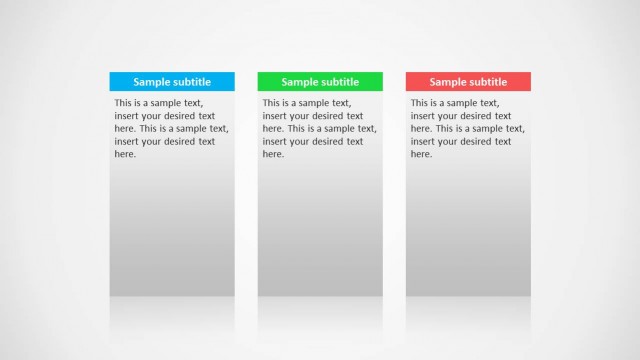
Three Column Text Layout for Presentations
- Text Layout
- List Blocks
- Comparison Slide
- 16:9
- 100% Editable
The Three Column Text Layout from the 3 Columns Slide Design for PowerPoint template offers a structured format ideal for product comparisons and option evaluations. This slide features three evenly spaced vertical columns with colored headers and text boxes, enhancing clarity in business presentations. It supports organized messaging and can be seamlessly integrated into corporate slide decks or pitch deck templates requiring concise, parallel information display.
What’s on This Slide
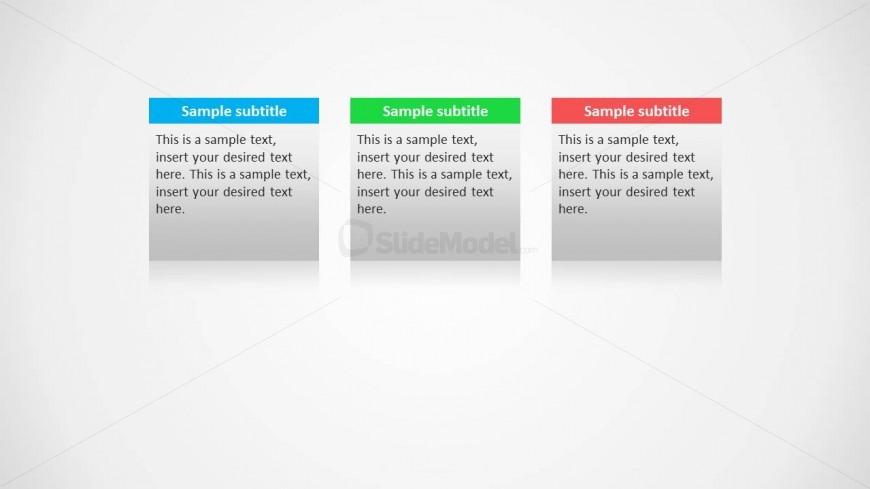
The layout features three vertical columns, each containing a colored header and a text box. The left column has a blue header, the middle column has a green header, and the right column has a red header. Each column's text box contains a placeholder for a subtitle and a larger body text area. The columns are evenly spaced and aligned, with a light background enhancing readability. The text boxes have a subtle shadow effect, contributing to a layered appearance. This structured design allows for clear comparisons across the three sections.
How to Use It
This layout serves as a three-column comparison tool, ideal for presenting parallel ideas or options. It fits well in presentations that require concise information delivery, such as product comparisons, project timelines, or grouped messages. This structure is effective in business contexts where clarity and organization are paramount. It can be used individually or as part of a series of slides to maintain visual consistency throughout the presentation.
Text Placeholders & Capacity
Keep your copy within these limits so it fits without resizing. Body slots can hold roughly 40-50 words each.
| Placeholder | Count | Max characters (approx.) |
|---|---|---|
| Item heading | 3 | 20 |
| Item body | 3 | 200 |
Slide Keywords
Download unlimited PowerPoint templates, charts and graphics for your presentations with our annual plan.
DOWNLOADReturn to 3 Columns Slide Design for PowerPoint.